

Documentation Index
Fetch the complete documentation index at: https://fieldpulse.mintlify.app/llms.txt
Use this file to discover all available pages before exploring further.
Overview
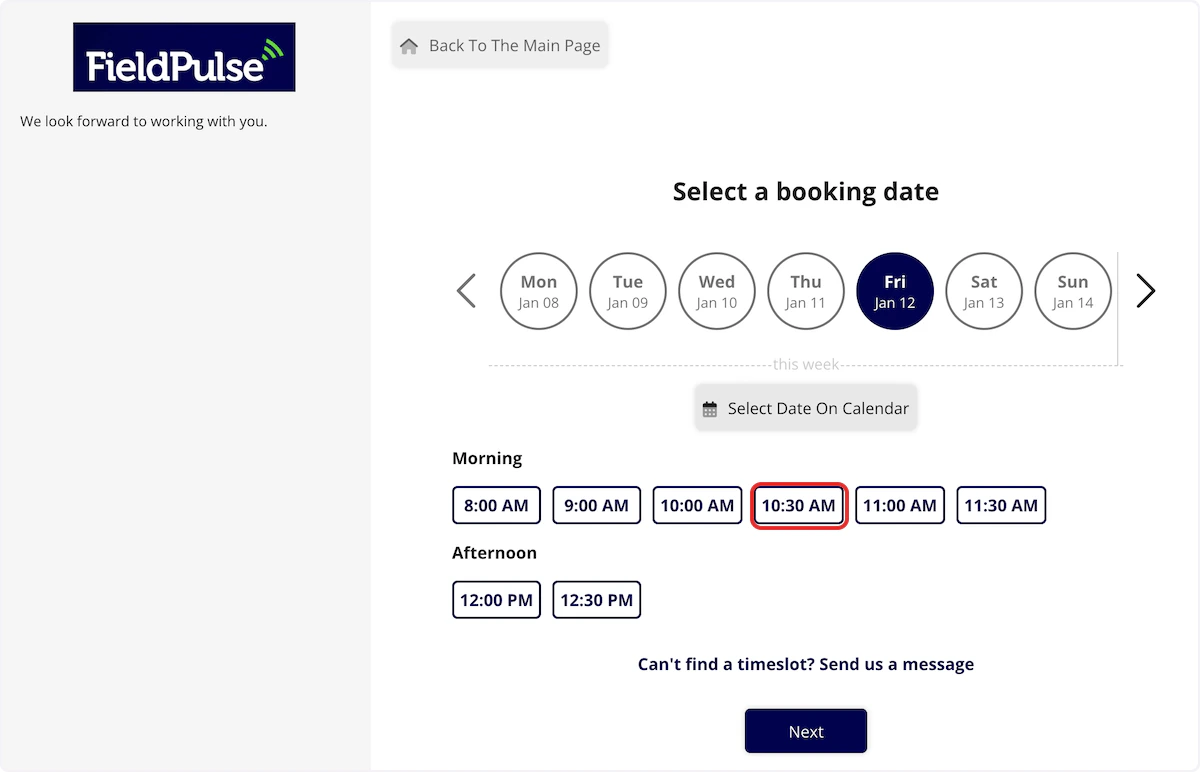
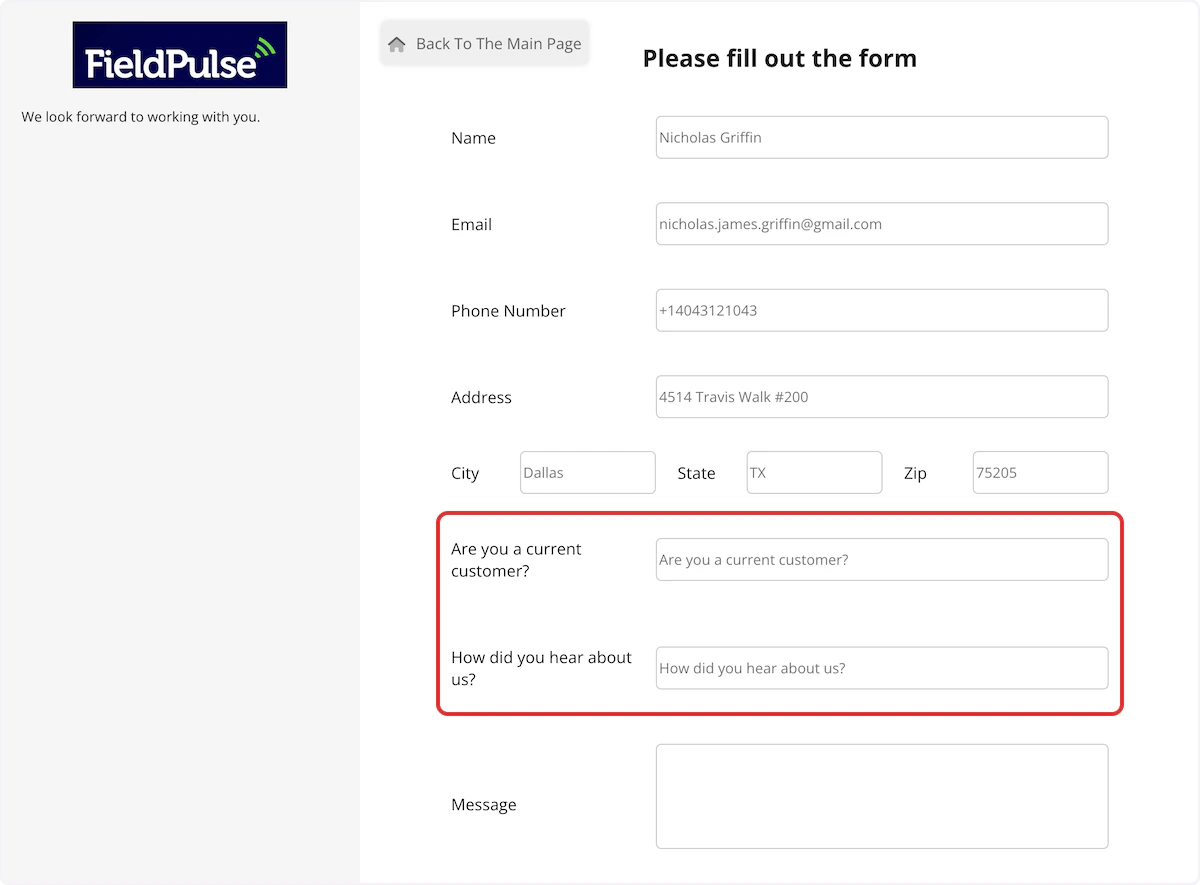
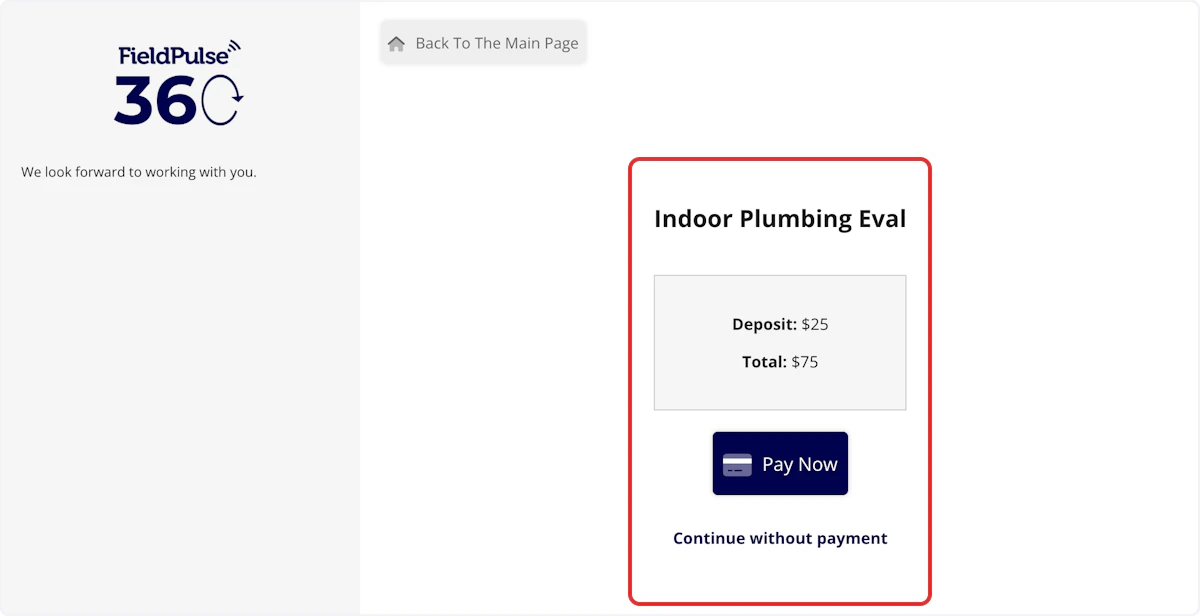
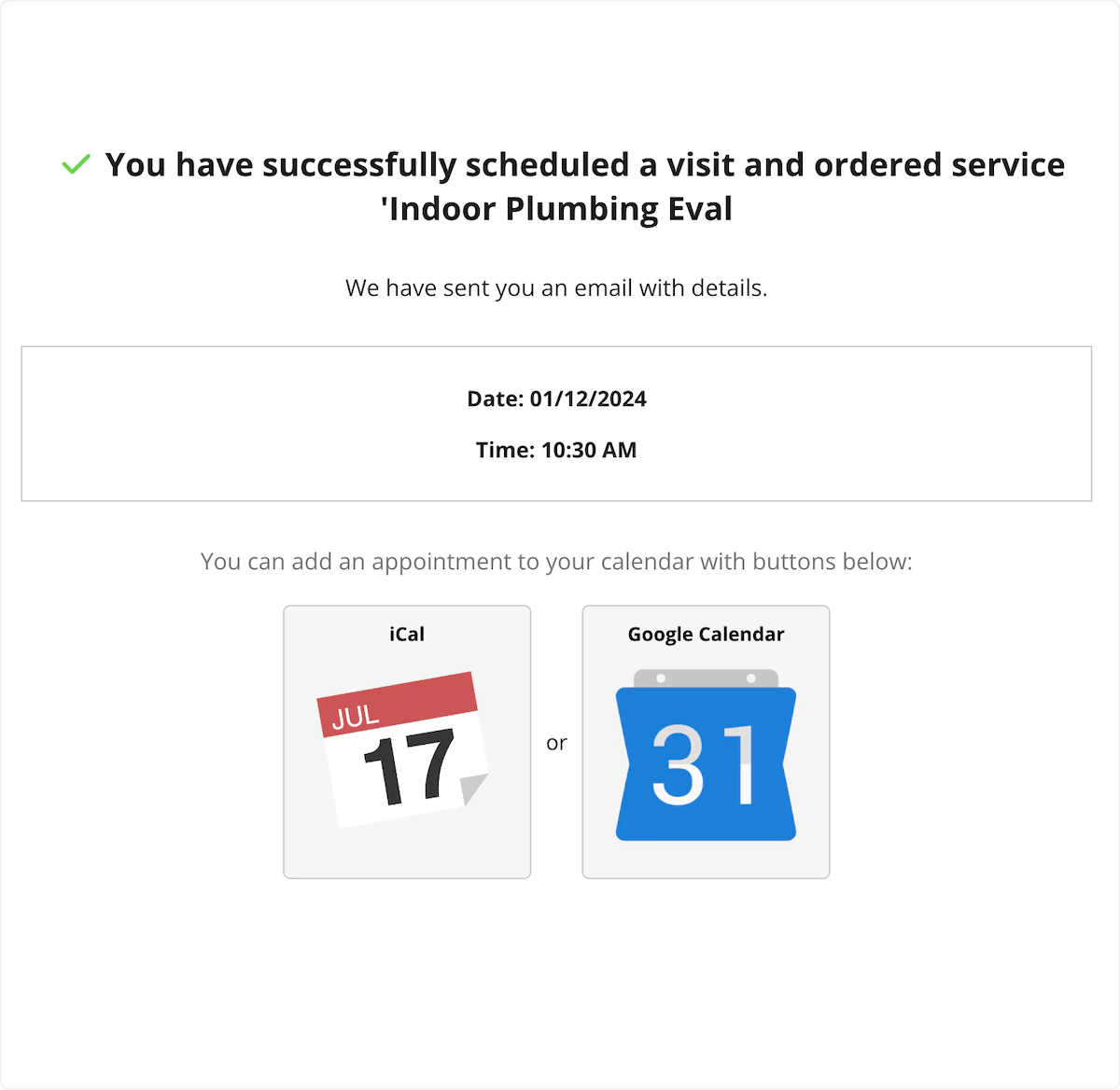
The Booking Portal is often the first impression a new customer has of your business. This article walks through the full booking experience from landing on your portal to submitting a request, exactly as your customer sees it.Booking Portal Experience
The Booking Portal is your customer-facing scheduling page. New and existing customers can visit it to contact you, request a service, or book a specific time slot. Here’s what they see when they land on your portal:
To learn more about the Booking Portal, click here
Have additional questions? Contact us at support@fieldpulse.com or use the chat feature in the bottom right corner of your screen.