

Documentation Index
Fetch the complete documentation index at: https://fieldpulse.mintlify.app/llms.txt
Use this file to discover all available pages before exploring further.
Customer Communications - Mobile App
User Profile Photo Messages
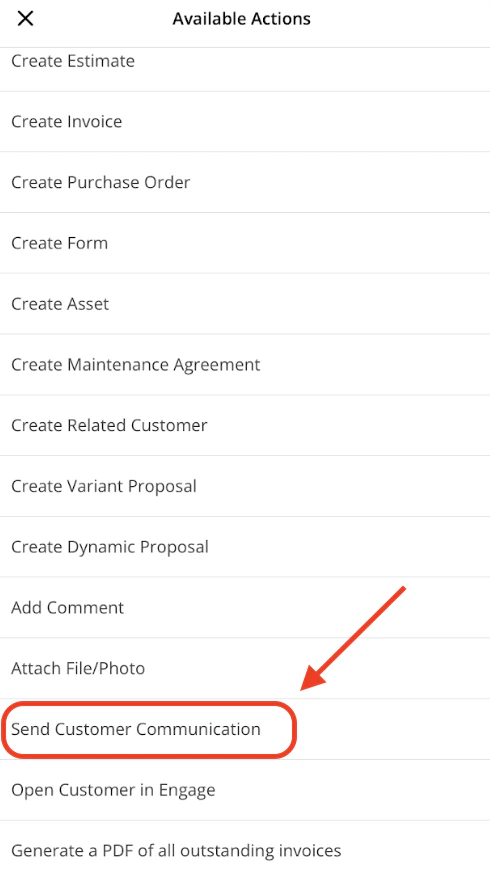
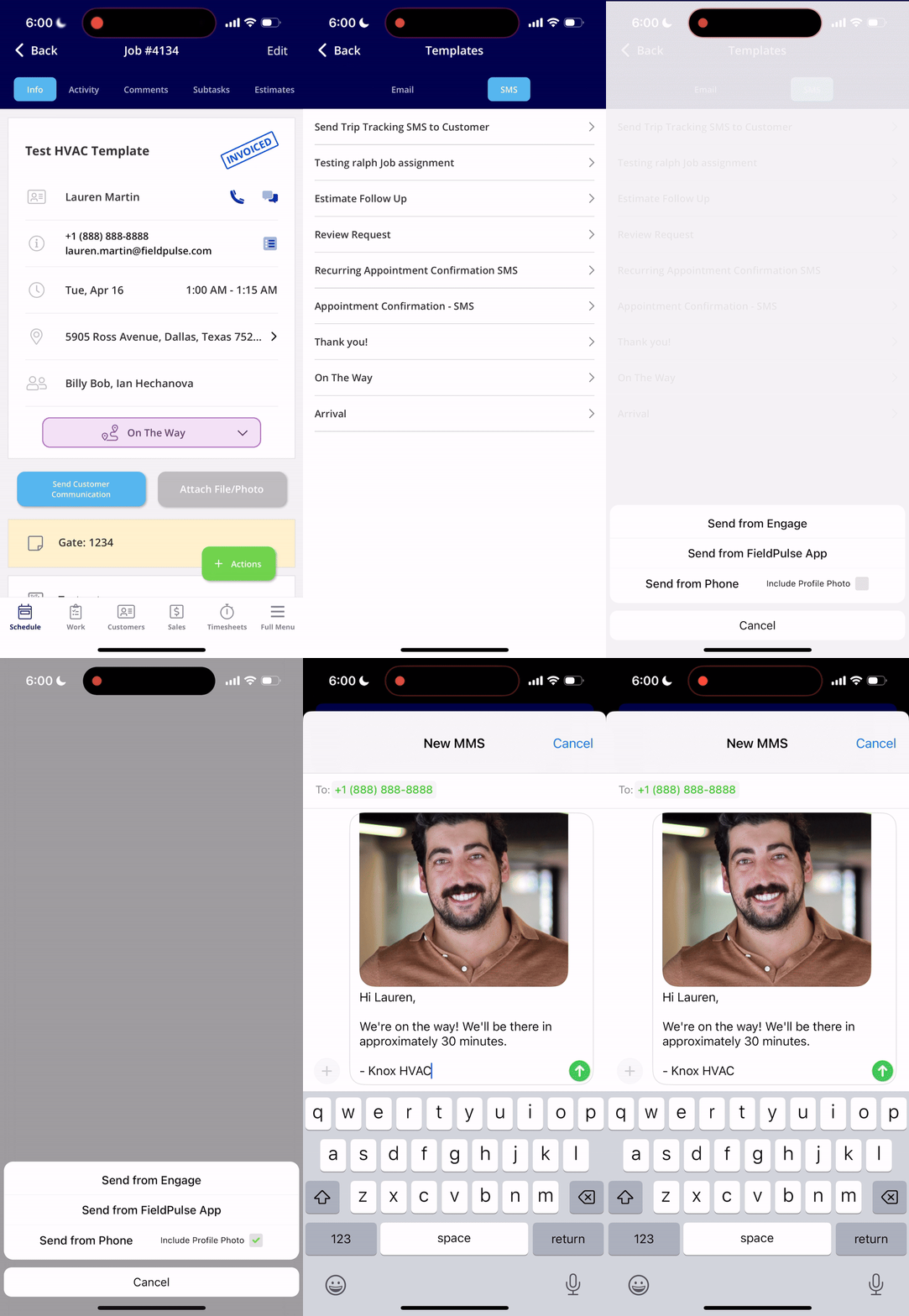
Let your customers know who to expect! You can send the assigned user’s profile photo along with a customer communication SMS in the FieldPulse mobile app. This is available when sending SMS via your native phone, and can’t be used with automatic communication triggers at this time. When on the Customer record, select the green Actions button.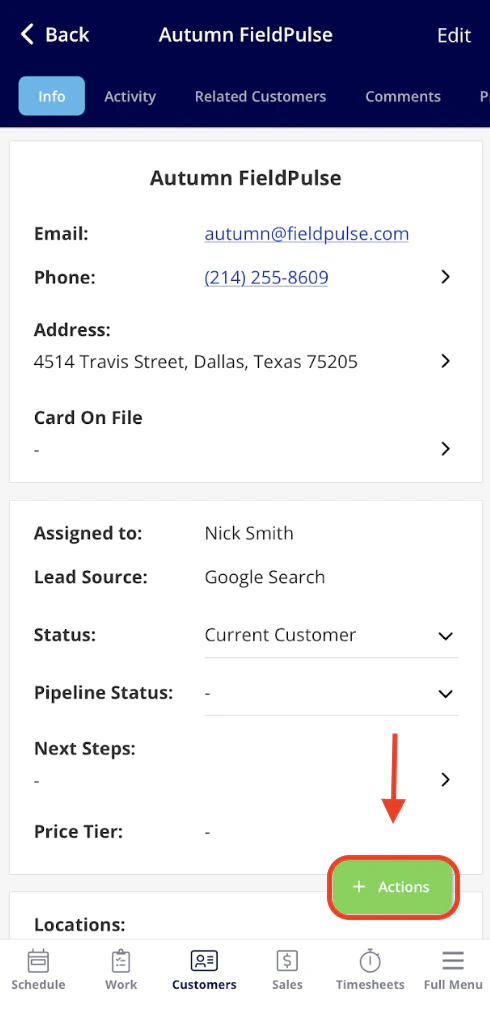
Trip Tracking Messages
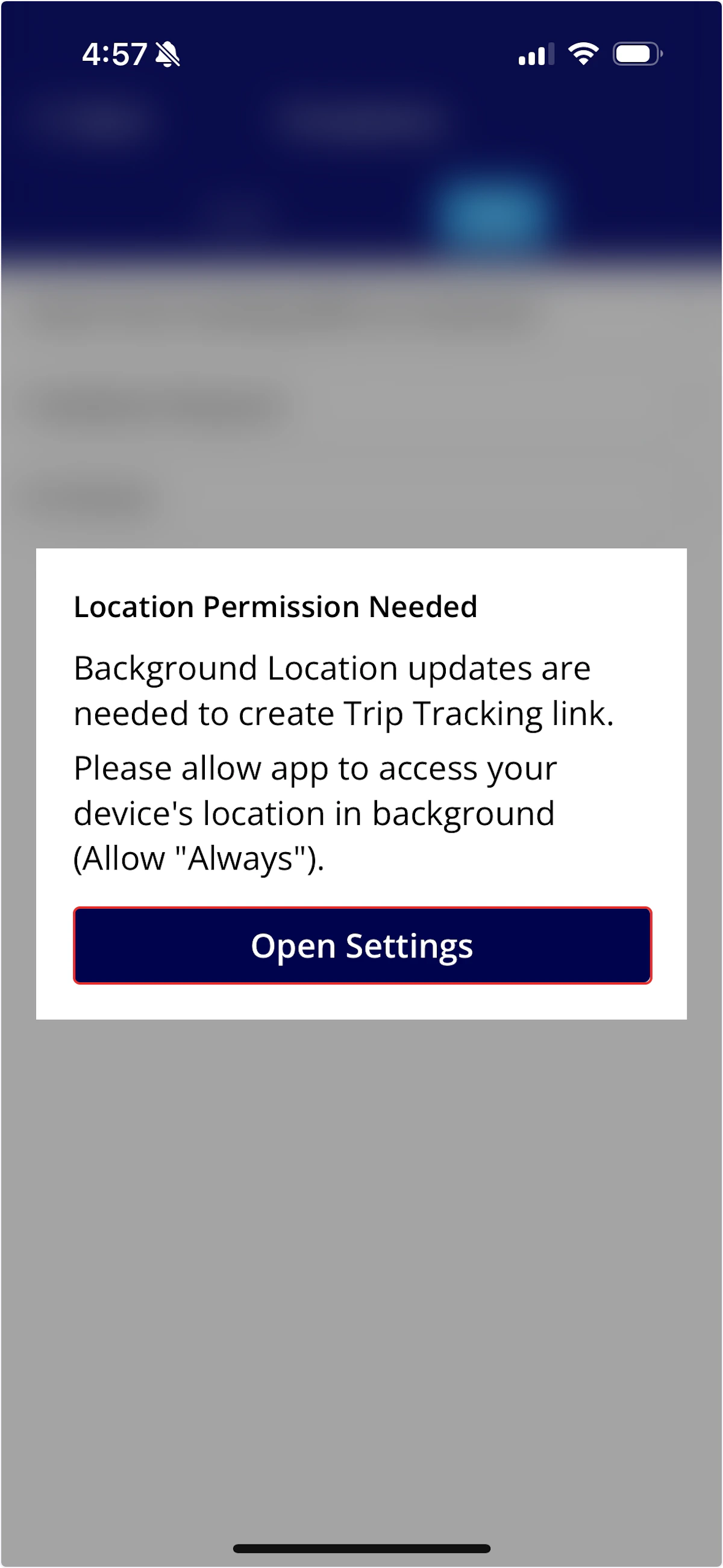
Did you know you can send a text to your customers when you’re on the way, sharing your real time vehicle location and ETA? To send a location tracking text, begin by clicking on the job you’re heading to.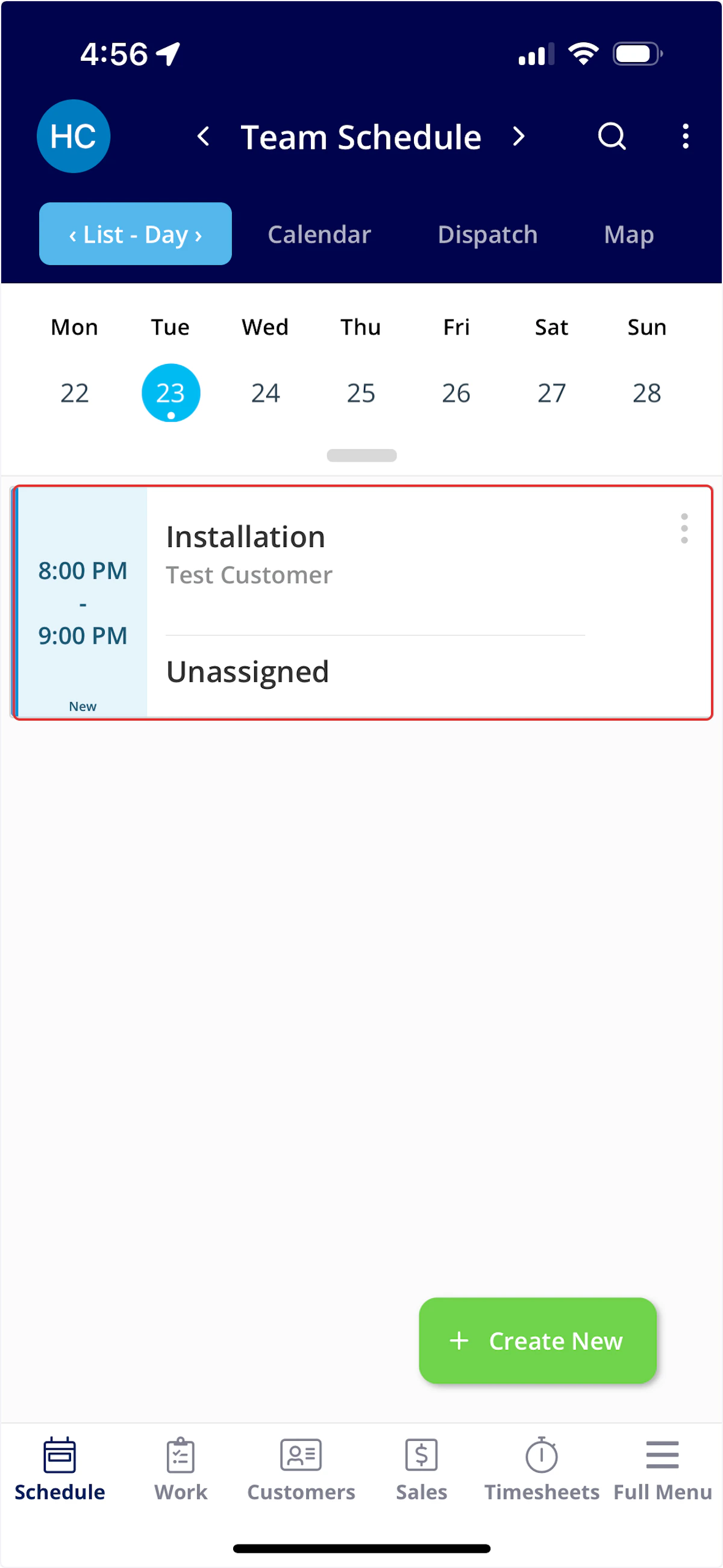
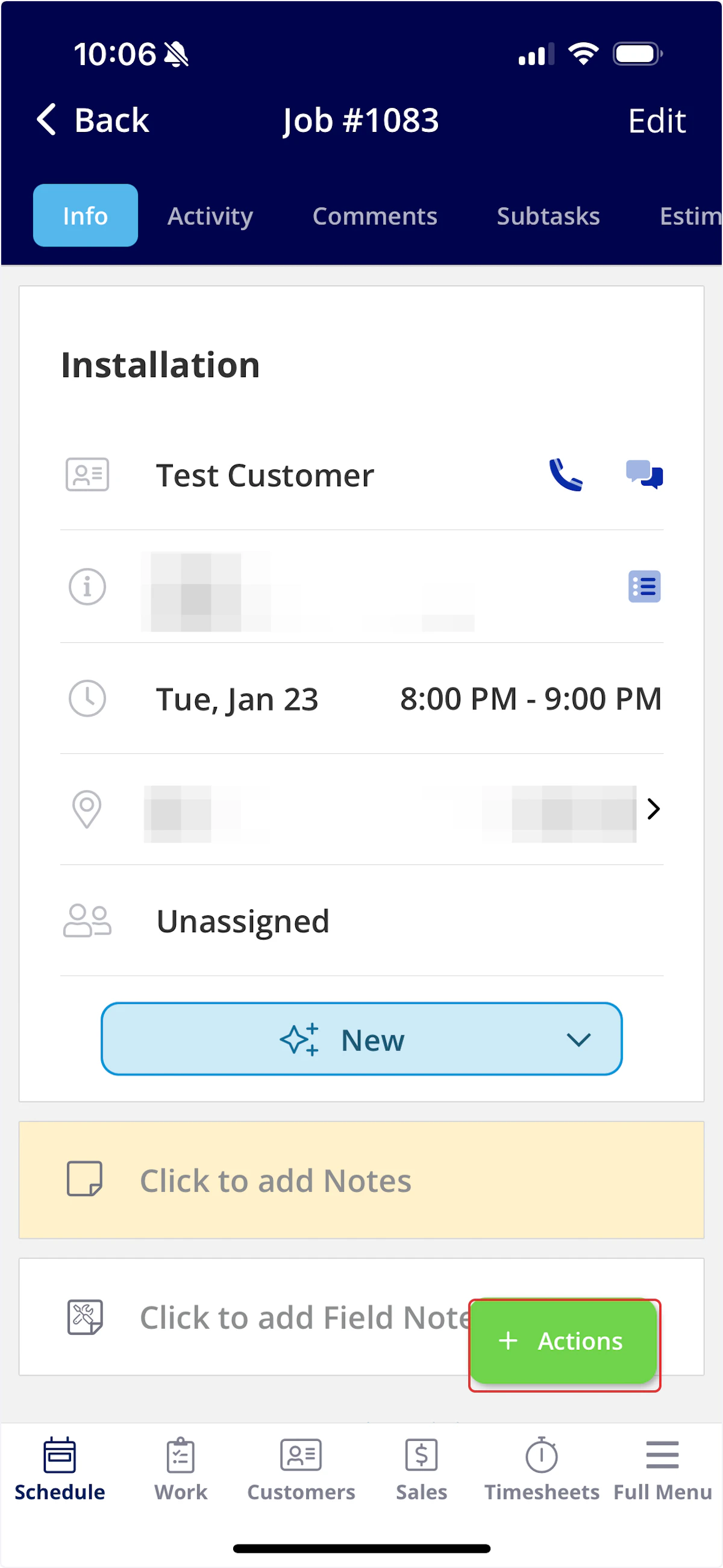
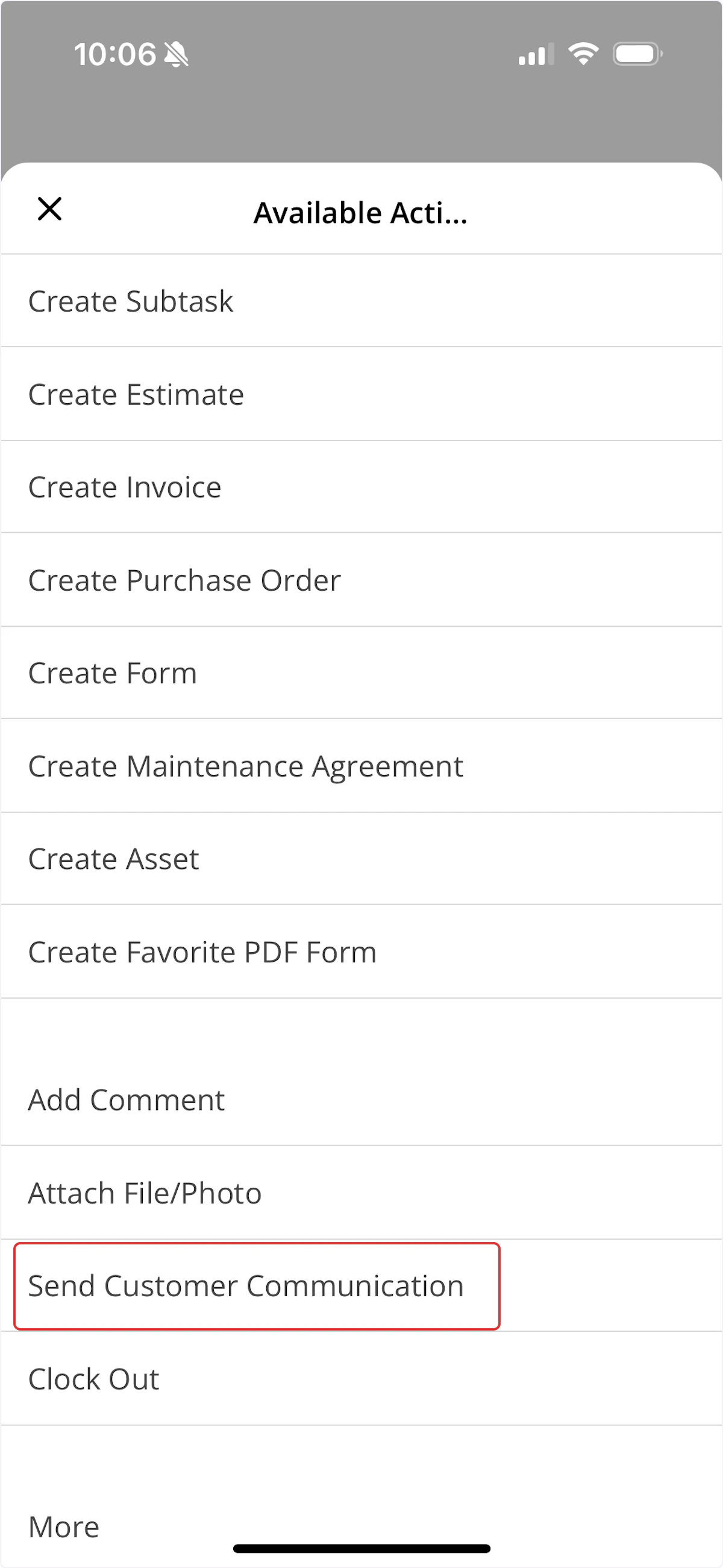
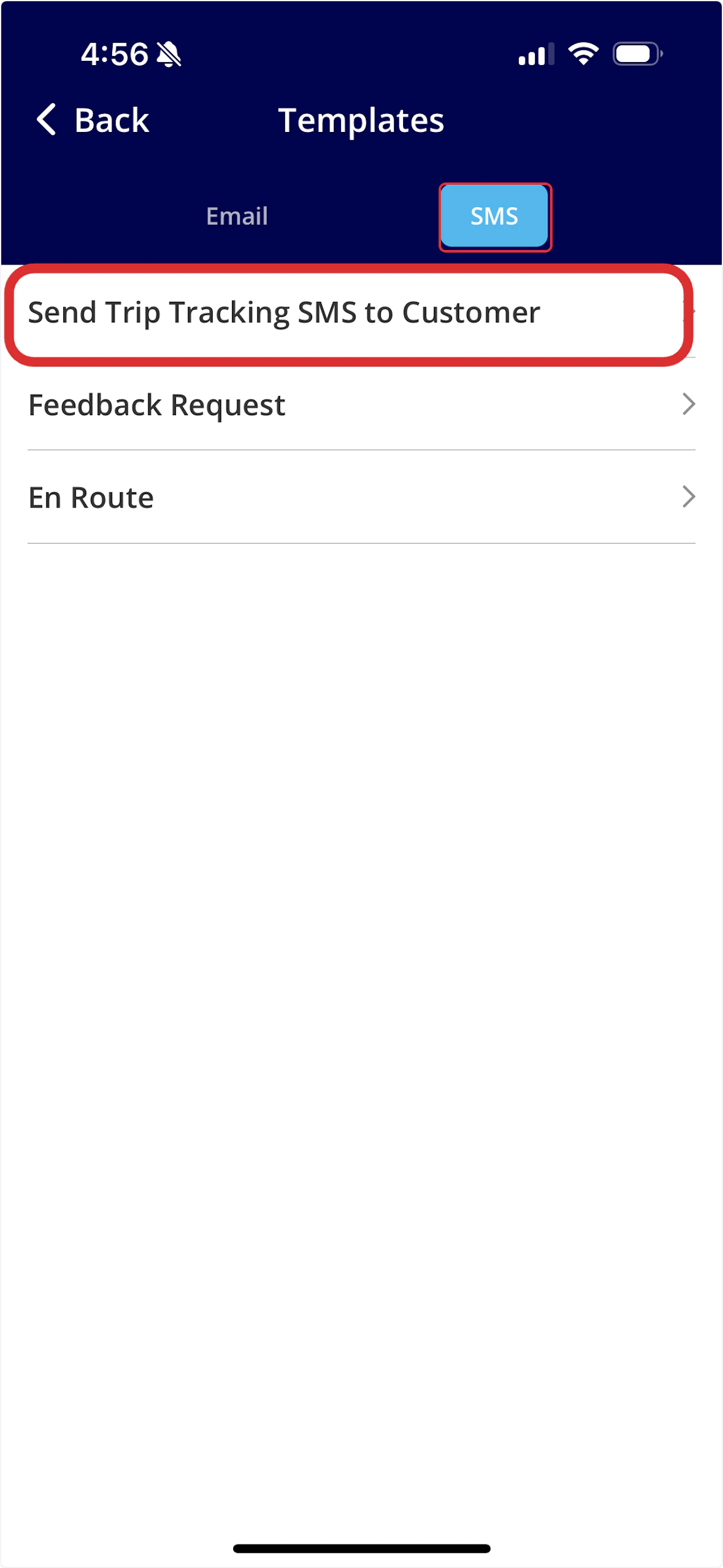
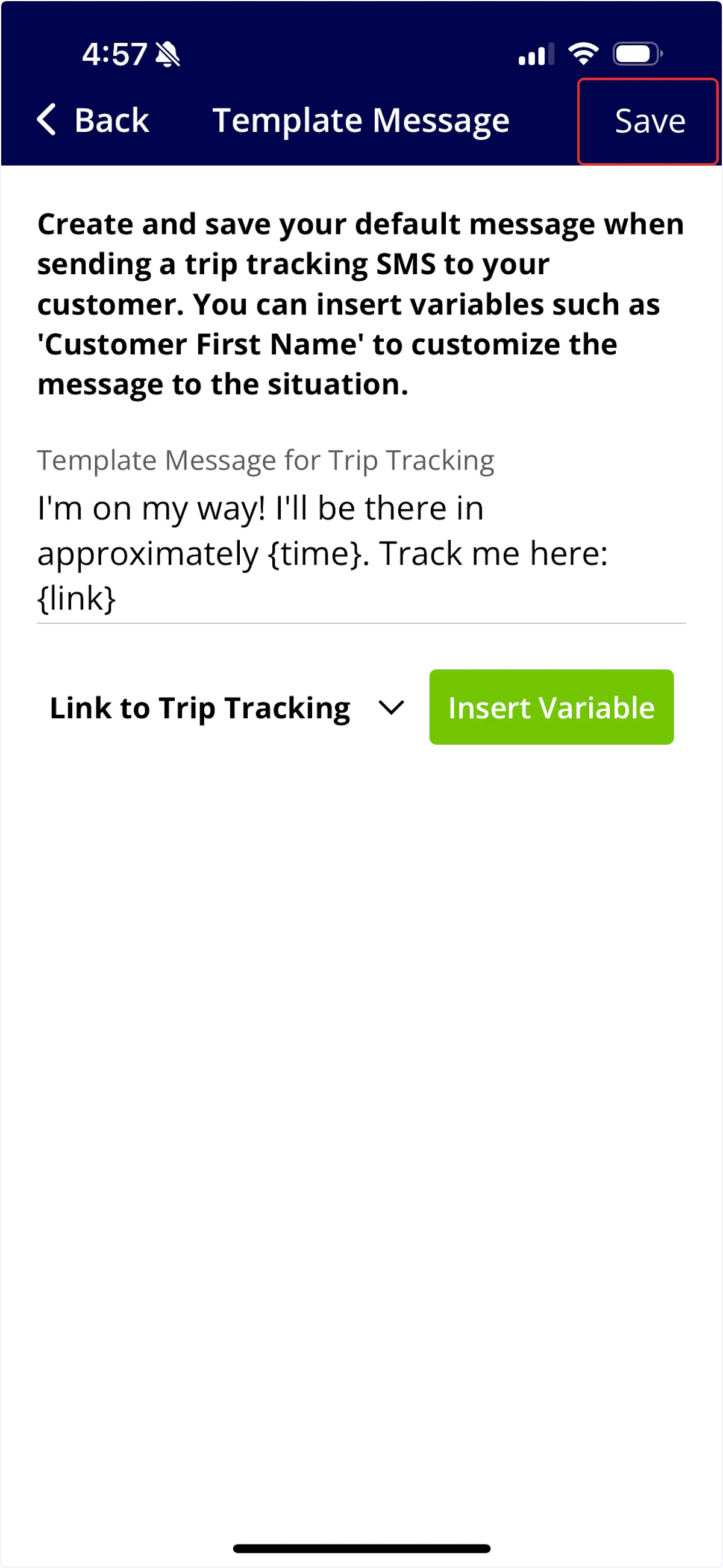
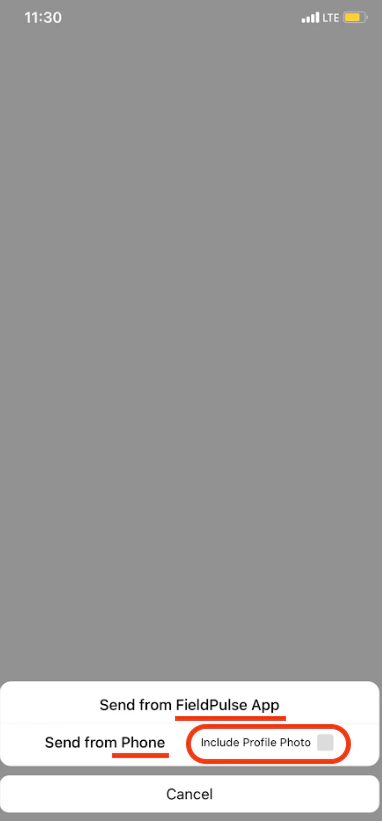
 You will be prompted to send the text either from the FieldPulse app or from your device’s messaging system. Please note that if you choose your device’s messaging system, the text will be sent from your phone number. You also can check the box if you would like to include a photo of your team member.
The live location tracking link will remain active for one hour after it is sent. This ensures that your privacy is protected while your team is on the move throughout the day
Customer Experience
Example trip tracking text

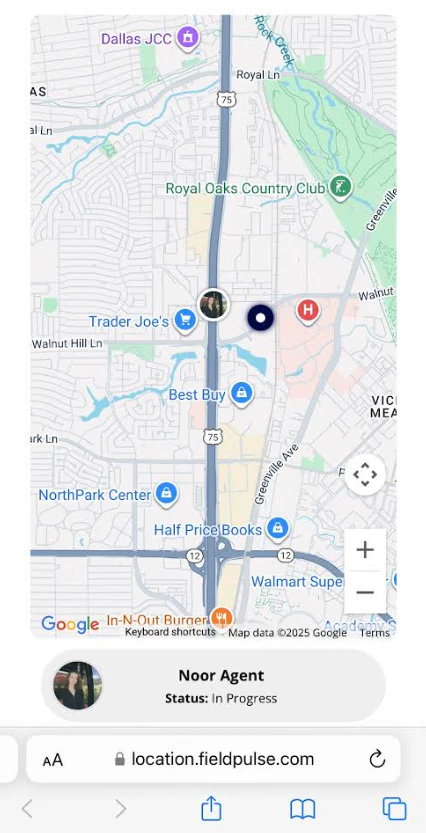
Example trip tracking map
Video Tutorial
Have additional questions? Contact us at support@fieldpulse.com or use the chat feature in the bottom right corner of your screen.