

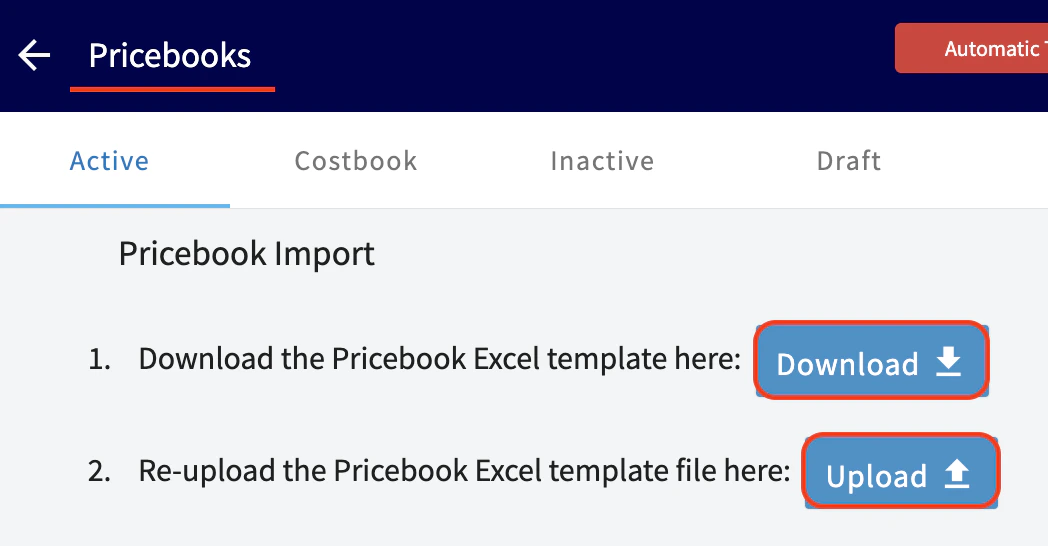
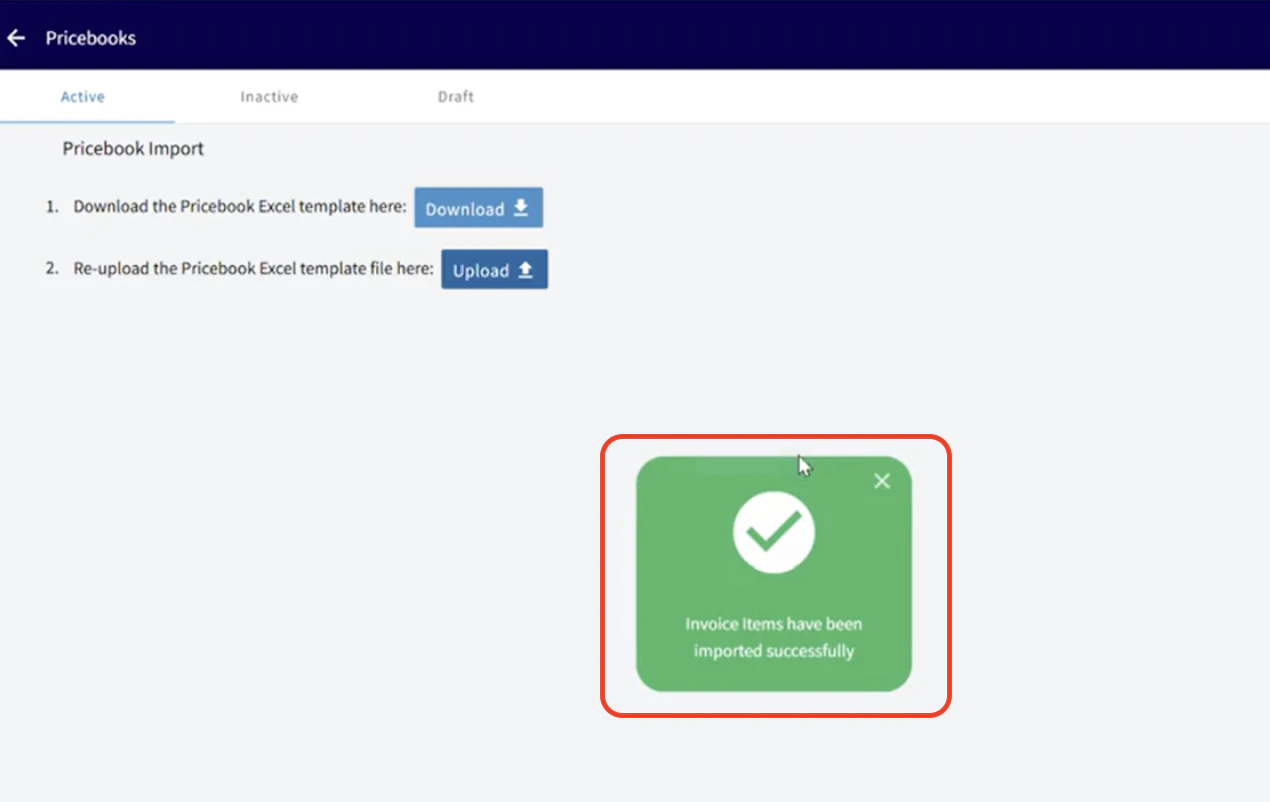
Looking to import a pricebook you are currently utilizing? Simply export your existing pricebook to Excel, Google Sheets, or CSV format, and utilize our import tool to upload it directly into FieldPulse! Note: Pricebook must be enabled on your account. Reach out to our team to get started today and streamline your pricing process with ease! To begin, navigate to the Sales t ab from the menu on the left hand side of your screen. Under the Sales tab you will then need to click into the tab that says Pricebooks. You will then see any/all active pricebooks you have in FieldPulse. Near the top right hand corner of your screen you will see the blue Import button.Documentation Index
Fetch the complete documentation index at: https://fieldpulse.mintlify.app/llms.txt
Use this file to discover all available pages before exploring further.

Have additional questions? Contact us at support@fieldpulse.com or use the chat feature in the bottom right corner of your screen.