

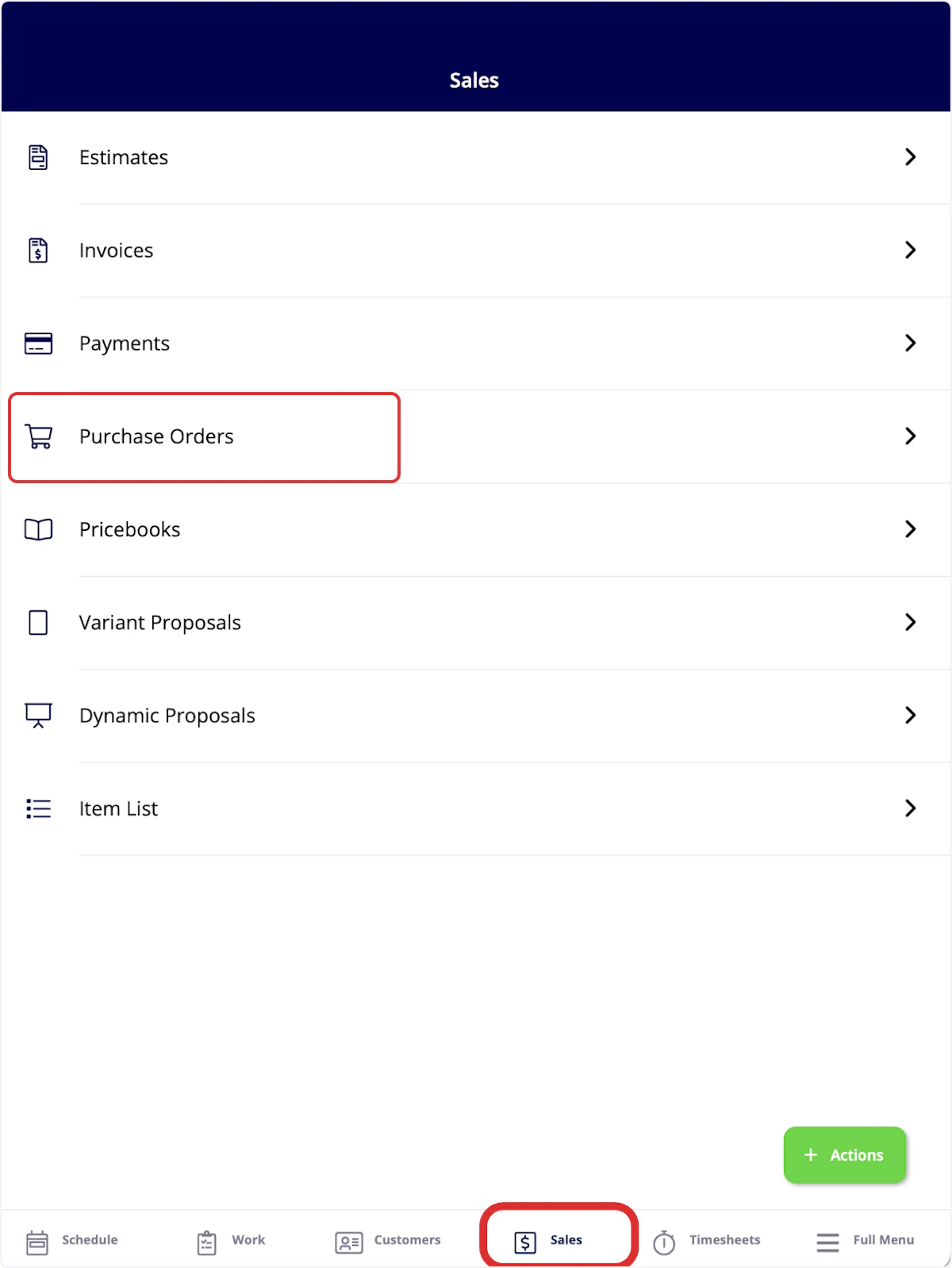
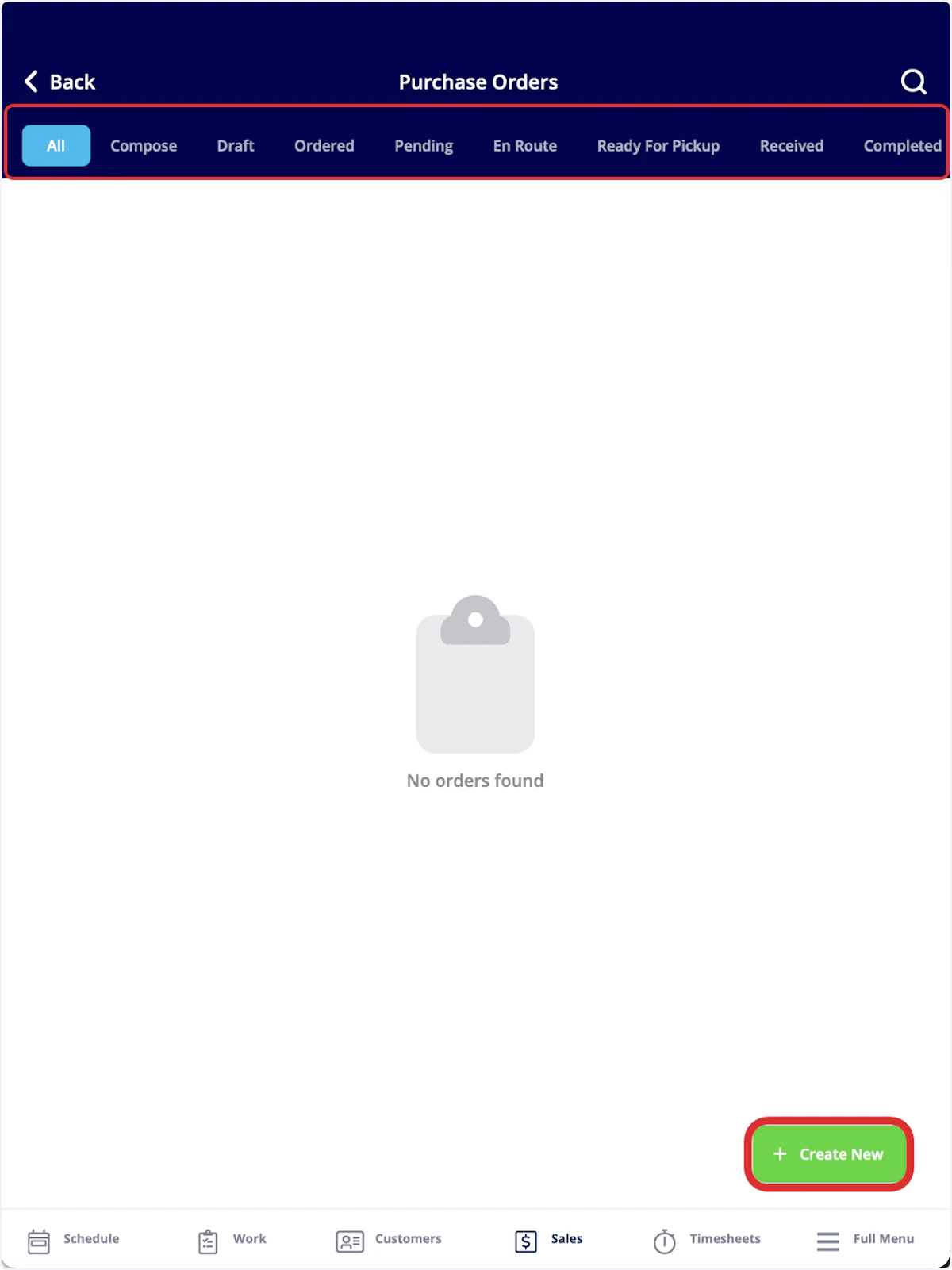
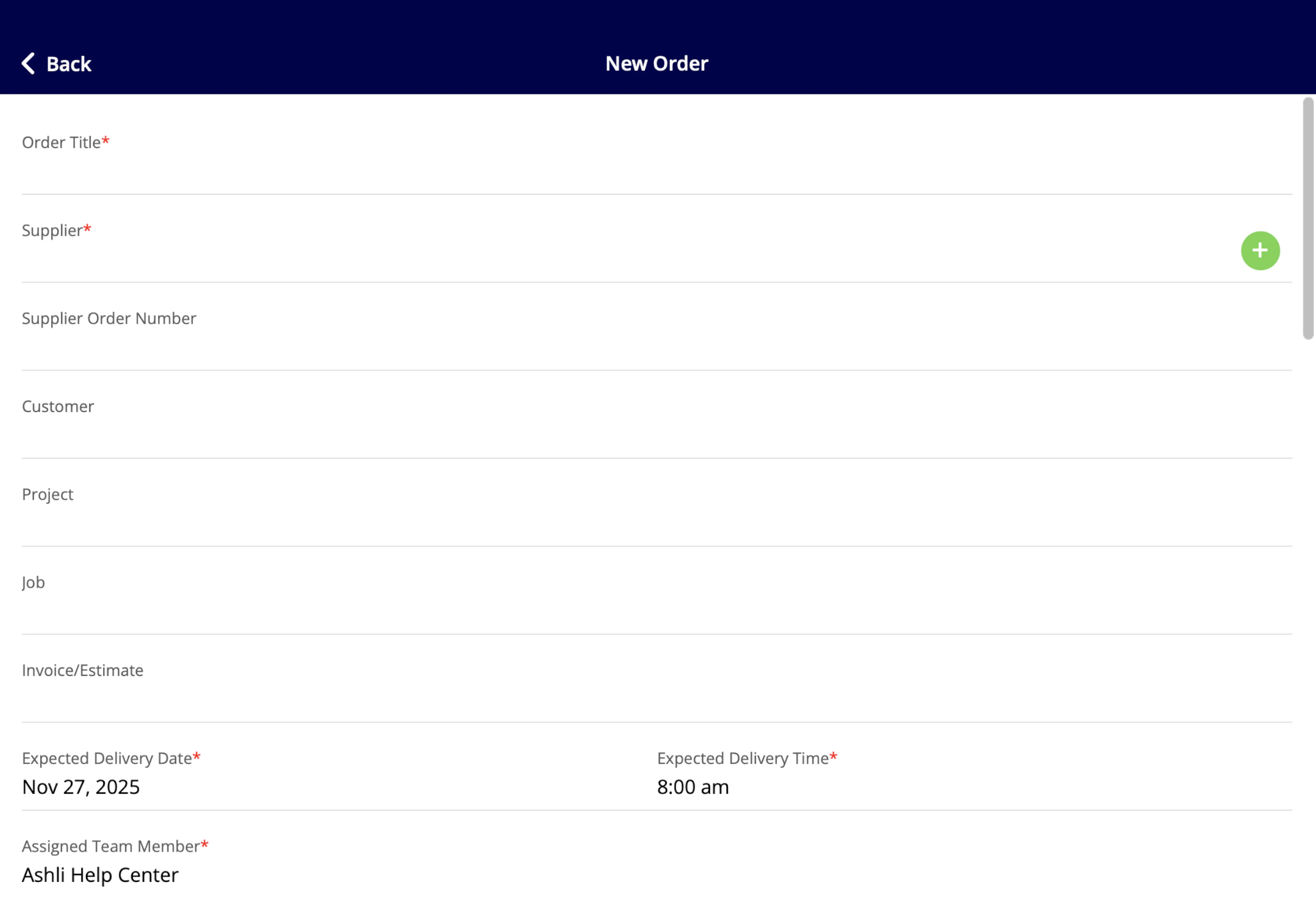
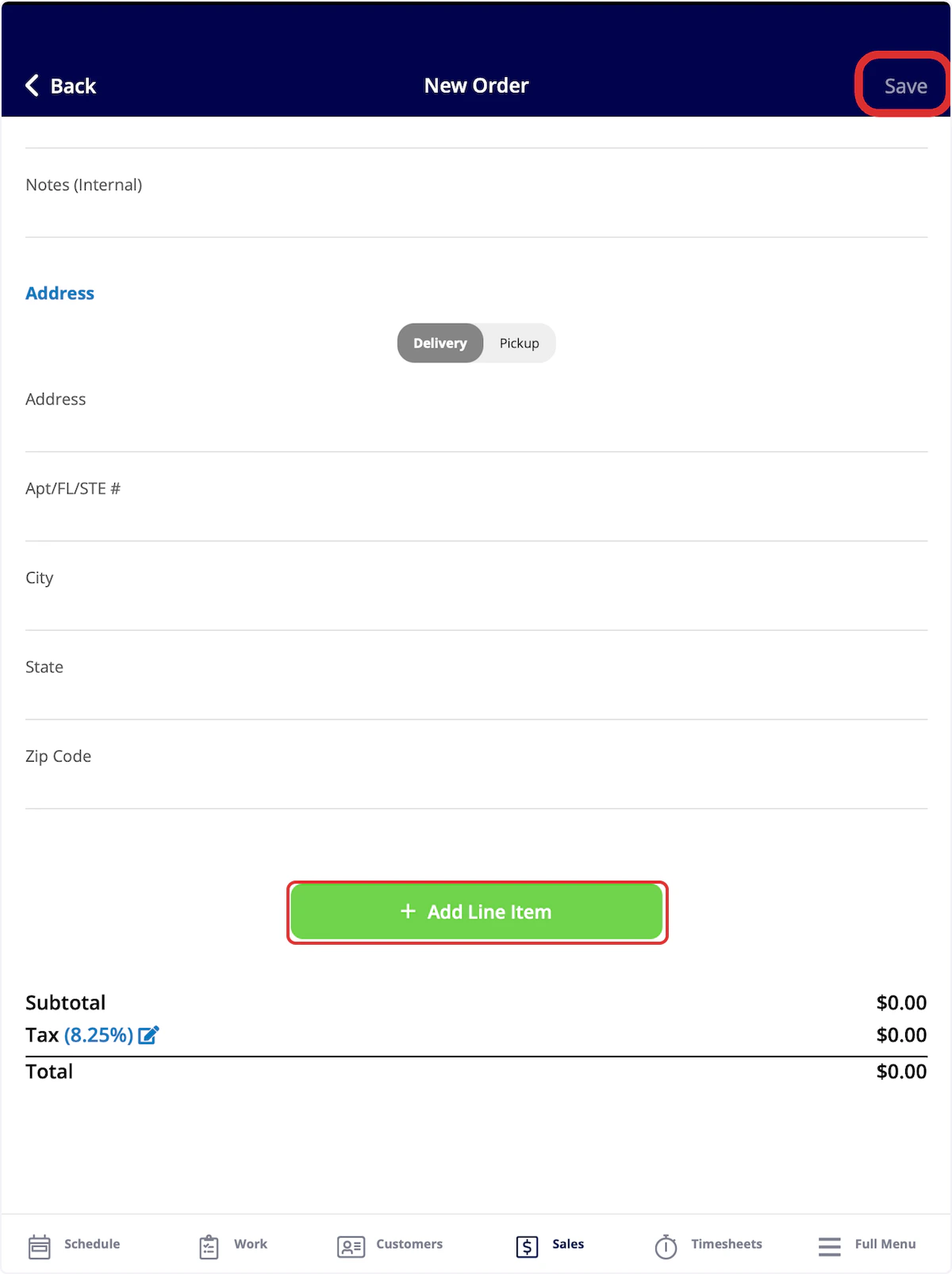
You can create and send purchase orders on the web app or mobile app! To learn more about purchase orders, Purchase Orders. To begin, select the Sales tab at the bottom of the screen, then click on Purchase Orders.Documentation Index
Fetch the complete documentation index at: https://fieldpulse.mintlify.app/llms.txt
Use this file to discover all available pages before exploring further.
Video Tutorial
Have additional questions? Contact us at support@fieldpulse.com or use the chat feature in the bottom right corner of your screen.