

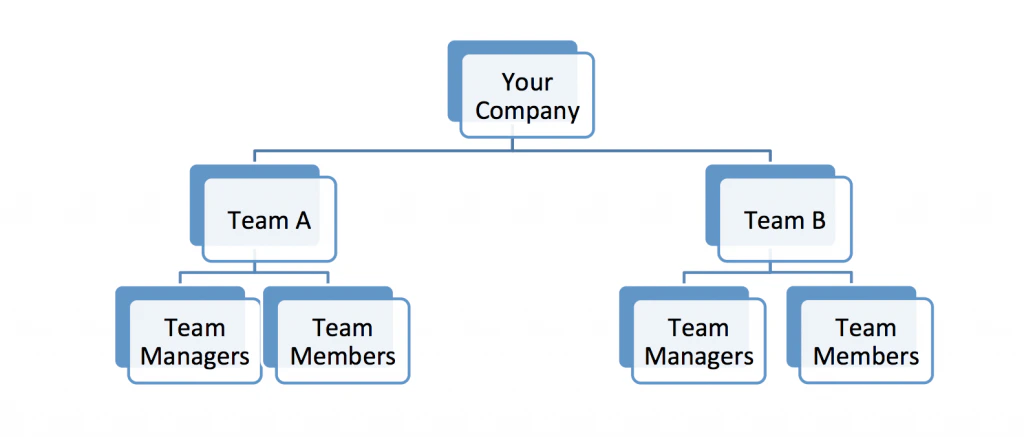
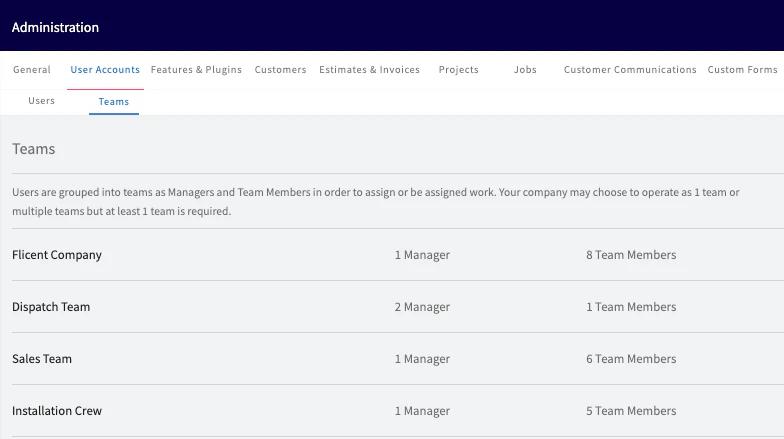
In FieldPulse, a user is an individual who has access to FieldPulse, while a team is a group of users who work together on specific tasks or projects.. This allows for better organization and delegation of tasks, as well as scheduling. Your company may choose to operate as 1 team or multiple teams based on your business needs.Documentation Index
Fetch the complete documentation index at: https://fieldpulse.mintlify.app/llms.txt
Use this file to discover all available pages before exploring further.
Creating a Team
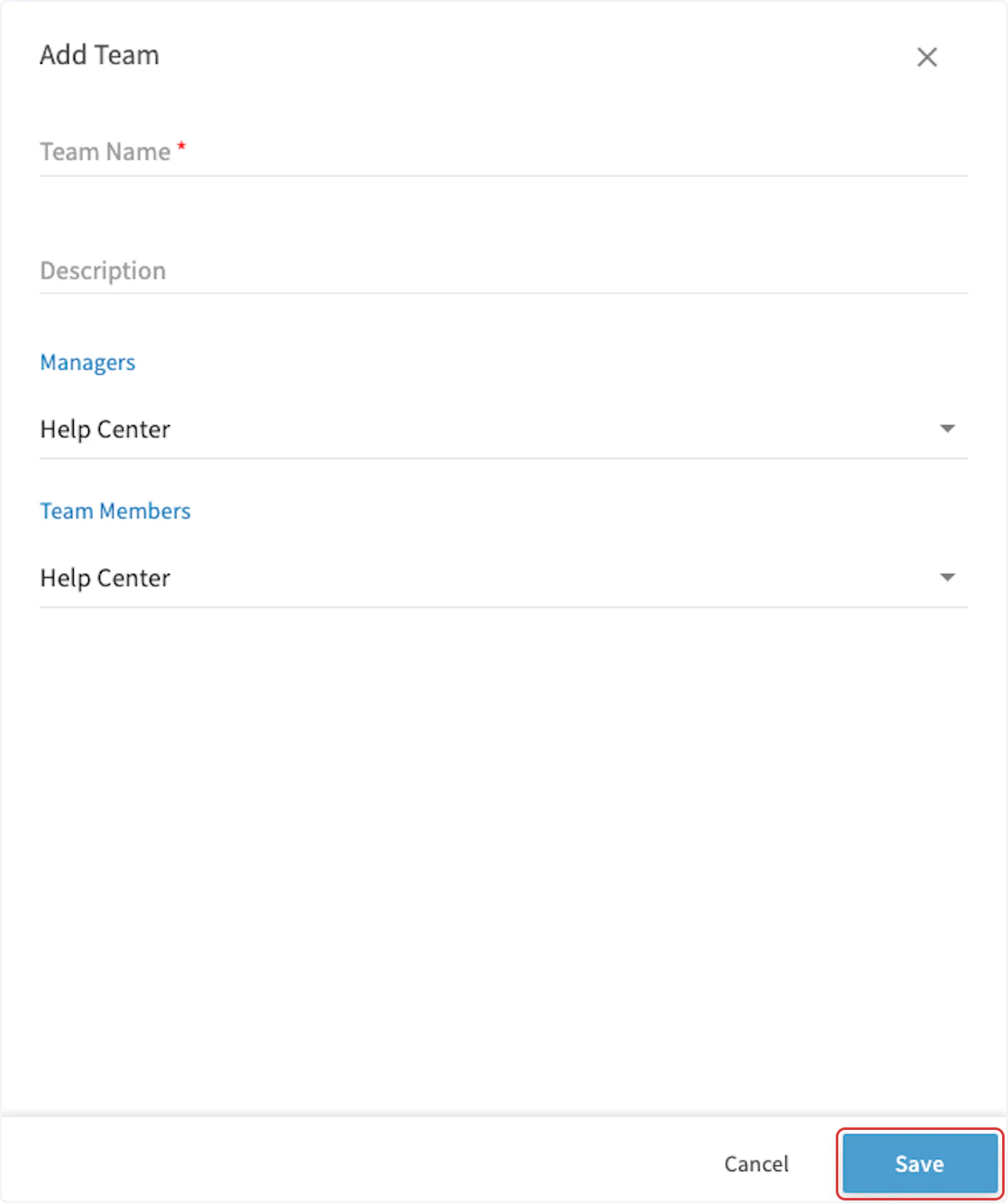
As every business must have at least one team, a team called “Default Team” is automatically included in your account. It can be renamed and modified as necessary, and additional teams can be added. Select Company Settings from the left-side menu, then select User Accounts and then the Teams tab. On the Teams tab, click Create New.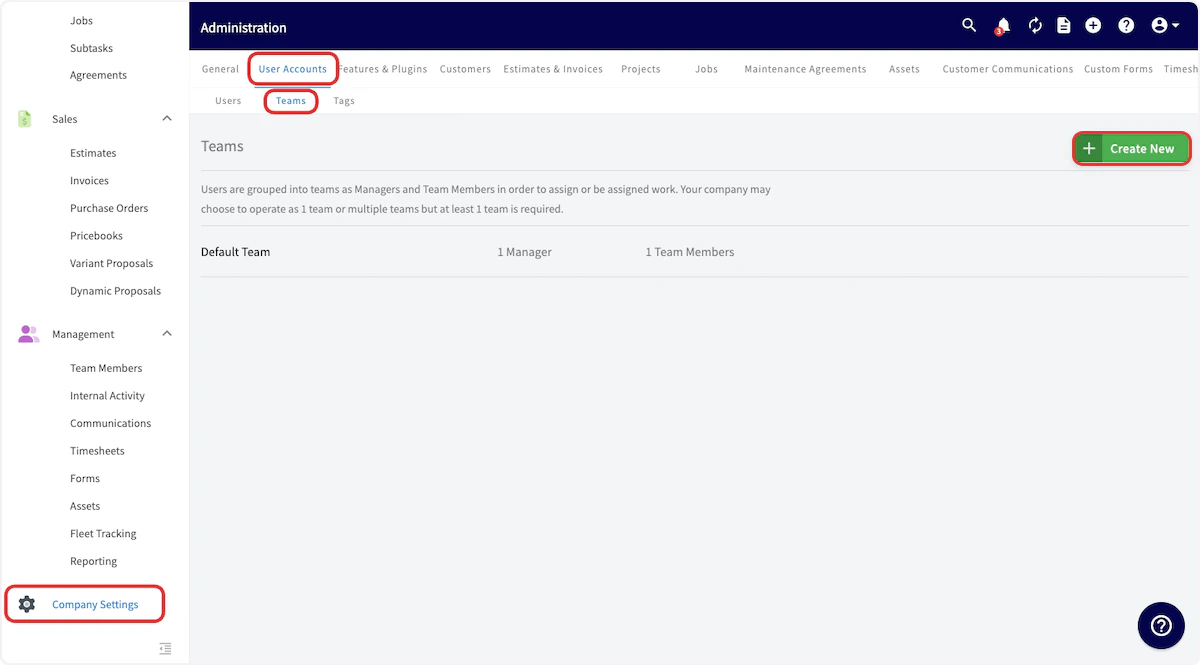
Video Tutorial
Have additional questions? Contact us at support@fieldpulse.com or use the chat feature in the bottom right corner of your screen.