

Documentation Index
Fetch the complete documentation index at: https://fieldpulse.mintlify.app/llms.txt
Use this file to discover all available pages before exploring further.
Reminder
FieldPulse only integrates with QuickBooks Desktop 2024 and newer
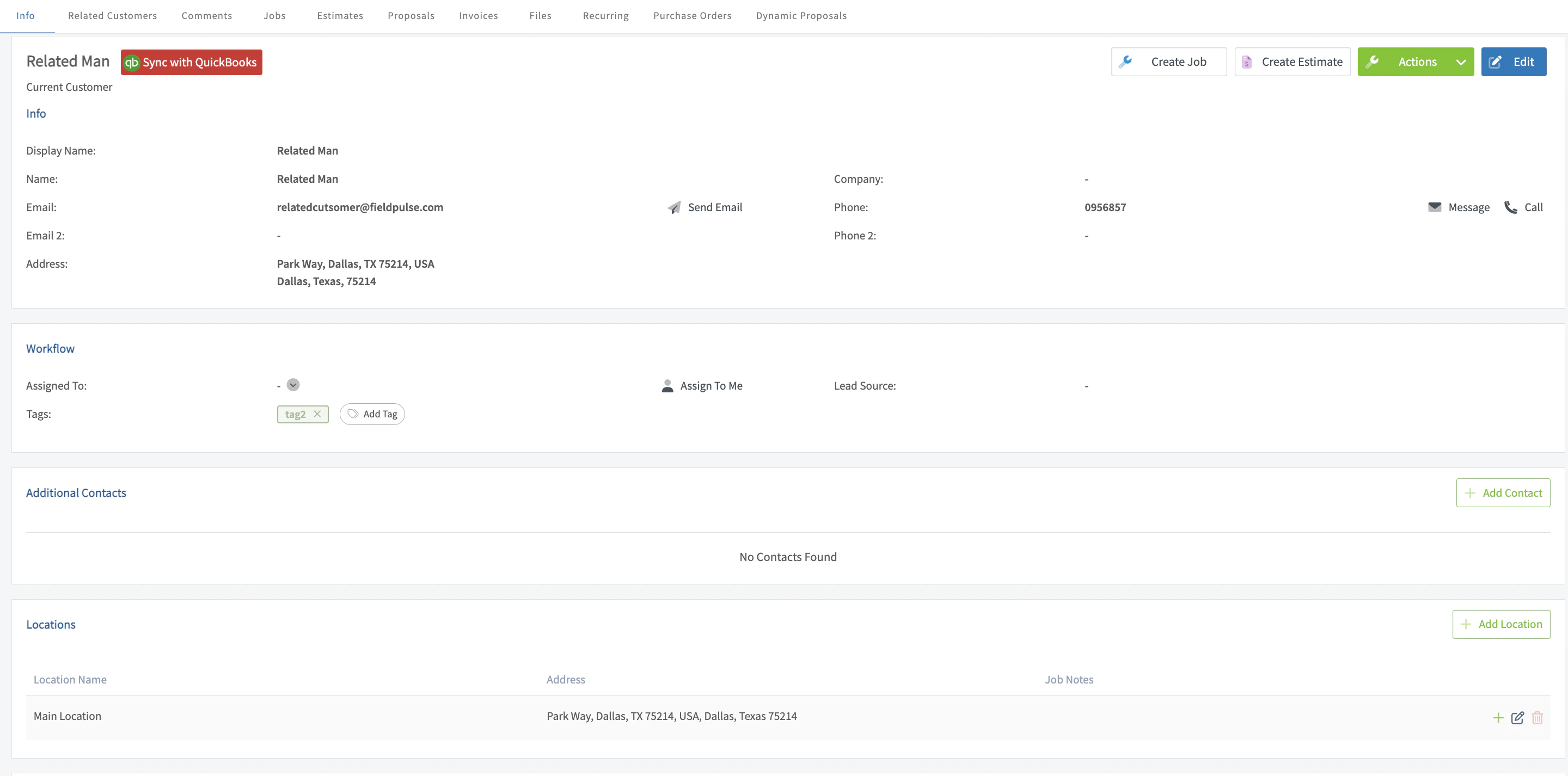
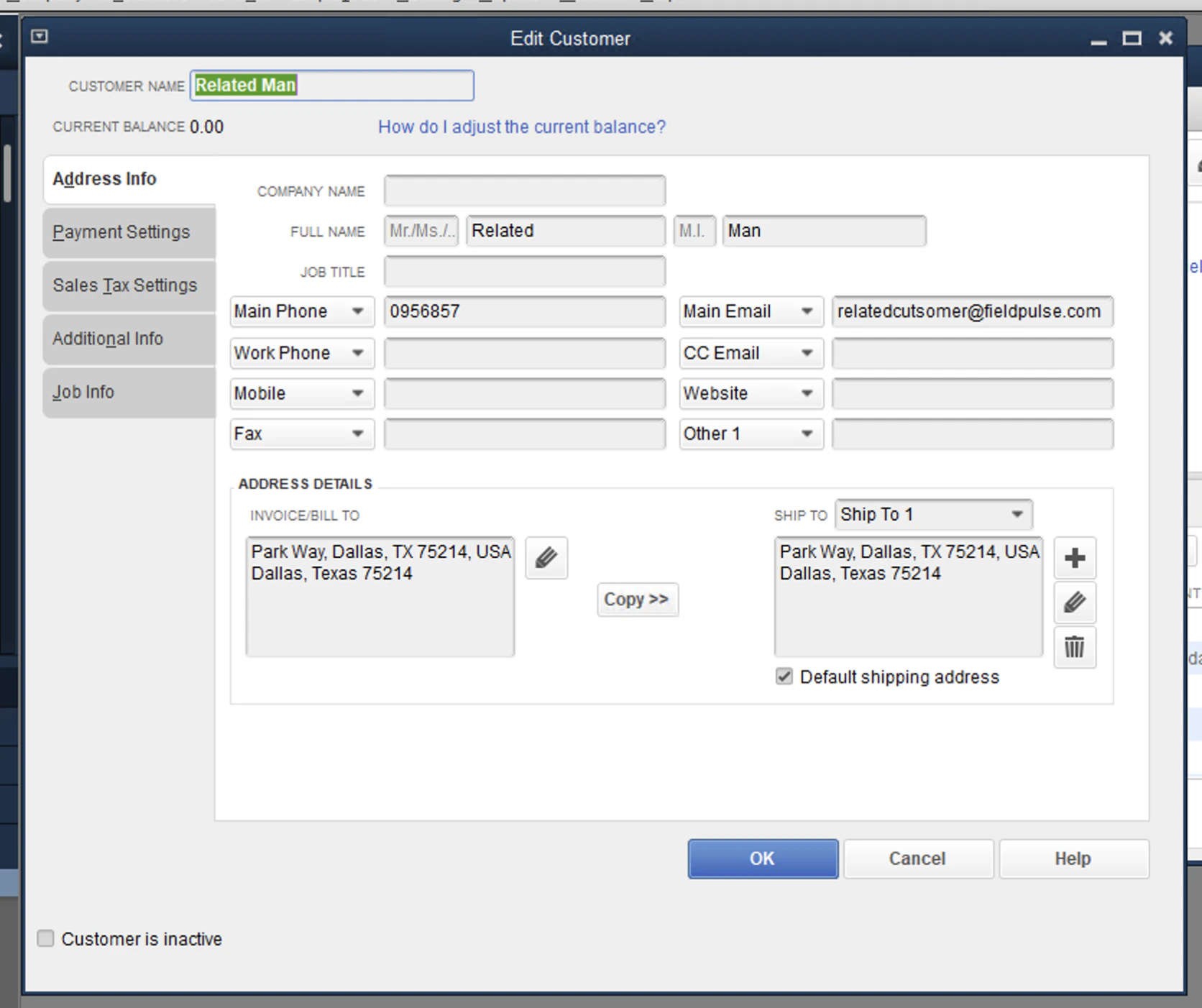
Use this guide to preview how your records will transfer between FieldPulse and QuickBooks Desktop.Customers
FieldPulse
QuickBooks
Tax Rate Items
Tax Rate Items in QuickBooks Desktop will sync to FieldPulse in a one-way manner, as a Line Item. Once a Tax Rate Item has been synced to FieldPulse, it cannot be edited on any Estimates and Invoices within FieldPulse.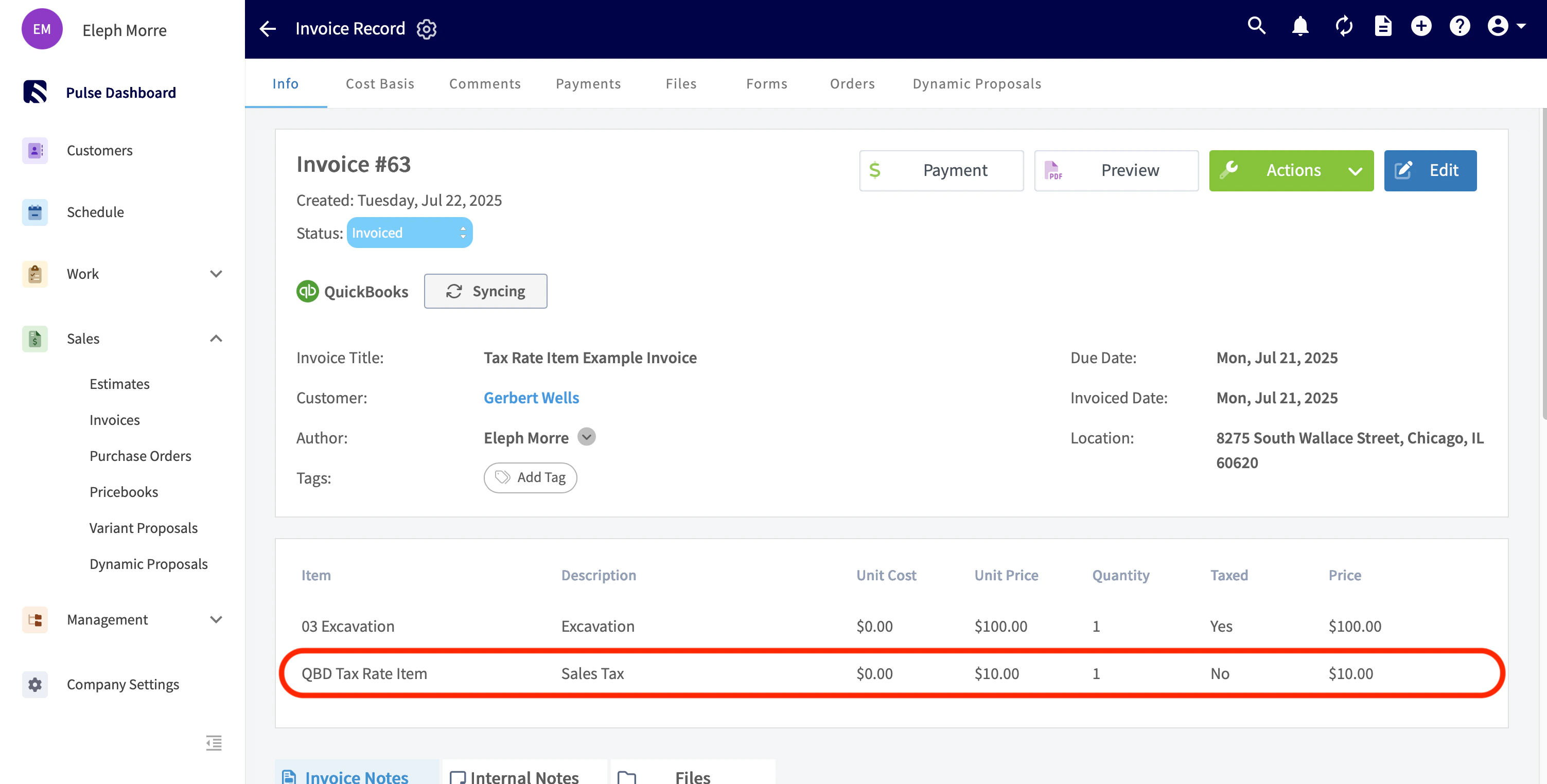
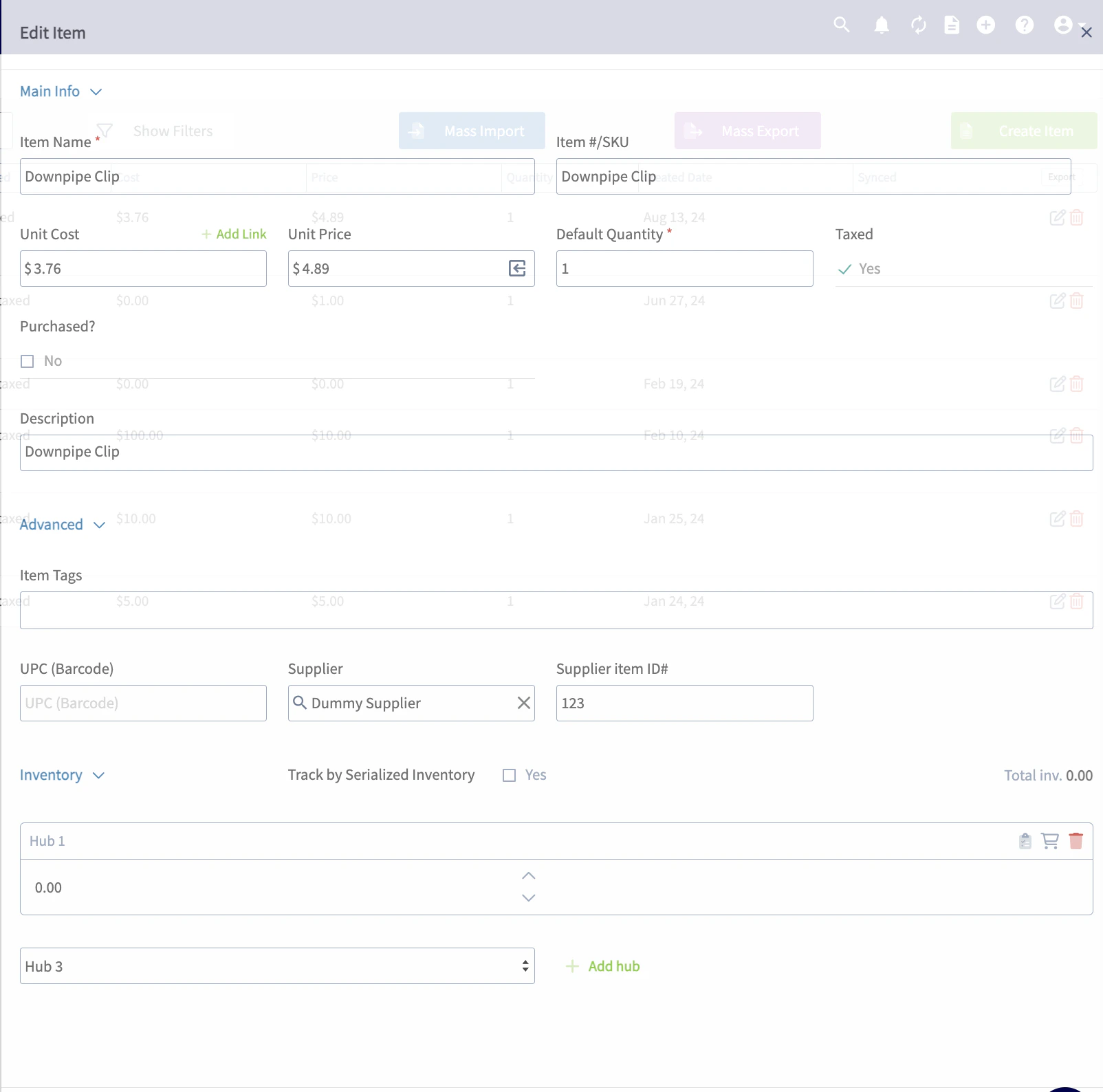
Line Items
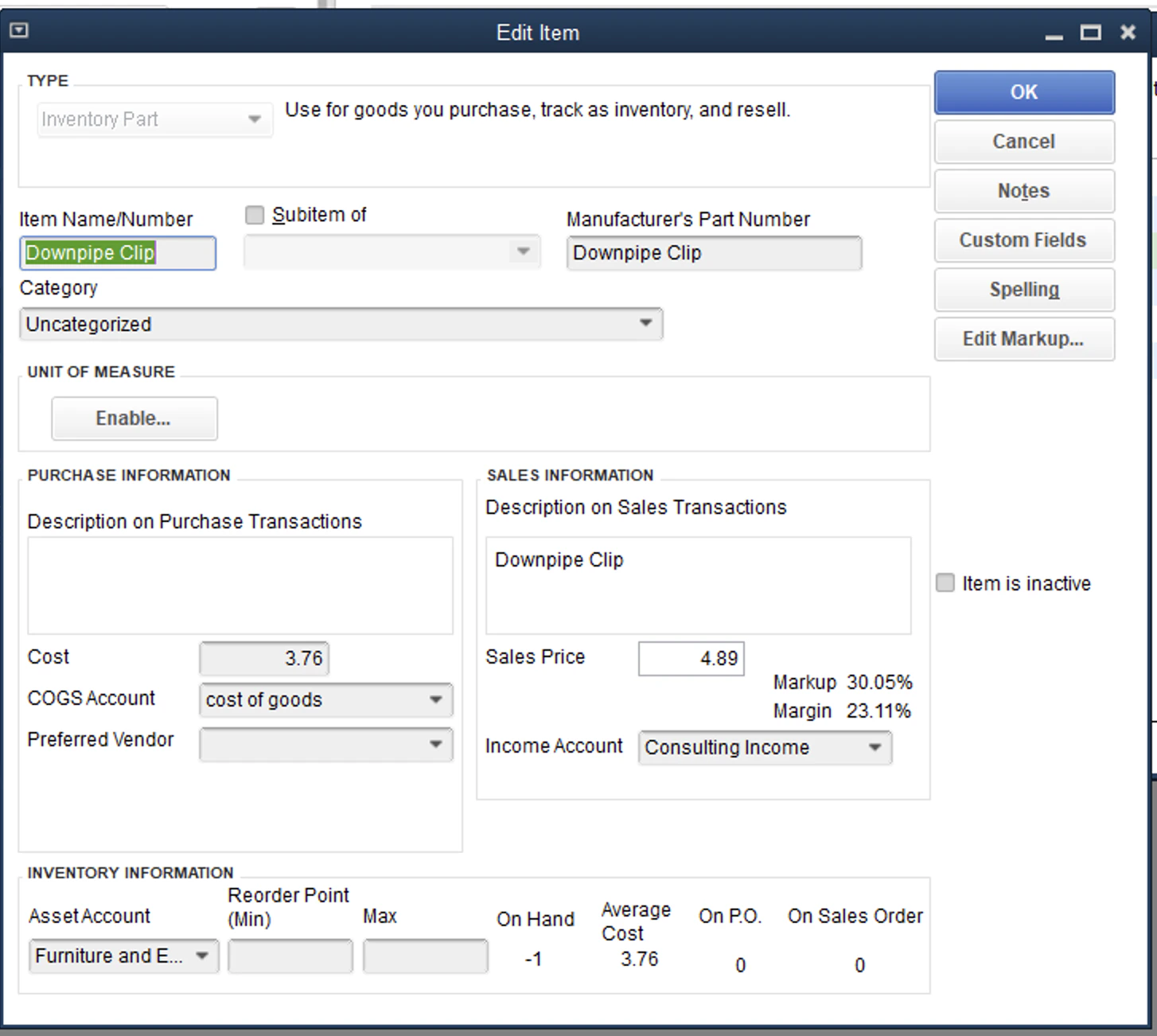
FieldPulse
QuickBooks
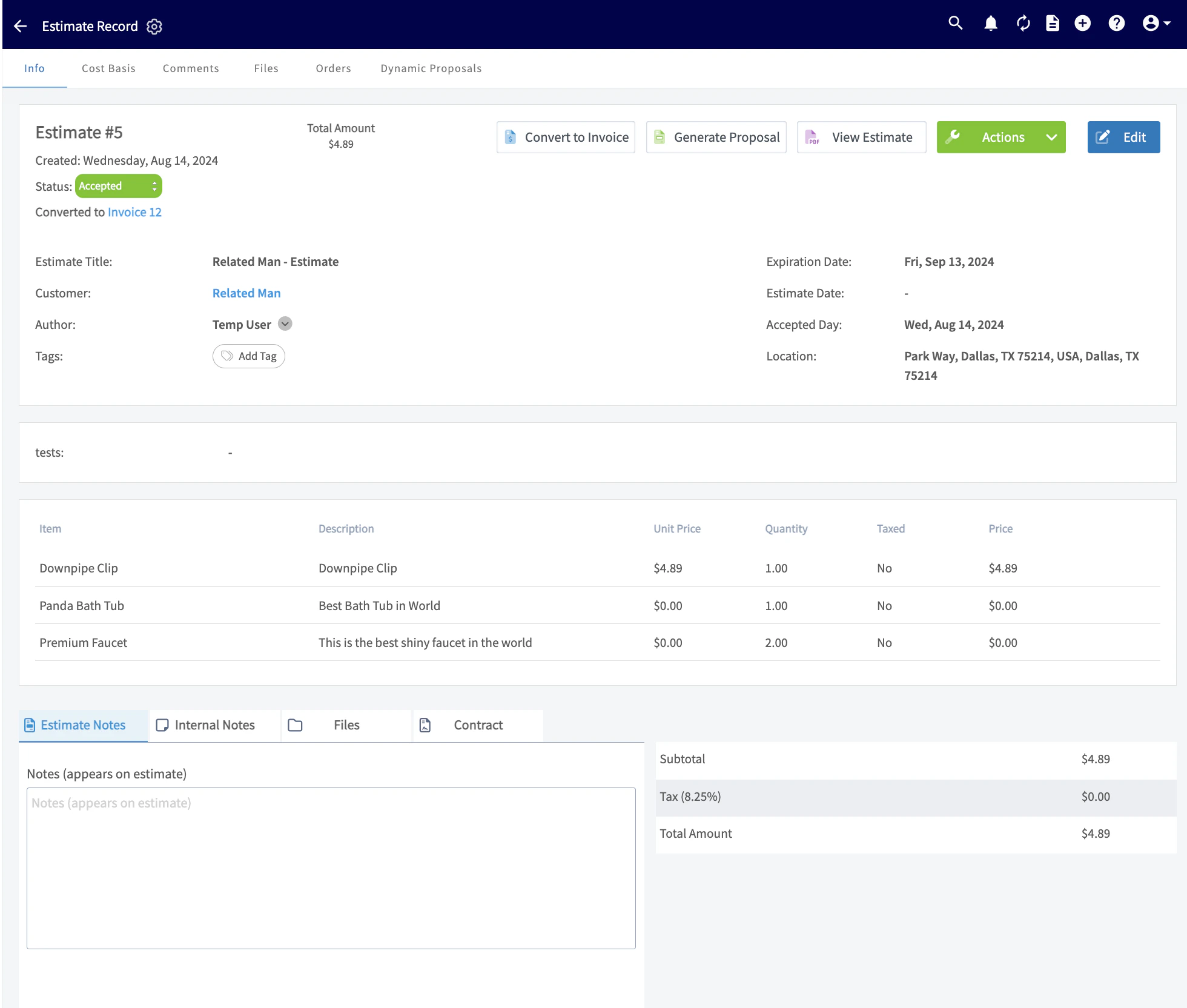
Estimates
FieldPulse
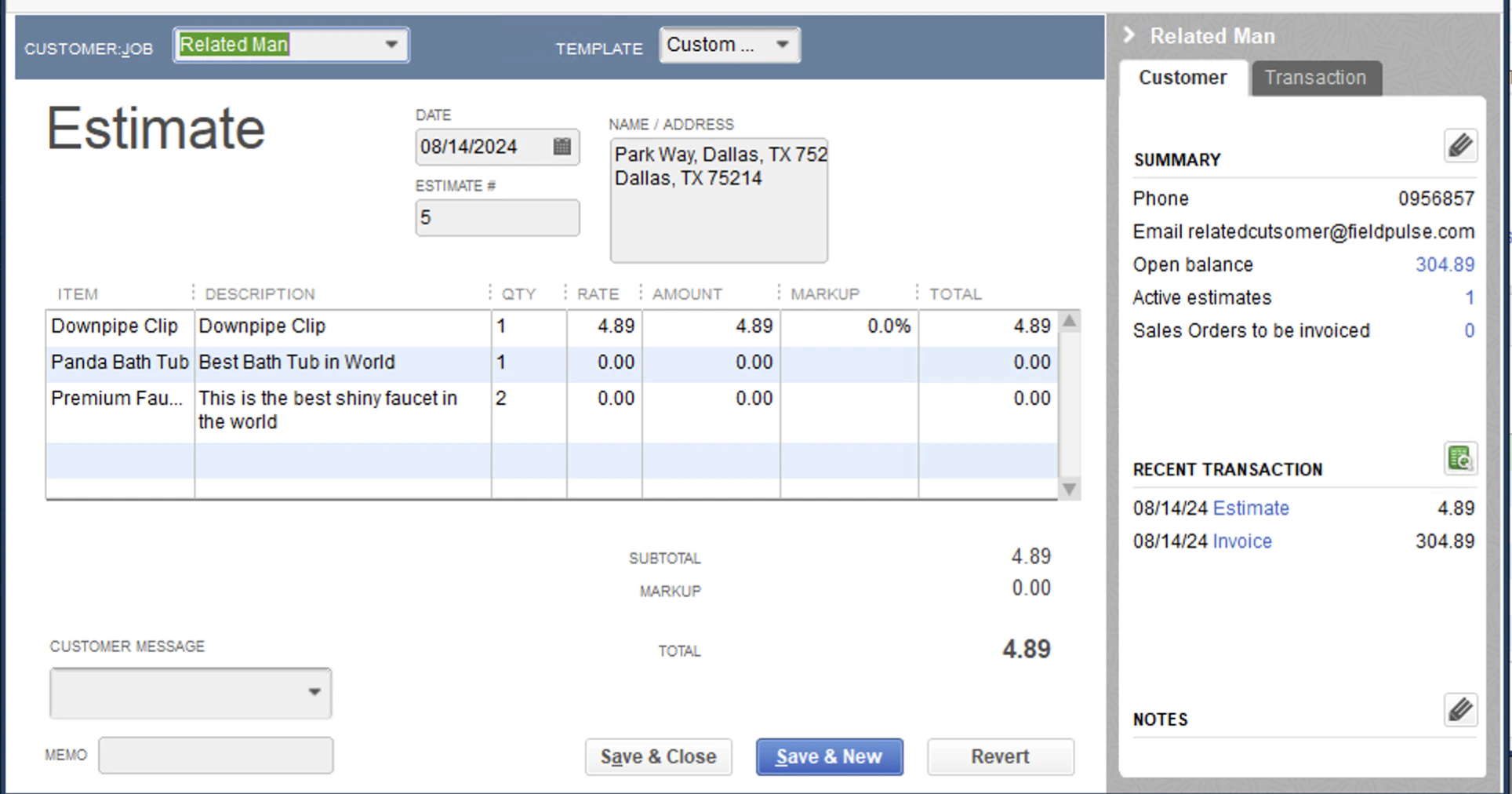
QuickBooks
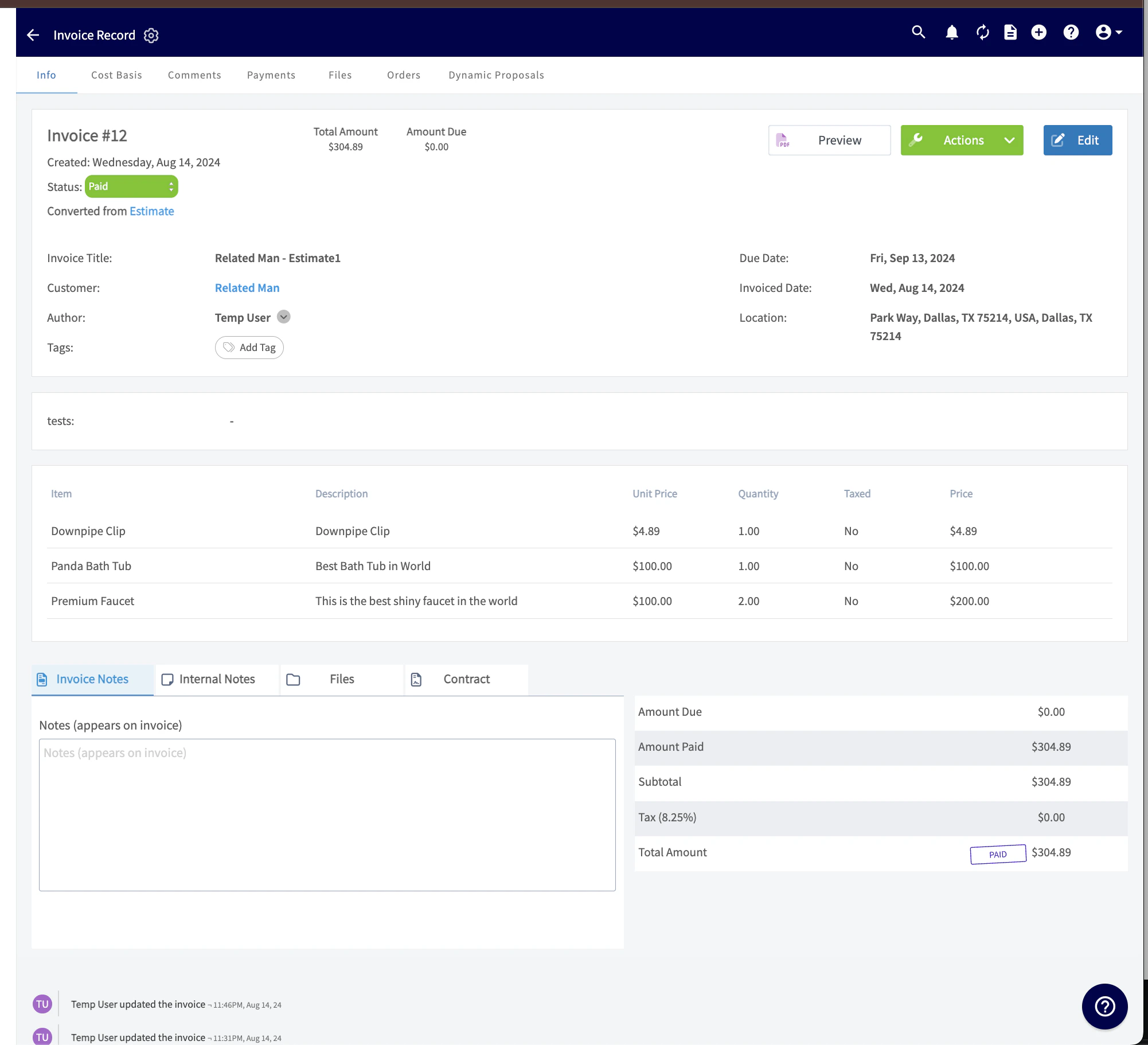
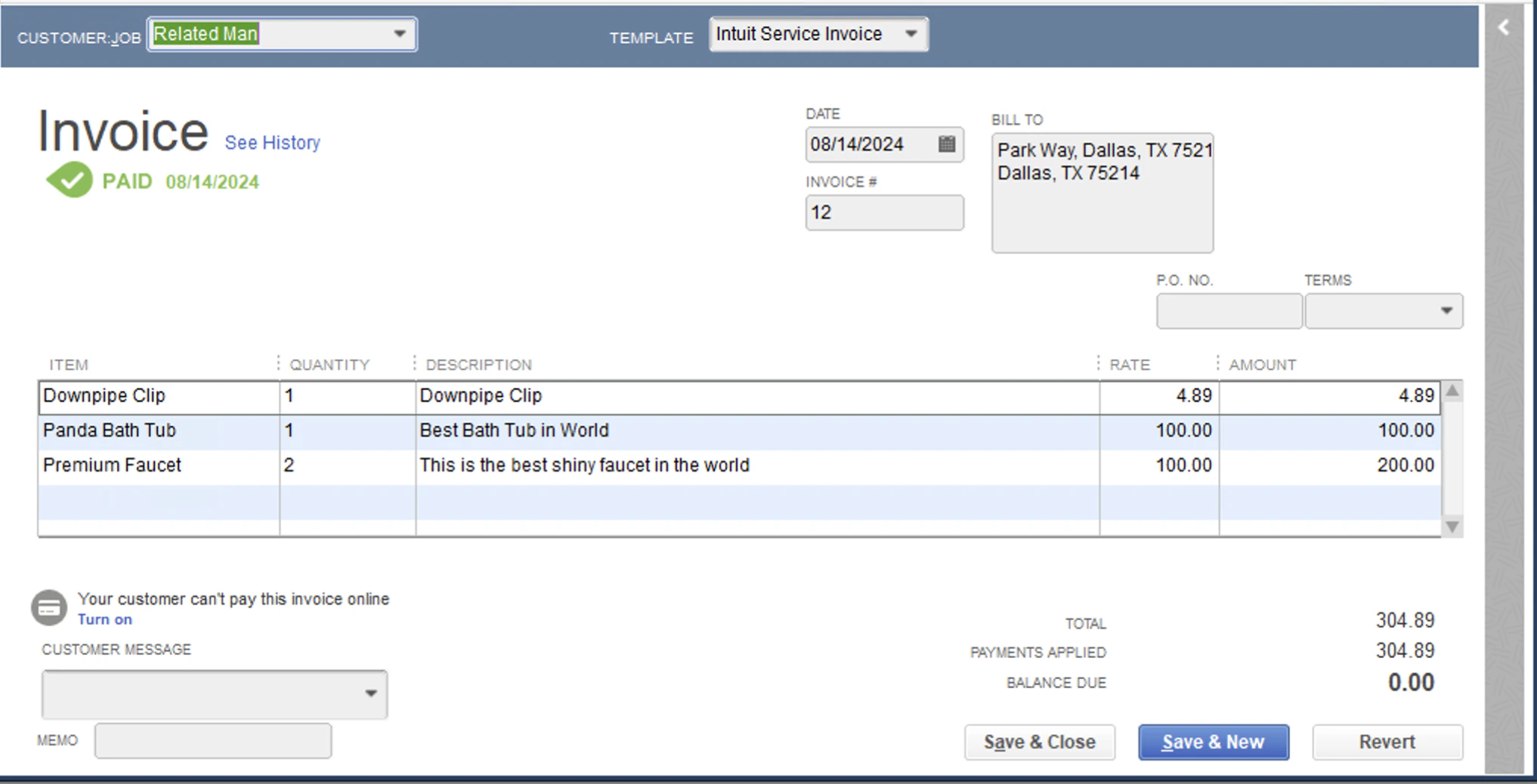
Invoices
FieldPulse
QuickBooks
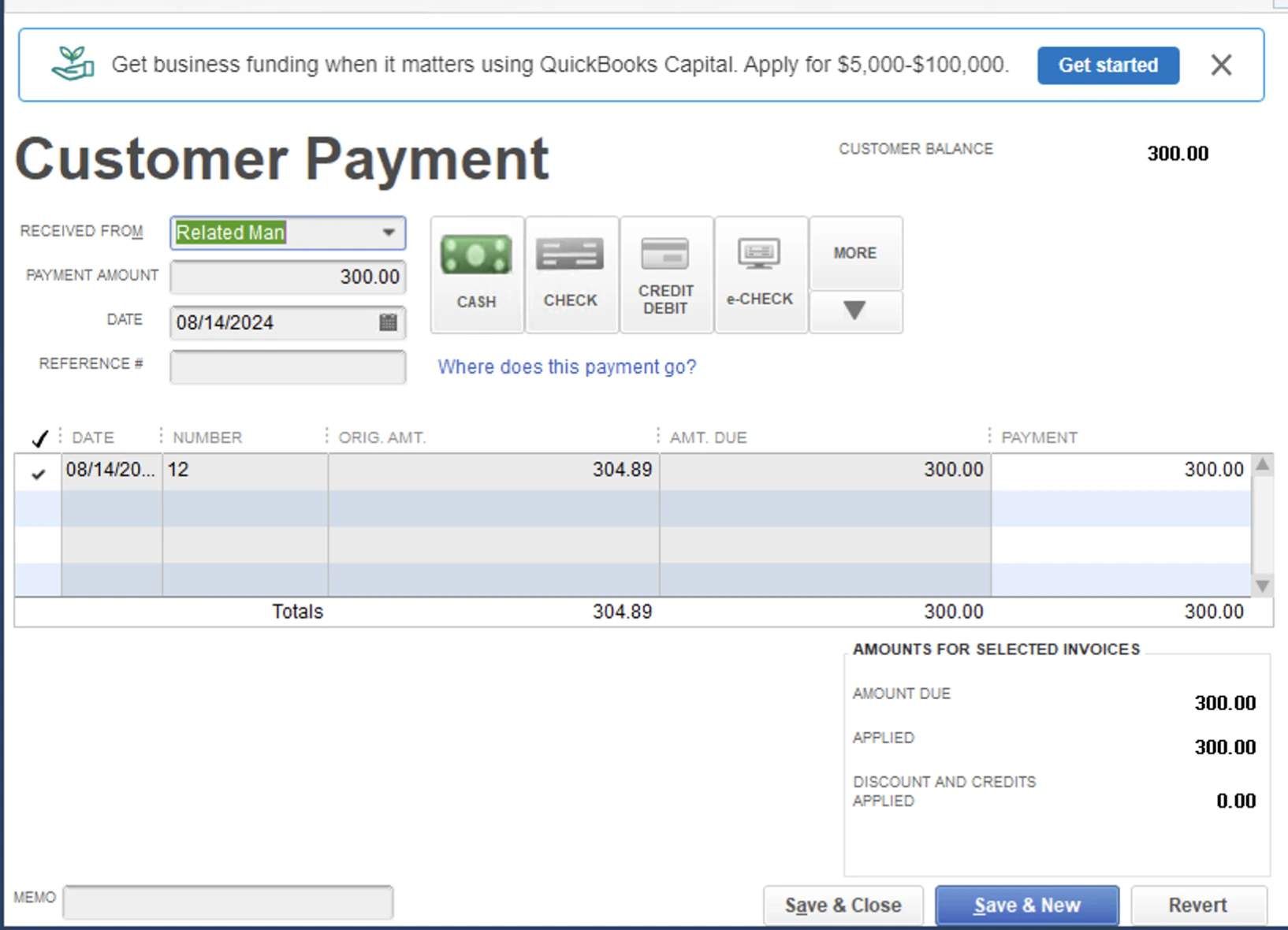
Payments
FieldPulse

QuickBooks
Have additional questions? Contact us at support@fieldpulse.com or use the chat feature in the bottom right corner of your screen.