
Estimate & Invoice Preview
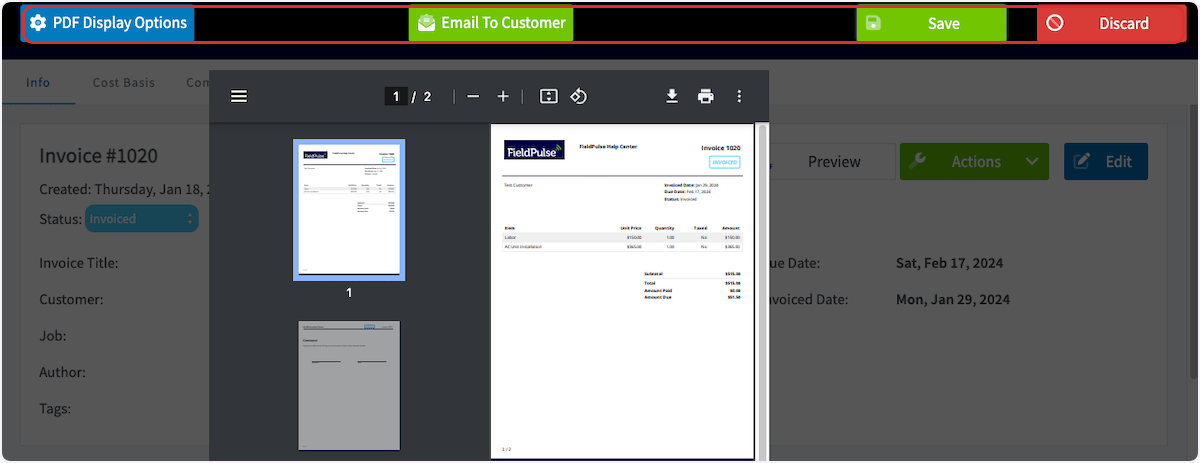
Select or create the estimate/invoice that you would like to take payment on. Select Preview to generate the estimate/invoice.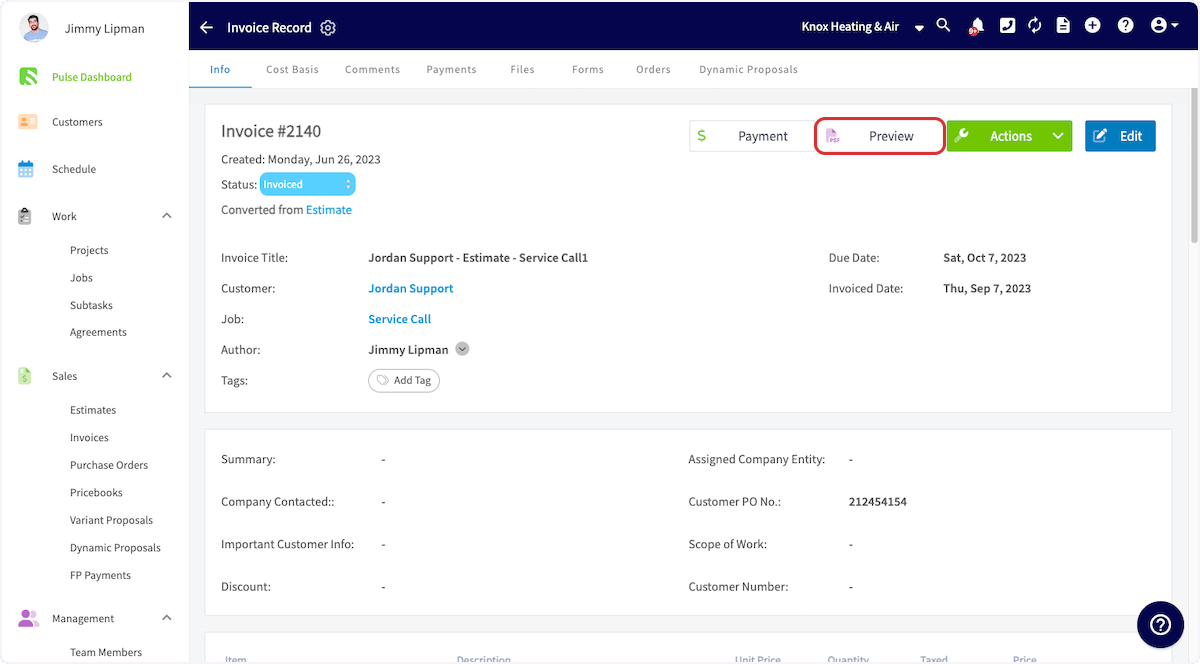
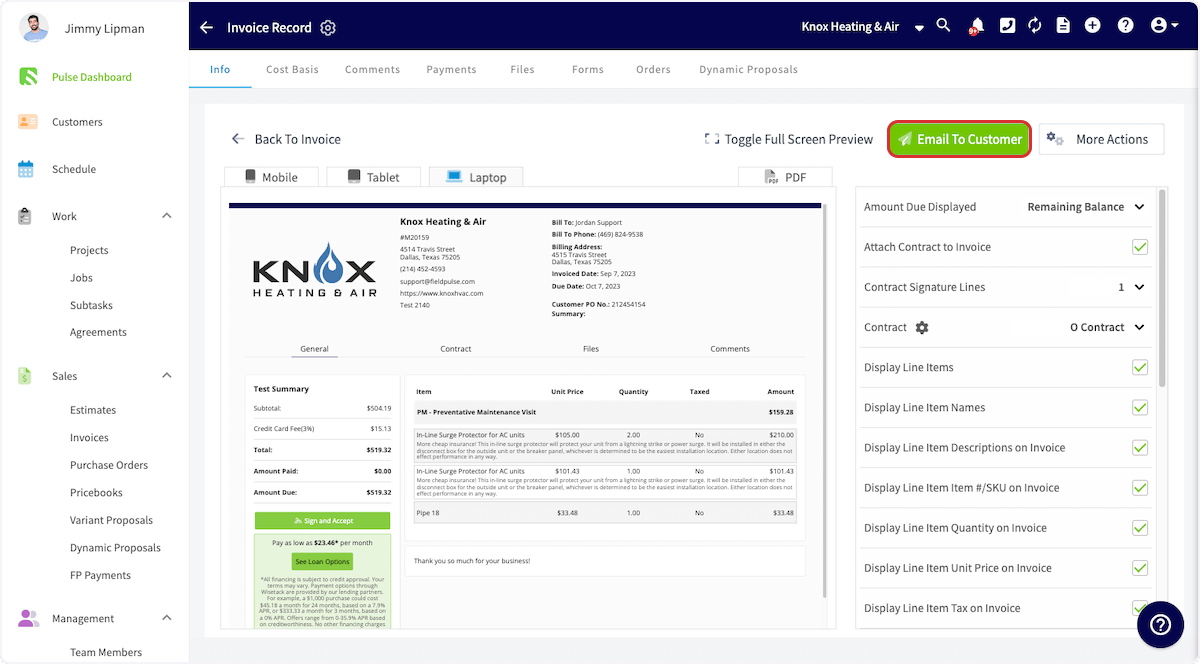
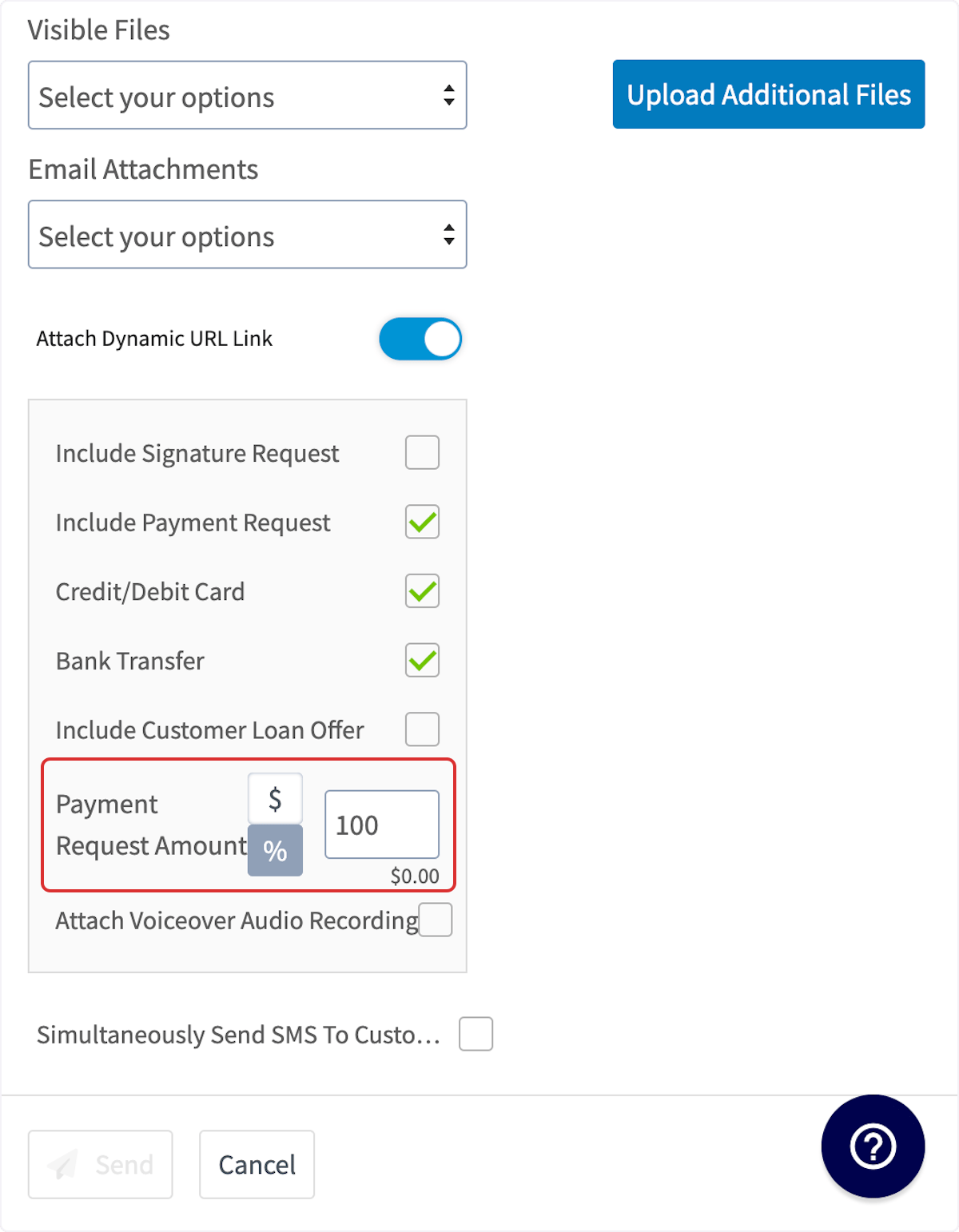
Invoice Settings
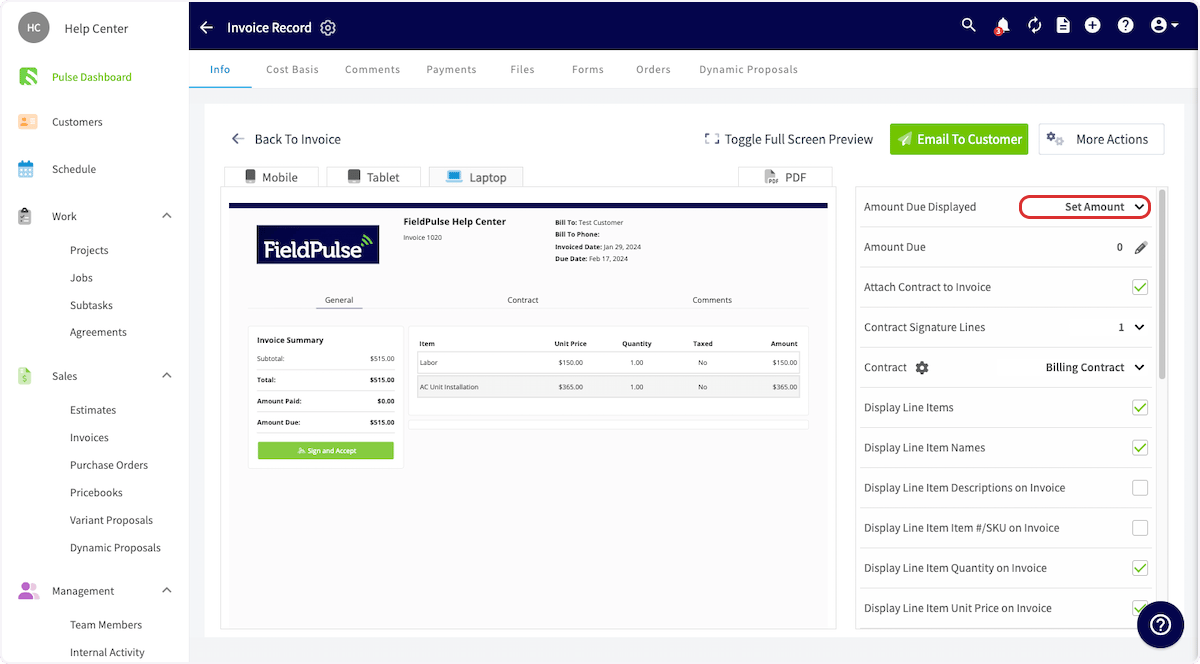
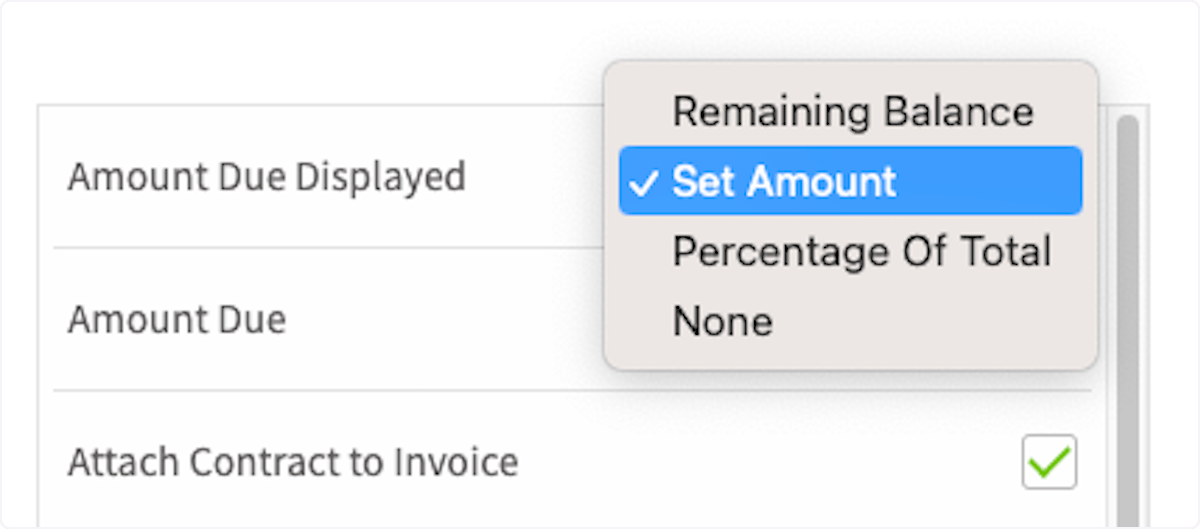
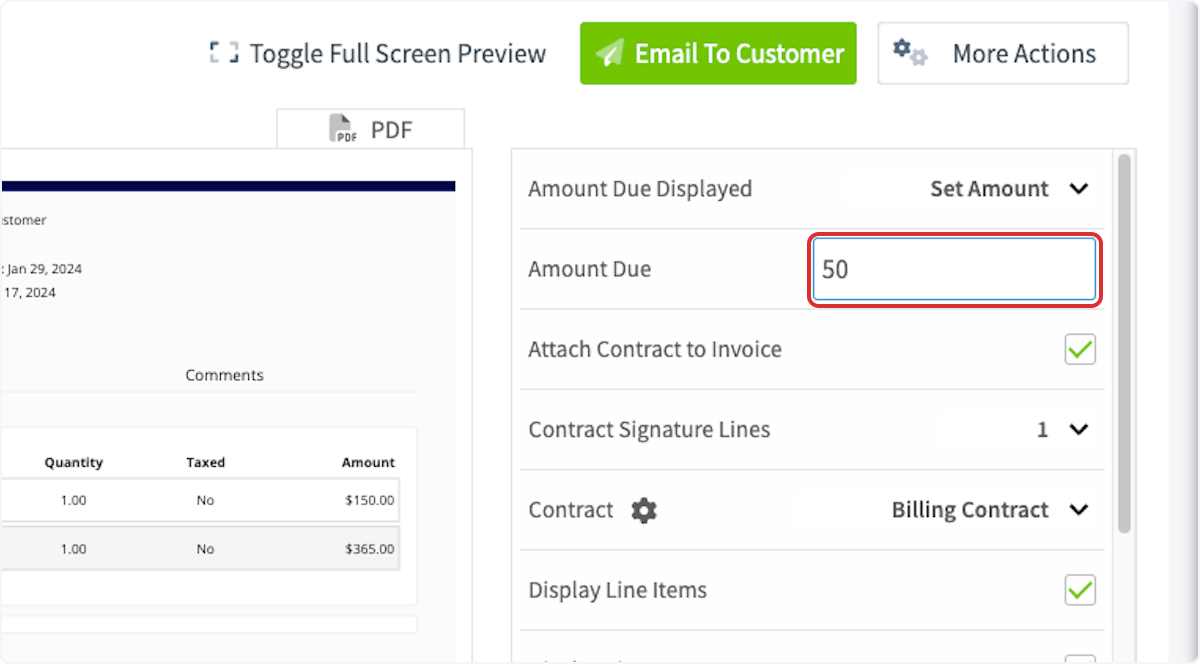
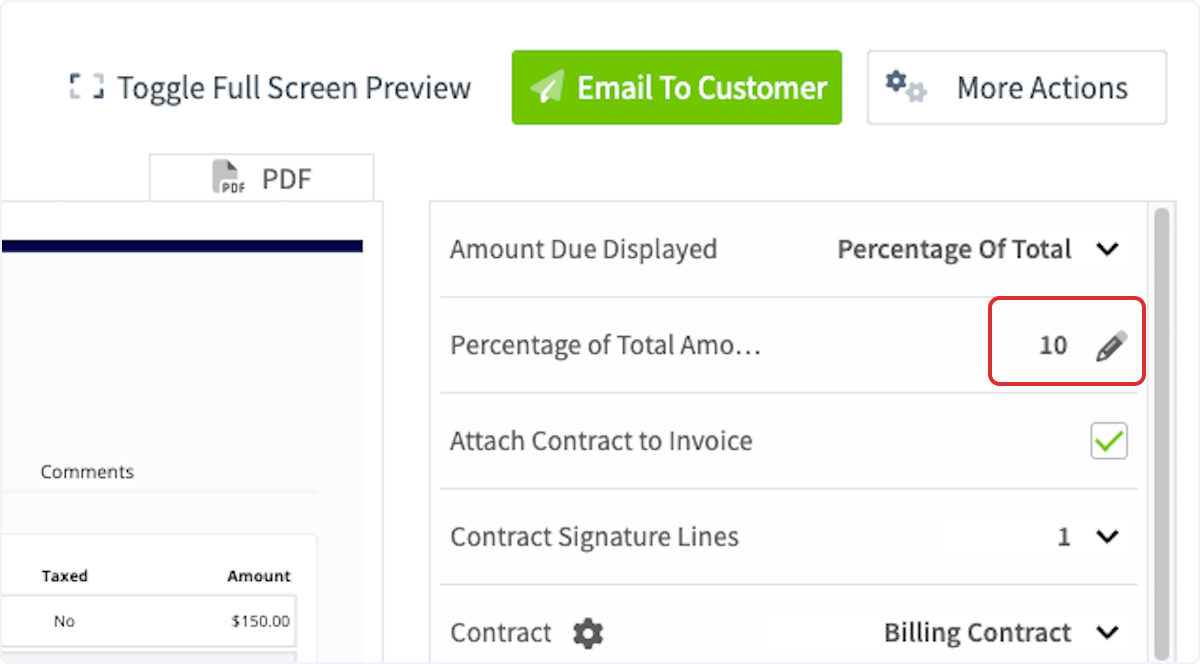
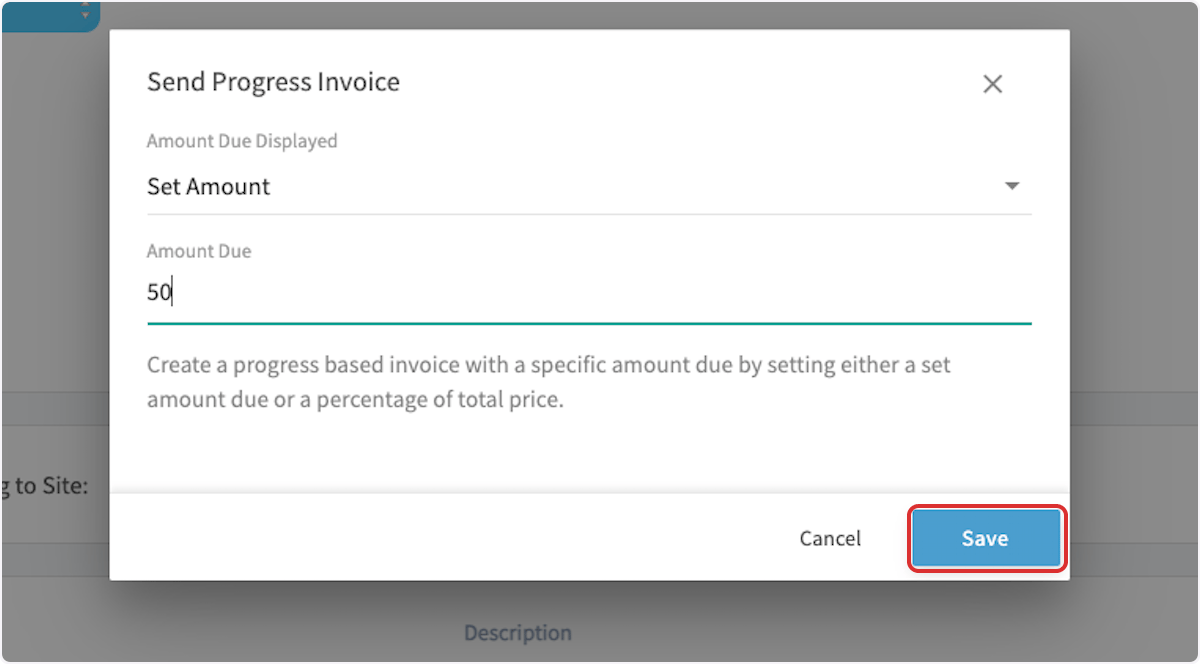
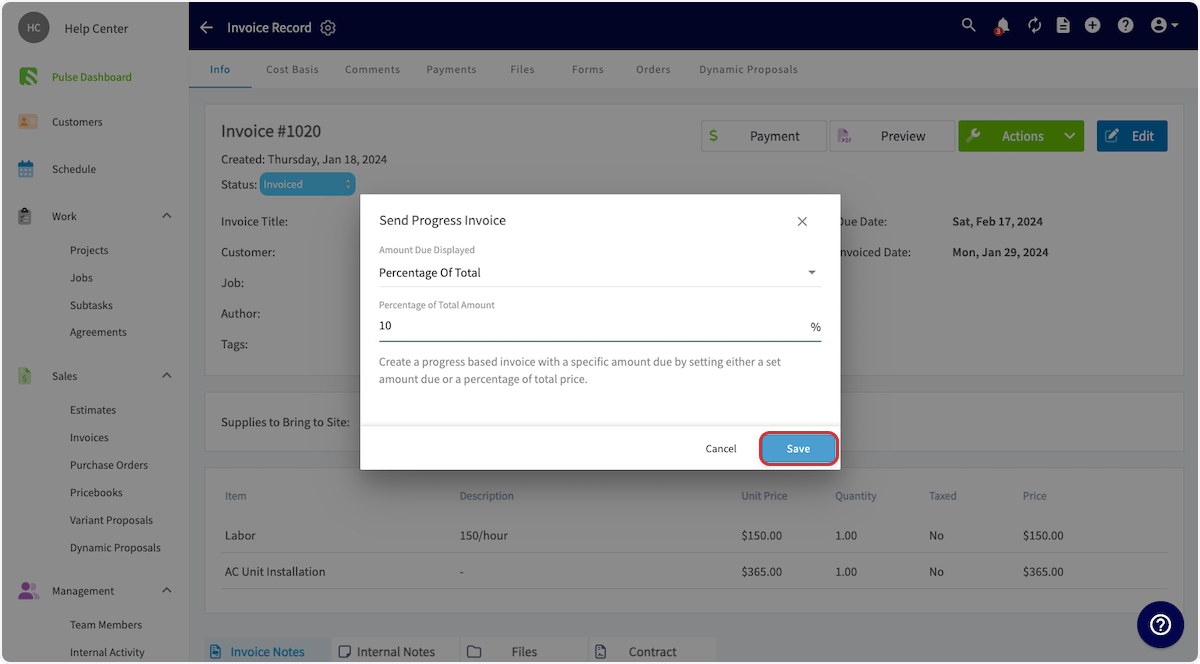
Another way to collect partial or progress payments is when you’re creating or editing an invoice. Begin by clicking on the invoice record, then select Preview.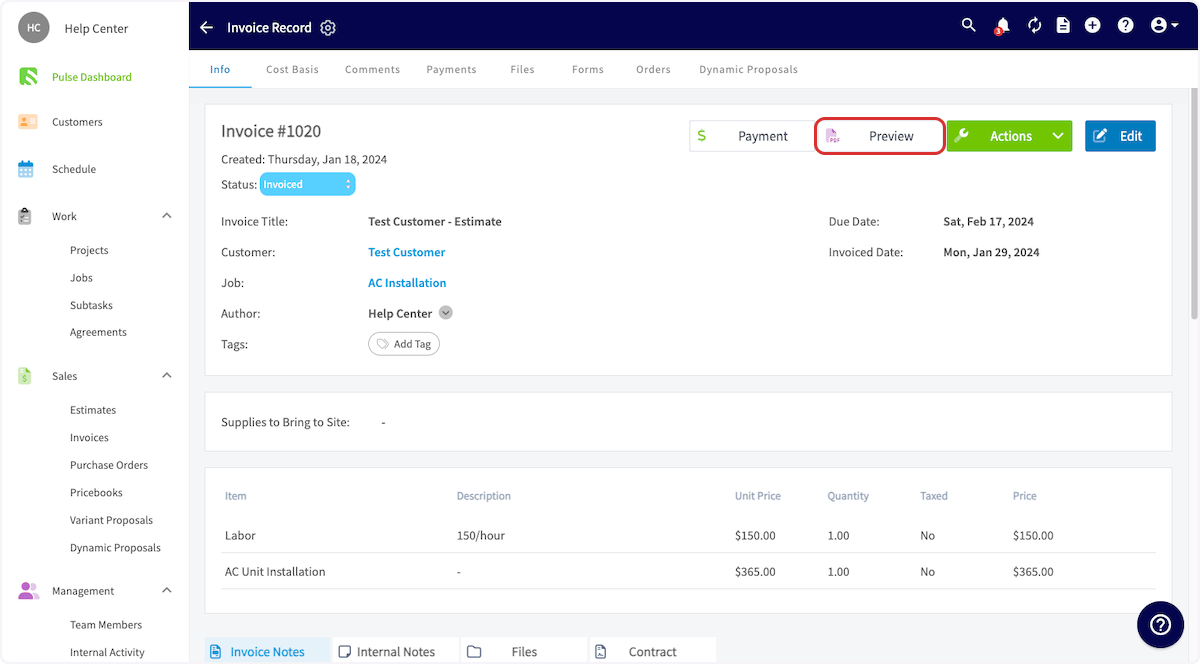
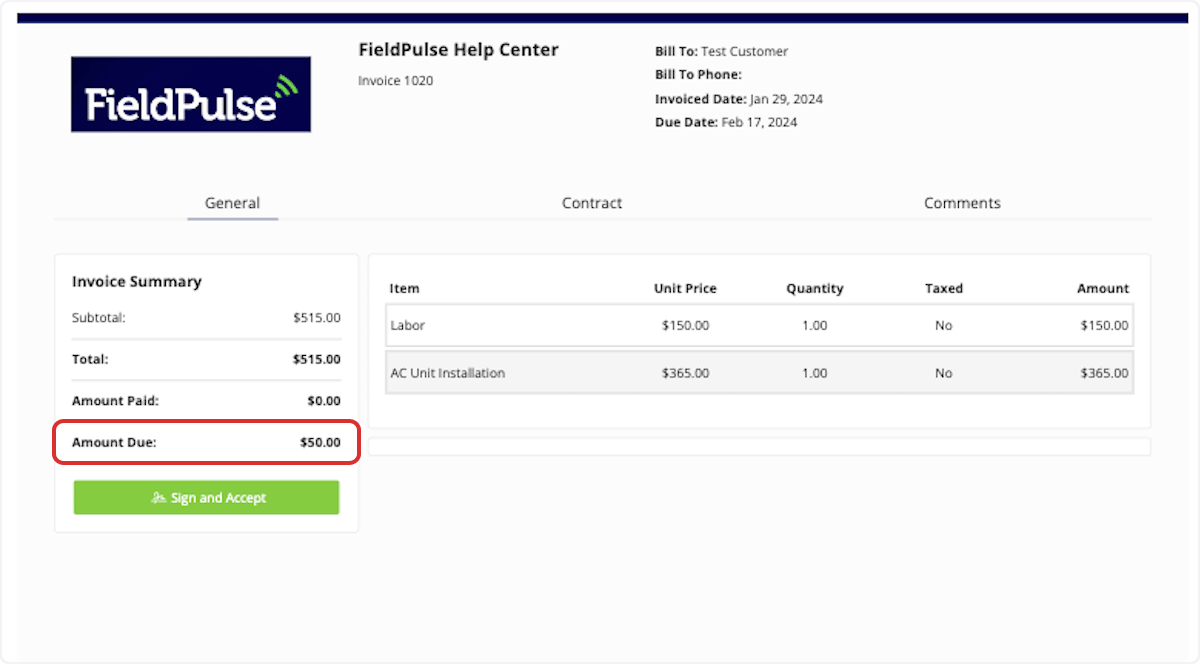
Invoice Actions
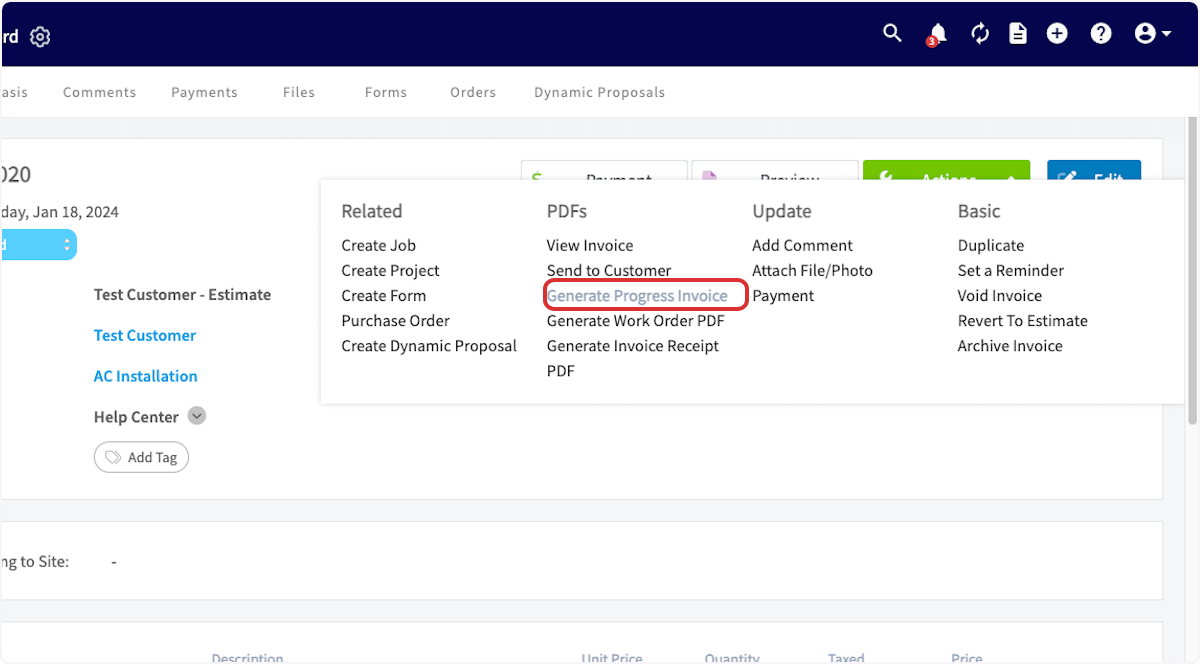
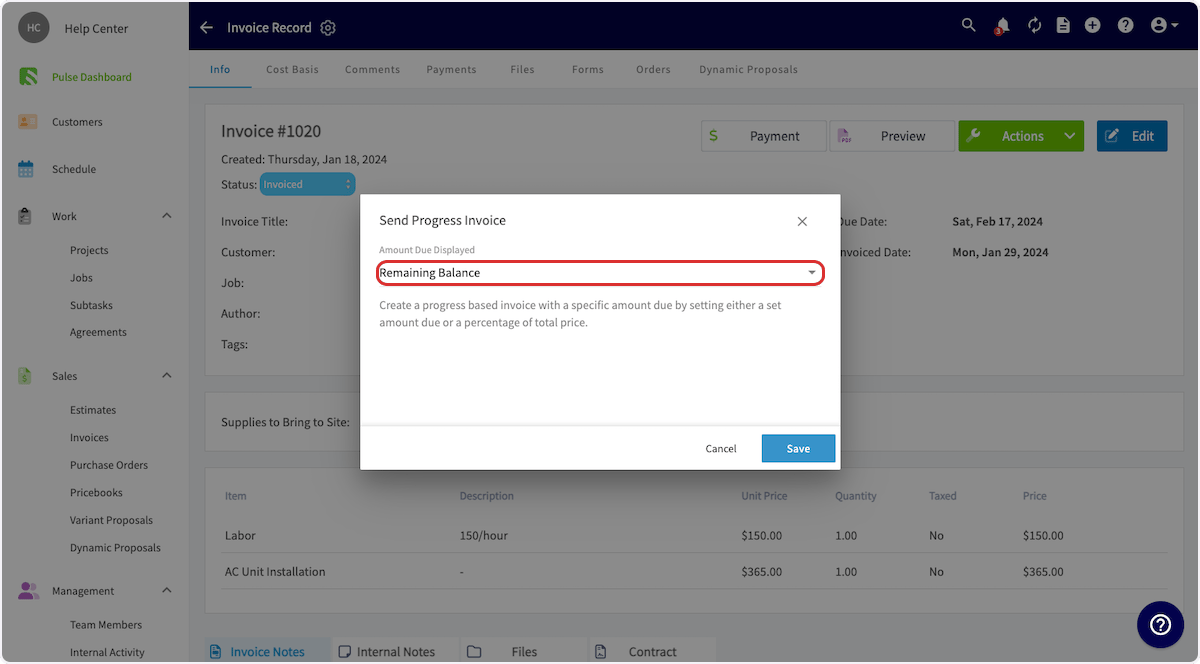
Another method for collecting partial or progress payments is by clicking on the invoice record, then selecting Actions.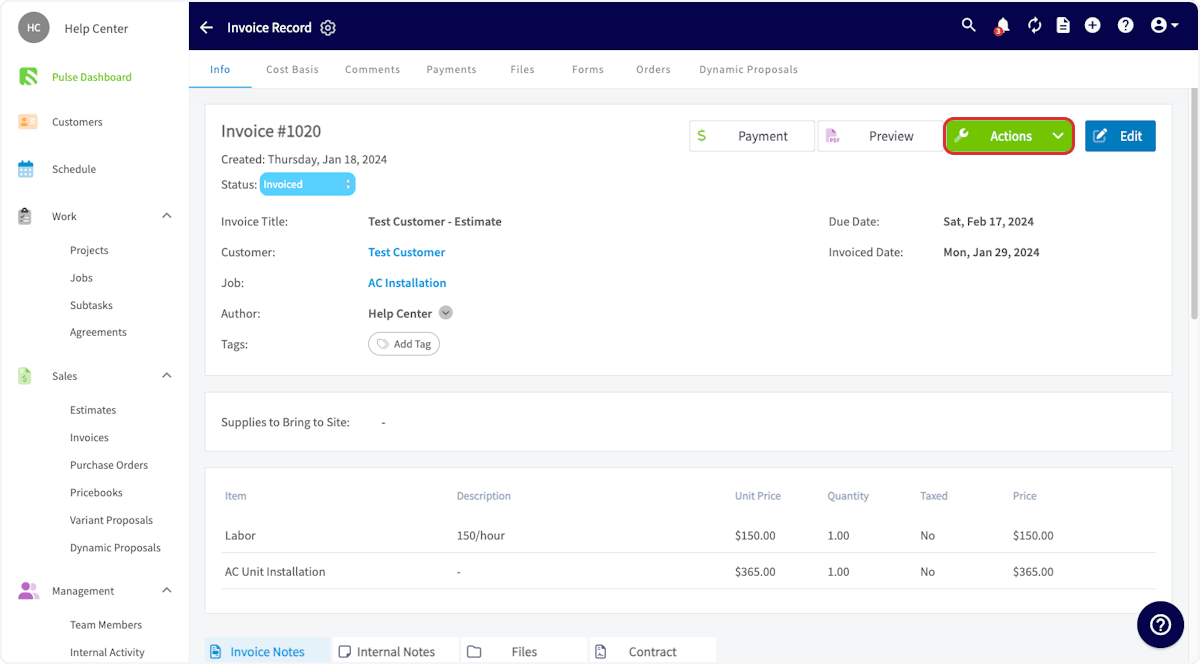
Have additional questions? Contact us at support@fieldpulse.com or use the chat feature in the bottom right corner of your screen.