

Documentation Index
Fetch the complete documentation index at: https://fieldpulse.mintlify.app/llms.txt
Use this file to discover all available pages before exploring further.
Overview
When you send an Estimate or Invoice from FieldPulse, your customer receives more than just a number. They get a branded, professional experience that reflects your business. This article covers what that looks like, from the email they receive to the PDF, and the approval and signature page.Estimate & Invoice Emails
When you send an Estimate or Invoice from FieldPulse, your customer receives an email with a link to view their estimate/invoice. If you’ve added your logo in your Company Settings, it will display in the header.
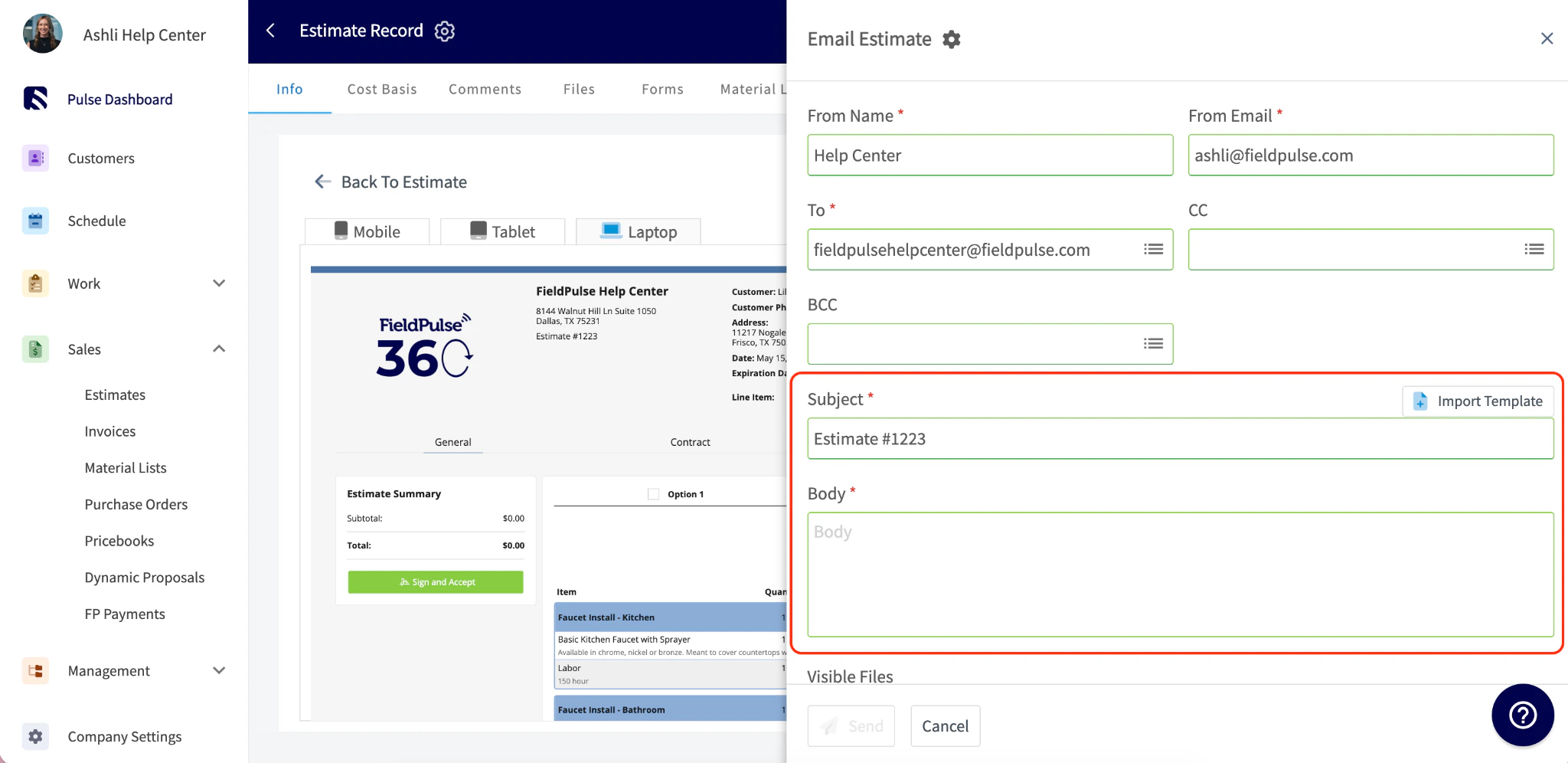
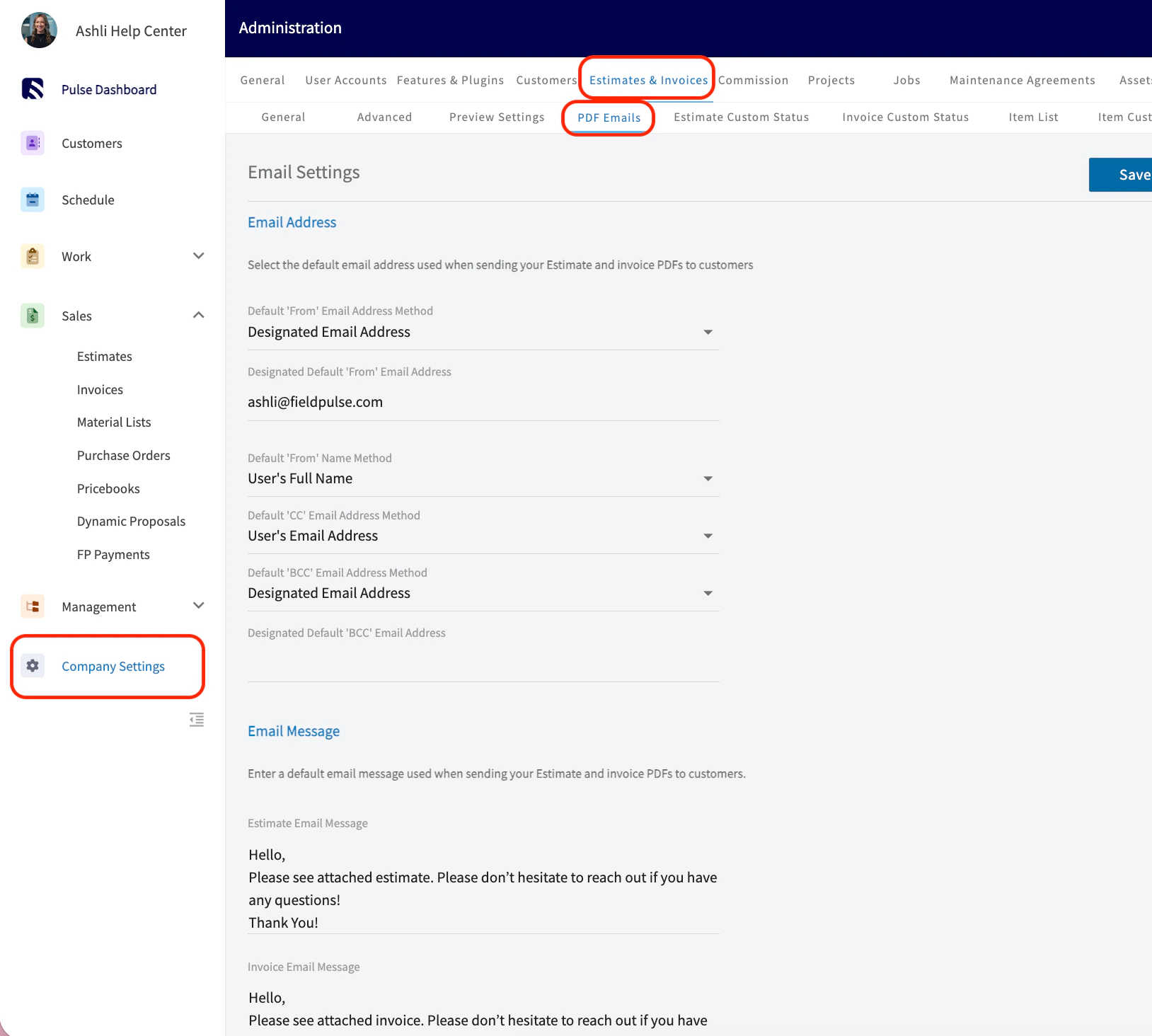
To learn more about Sending Estimates and Invoices to Customers, click here.
Estimate & Invoice PDFs
When you send an Estimate or Invoice from FieldPulse, you can choose to send your customer a PDF version. To view the PDF, go to your Estimate/Invoice record > View Estimate/Invoice > PDF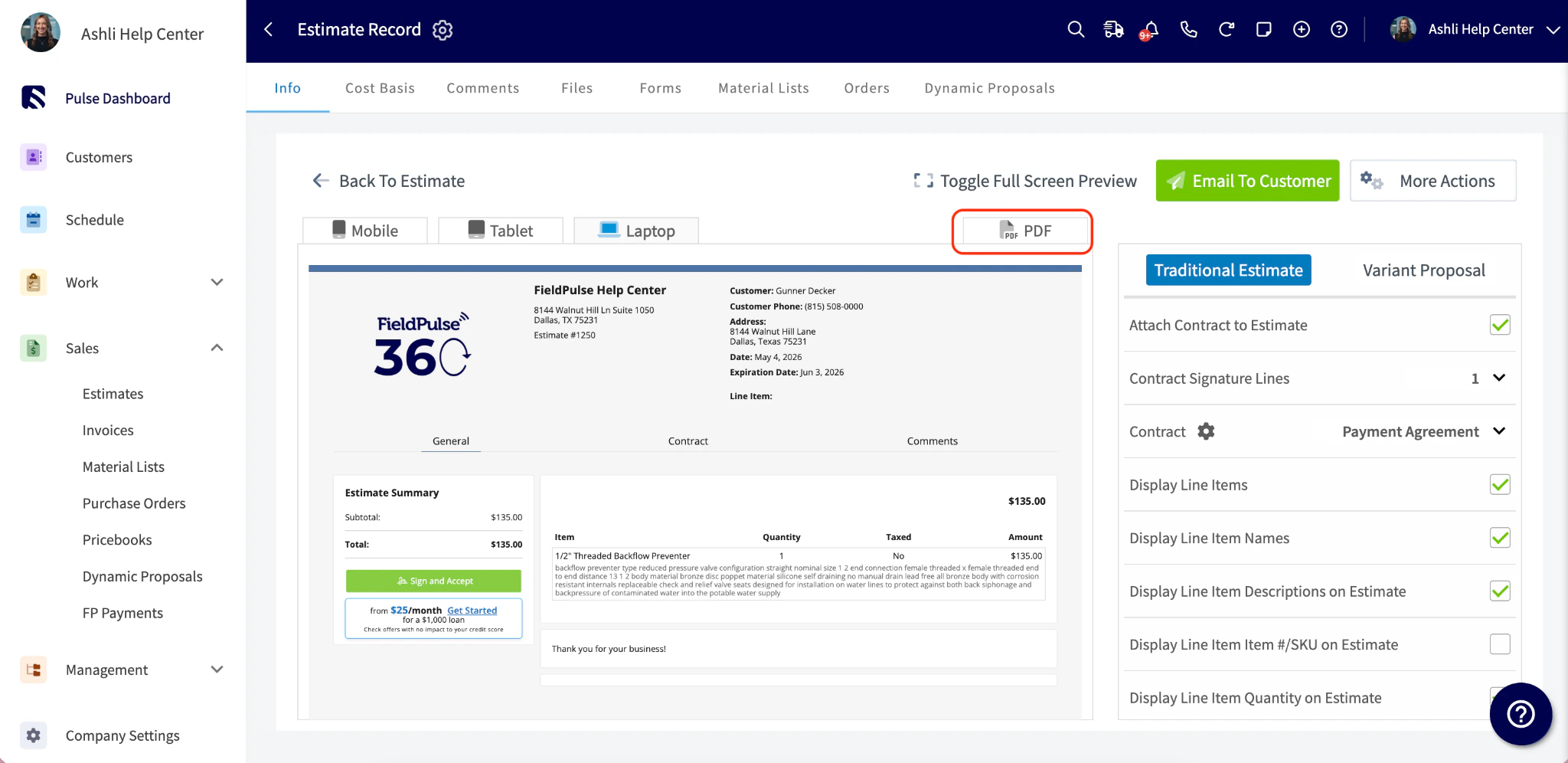

The Approval and Signature Page
If you’ve requested a customer signature, customers can approve their estimate/invoice directly from the dynamic link. They’ll see the record details and a green button to accept, no account or login required.
To learn more about Requesting a Customer Signature, click here
Have additional questions? Contact us at support@fieldpulse.com or use the chat feature in the bottom right corner of your screen.