

If you want to collect a customer’s electronic signature on an estimate or invoice via email, you can do so directly in FieldPulse. If you’d like to collect a signature and attach a contract, visit the Contracts article to learn more.Documentation Index
Fetch the complete documentation index at: https://fieldpulse.mintlify.app/llms.txt
Use this file to discover all available pages before exploring further.
Default Signature Request
If you plan to collect a signature on every estimate/invoice, you can set your default settings to request a signature. As with other default settings, you can always make changes for individual estimates/invoices. To turn on default signature requests, navigate to Company Settings in the left-side menu, and then click Estimates & Invoices in the header. Then select the Preview Settings tab.

Collecting a Signature Without a Contract
Begin by previewing your estimate/invoice and selecting Email to Customer.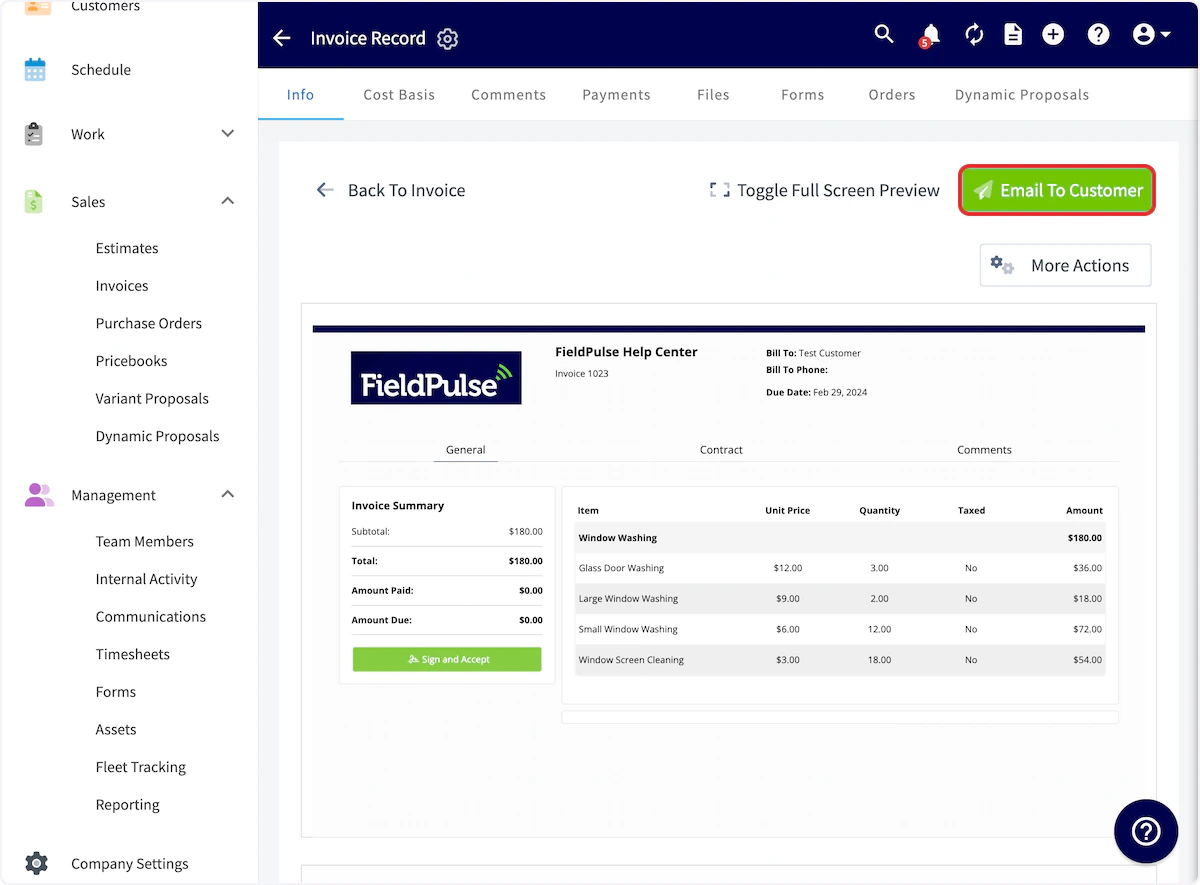
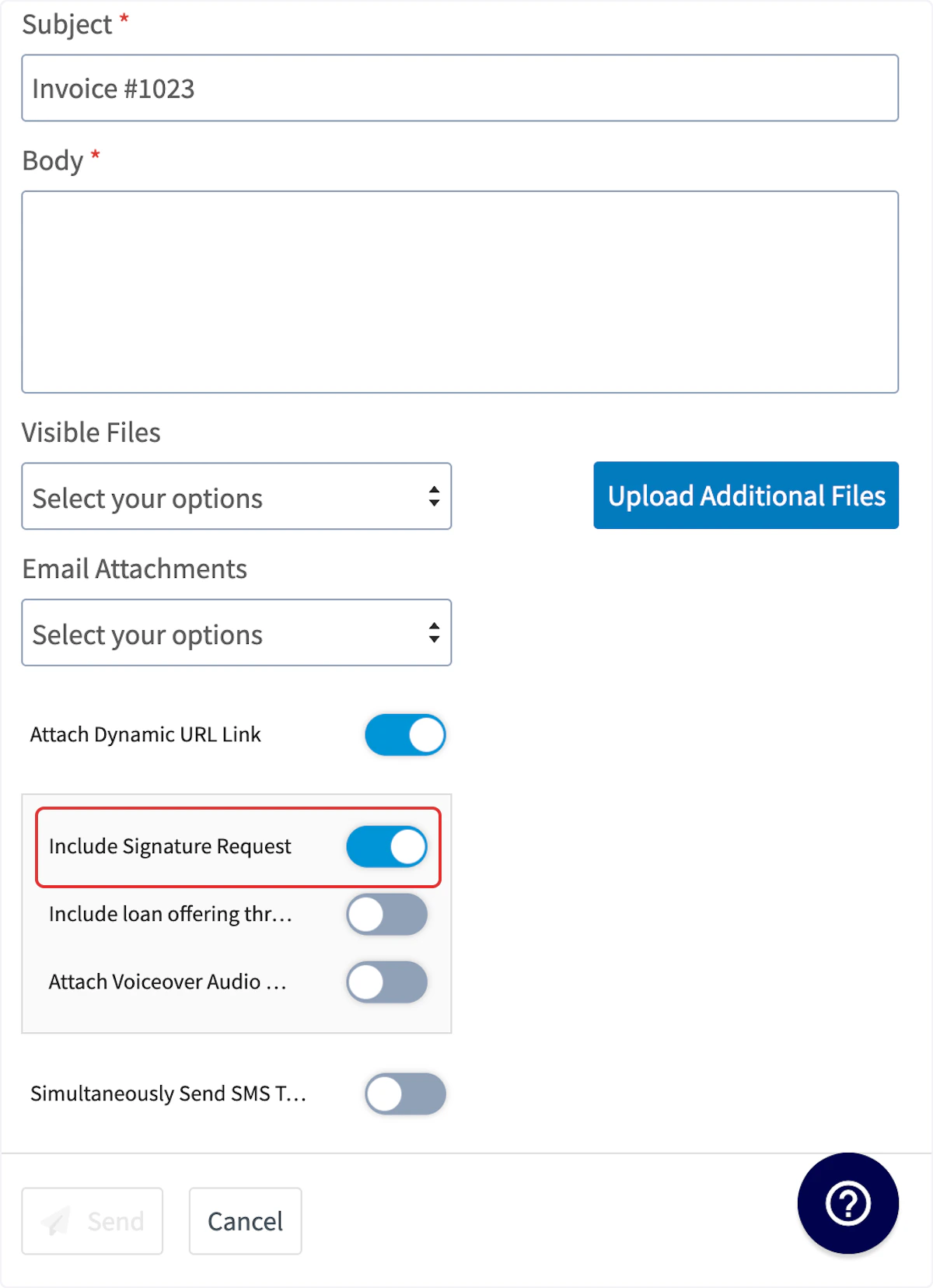
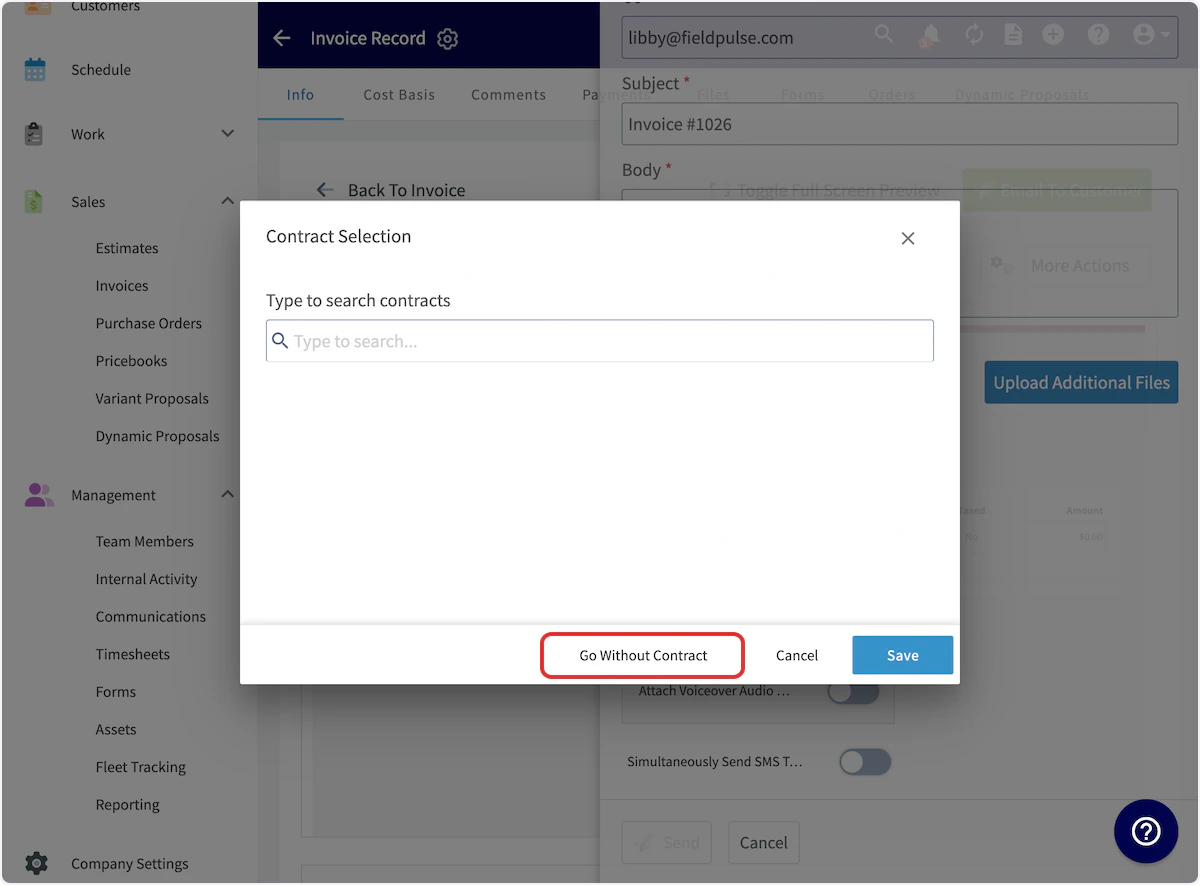
Signing Process
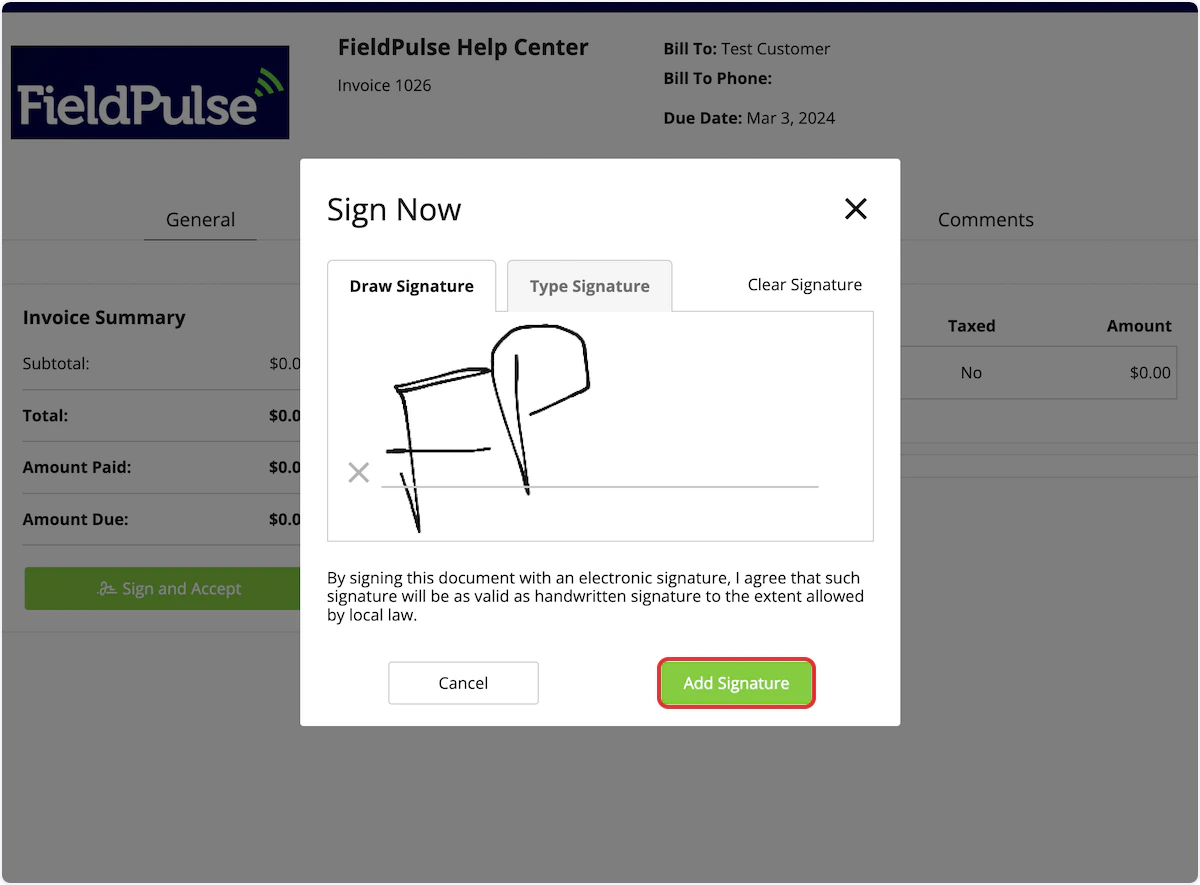
When the estimate/invoice is emailed to your customer, they can click to open it. They will then select Sign and Accept.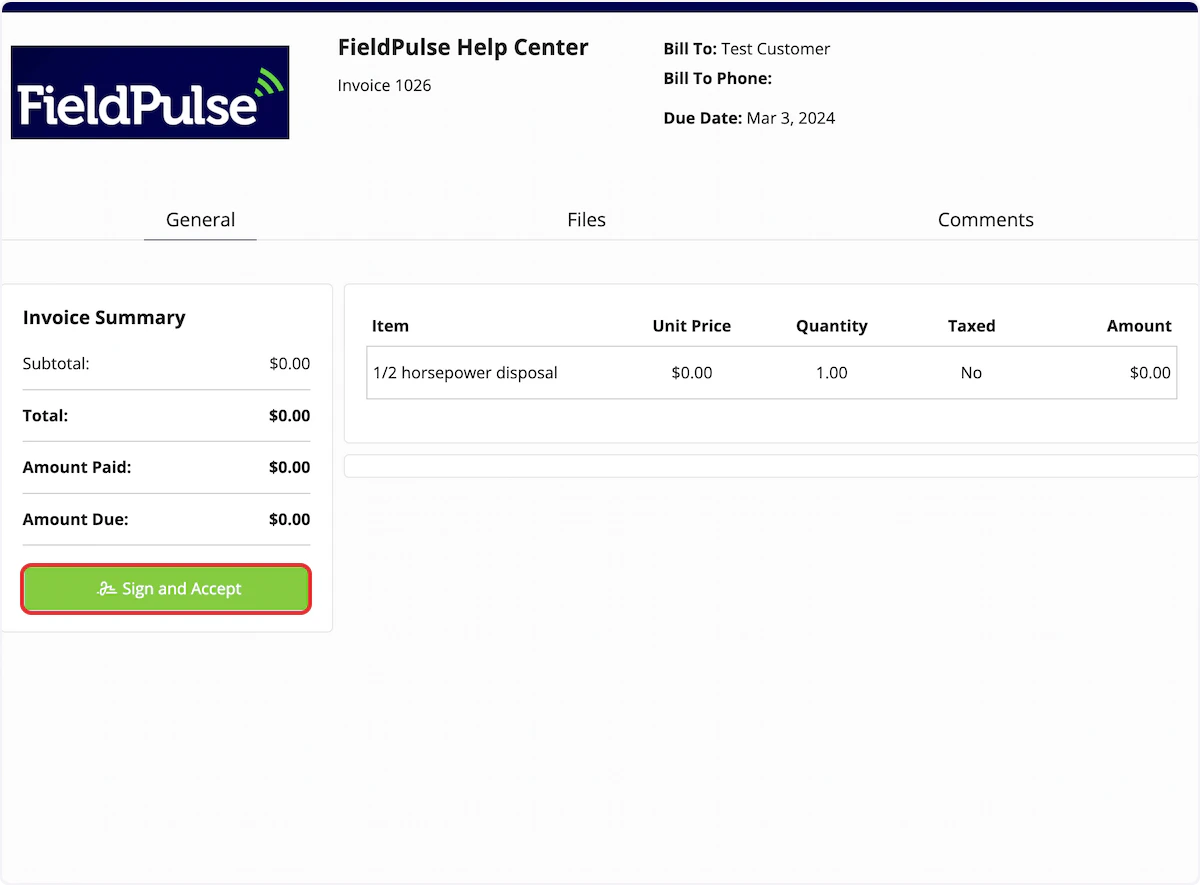
Video Tutorial
Have additional questions? Contact us at support@fieldpulse.com or use the chat feature in the bottom right corner of your screen.