
Scheduling from the Dispatch View
To begin, select Schedule from the left-side menu. Open Dispatch View on the Team Schedule page.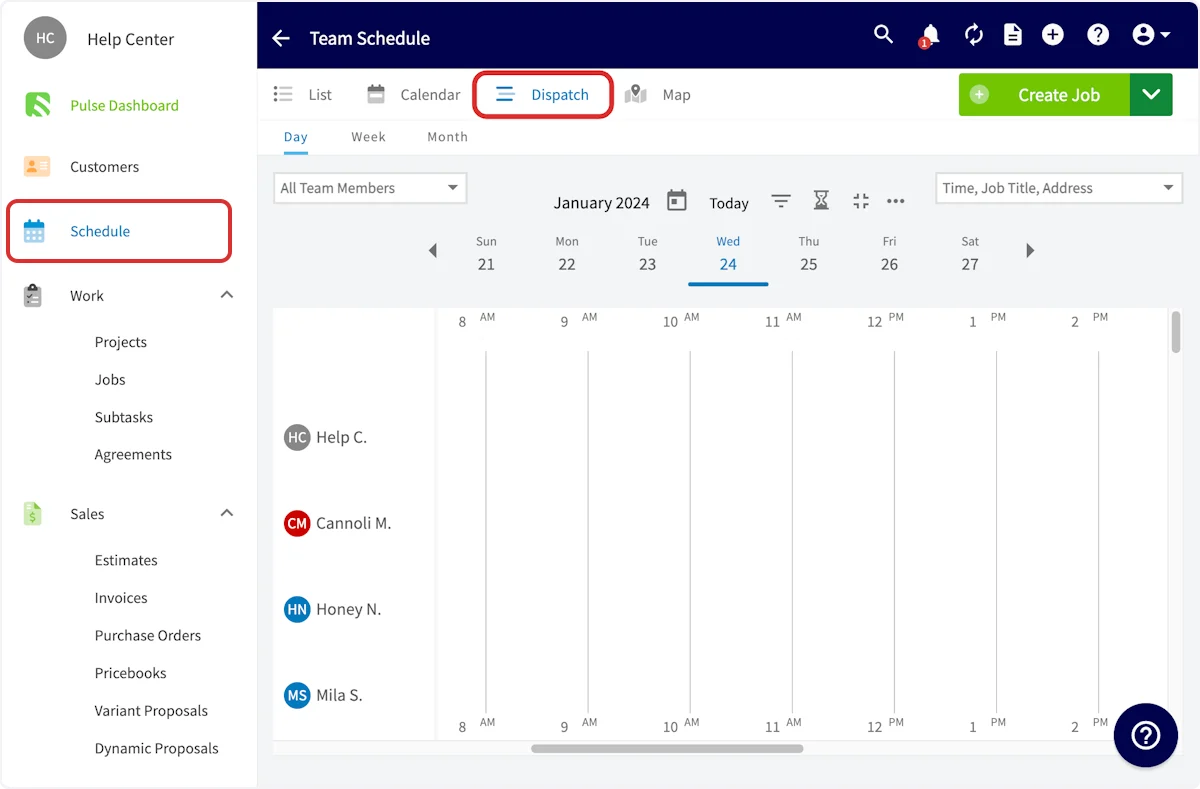
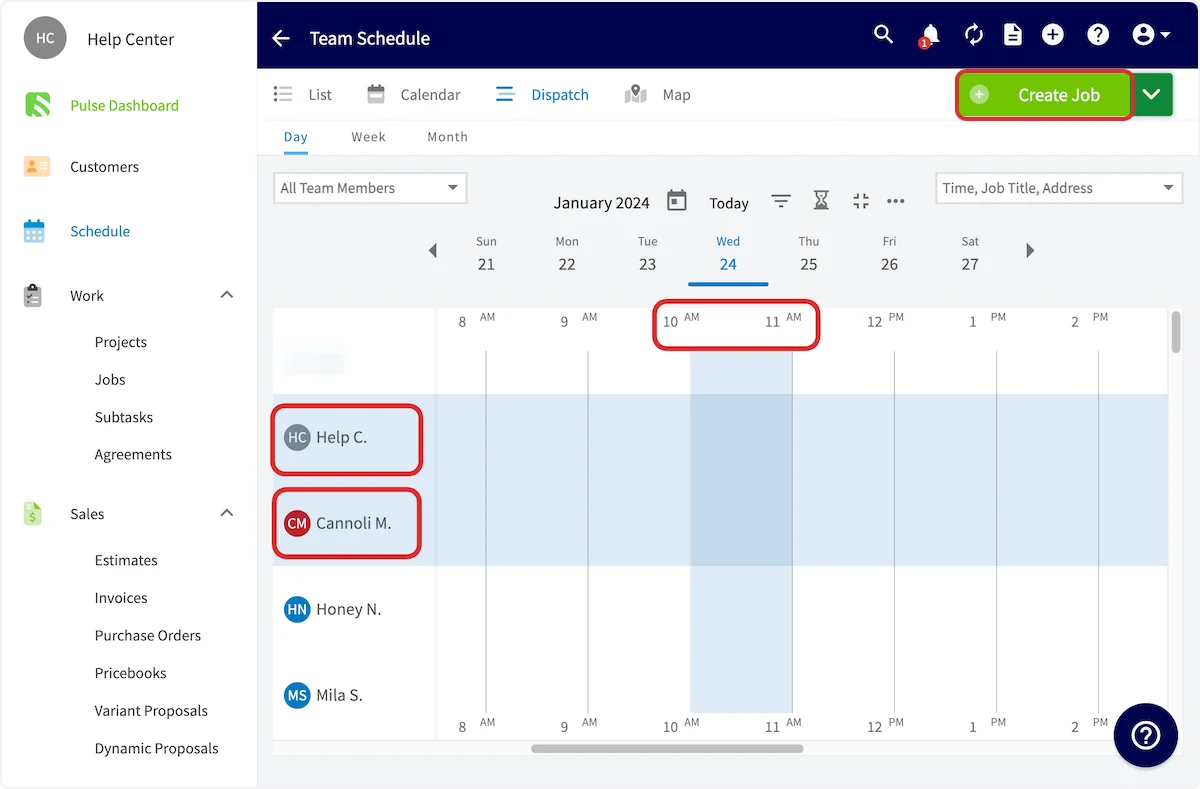
Filtering the Dispatch View by Team or Skill
Above the left column of team members, use the Filter by Teams and Filter by Skill dropdowns to narrow who shows up on the schedule.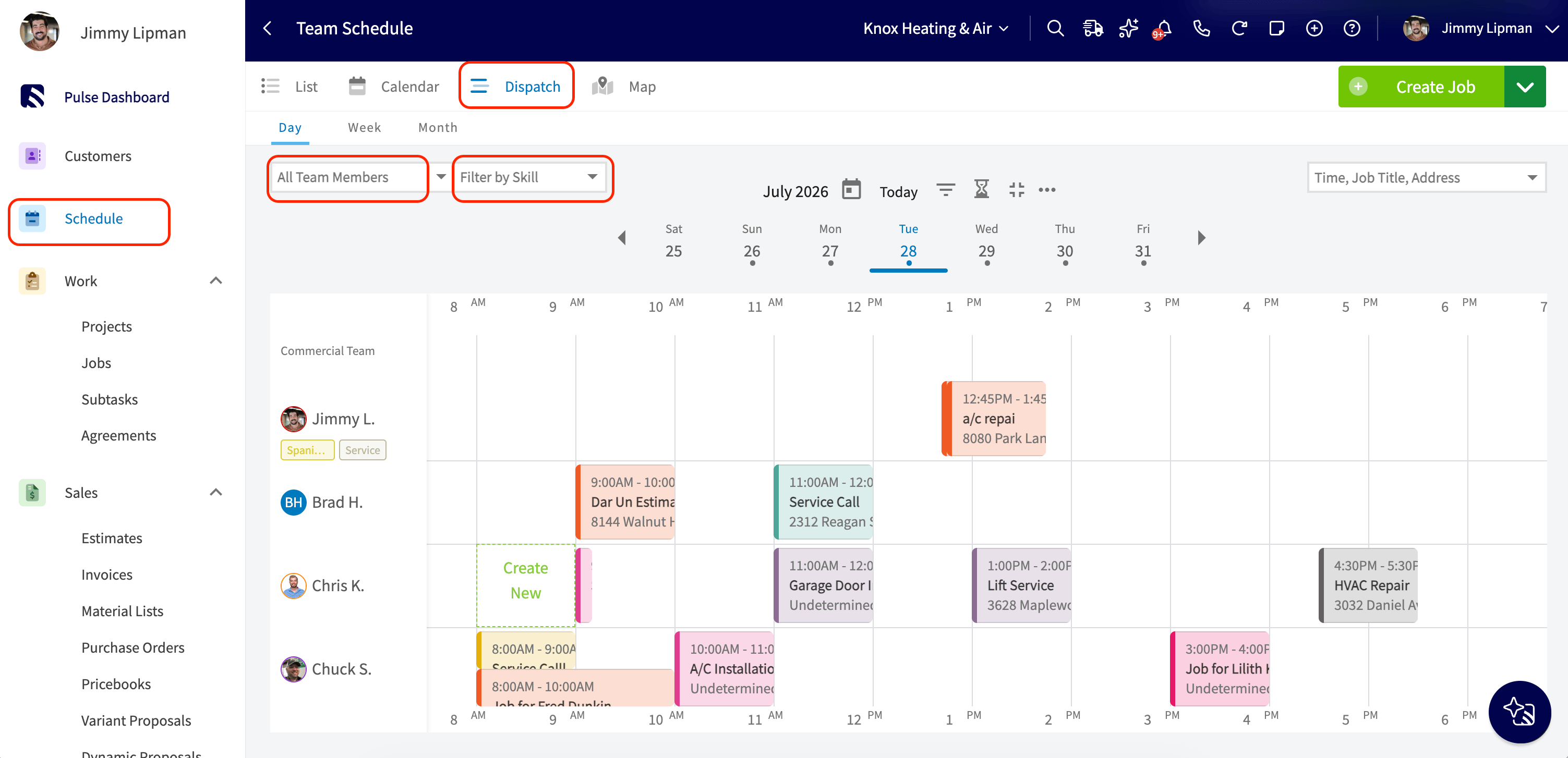
- Filter by Teams narrows the options to members of the selected team(s).
- Filter by Skill is a multi-select dropdown listing every tag in use.
Reordering Teams in the Dispatch View
Team rows in the Dispatch view load in the default order set on the Teams tab in Company Settings > User Accounts > Teams. However, within the Filter by Teams dropdown, each team has a drag handle next to its name. Drag a team up or down to move your priority teams to the top for your current session.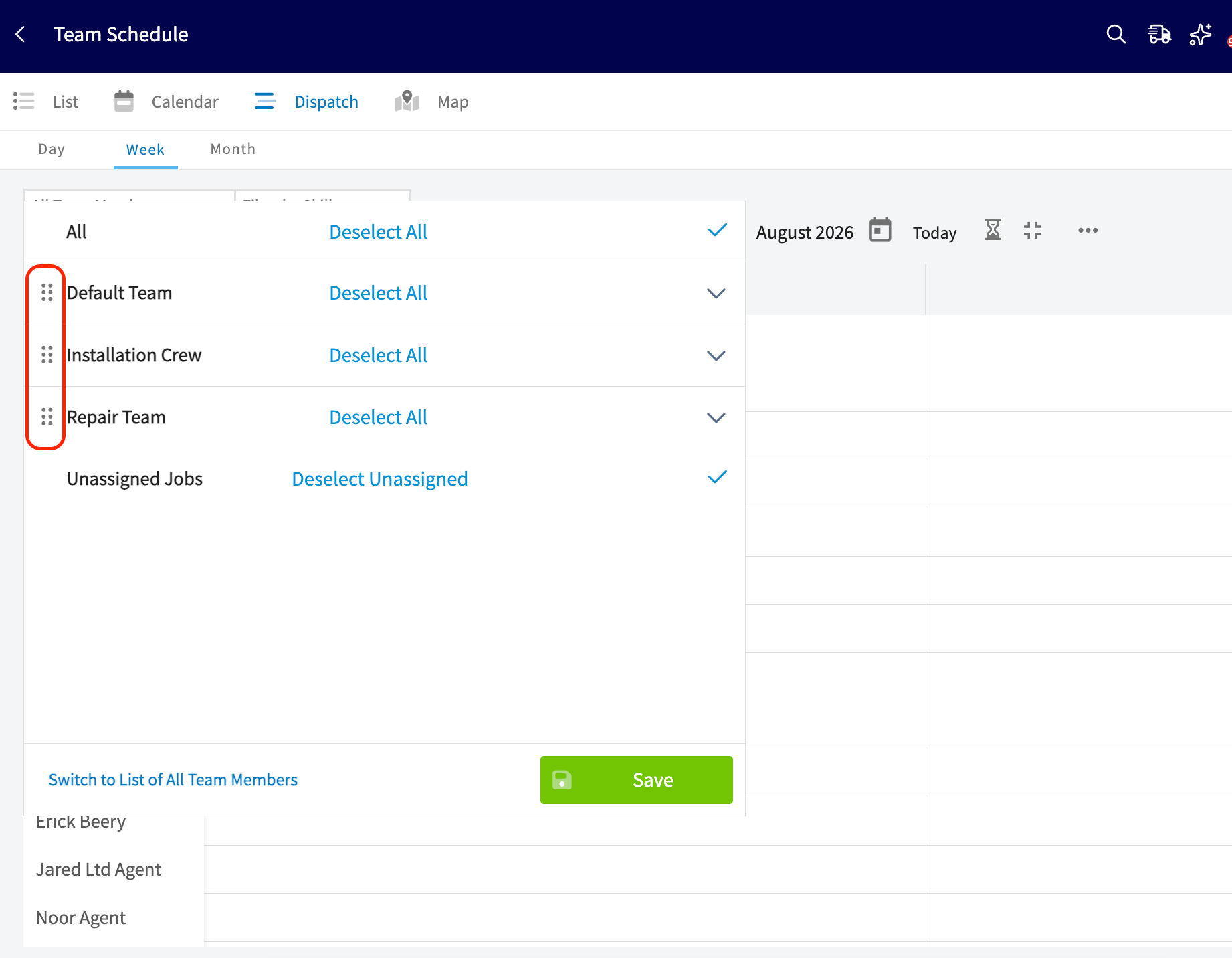
Scheduling from a Job Record
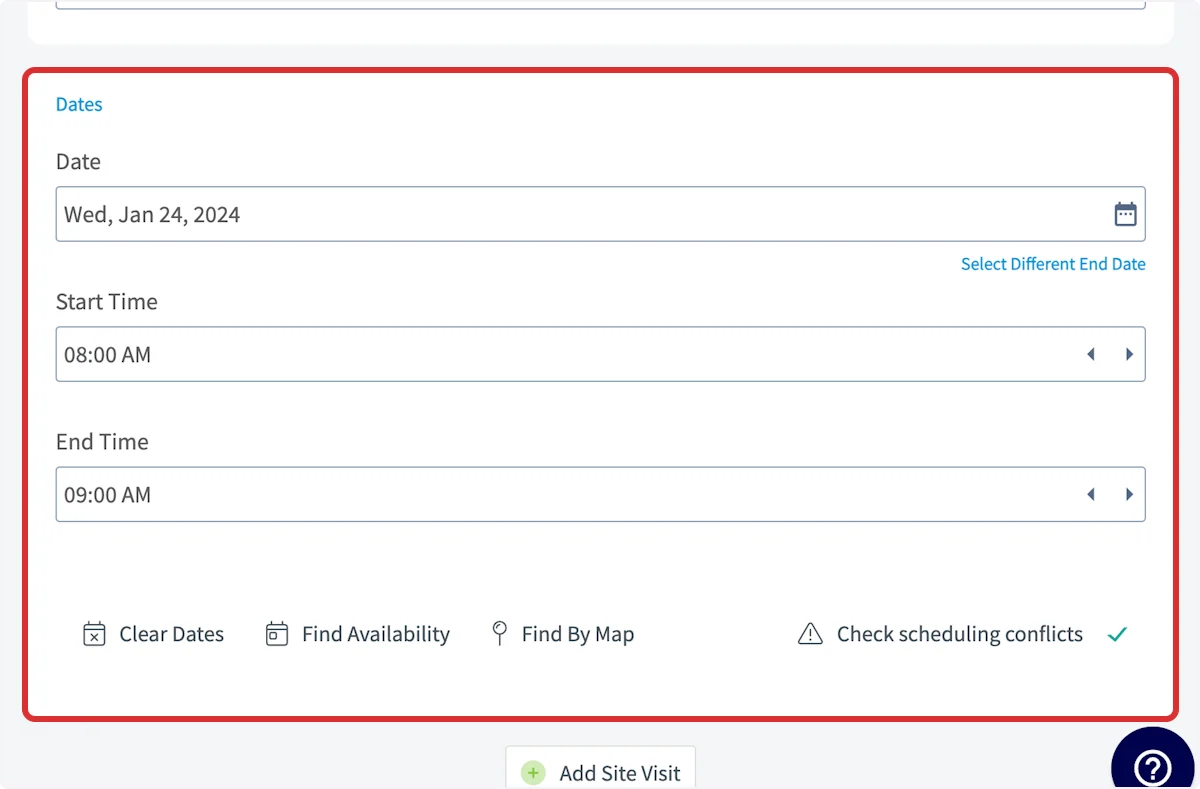
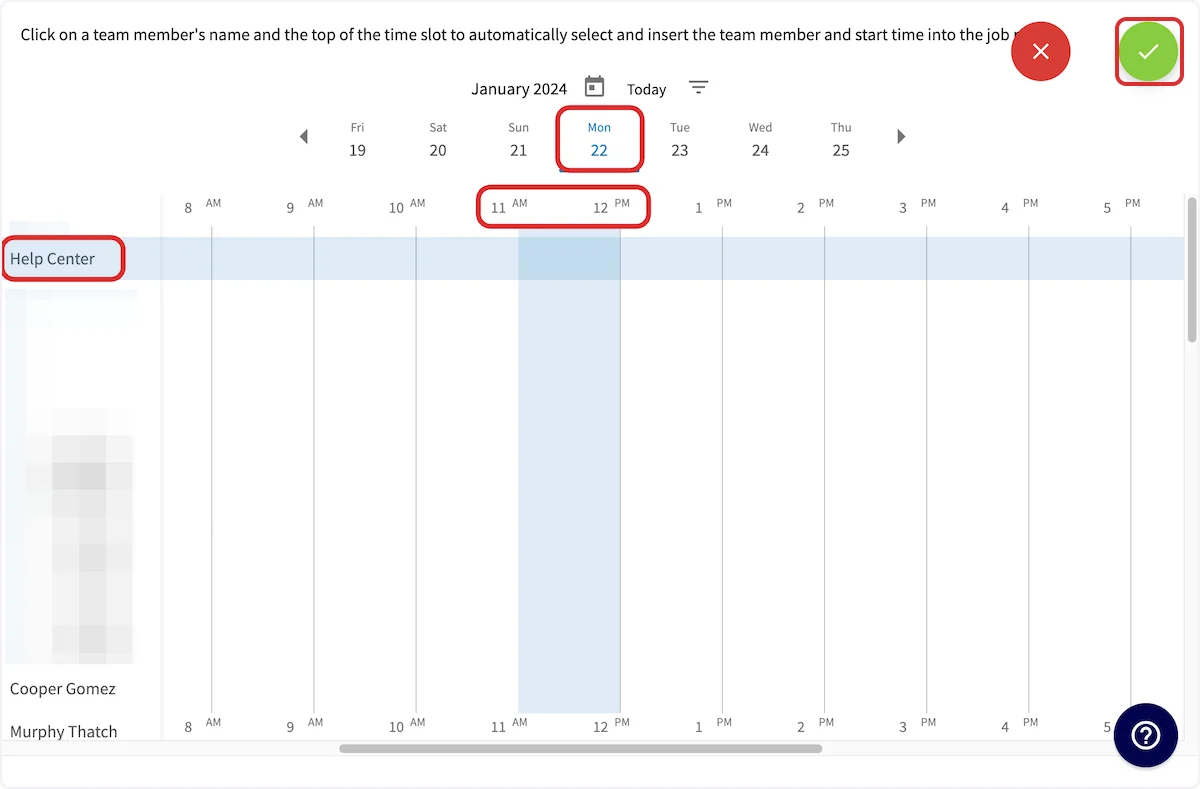
When creating a job record, you can also utilize the dispatch view for scheduling. When creating the new record, scroll down and select the Find Availability button.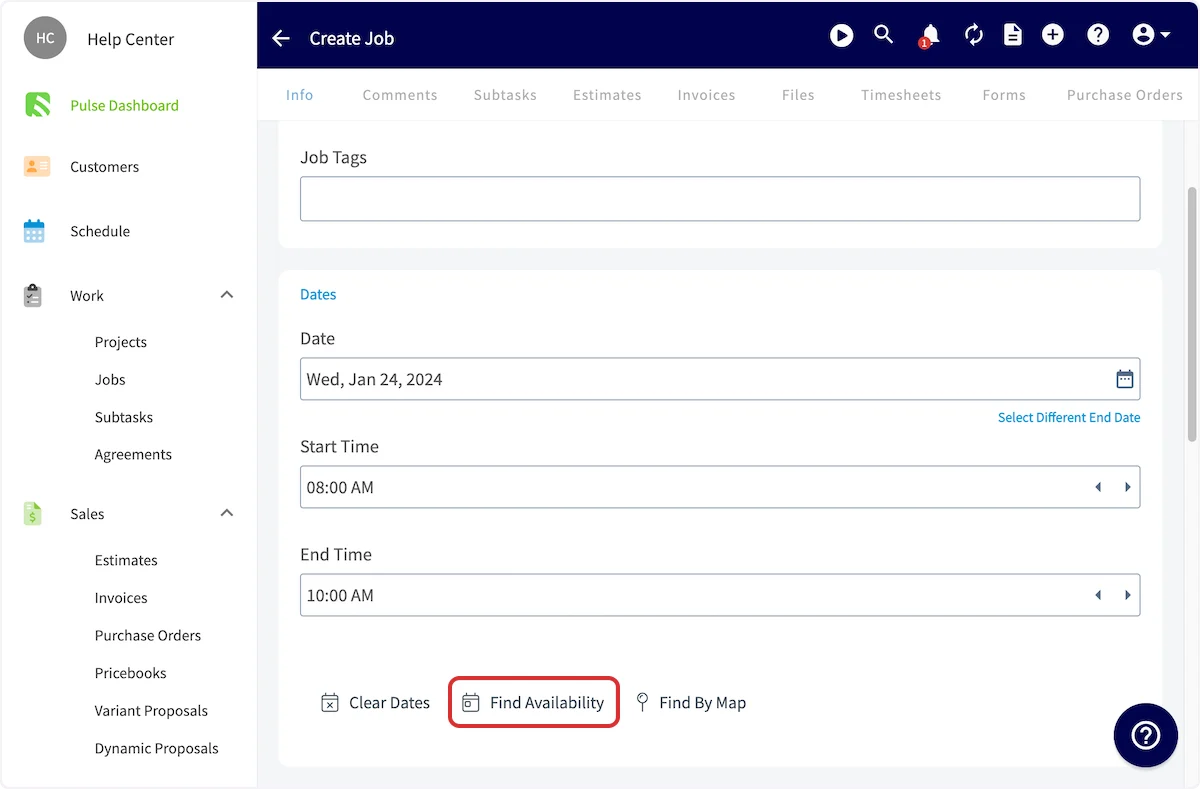
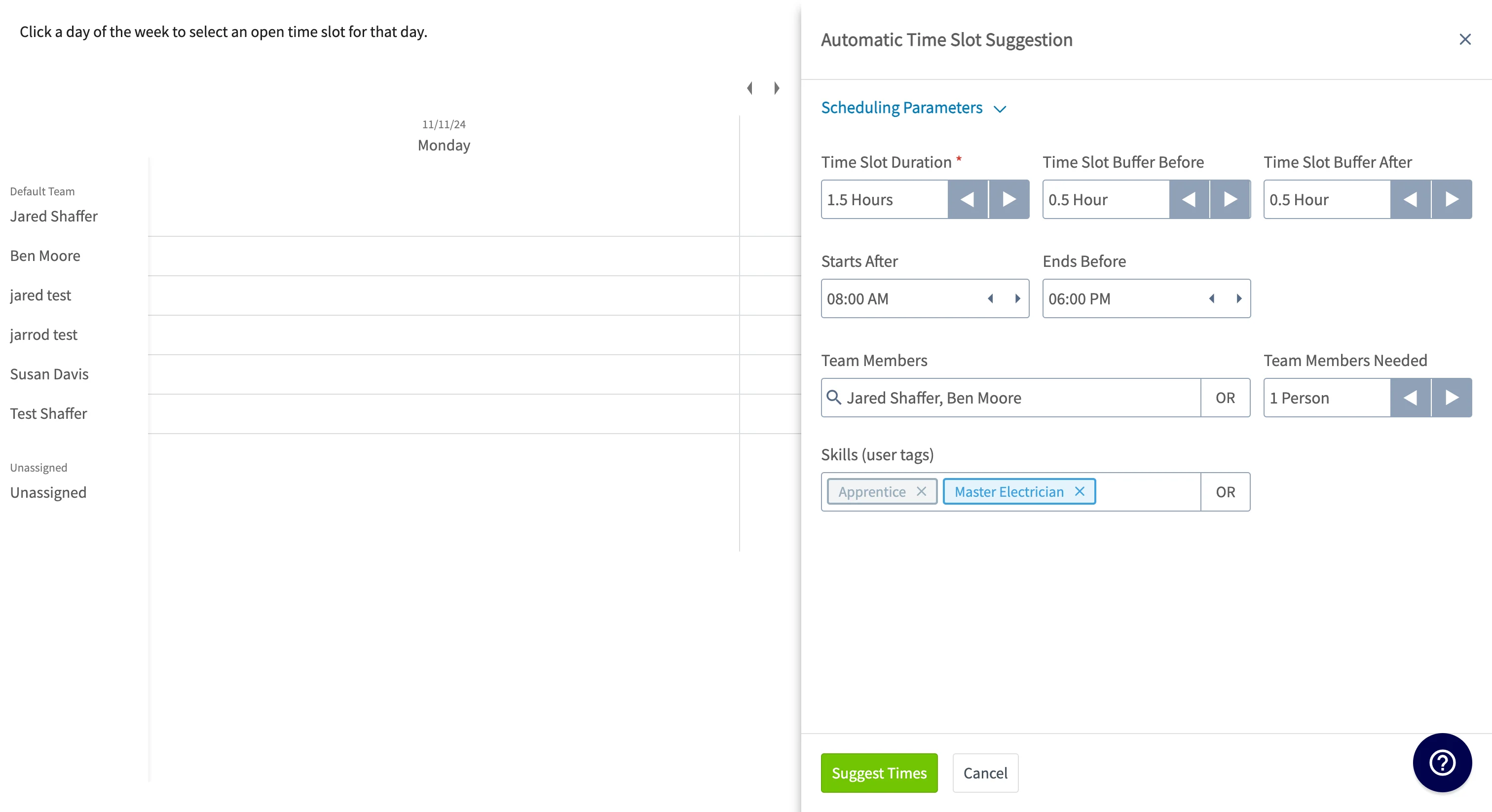
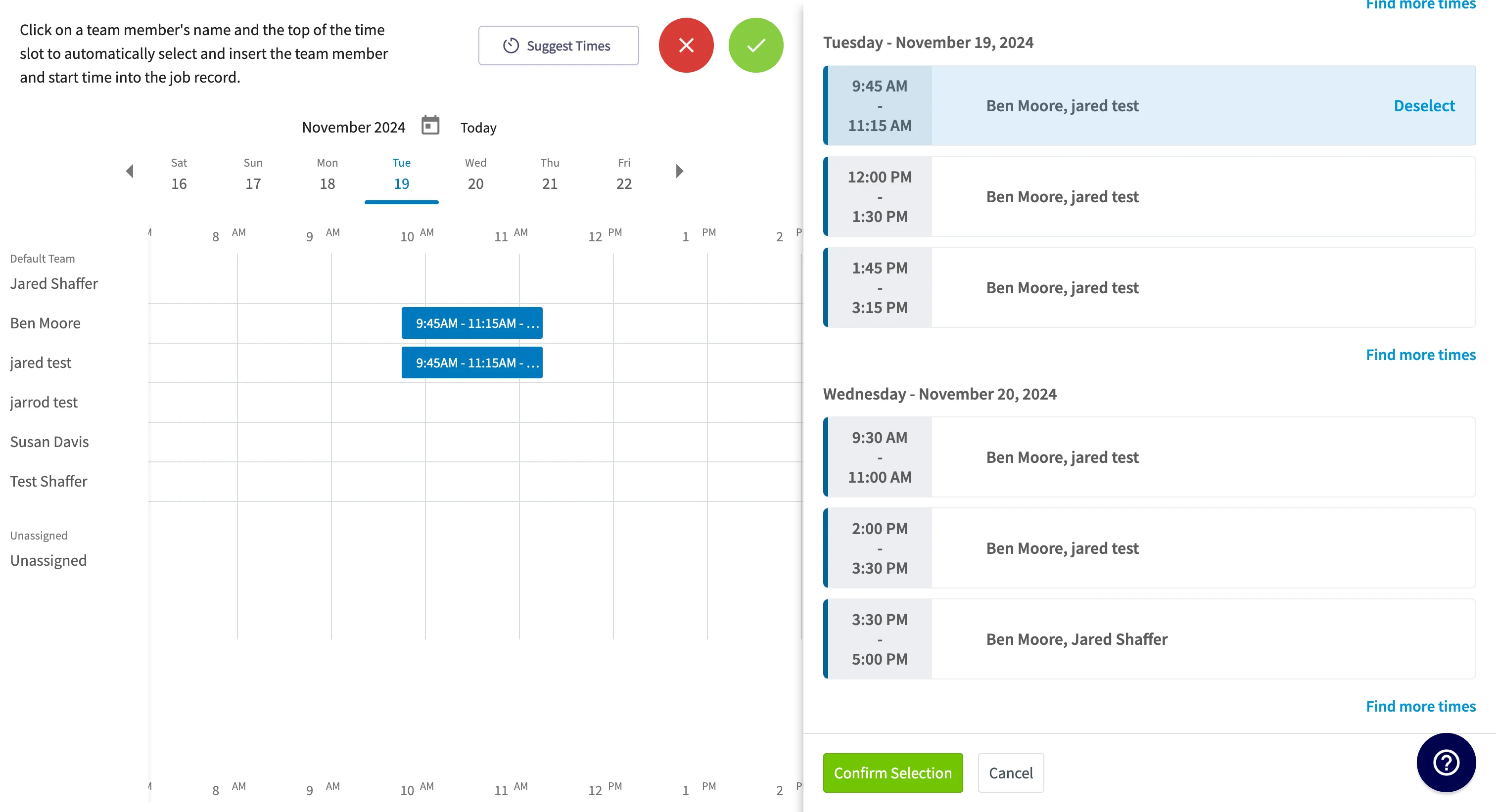
To learn how to set working hours for multi-day jobs, setting working hours for multi-day jobs.
Have additional questions? Contact us at support@fieldpulse.com or use the chat feature in the bottom right corner of your screen.