Reminder:

FieldPulse only integrates with QuickBooks Desktop 2024 and newer

Use this guide to preview how your records will transfer between FieldPulse and QuickBooks Desktop.

Customers

FieldPulse
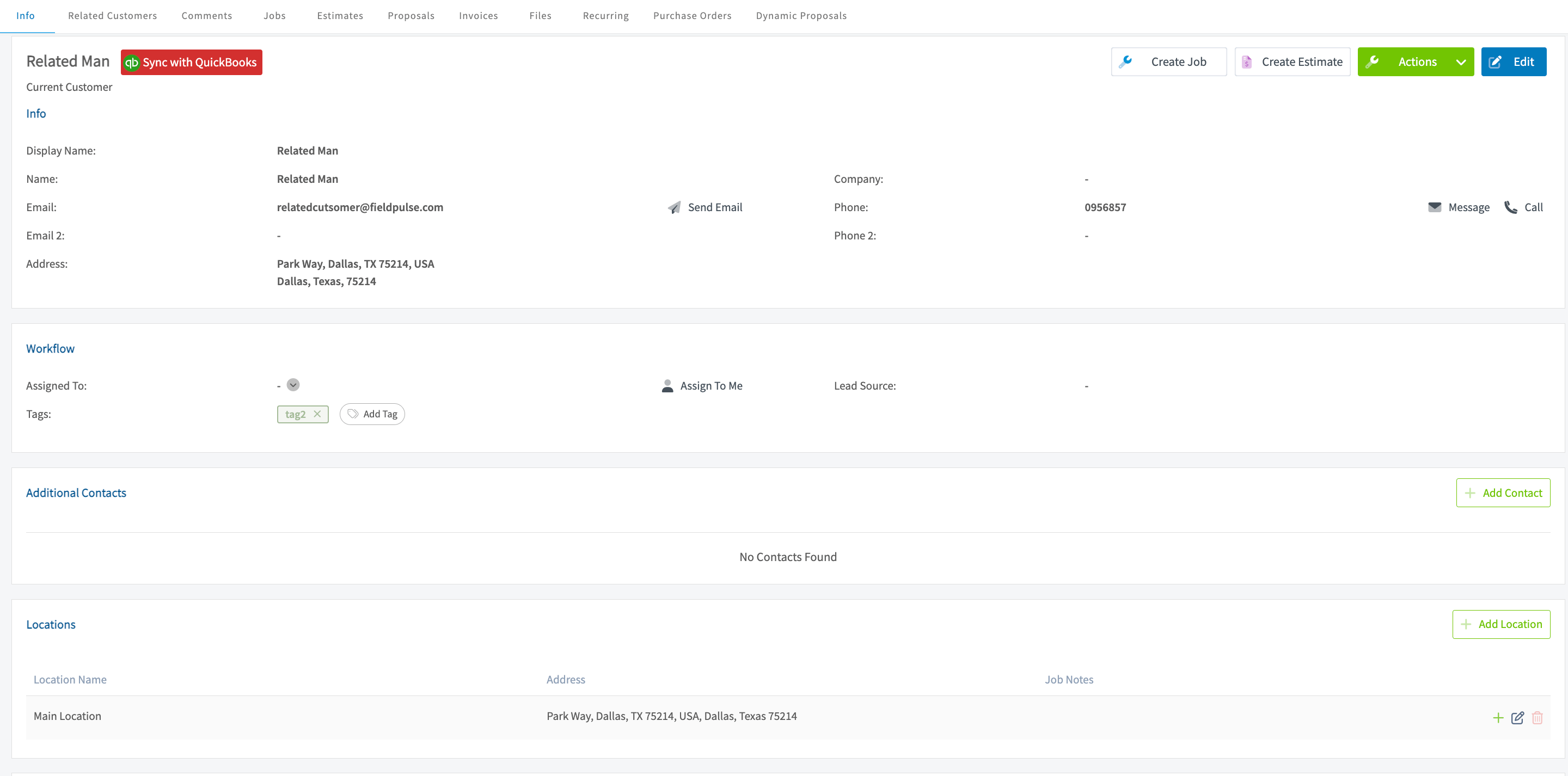
Failed Sync button next to a record and the sync error troubleshooting page

QuickBooks

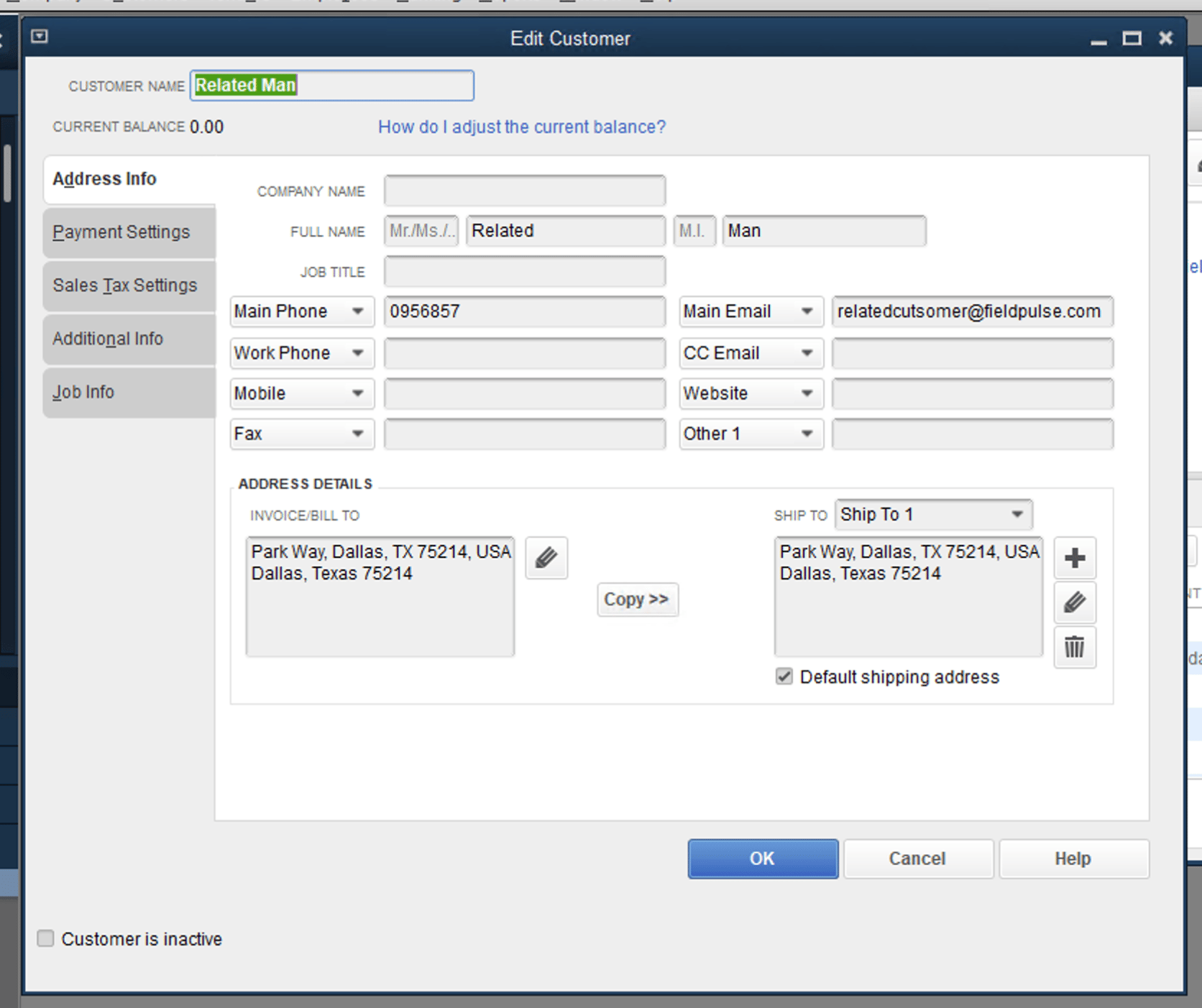
Record in FieldPulse shown as a sync example for QuickBooks Desktop

Tax Rate Items

Tax Rate Items in QuickBooks Desktop will sync to FieldPulse in a one-way manner, as a Line Item. Once a Tax Rate Item has been synced to FieldPulse, it cannot be edited on any Estimates and Invoices within FieldPulse. Matching record in QuickBooks after syncing from FieldPulse
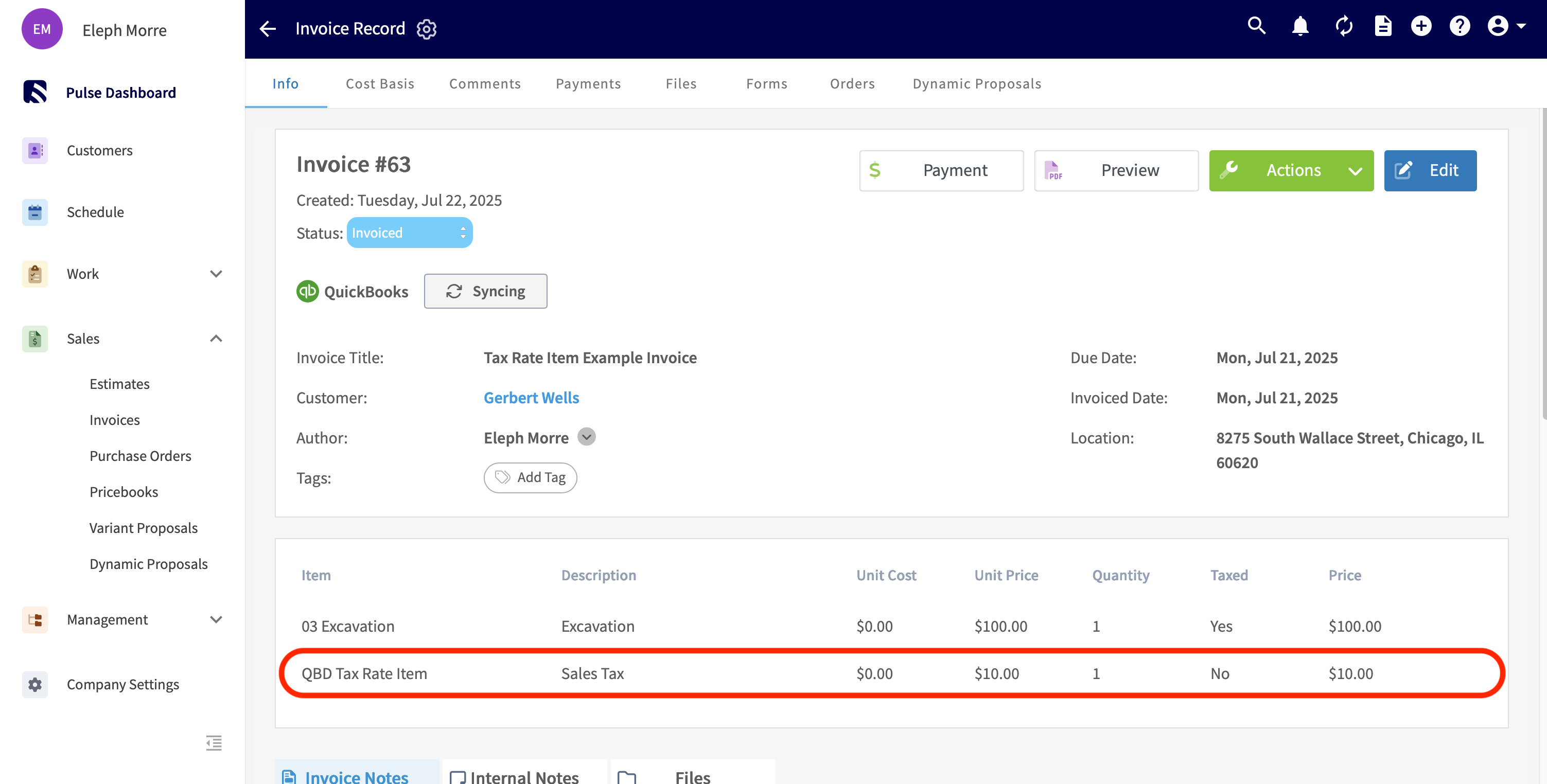
Line Items

FieldPulse

Tax Rate Item synced from QuickBooks Desktop as a line item in FieldPulse

QuickBooks

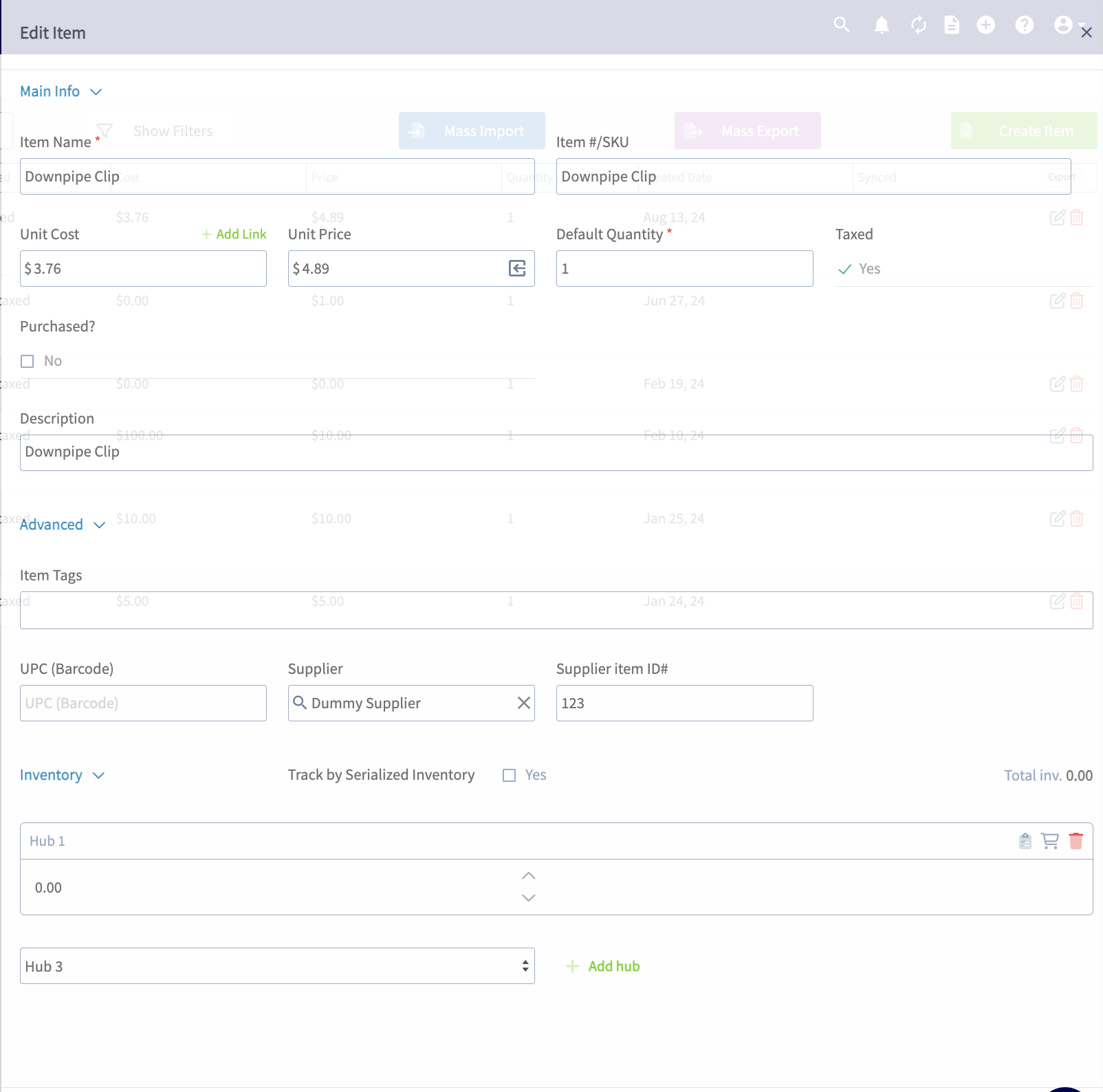
Record in FieldPulse shown as a sync example for QuickBooks Desktop

Estimates

FieldPulse

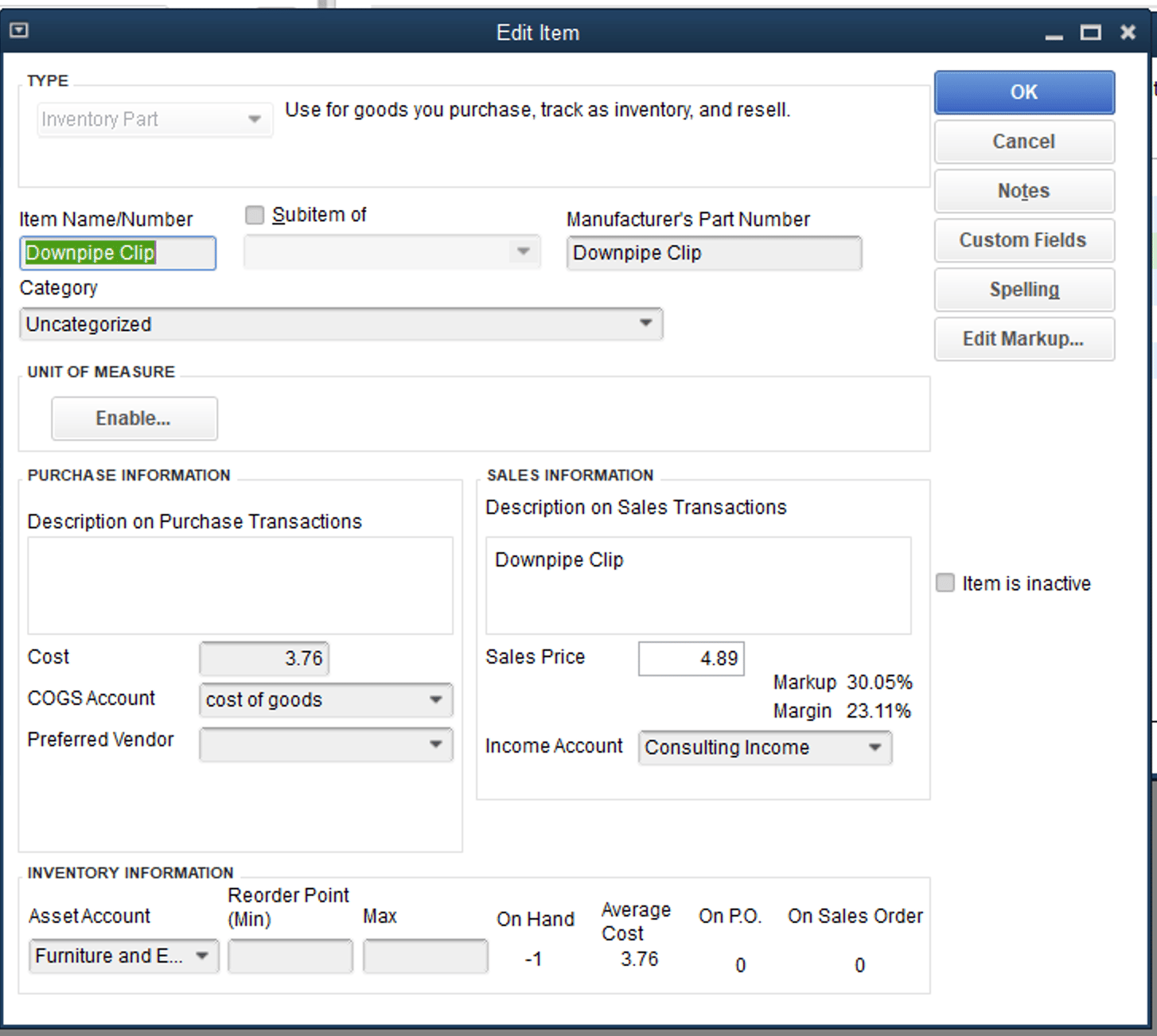
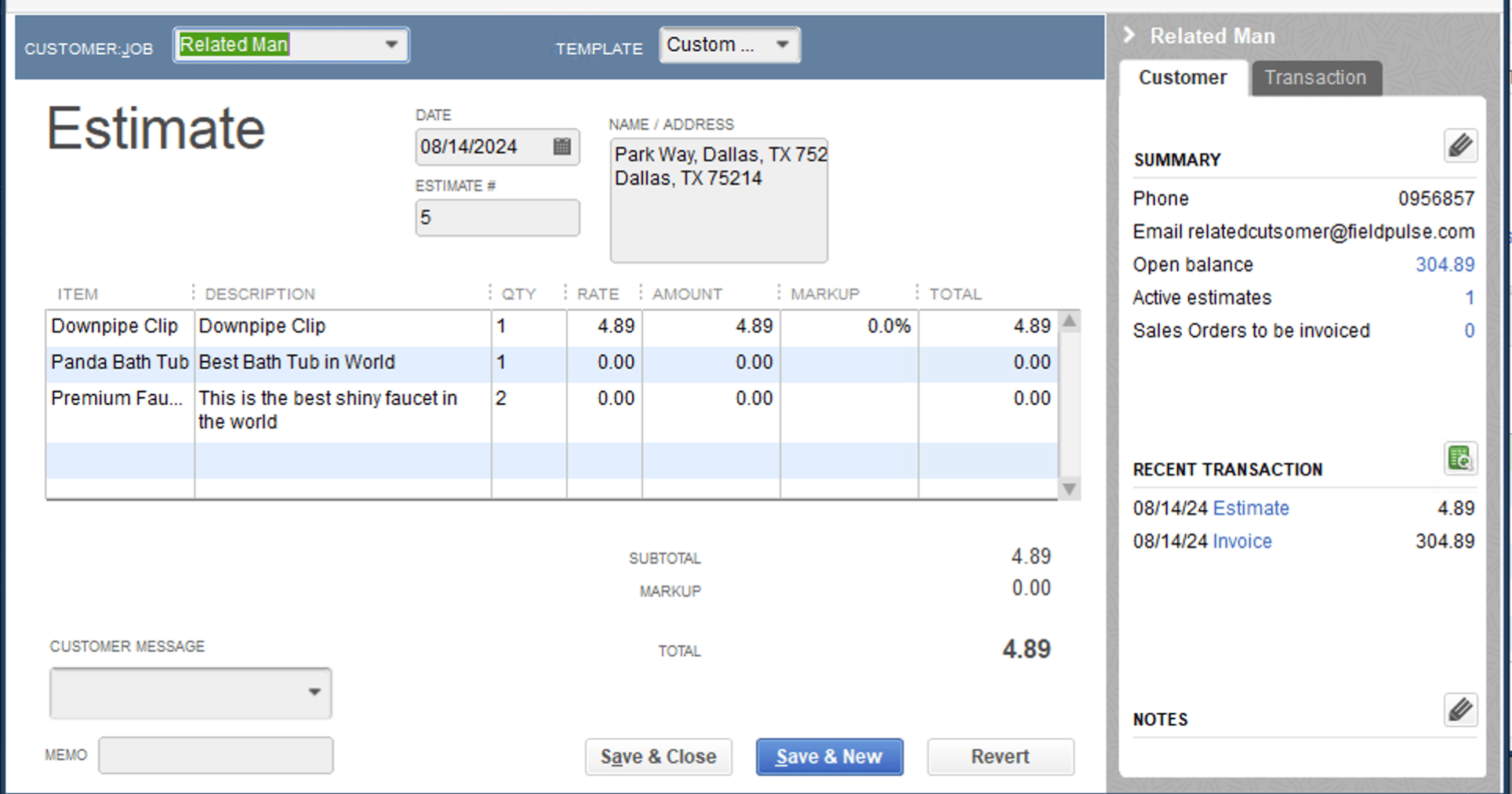
Matching record in QuickBooks after syncing from FieldPulse

QuickBooks

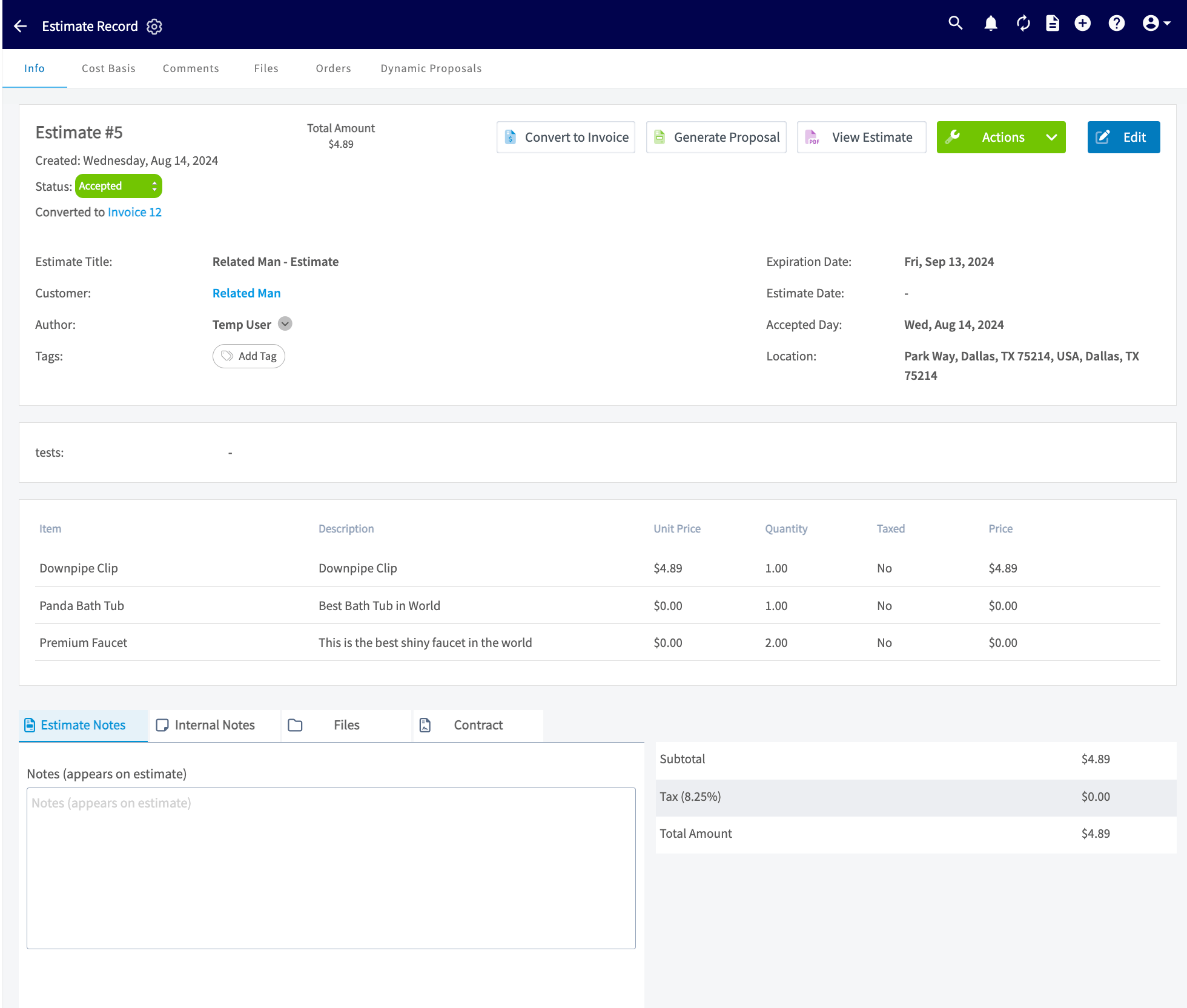
Record in FieldPulse shown as a sync example for QuickBooks Desktop

Invoices

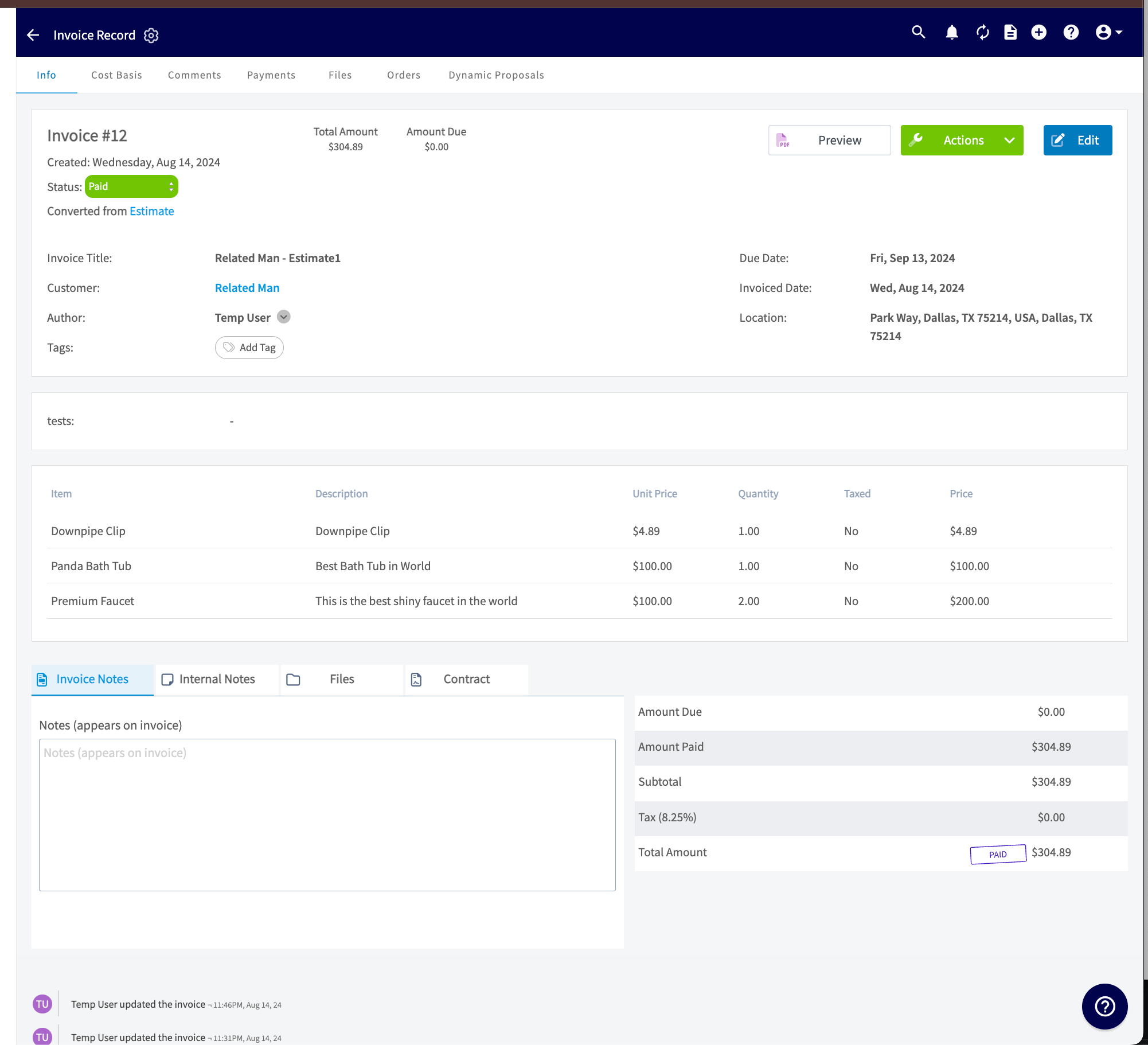
FieldPulse

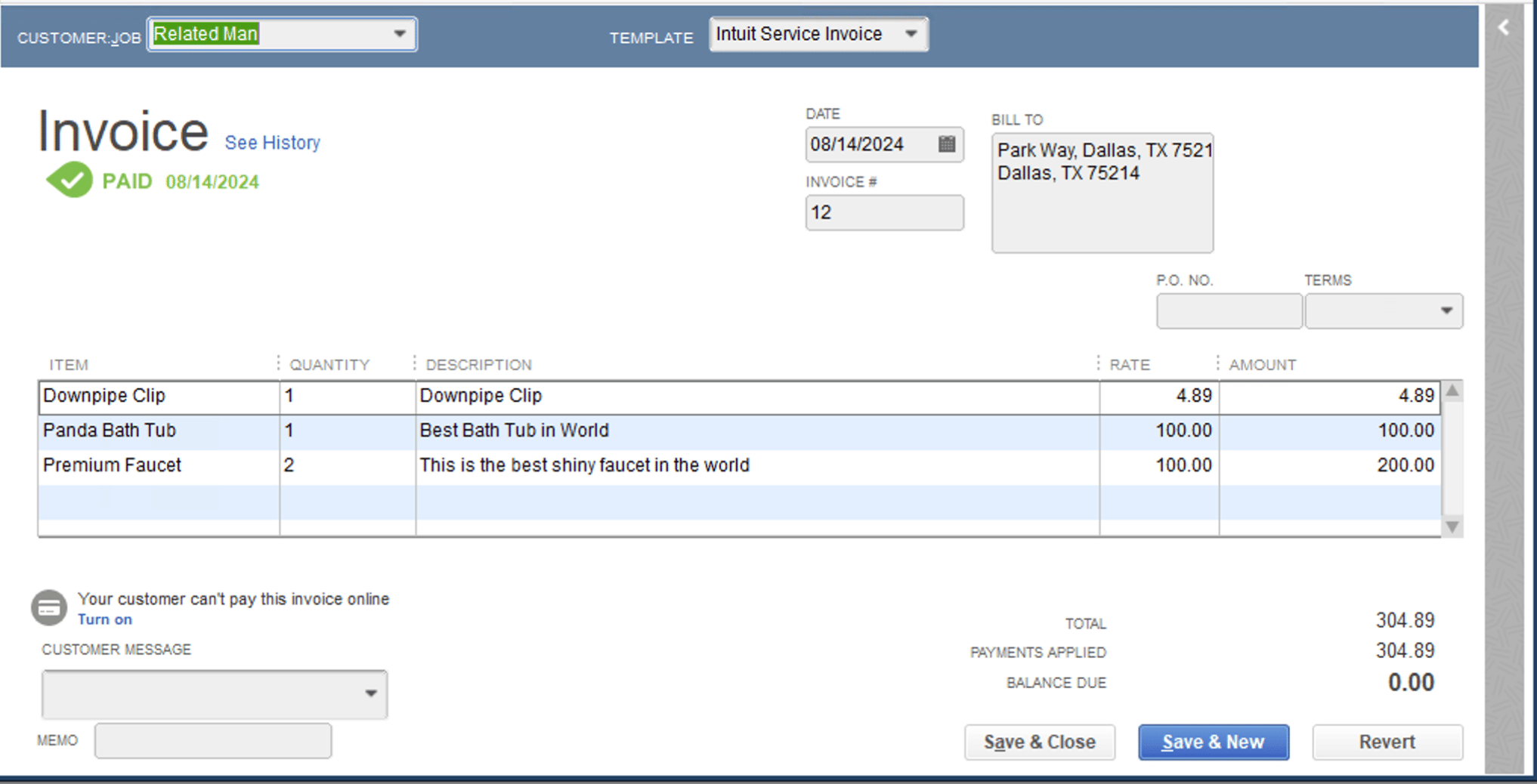
Matching record in QuickBooks after syncing from FieldPulse

QuickBooks

Record in FieldPulse shown as a sync example for QuickBooks Desktop

Payments

FieldPulse

Record in FieldPulse shown as a sync example for QuickBooks Desktop

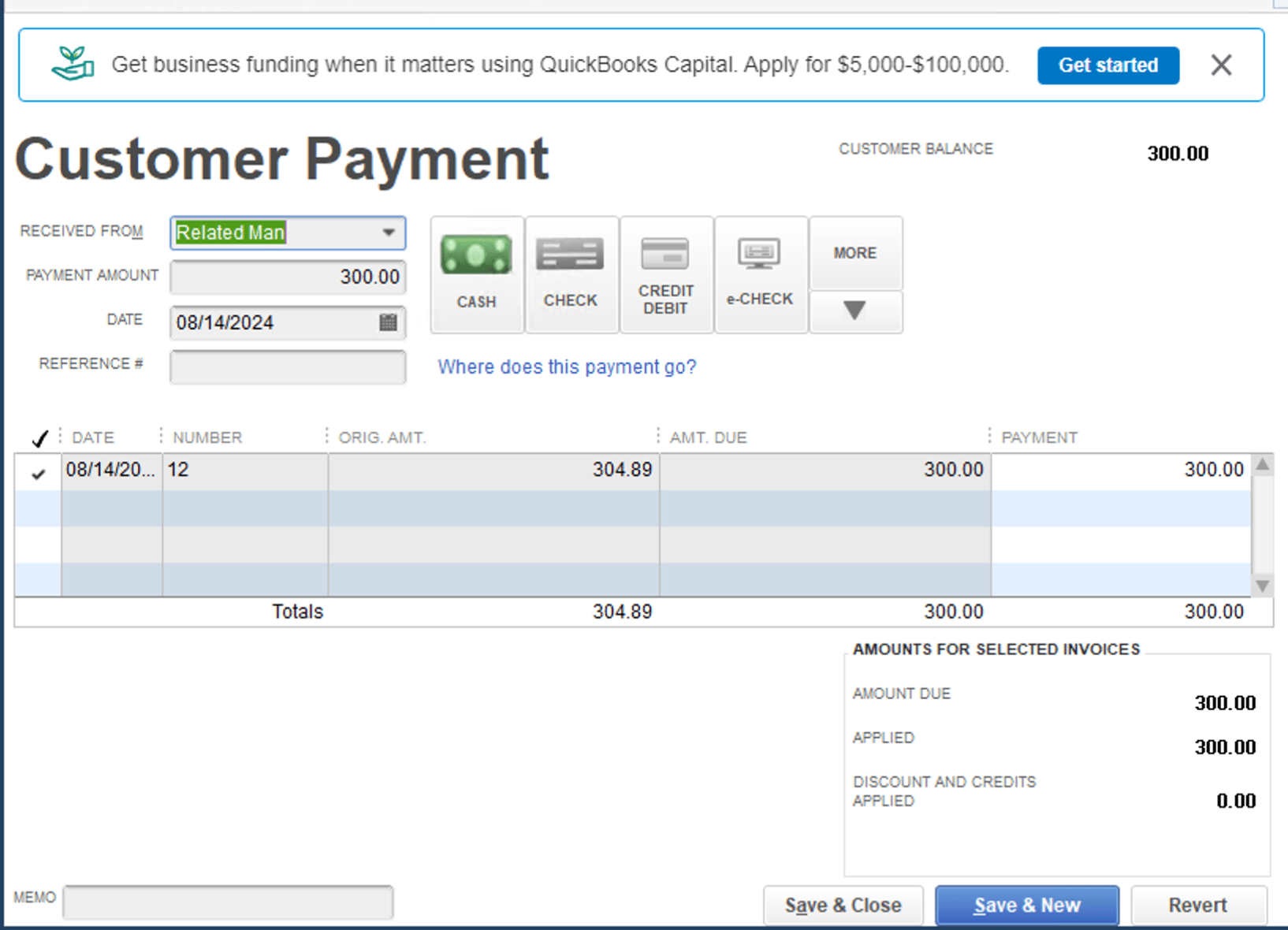
QuickBooks

Matching record in QuickBooks after syncing from FieldPulse
Have additional questions? Contact us at support@fieldpulse.com or use the chat feature in the bottom right corner of your screen.