
Adding a New Custom Field
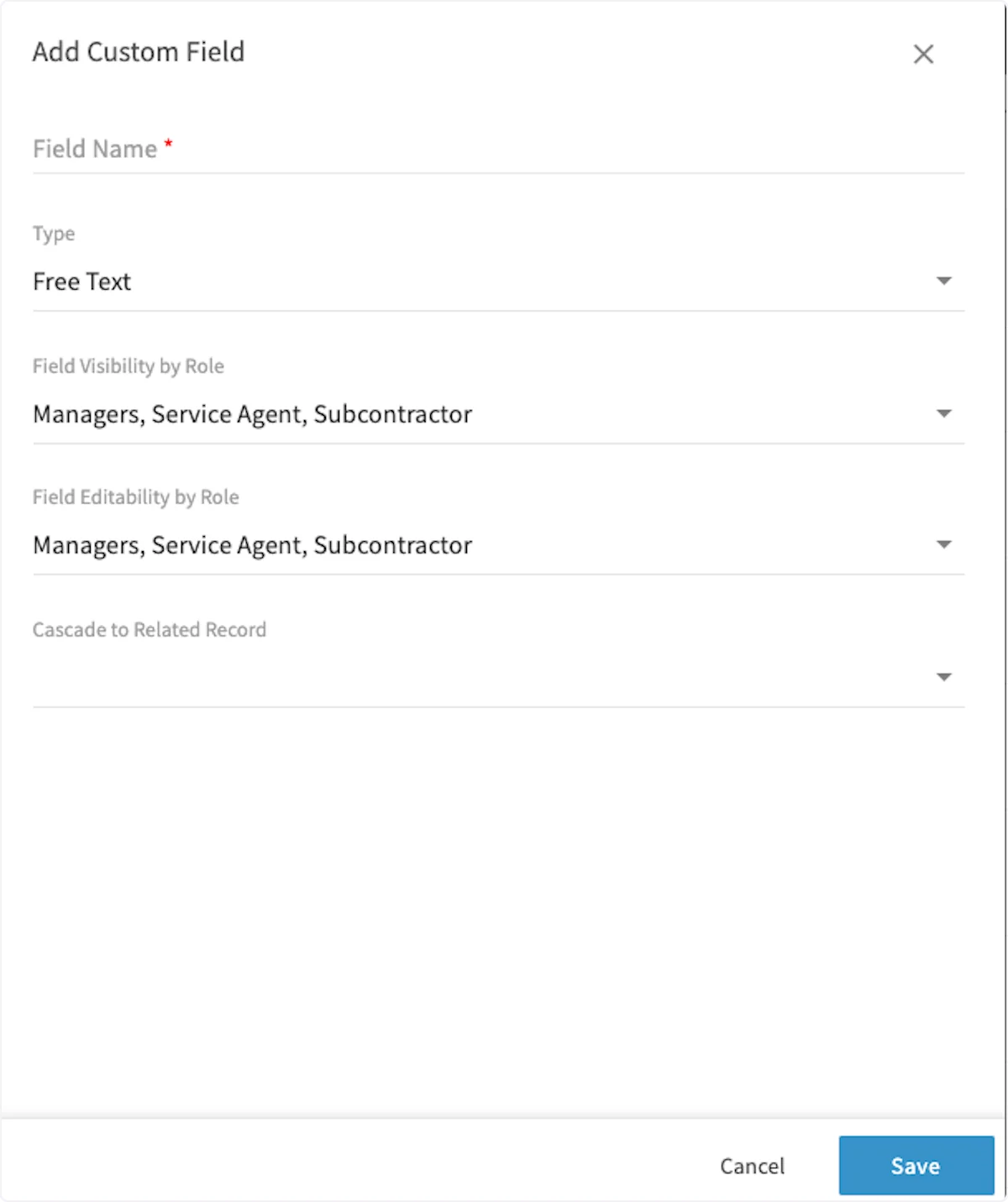
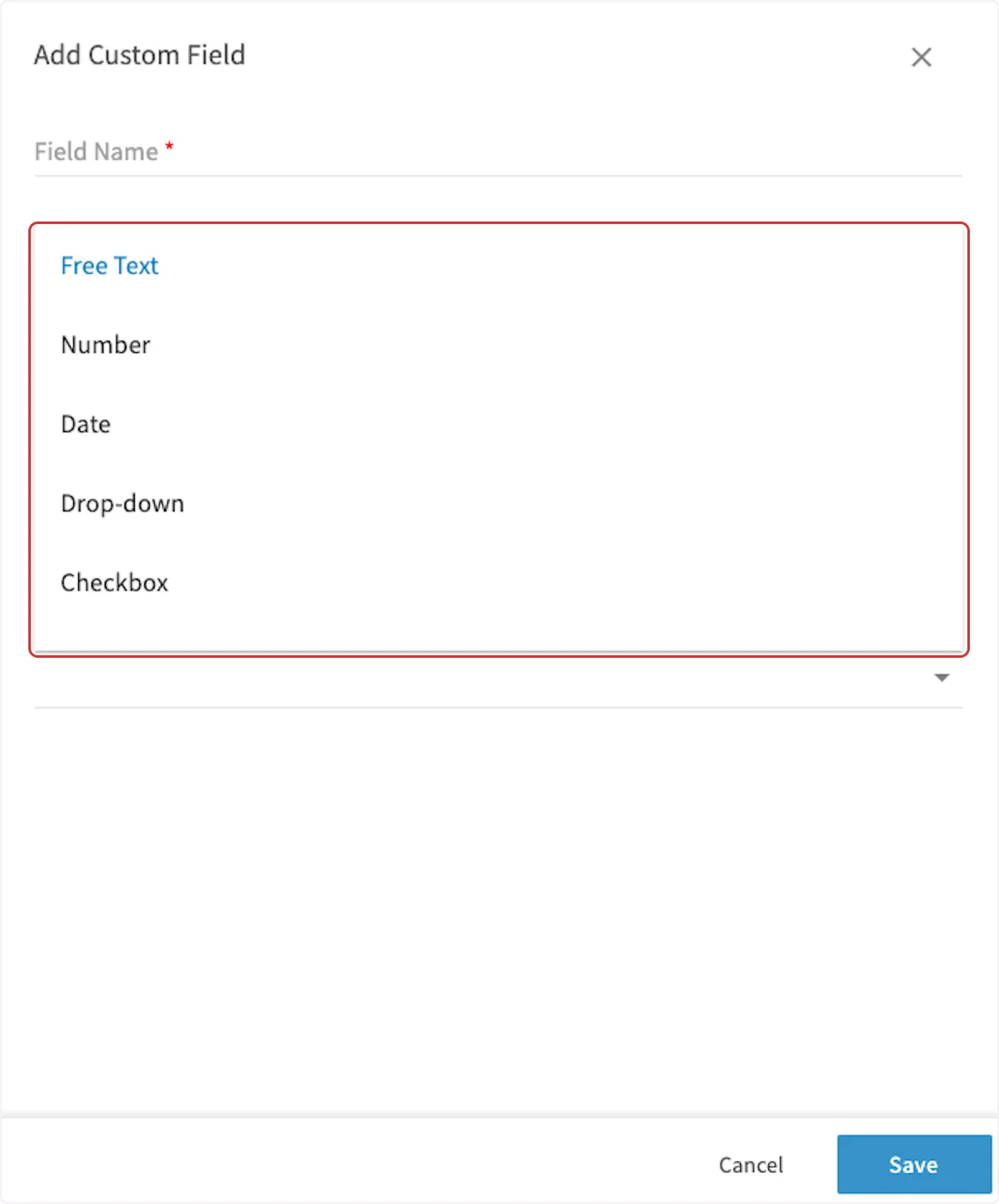
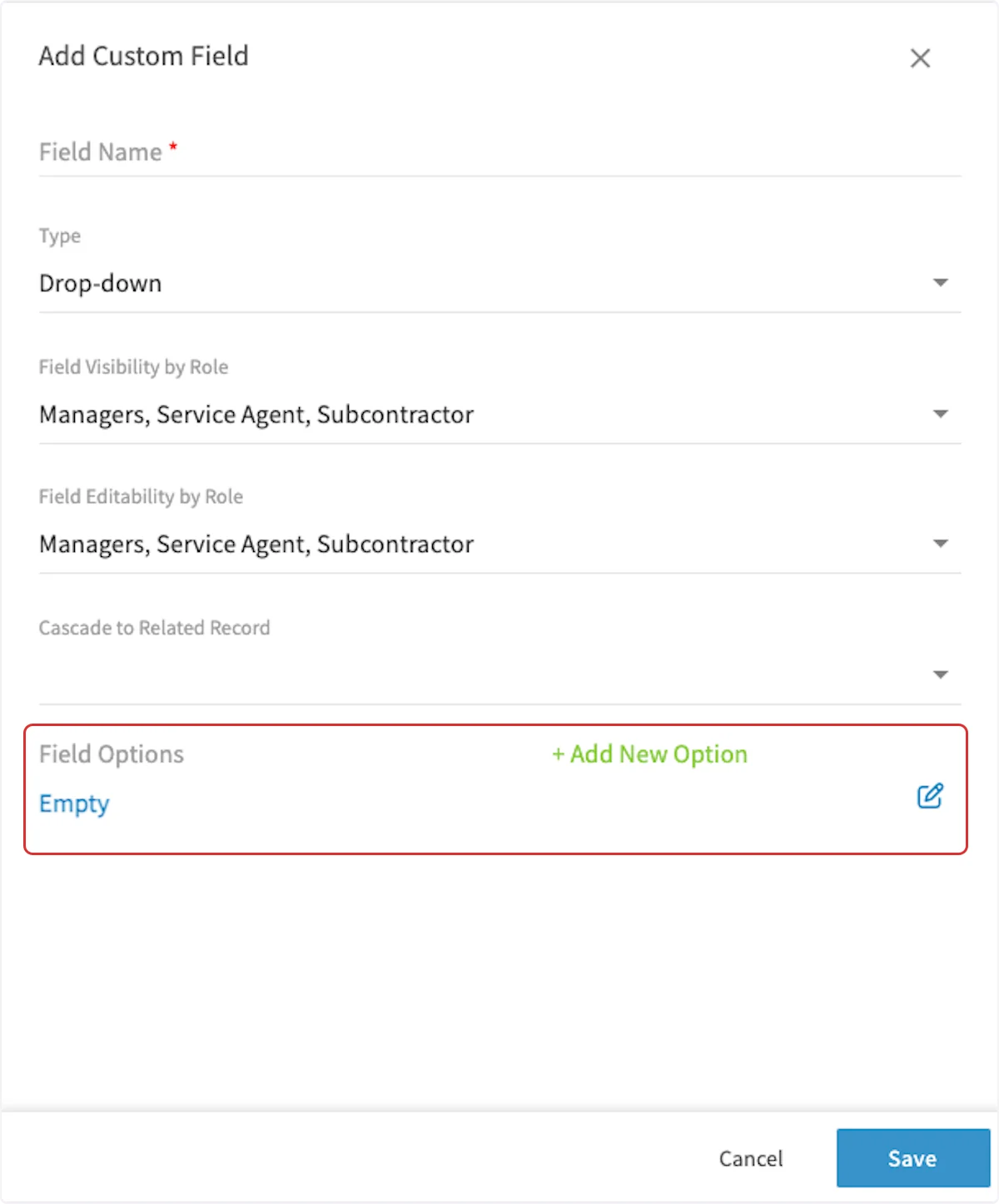
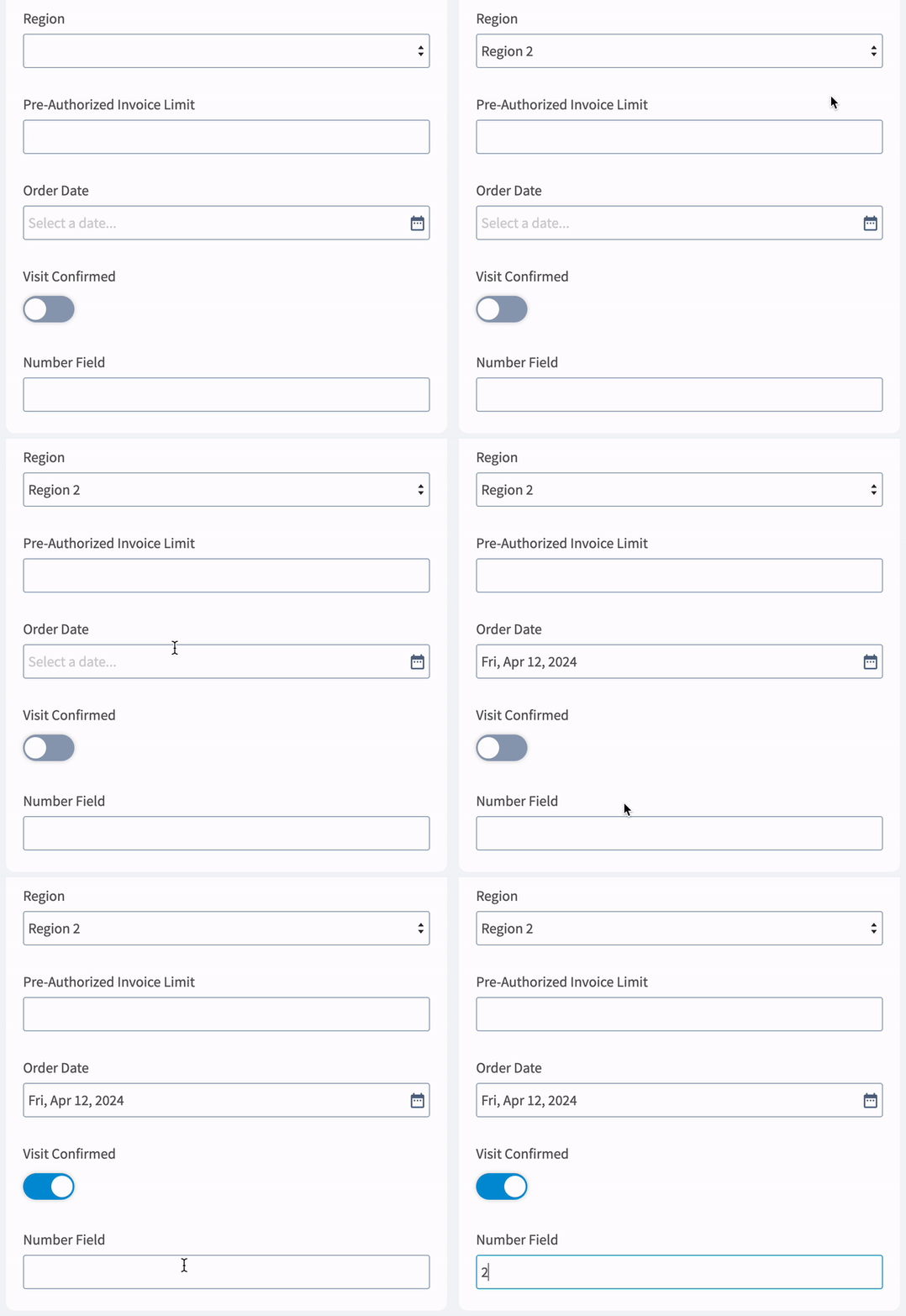
To create a custom field, navigate to Company Settings, click on Jobs and then the Custom Fields tab. On the Custom Fields page, click Create New.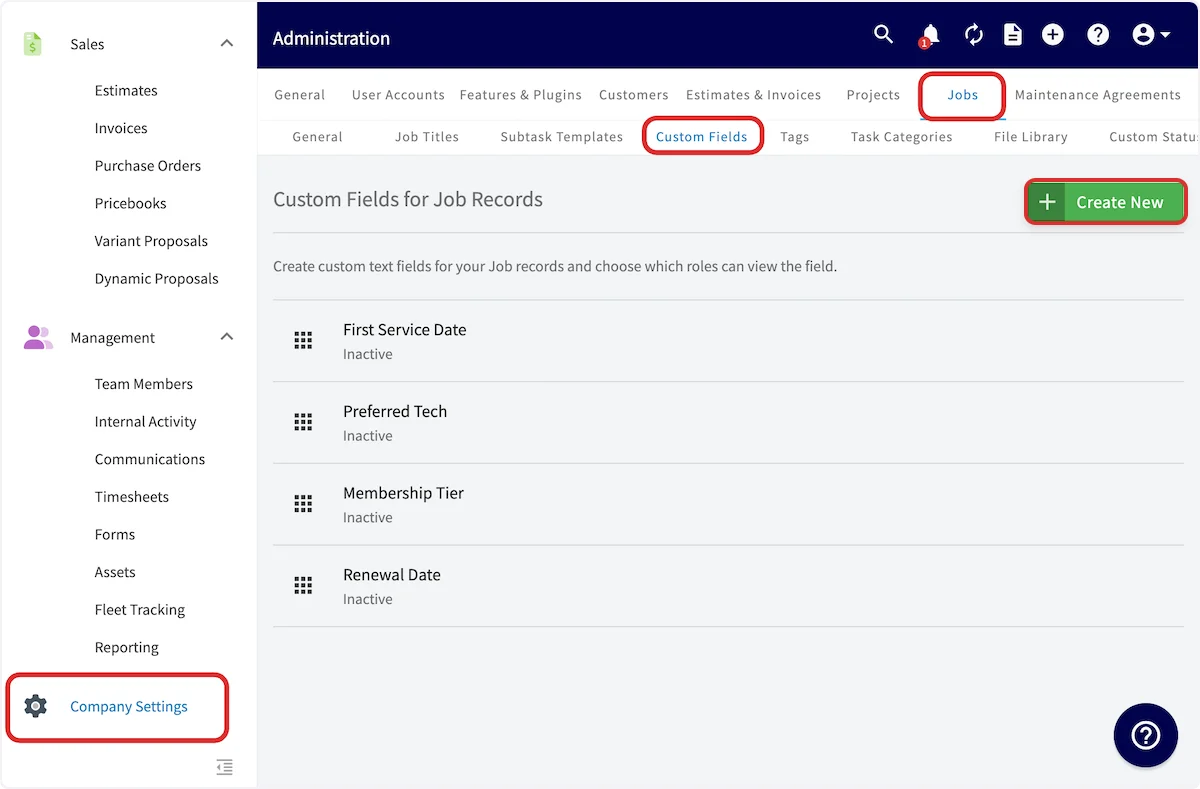
Have additional questions? Contact us at support@fieldpulse.com or use the chat feature in the bottom right corner of your screen.