

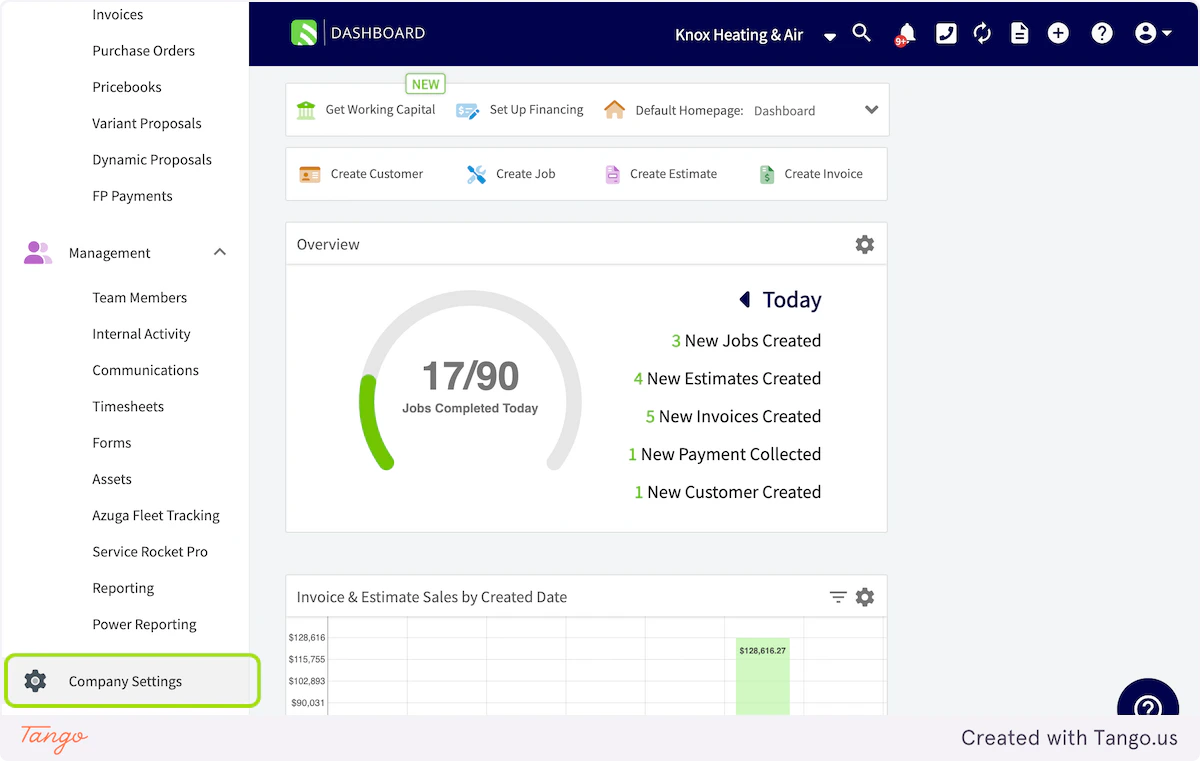
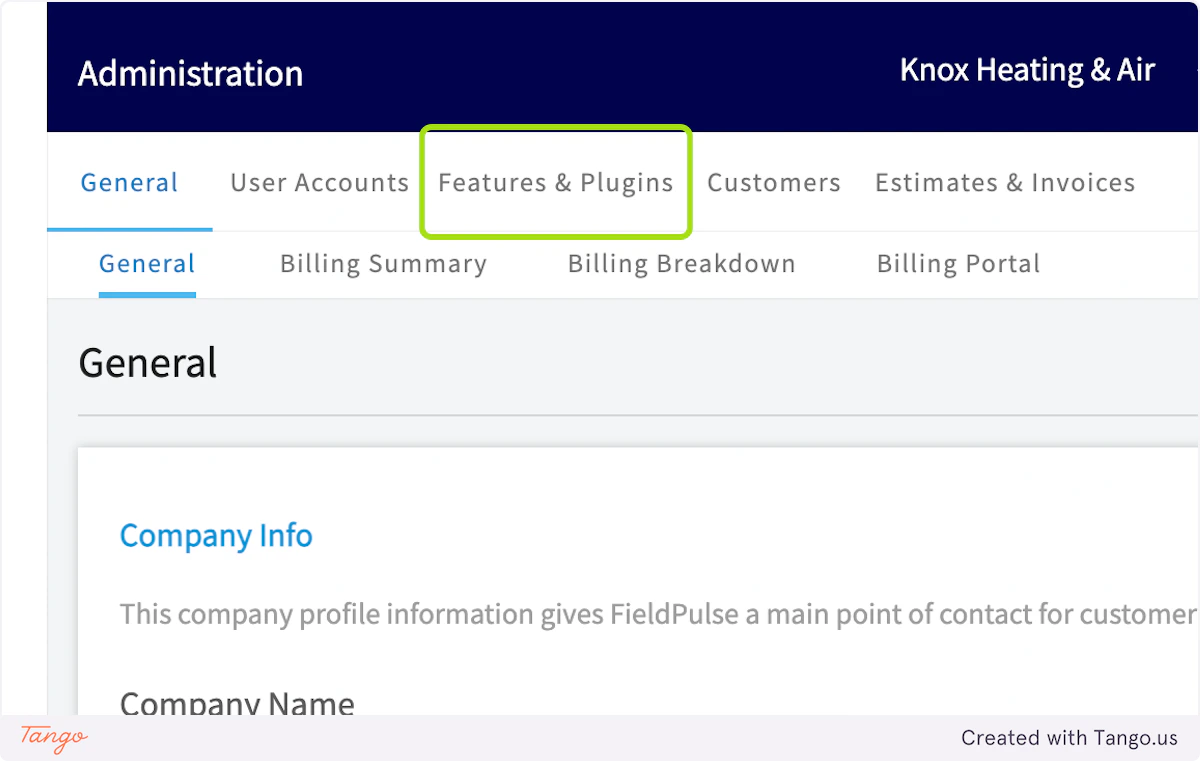
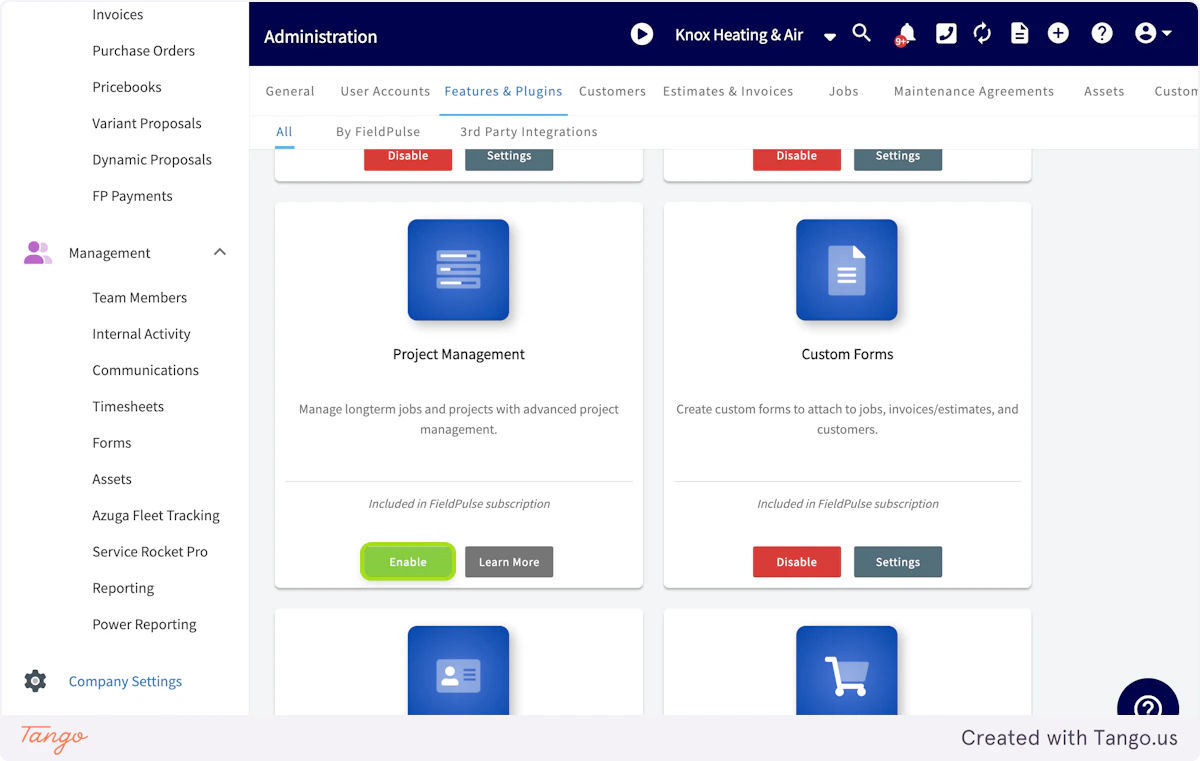
Although jobs can span multiple days, if your jobs have complex work orders and assignments, you may want to consider using the Project record. We introduced a new record type called Projects that allows you to better manage projects that house different assigned work underneath it. While you may only use job records for same day service work, Projects allow you to create a parent record that bundles multiple related jobs together. Think of projects like folders for jobs. If you have multiple projects active at once, grouping your jobs into a Project Record lets you better view, monitor, and adjust the work ( Job Records) using drag and drop dispatch charts, status trackers, and more. To enable Projects, click on Company Settings.Documentation Index
Fetch the complete documentation index at: https://fieldpulse.mintlify.app/llms.txt
Use this file to discover all available pages before exploring further.
Have additional questions? Contact us at support@fieldpulse.com or use the chat feature in the bottom right corner of your screen.