

Documentation Index
Fetch the complete documentation index at: https://fieldpulse.mintlify.app/llms.txt
Use this file to discover all available pages before exploring further.
Forgotten Passwords
If you’ve forgotten your password, click the Forgot Password? button on the login page.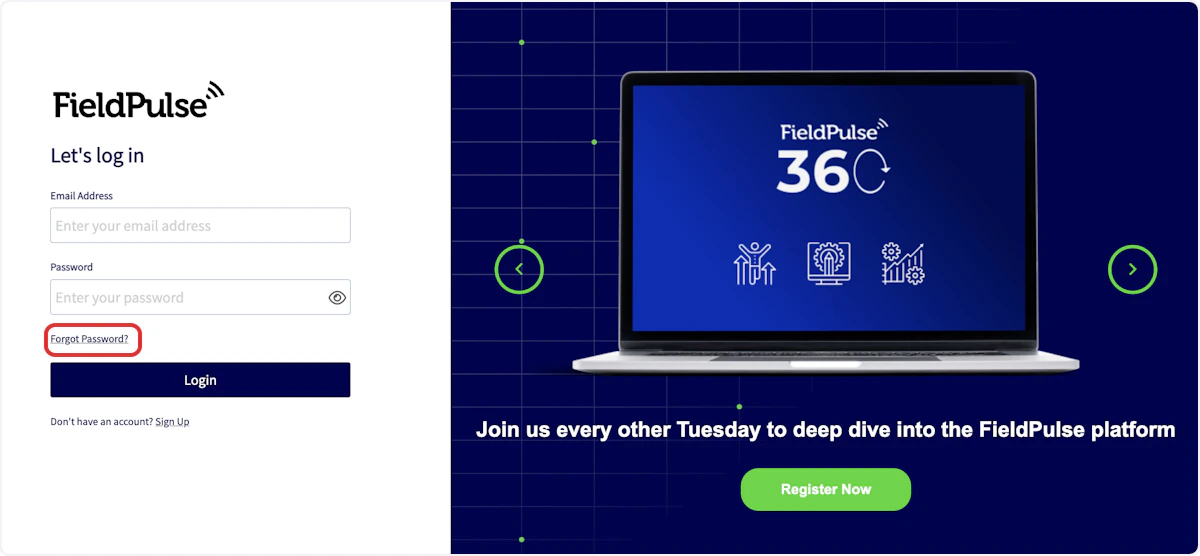
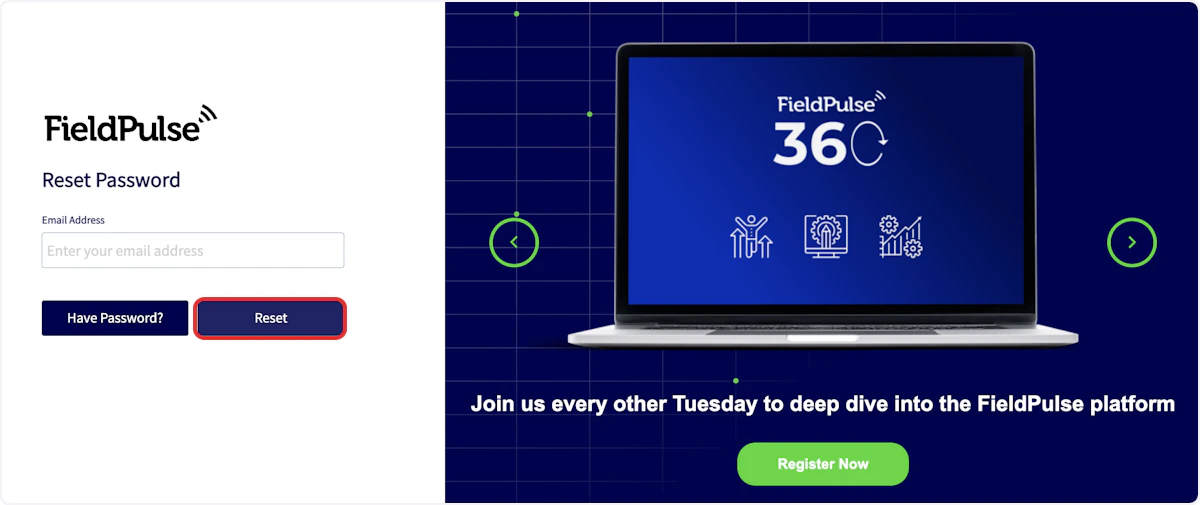
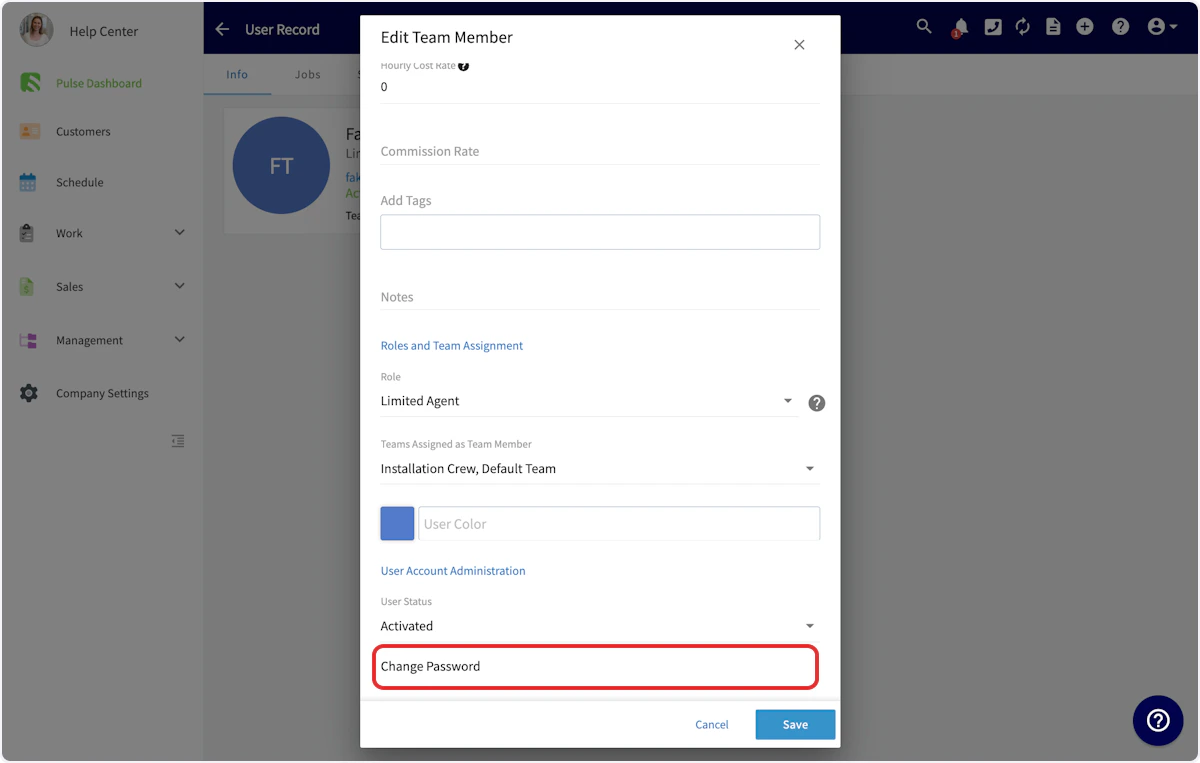
Changing Passwords
As an administrator, you can change your password or the password of any of your users. To do so, navigate to Company Settings, then select User Accounts.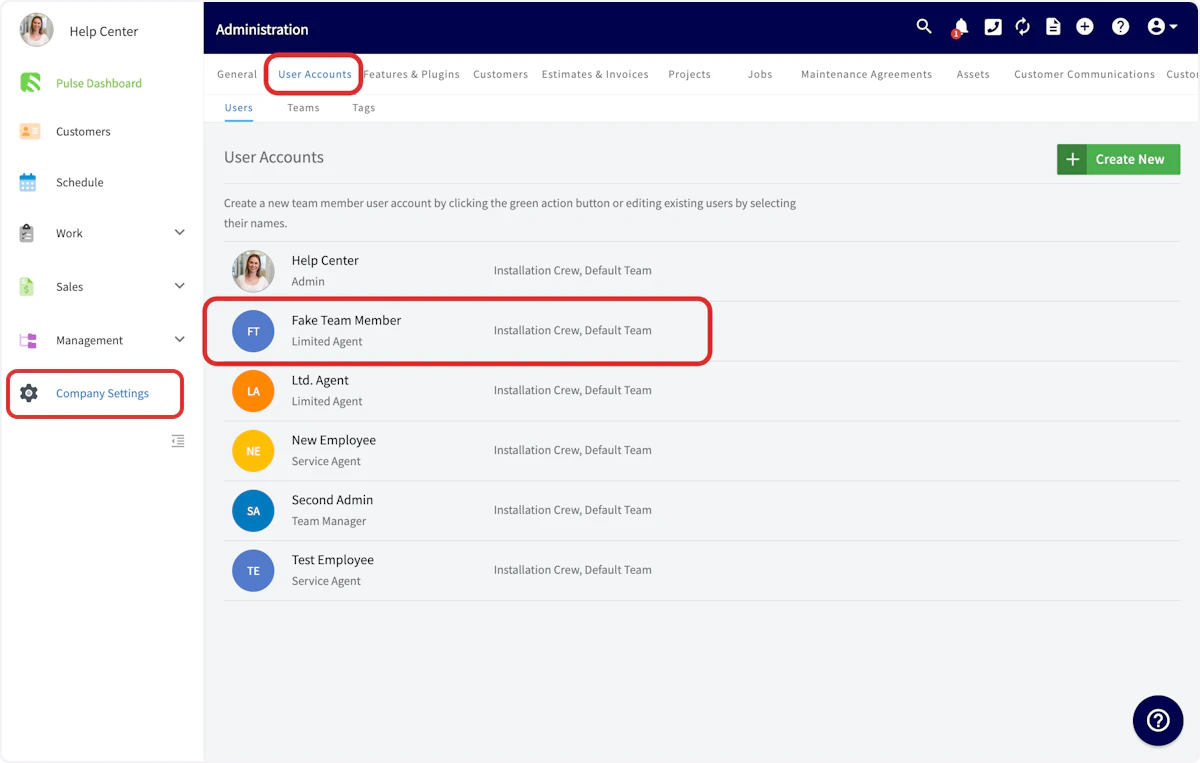

Have additional questions? Contact us at support@fieldpulse.com or use the chat feature in the bottom right corner of your screen.