

Documentation Index
Fetch the complete documentation index at: https://fieldpulse.mintlify.app/llms.txt
Use this file to discover all available pages before exploring further.
Save Cards on File with Card Connect & Clover Connect
You can now securely store your customer’s credit card information in FieldPulse! When storing the card, the credit card number will be tokenized to protect your customer’s information. To learn more, visit the Saving a Card on File article.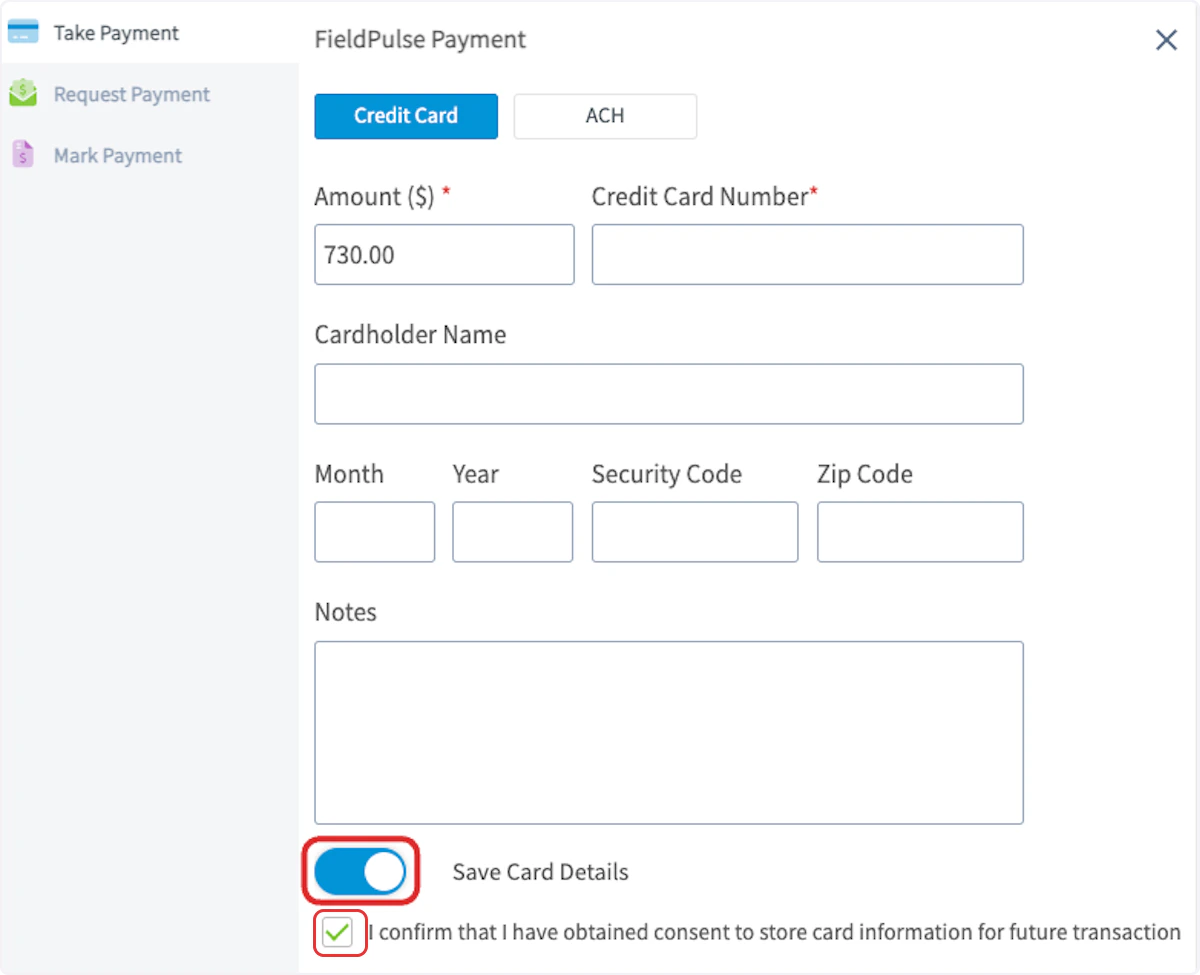
Schedule Filter Upgrades
Now, when you click the hourglass filter icon, select which job types you’d like to view: Unscheduled, Unassigned, Unscheduled & Unassigned, or Open Jobs. Select all of the applicable job fields you’d like to display, plus filter by job status.Inventory Counting
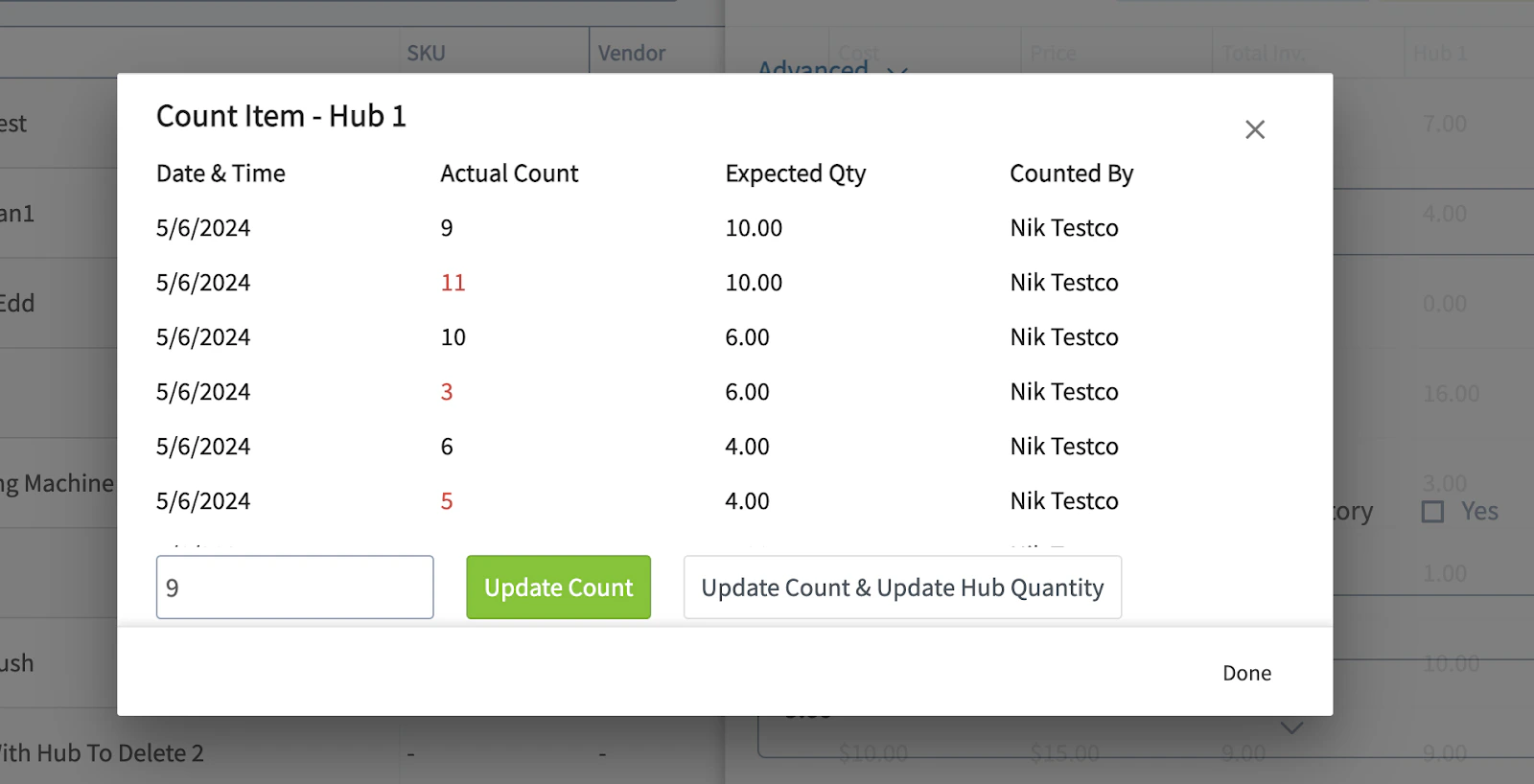
Users can count inventory levels across multiple hubs, keeping track of actual inventory levels vs. the expected amount. This helps track inventory loss/surpluses over time. When looking at an inventory item, you’ll see a new clipboard icon that lets you enter the number of items present and compare it to the quantity expected. You can also run a report that will show the dollar amount associated with any inventory loss for a given time period. To learn more, visit the Inventory Counting article.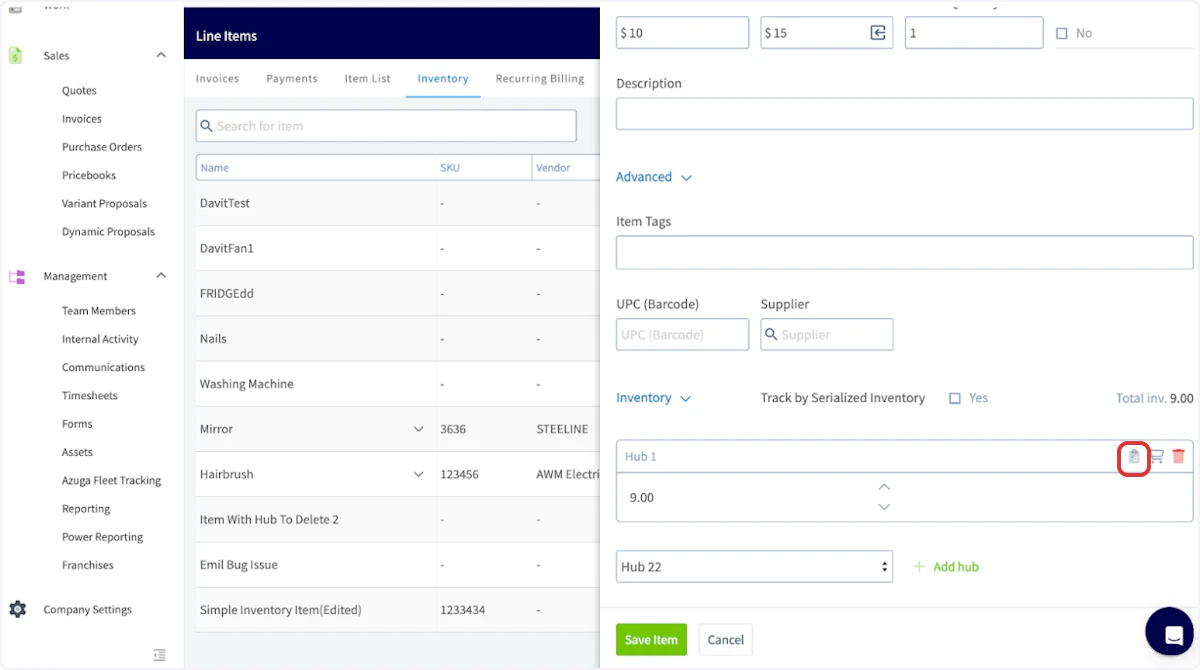
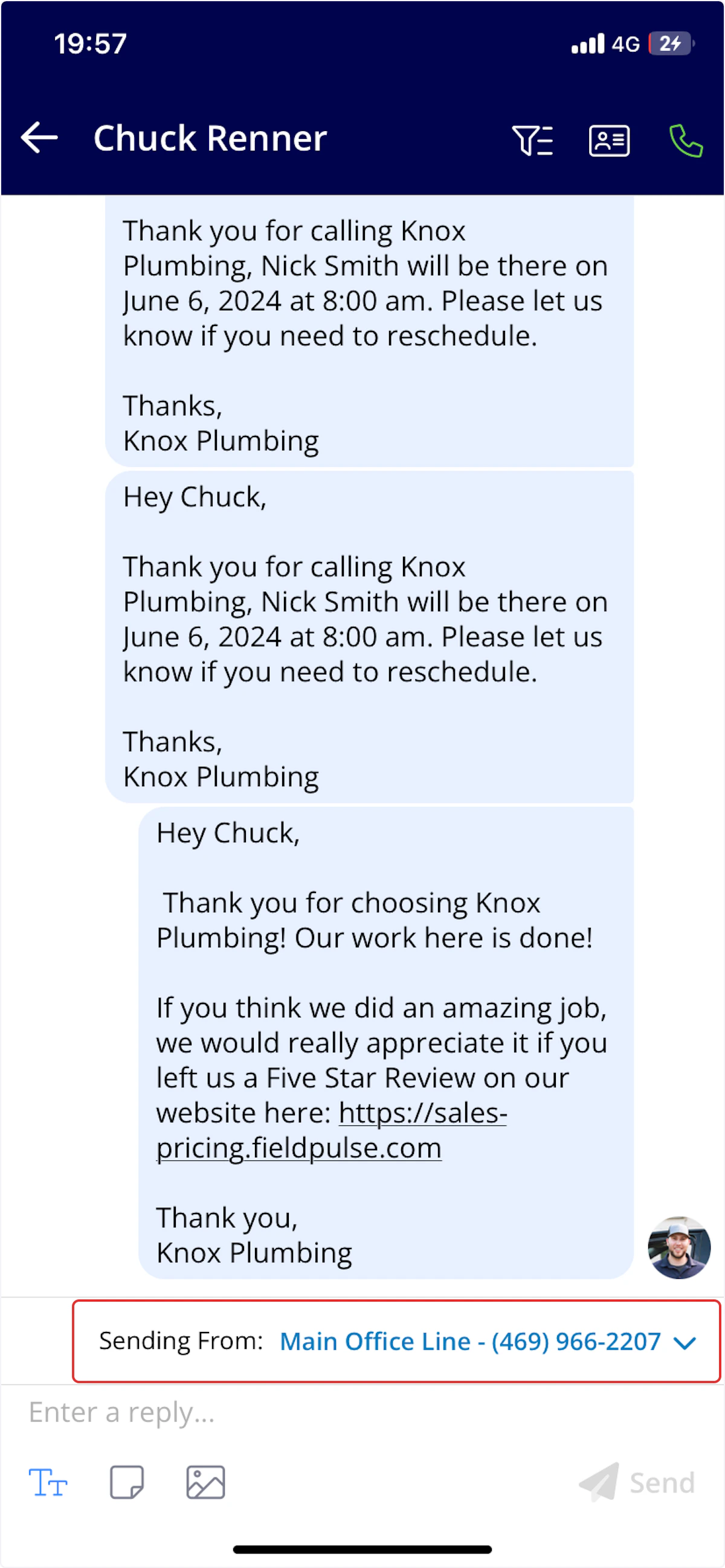
Select Outbound SMS Line in Engage
You can now easily switch between your assigned or managed phones when sending SMS messages in conversations! Navigate to the conversation where you’d like to send an SMS message, then click on Sending From to adjust the outbound phone line. Both your phone number and friendly name will be displayed, making it easy to identify your preferred line. This feature is available on Engage webapp and mobile app.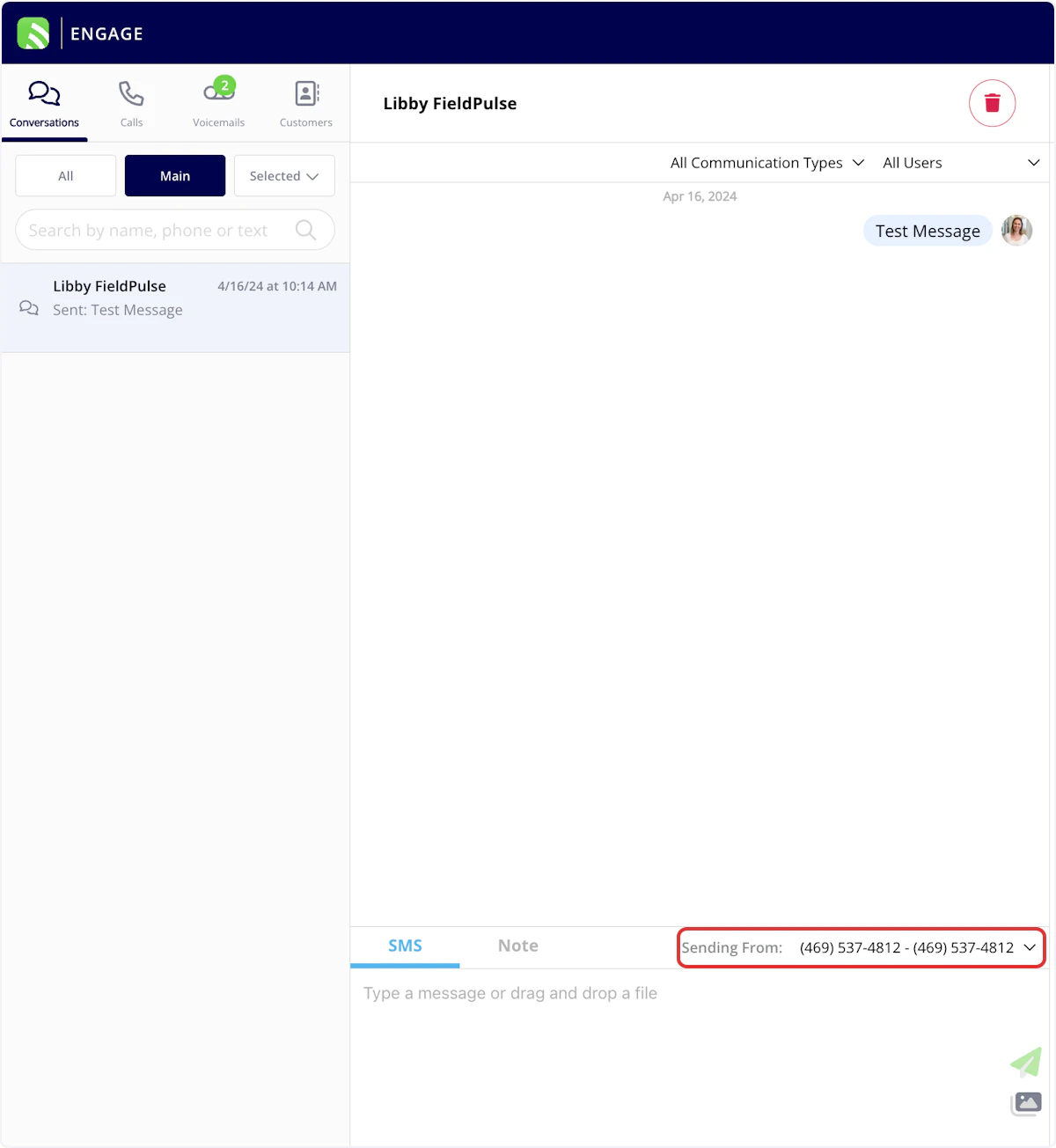
Separate Estimate & Invoice Default Display Settings
Customize your customer experience even further! You can now set unique default display settings for estimates and for invoices. To adjust your default settings, navigate to Company Settings > Estimates & Invoices > Preview Settings.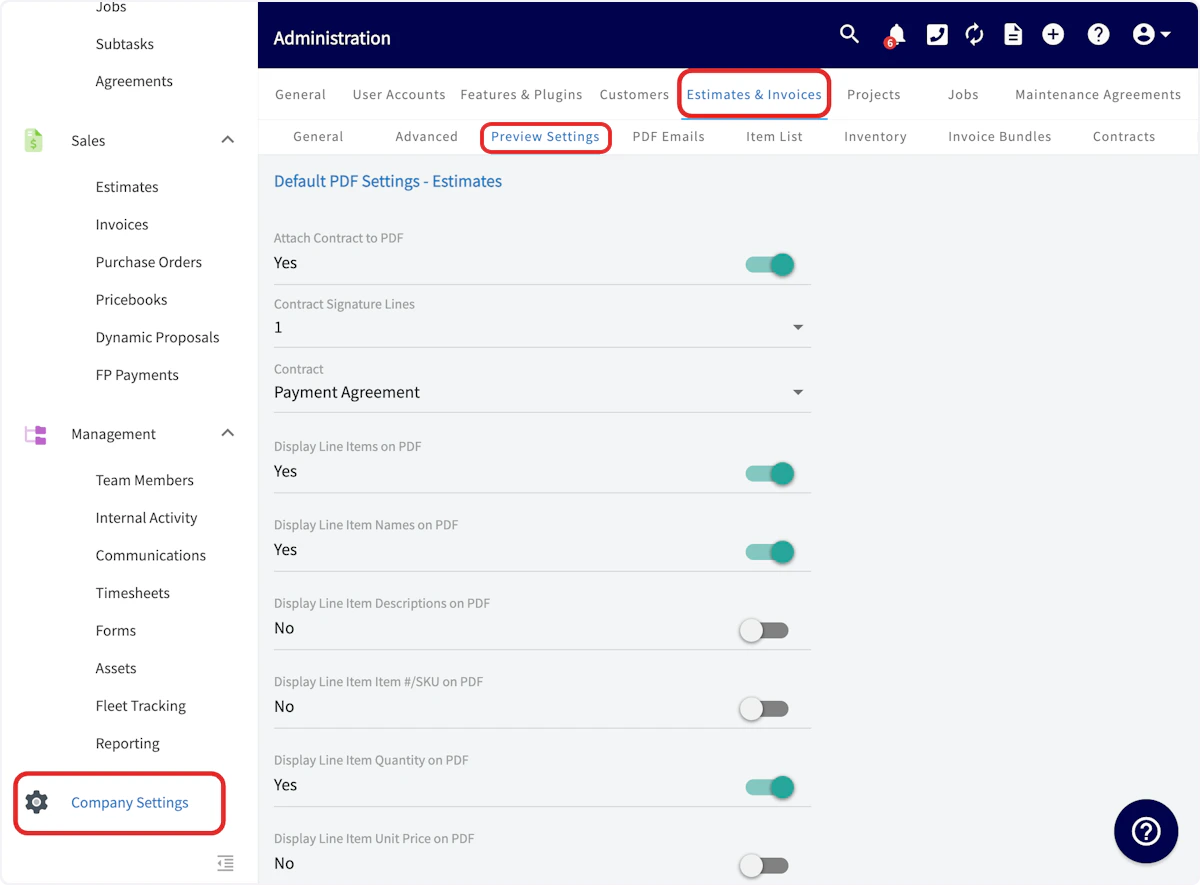
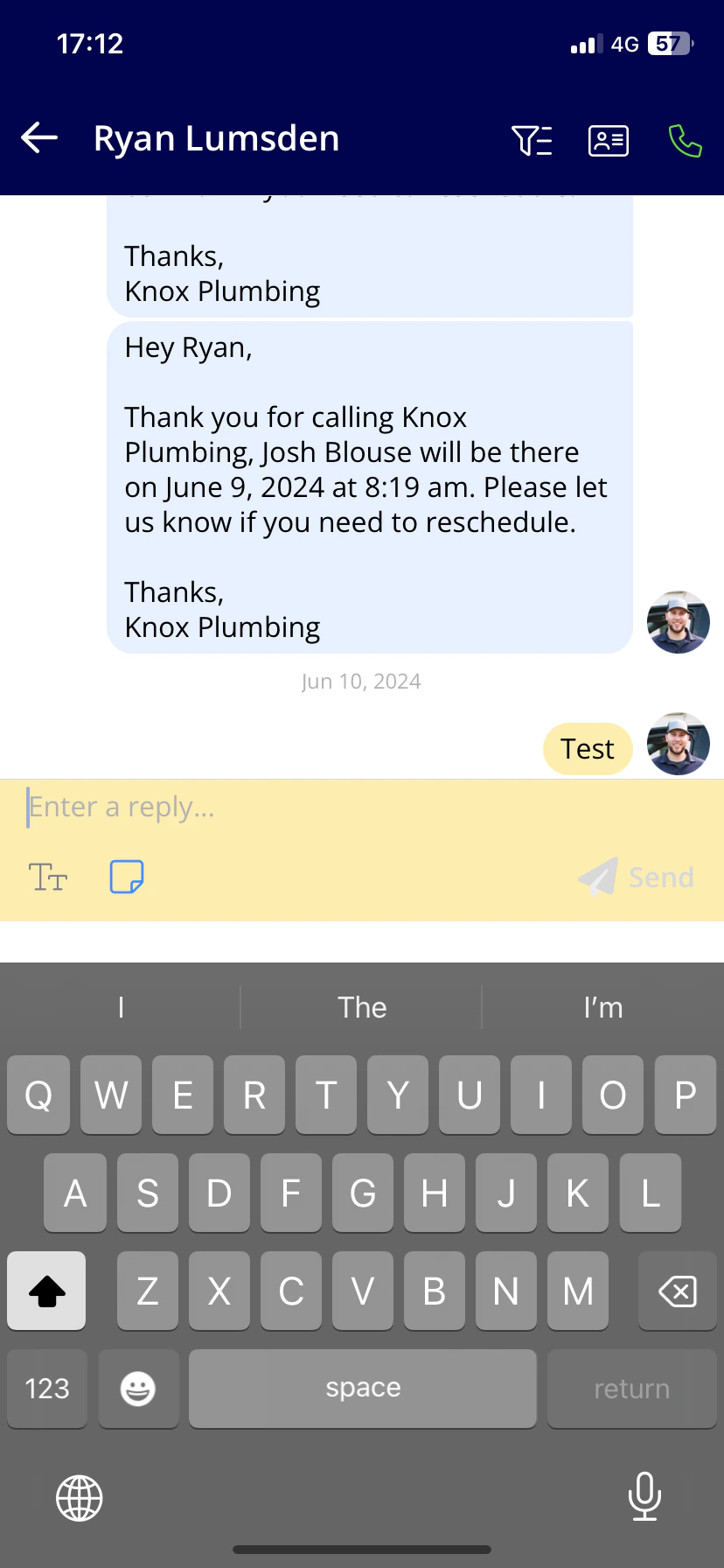
Engage Internal Notes on Mobile App
Open APIs
Leverage our powerful APIs and seamlessly integrate FieldPulse data with external platforms to automate the creation of records. Easily manage customers, jobs, invoices, and other data across multiple systems. To learn more, visit the Open APIs article.Site Visits Visible on Google Calendar

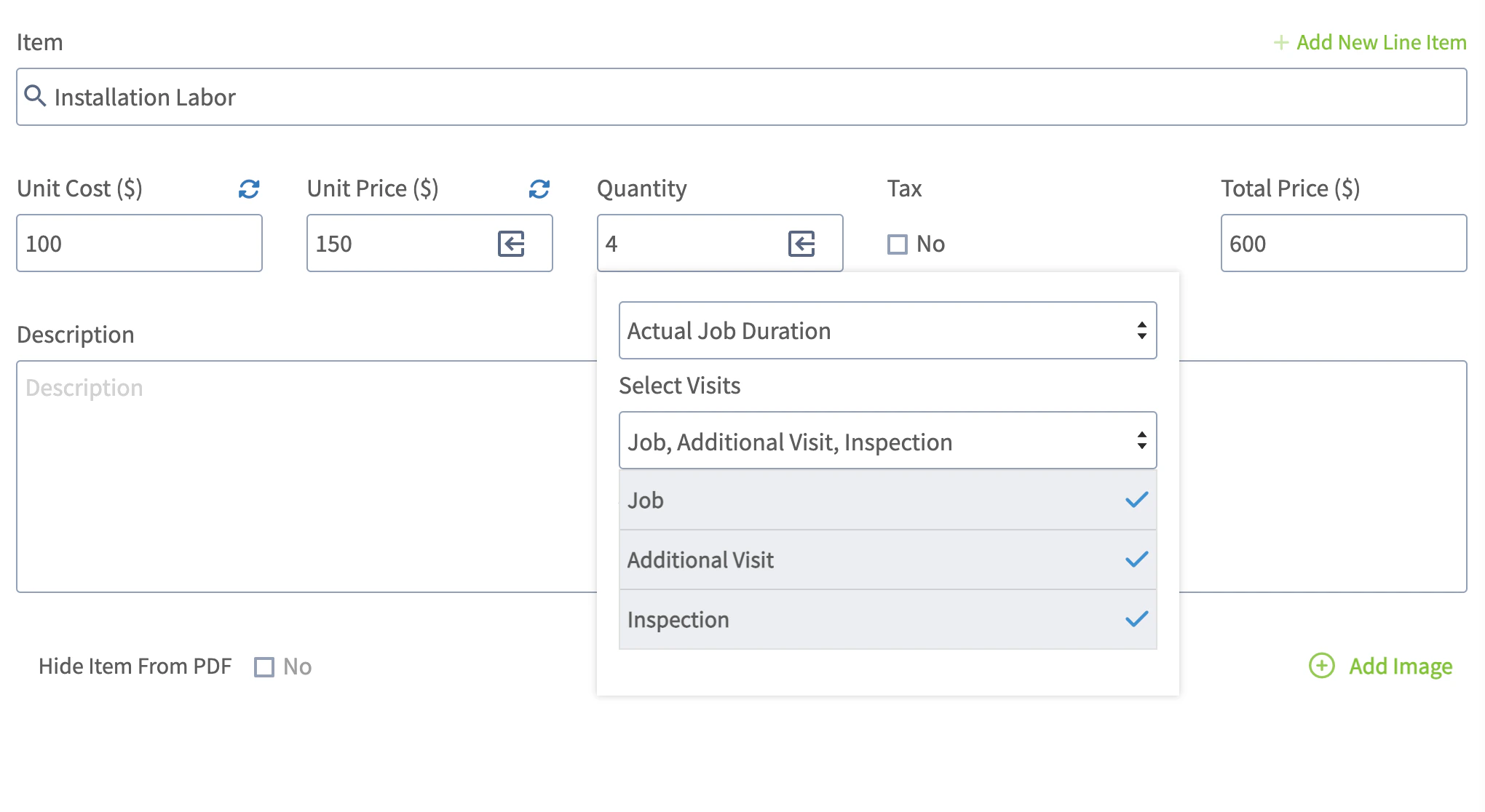
Insert Site Visit Job Duration & Travel Time
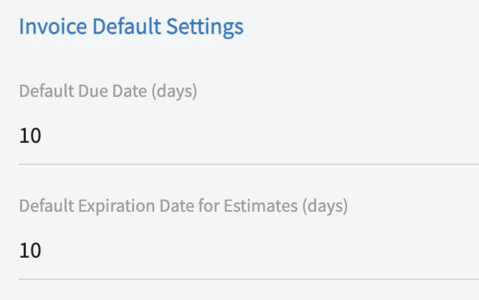
Default Due Date for Estimates & Invoices
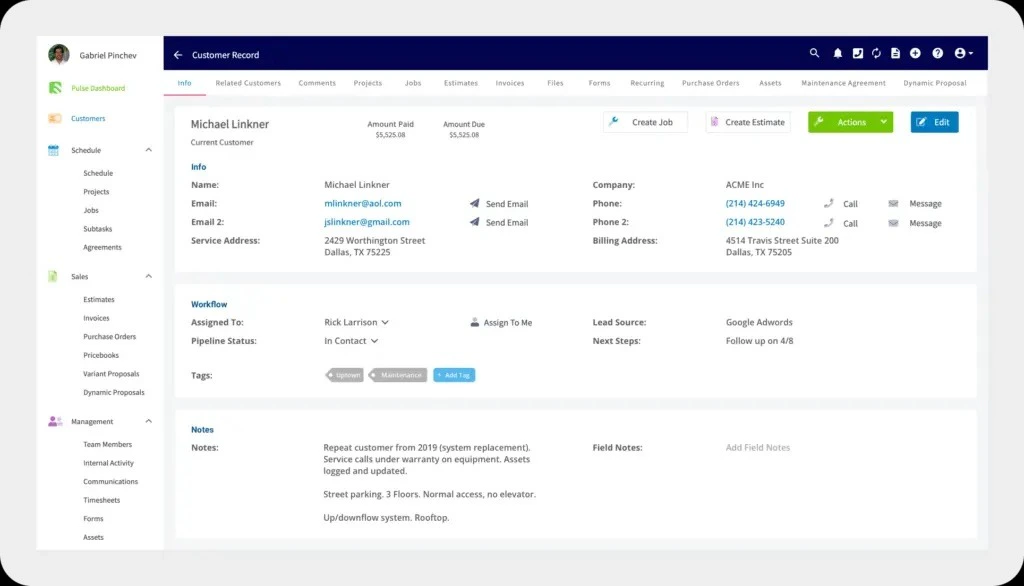
Customer Location and Contact Import
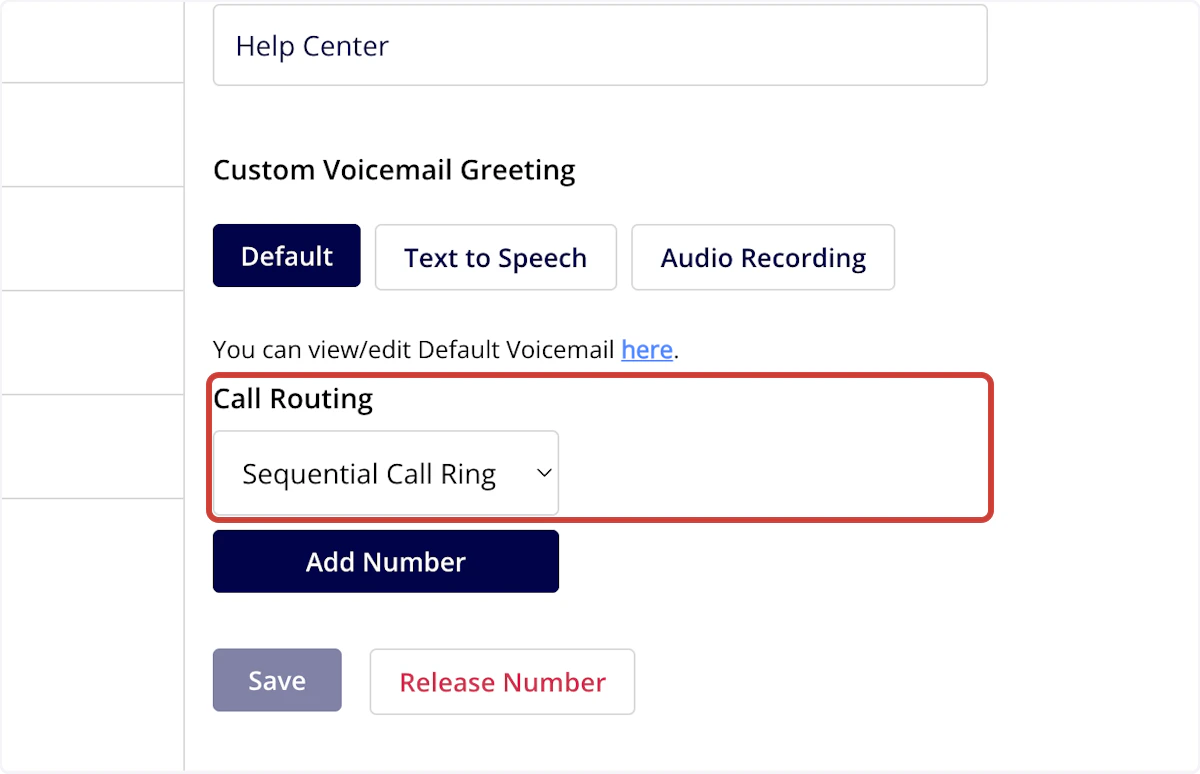
Sequential Call Ring
Purchase Order Upgrades
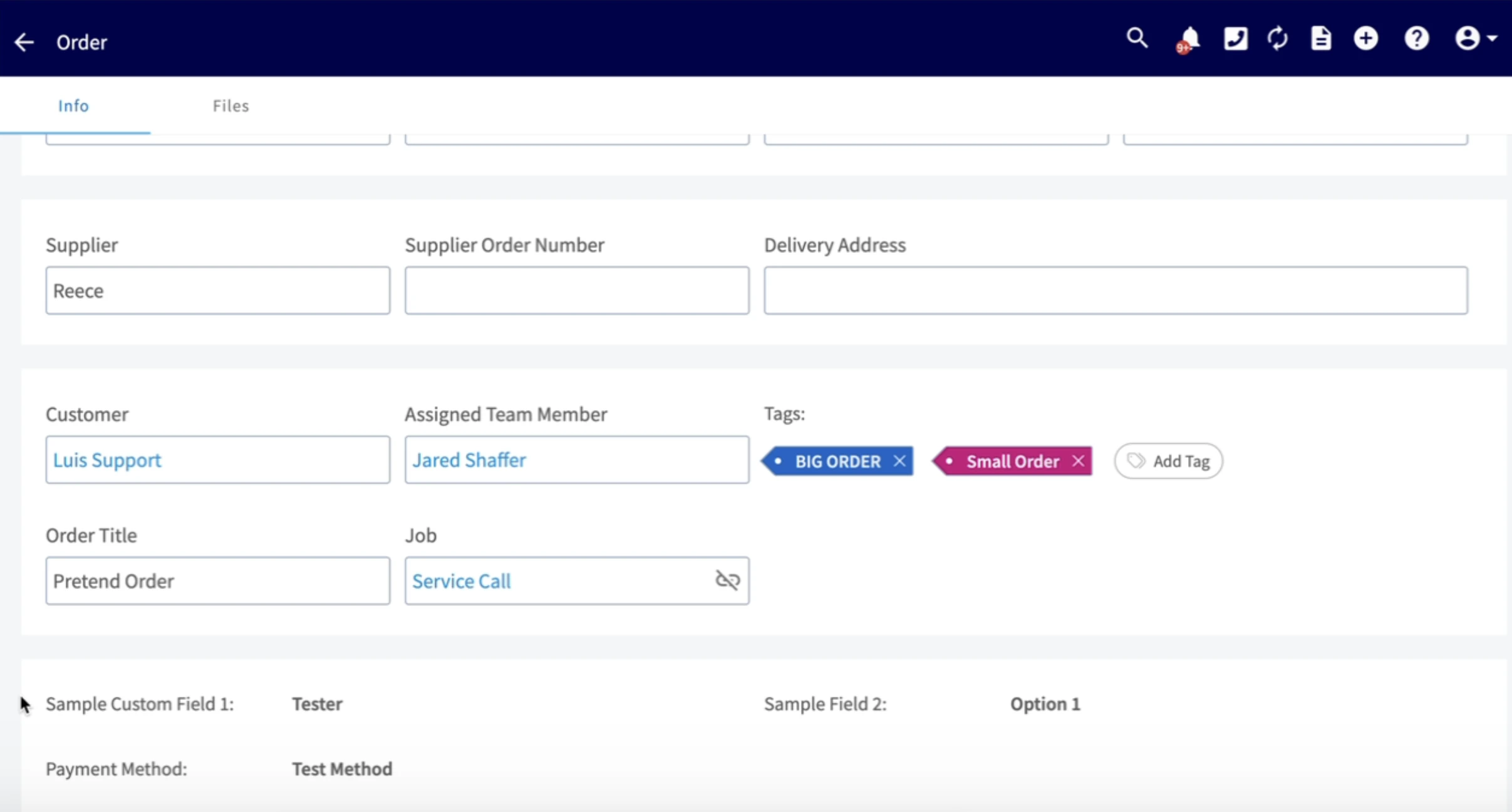
- Add custom fields to purchase orders
- Filter purchase orders by custom fields
- Add tags to purchase orders
- Display tags on purchase order list view
- Attach files from related job records
- Cascade custom fields from customer records
Have additional questions? Contact us at support@fieldpulse.com or use the chat feature in the bottom right corner of your screen.