

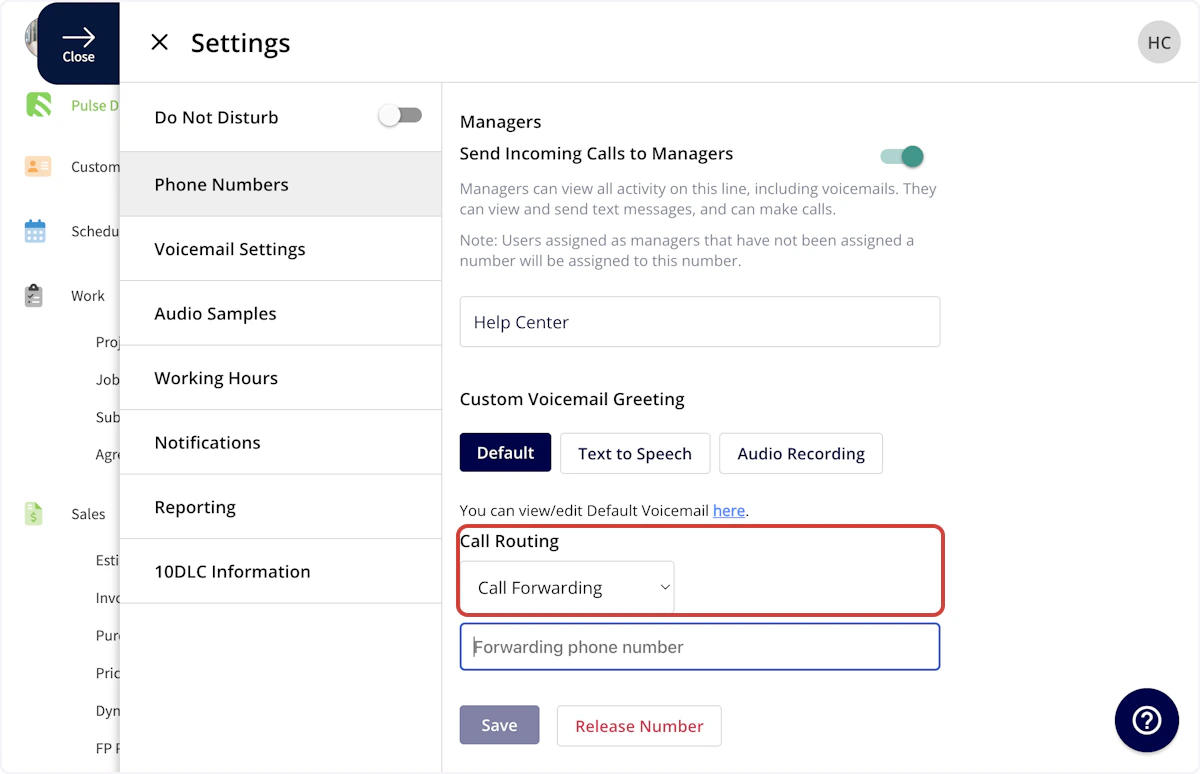
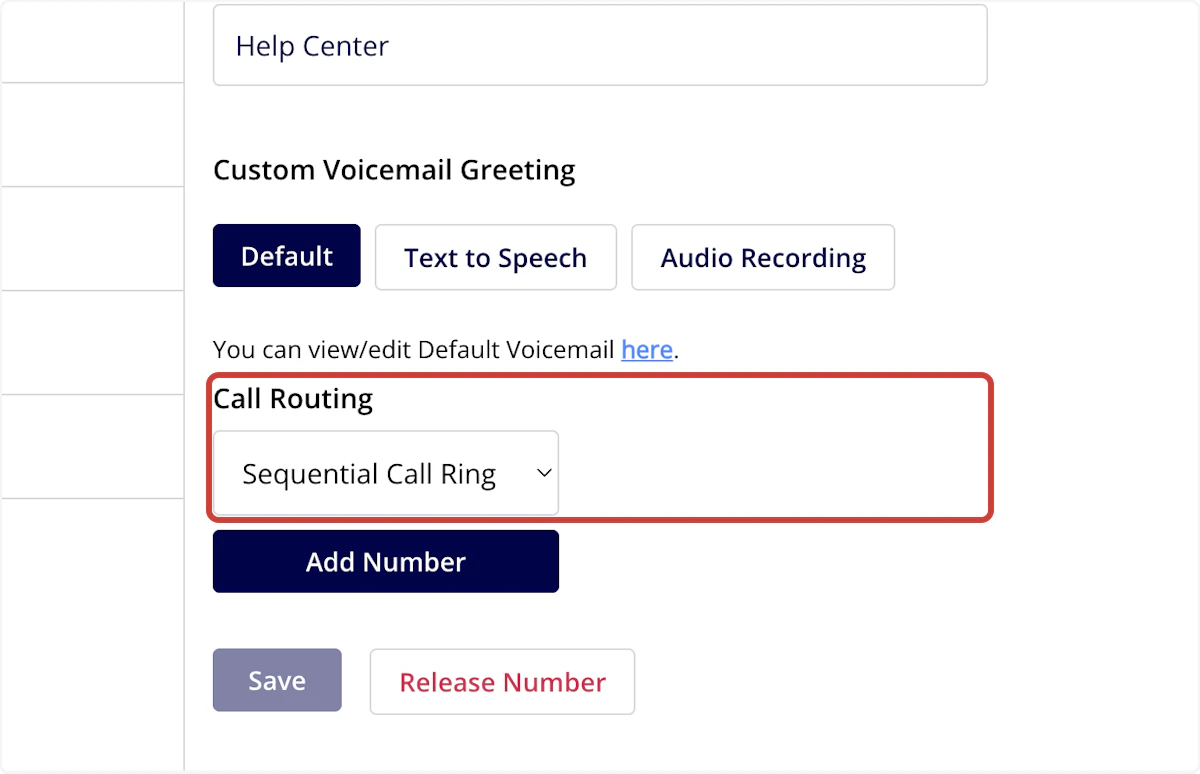
Engage offers a variety of call routing options to direct your incoming phone calls to the right location. The call routing settings are adjusted on a line-by-line basis, allowing customization for your differing needs. To turn on call routing, navigate to your Engage settings, select Phone Numbers, then navigate to Call Routing. You can then select between three call routing options: Phone Tree, Call Forwarding, and Sequential Call Ring.Documentation Index
Fetch the complete documentation index at: https://fieldpulse.mintlify.app/llms.txt
Use this file to discover all available pages before exploring further.
Phone Tree
Engage’s Phone Tree allows you to streamline the call handling process, improve your customer service, and ensure that callers are connected to the right resources quickly and efficiently. You can design unique phone trees for each of your phone lines.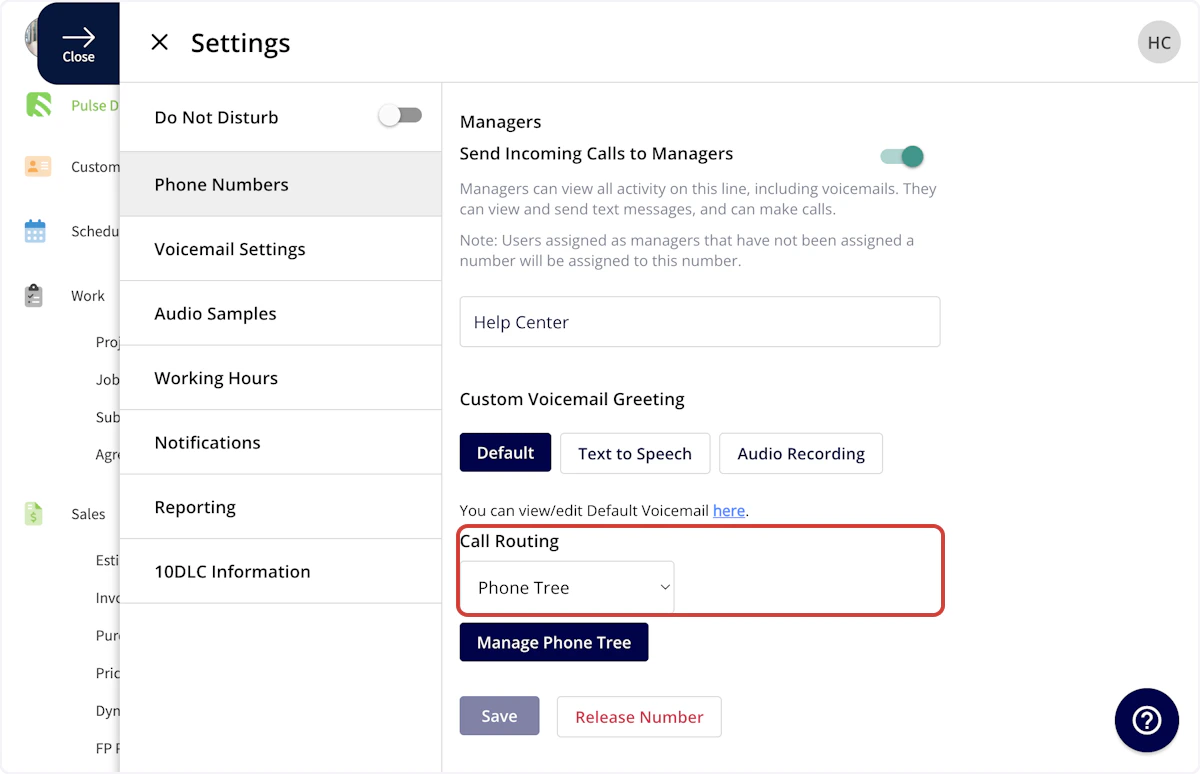
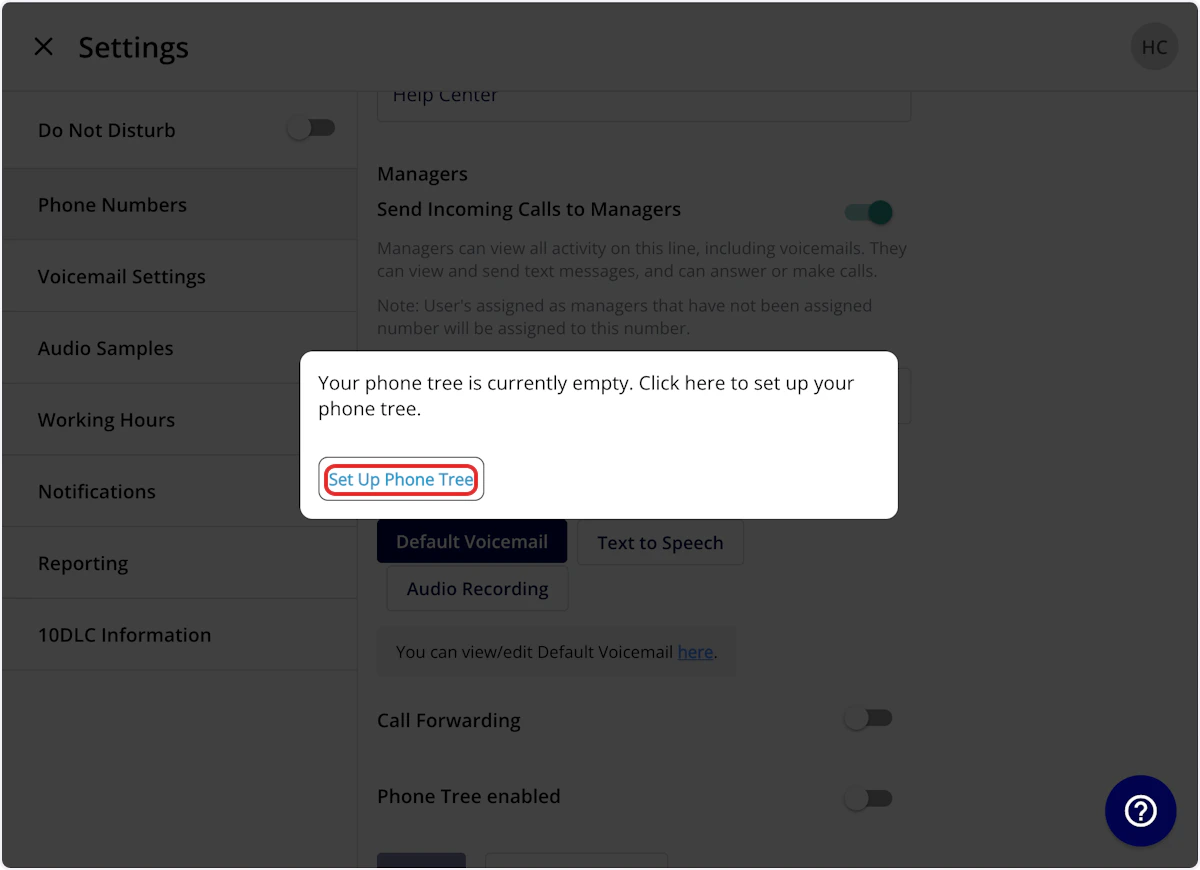
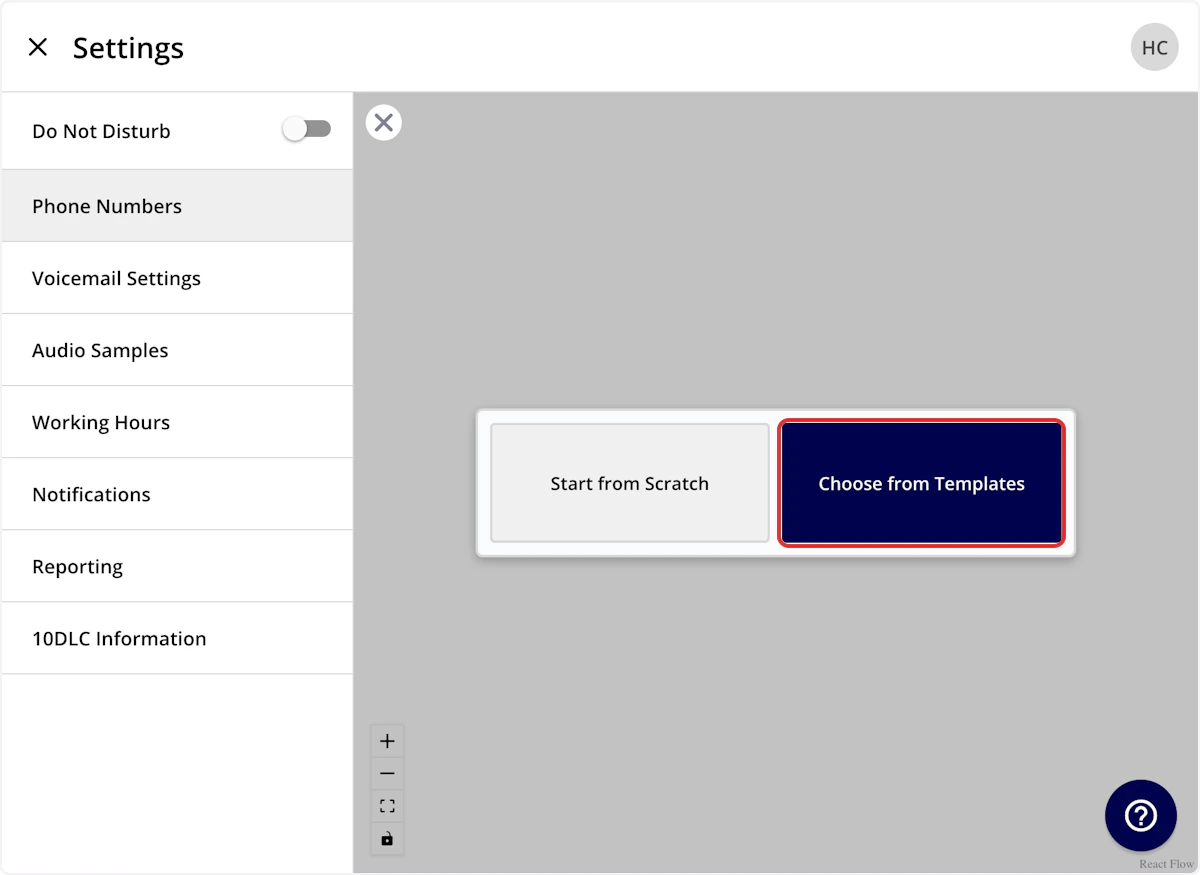
- Label: An internal title for you & your team
- Message: This will be read to your customer using text to speech when they call this phone line
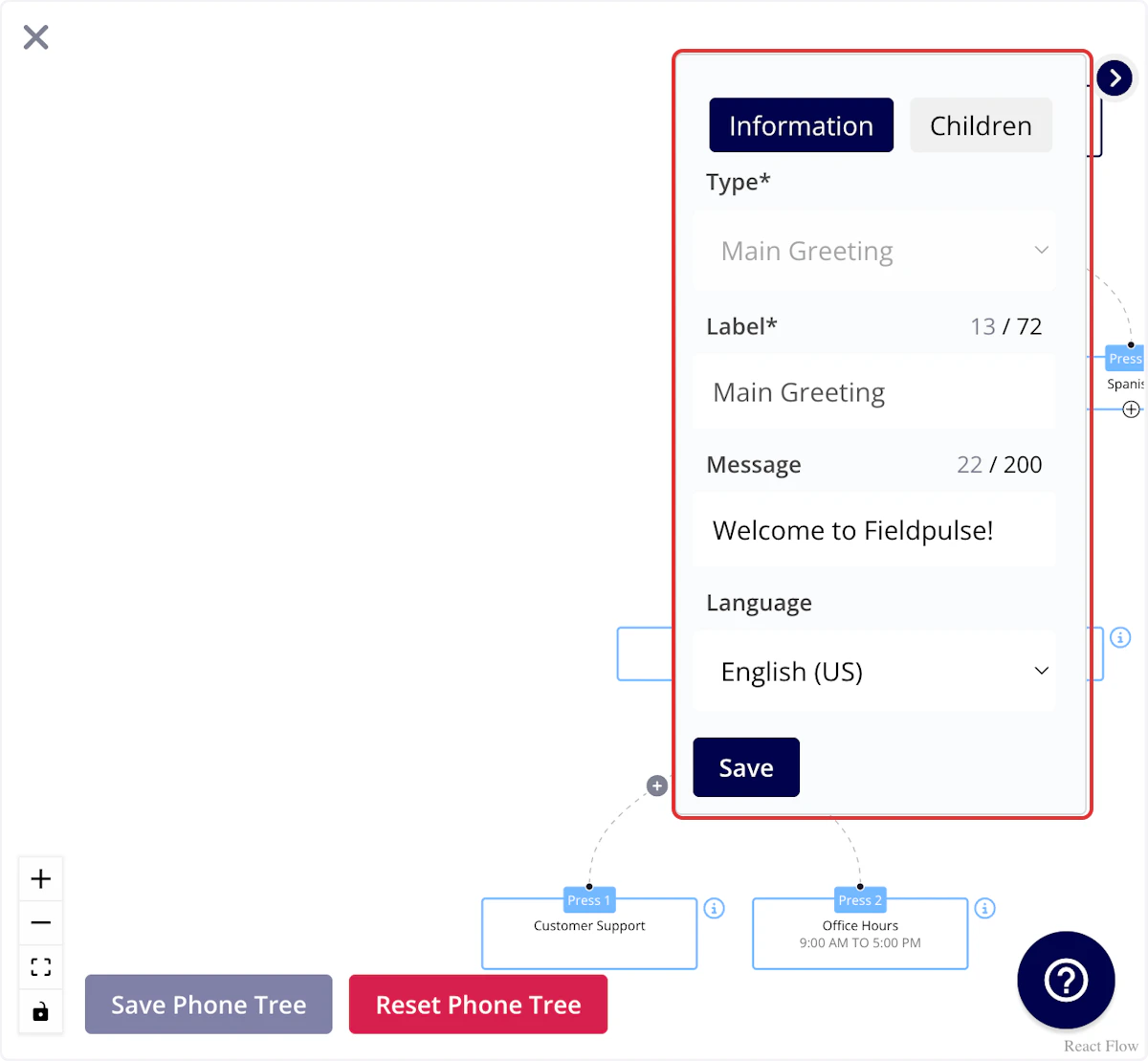
- English
- Spanish
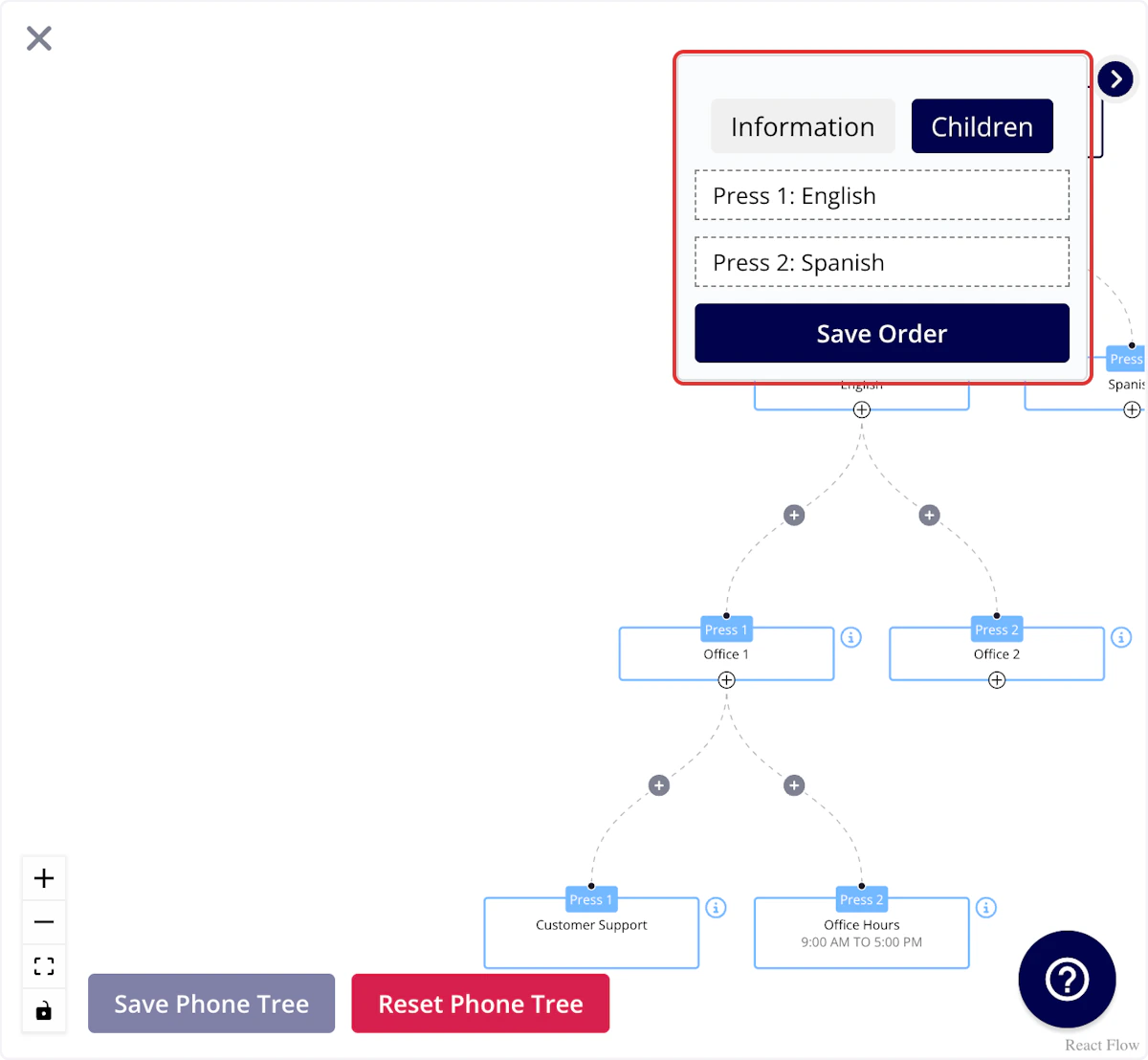
- Go to the Children tab.
- Adjust the order as needed.
- Press Save Order.
It’s important to note that you do not need to enter this exact wording (press 1/press 2) in the Message field. Our system will automatically read that aloud to your customer.
- Label: An internal title for you & your team
- Message: This will be read to your customer using text to speech when they reach this branch of your phone tree
Again, it is important to note that you do not need to enter this exact wording (press 1/press 2) in the Message field. Our system will automatically read that aloud to your customer.
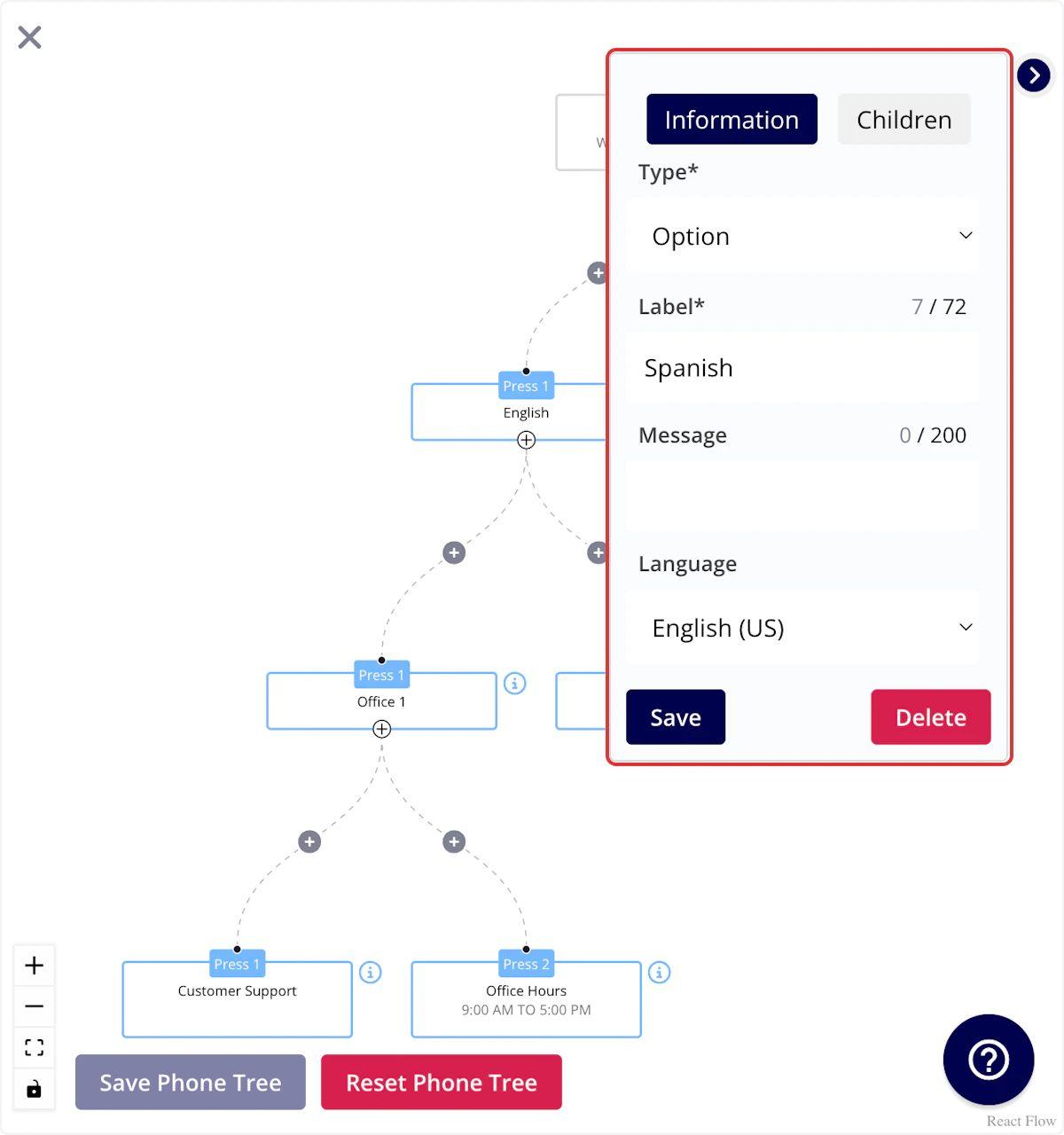
- Option
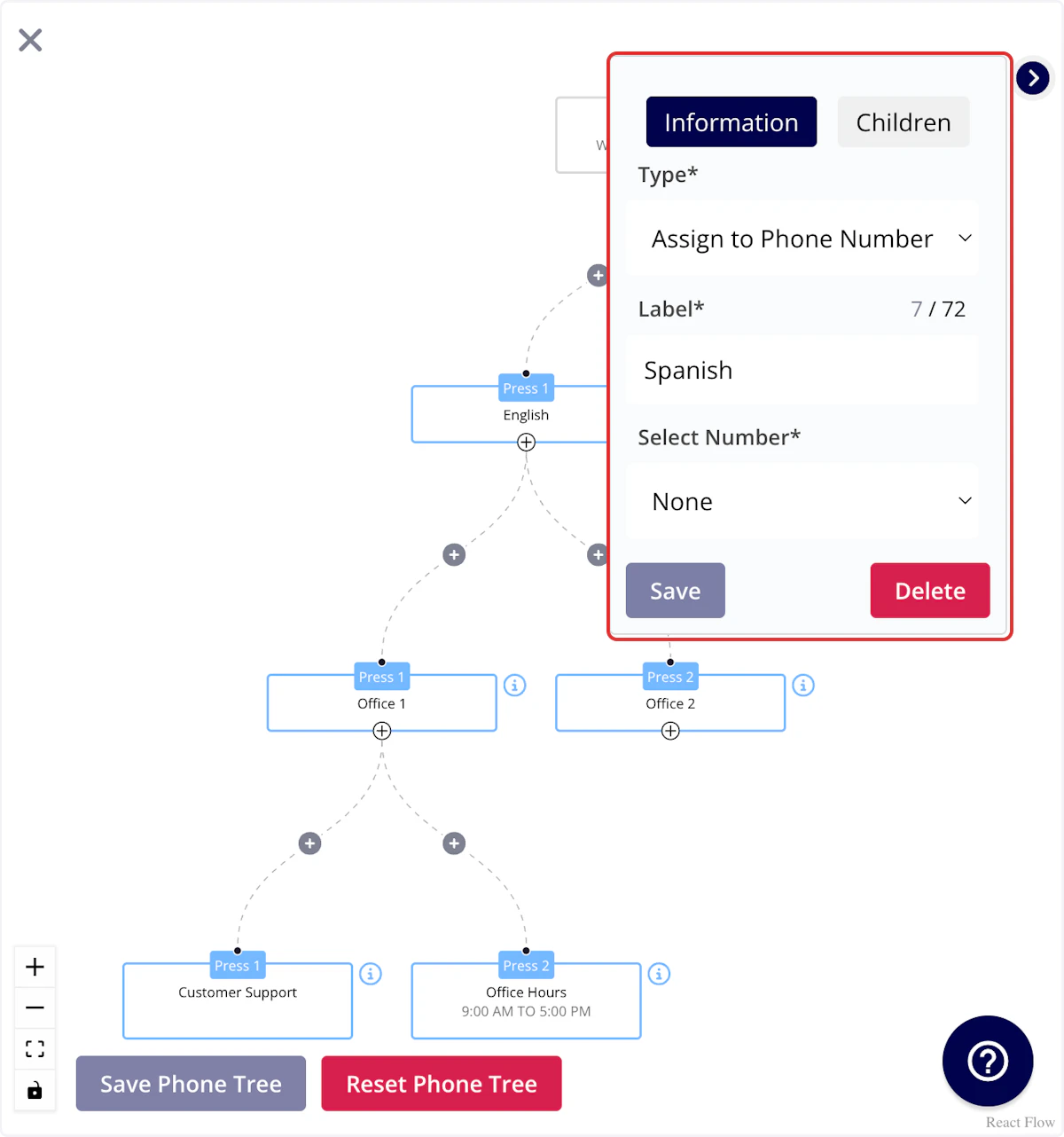
- Assign to Phone Number
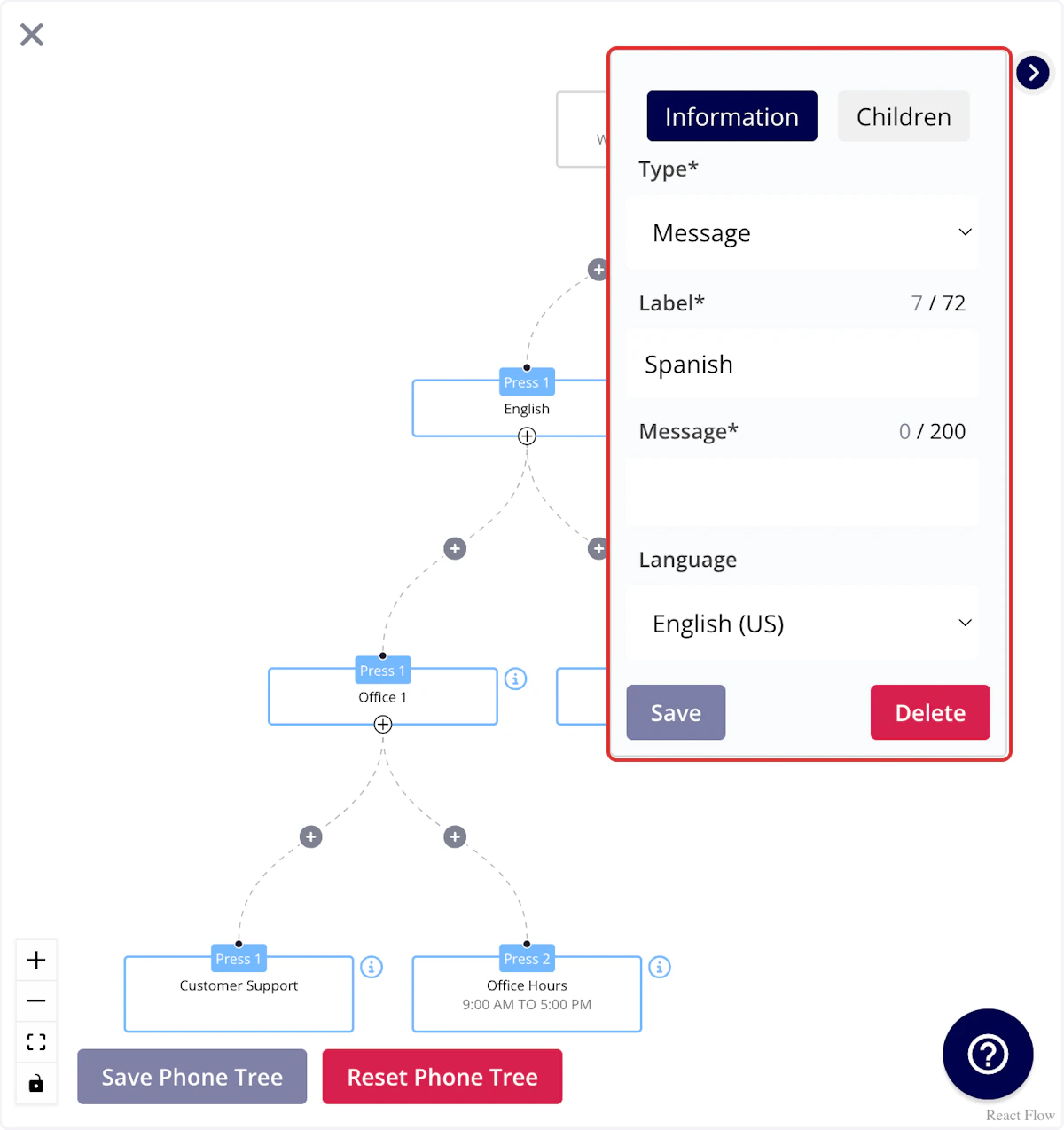
- Message
- Direct to Voicemail
Option
This will allow your customer to select an option to continue. You may use this for:- Selecting a preferred language
- Differentiating between new and returning customers
- Identifying what type of service they want to schedule
Assign to Phone Number
Allows you to select an Engage or non-Engage number for calls to be directed to when customers reach this branch. You may use this for:- Directing customers to the right department/location
- Directing customers to a manager
Message
Allows you to write a message that will be read to your customer using text to speech when they reach this branch. You may use this for:- Informing customers they are outside of your service area
- Informing customers you do not provide the service they are requesting
Direct to Voicemail
By choosing this, it will ensure that callers will immediately hear the voicemail greeting and can leave a message without the call ringing first. The voicemail will be recorded on the original phone line that the customer dialed.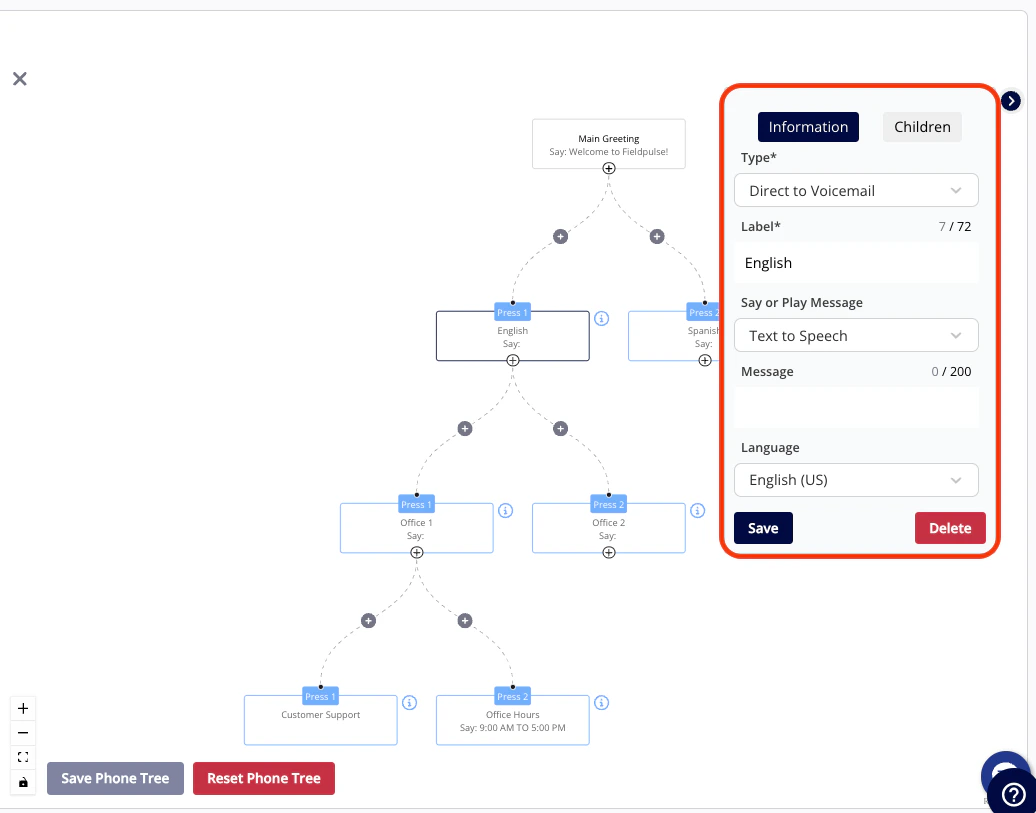
(Note: Every phone tree branch should ultimately end with a Message, Direct to Voicemail, or be assigned to a phone number, as Option is used only to sort customers.)
Call Forwarding
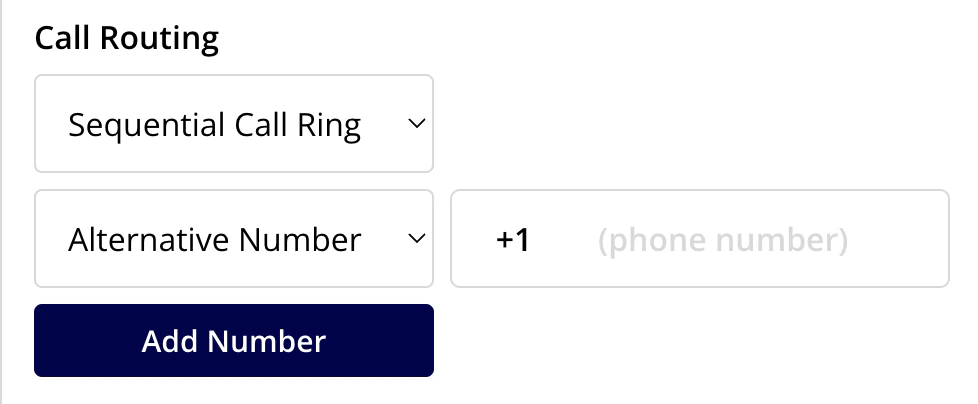
Sequential Call Ring
- Engage Number 1
- Engage Number 2
- Alternative Number
Have additional questions? Contact us at support@fieldpulse.com or use the chat feature in the bottom right corner of your screen.