

Documentation Index
Fetch the complete documentation index at: https://fieldpulse.mintlify.app/llms.txt
Use this file to discover all available pages before exploring further.
FieldPulse Engage - SIP
FieldPulse Engage - SIP currently supports the following features:- Incoming calls
- Outgoing calls
- Hold
- Transfer
Note: Caller ID is not currently supported for SIP phones.
Overview
Within the Engage phone system we have two powerful features that you can choose to take advantage of: SIP (Session Initiation Protocol) and DID (Direct Inward Dialing). These features improve the flexibility and efficiency of your communications within the Engage platform.What are SIP and DID?
SIP (Session Initiation Protocol): SIP is a fundamental technology that enables real-time communication over the internet. SIP allows users to use a variety of devices as their phone system including VoIP phones and computers. SIP enables your devices to communicate with each other over the internet. The devices you utilize must be cloud based. If utilizing a VoIP phone, you will need to ensure you have administrative access to that phone. If you purchased your phone through another provider you may not have administrative access. Therefore, you will need to contact your current provider or purchase a new VoIP phone if they are not able to provide you with that access.⭐ FieldPulse Pro Tip: We recommend using Grandstream and Yealink VoIP phone models for optimal performance.
- Direct Connection: Enables direct communication to specific employees or departments, which speeds up response times and improves customer service.
- Professionalism: Provides customers with a direct line to contact specific parts of your business, enhancing the professional image of your company.
- Efficiency: Reduces the need for a receptionist or operator to direct calls, streamlining your operations.
Who Benefits?
- Businesses with Customer Support Teams: Direct numbers for each support agent can improve response times and customer satisfaction.
- Sales Teams: Sales professionals can have dedicated lines, making it easier for clients to reach them directly.
- Remote Teams: With SIP, remote team members can connect to the company’s phone system regardless of their location as if they were in the office.
Getting Started with SIP
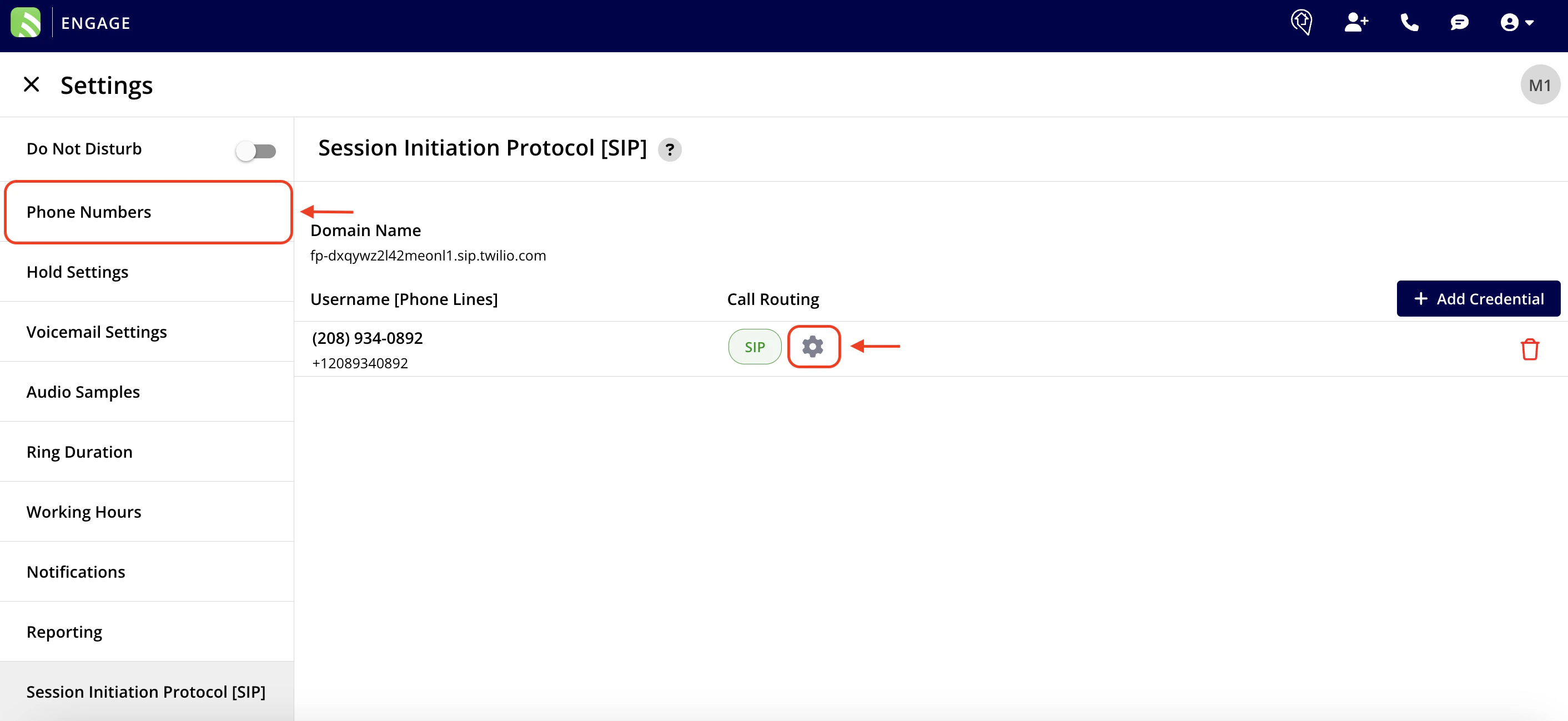
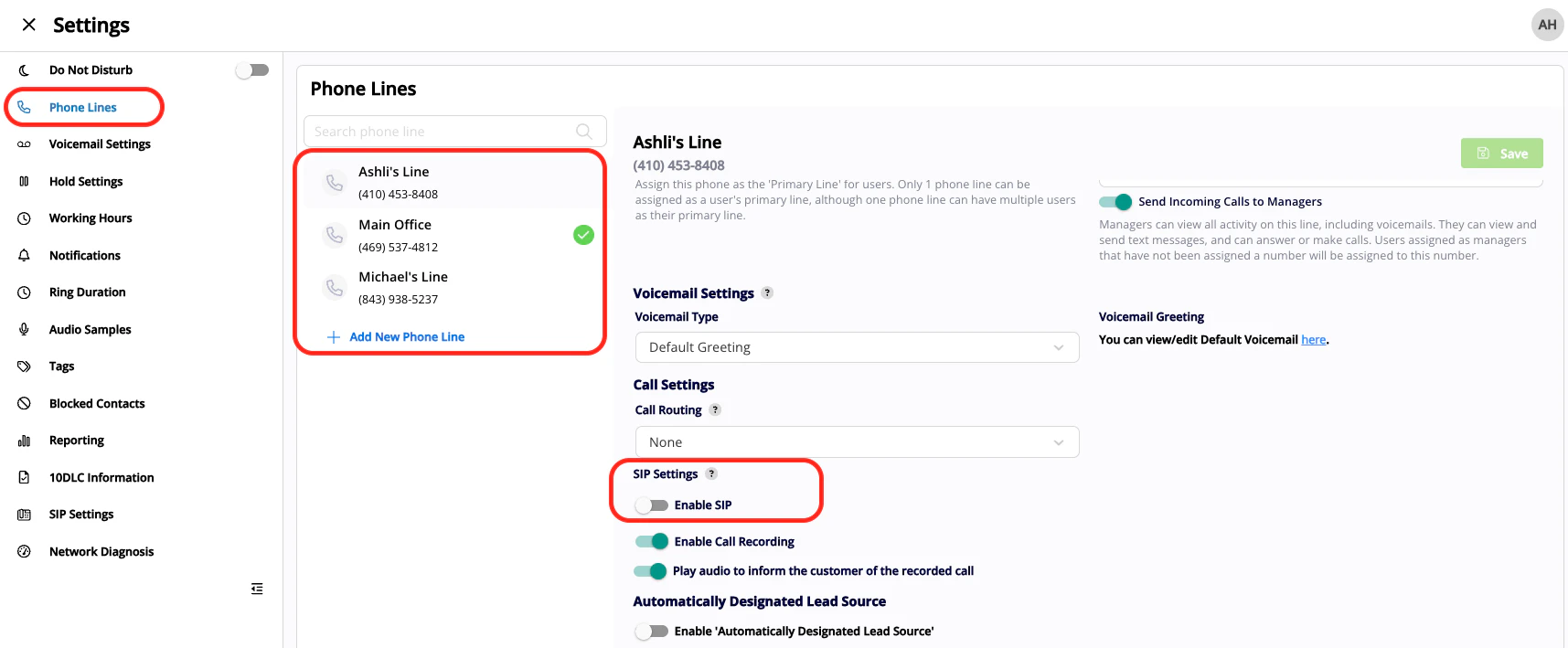
Note: 10DLC has to be complete in order to utilize SIP.
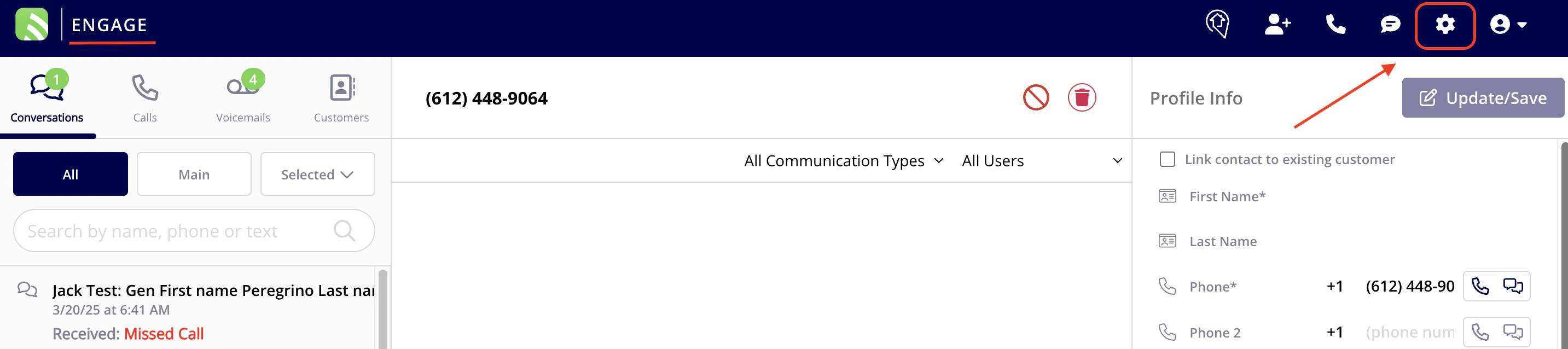
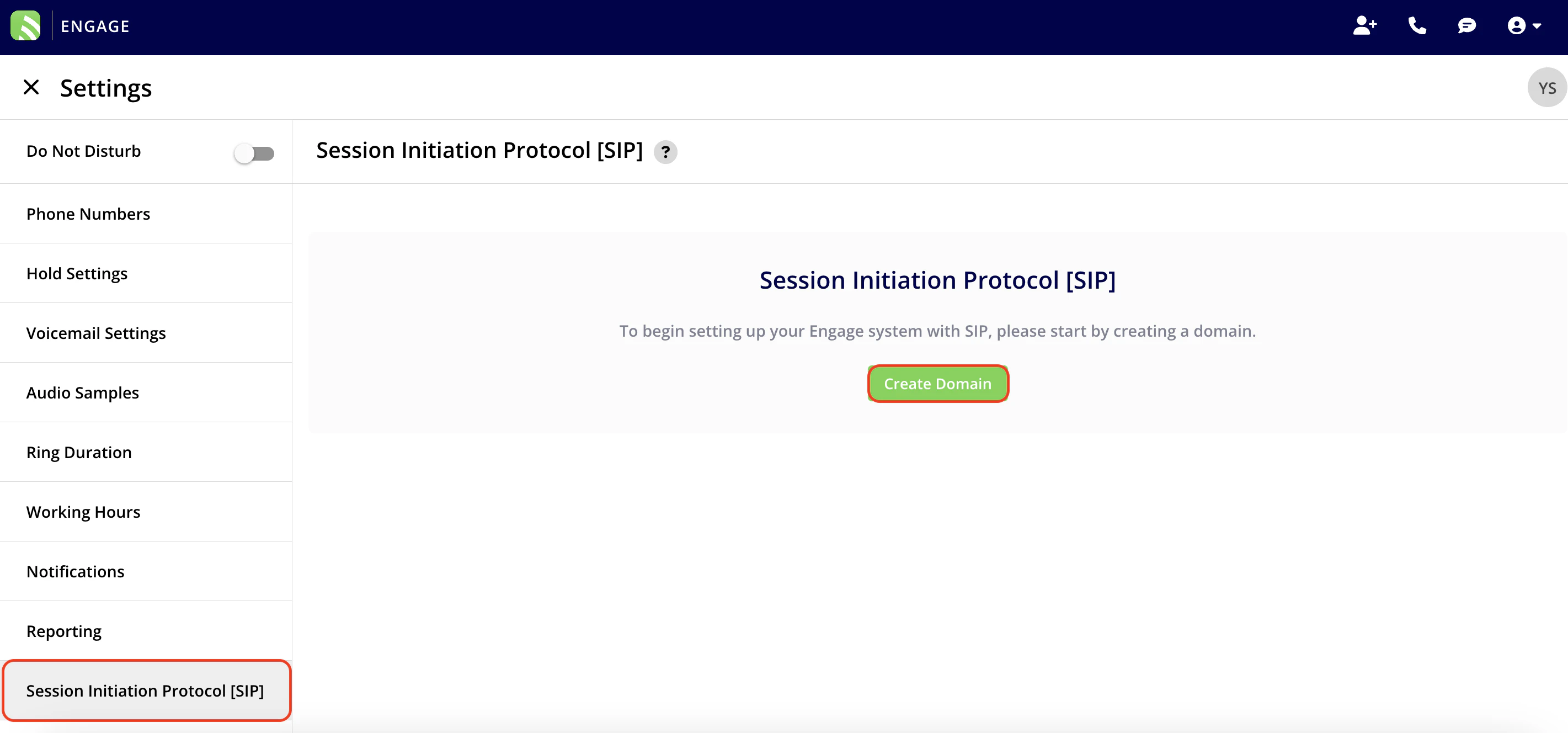
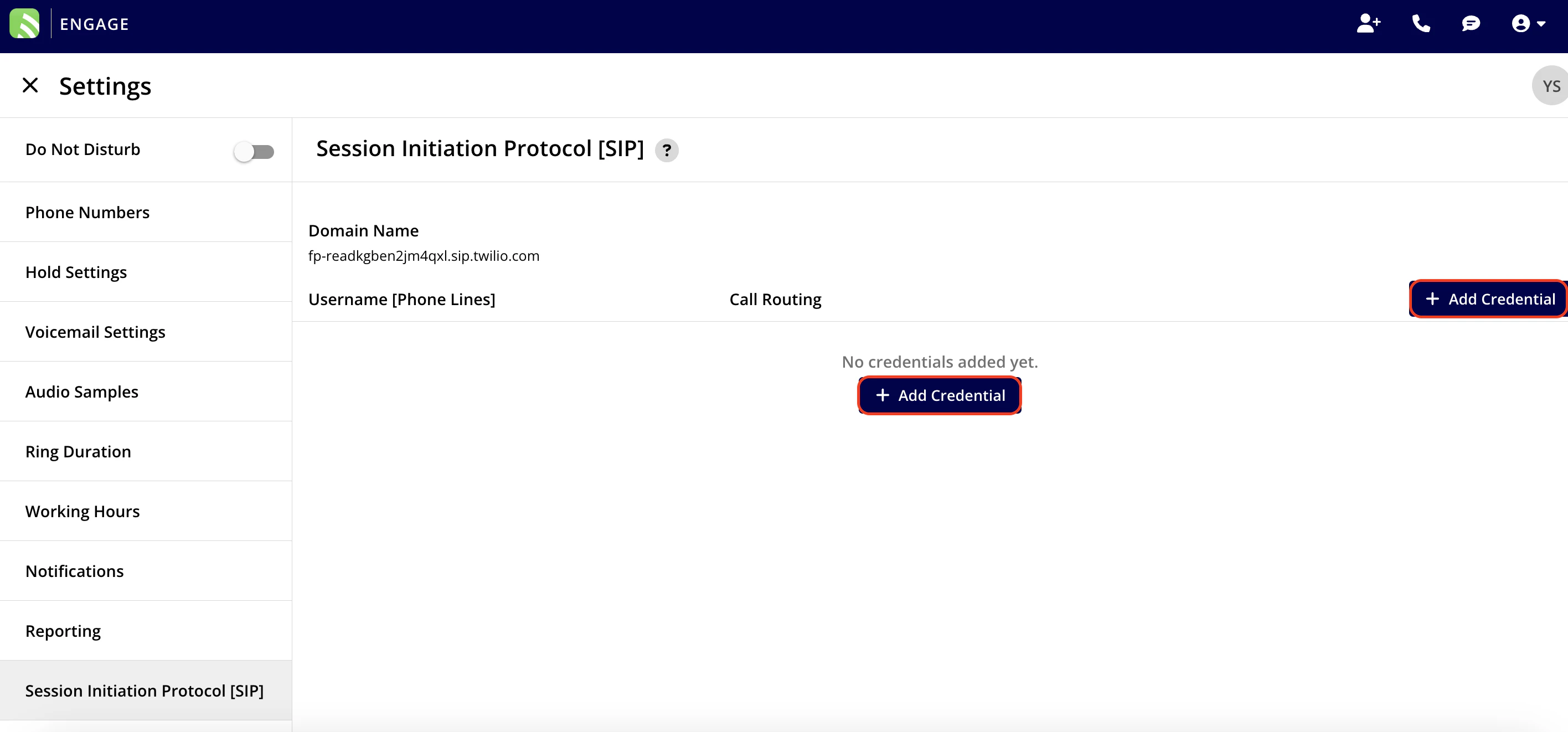
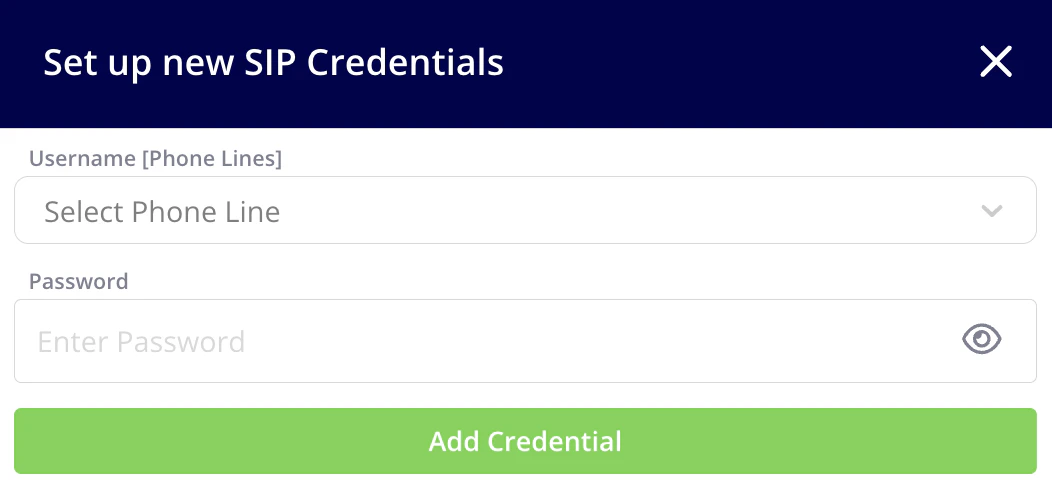
Note: Your password must be a minimum of 12 characters, contain at least 1 digit, and have mixed case (upper and lowercase).
Have additional questions? Contact us at support@fieldpulse.com or use the chat feature in the bottom right corner of your screen.