

Documentation Index
Fetch the complete documentation index at: https://fieldpulse.mintlify.app/llms.txt
Use this file to discover all available pages before exploring further.

Enabling the Costbook
To get started, reach out to us via support@fieldpulse.com or use the chat in bottom right corner of your screen. Let us know you’d like to enable the Reece Costbook, and provide your Reece customer ID. (Note: You can also use the Reece Costbook as a pricebook in order to build additional flat-rate jobs and add pictures to Reece flat-rate jobs. Be sure to let us know when providing your Reece customer ID.)Using the Costbook
To view your costbook, select Pricebook from the left-side menu, then click Costbooks.
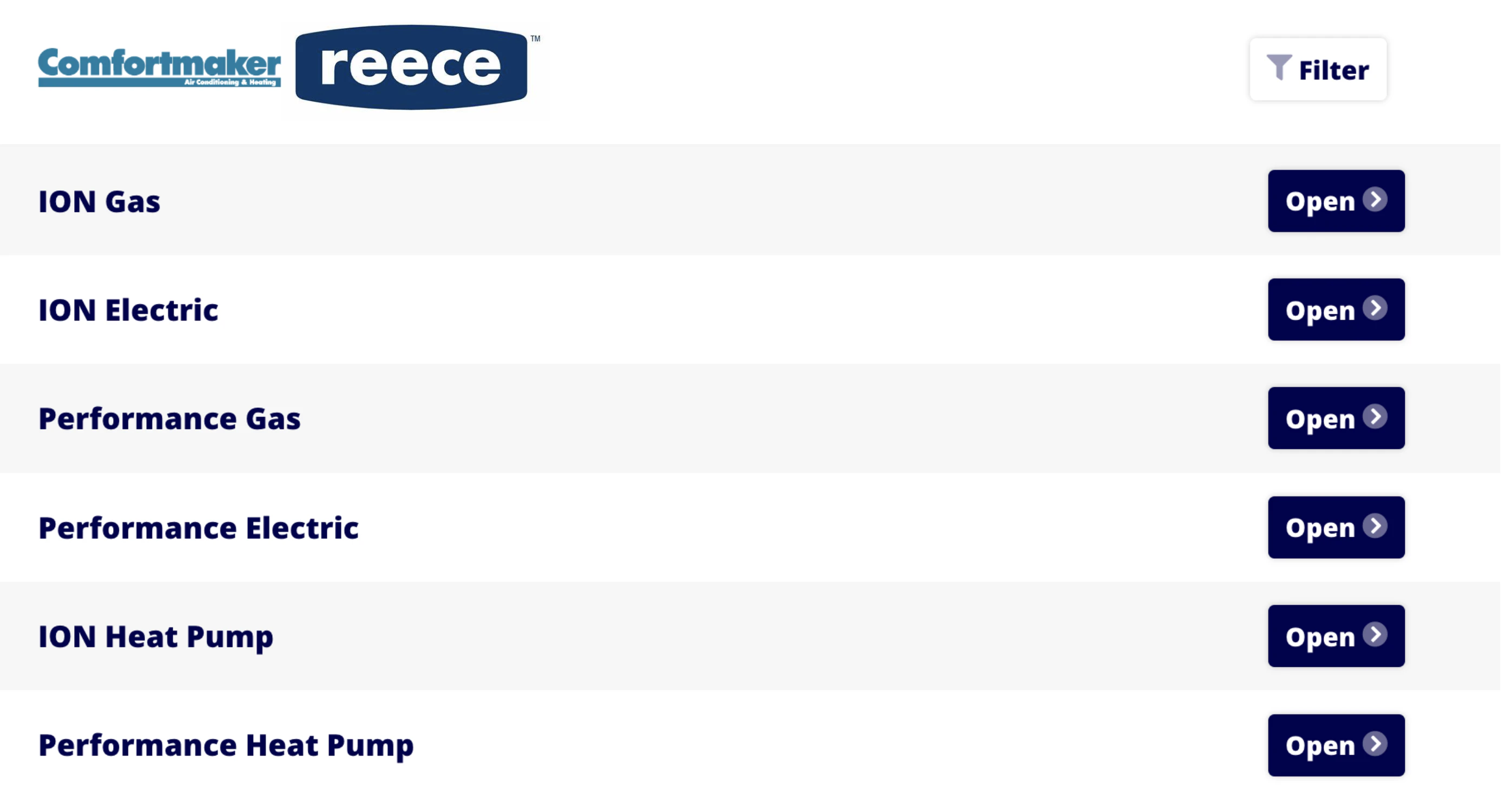
- Tonnage
- Fuel Source
- Orientation
- Seer
- Coil
- Furnace Width
- Series
- Compressor

Have additional questions? Contact us at support@fieldpulse.com or use the chat feature in the bottom right corner of your screen.