

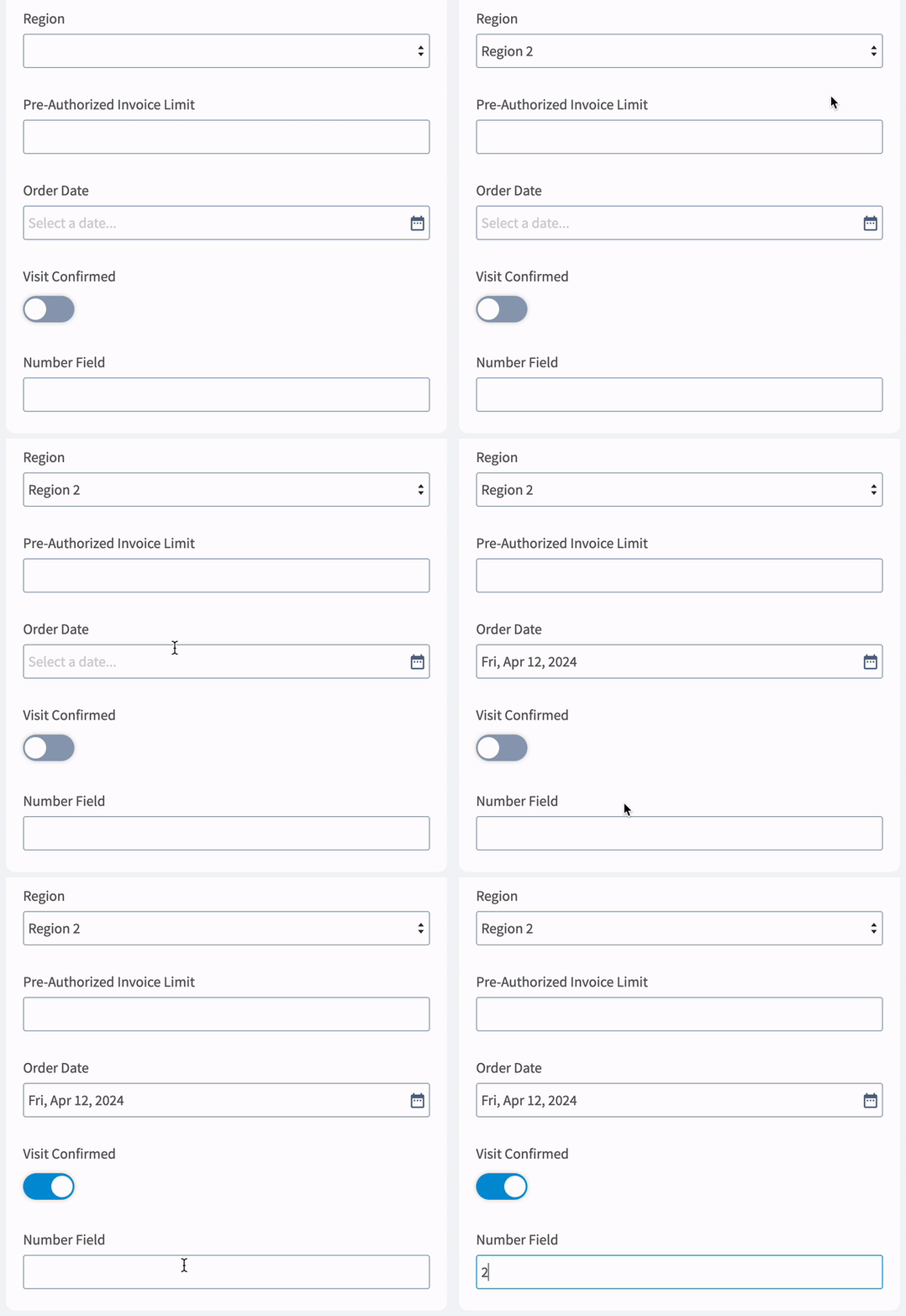
You can create custom fields for your job records to store and display any data you wish. With the ability to set the order of your custom fields and add different visibility permissions by role, you can control how your custom fields are displayed to your team members.Documentation Index
Fetch the complete documentation index at: https://fieldpulse.mintlify.app/llms.txt
Use this file to discover all available pages before exploring further.
Adding a New Custom Field
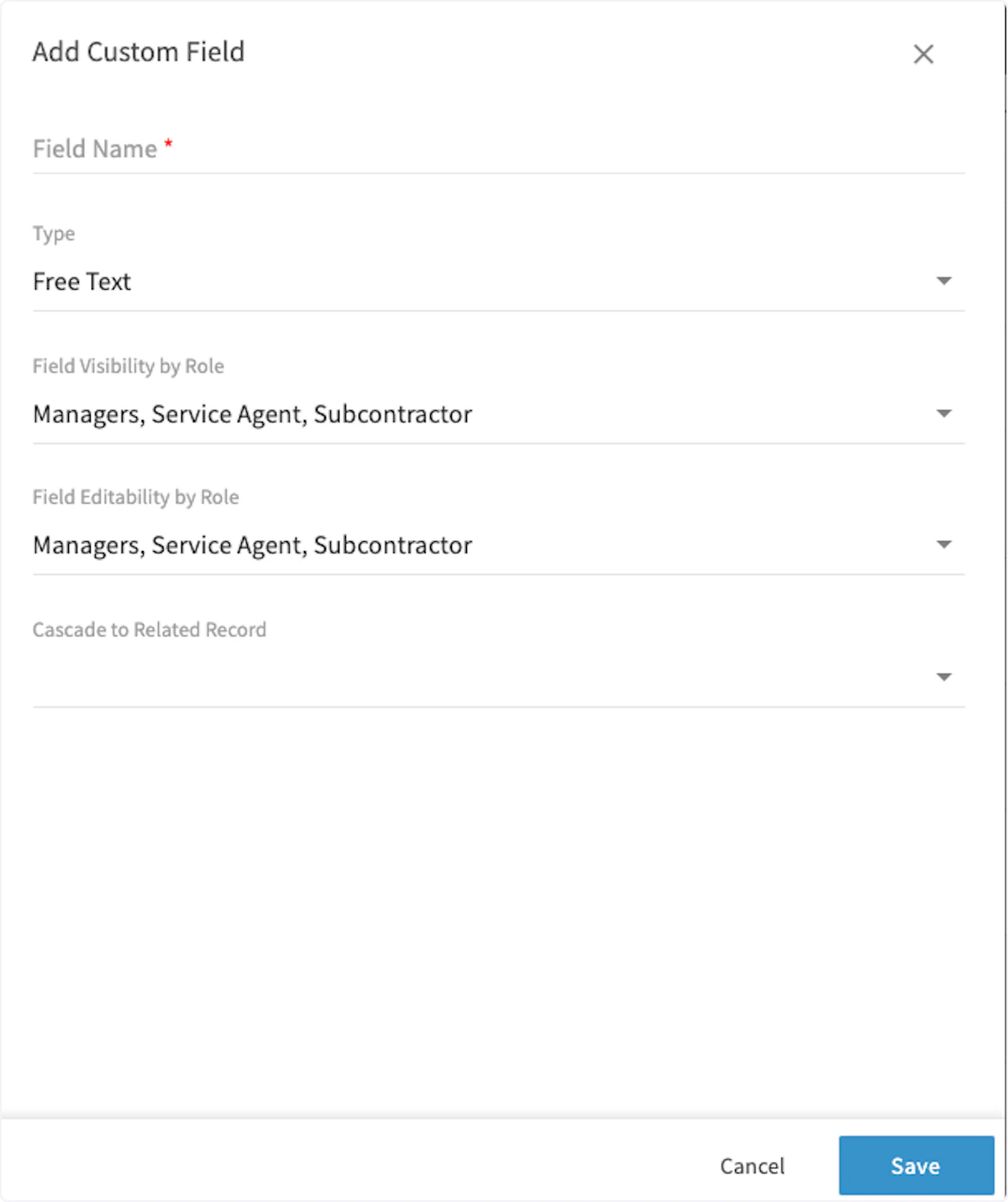
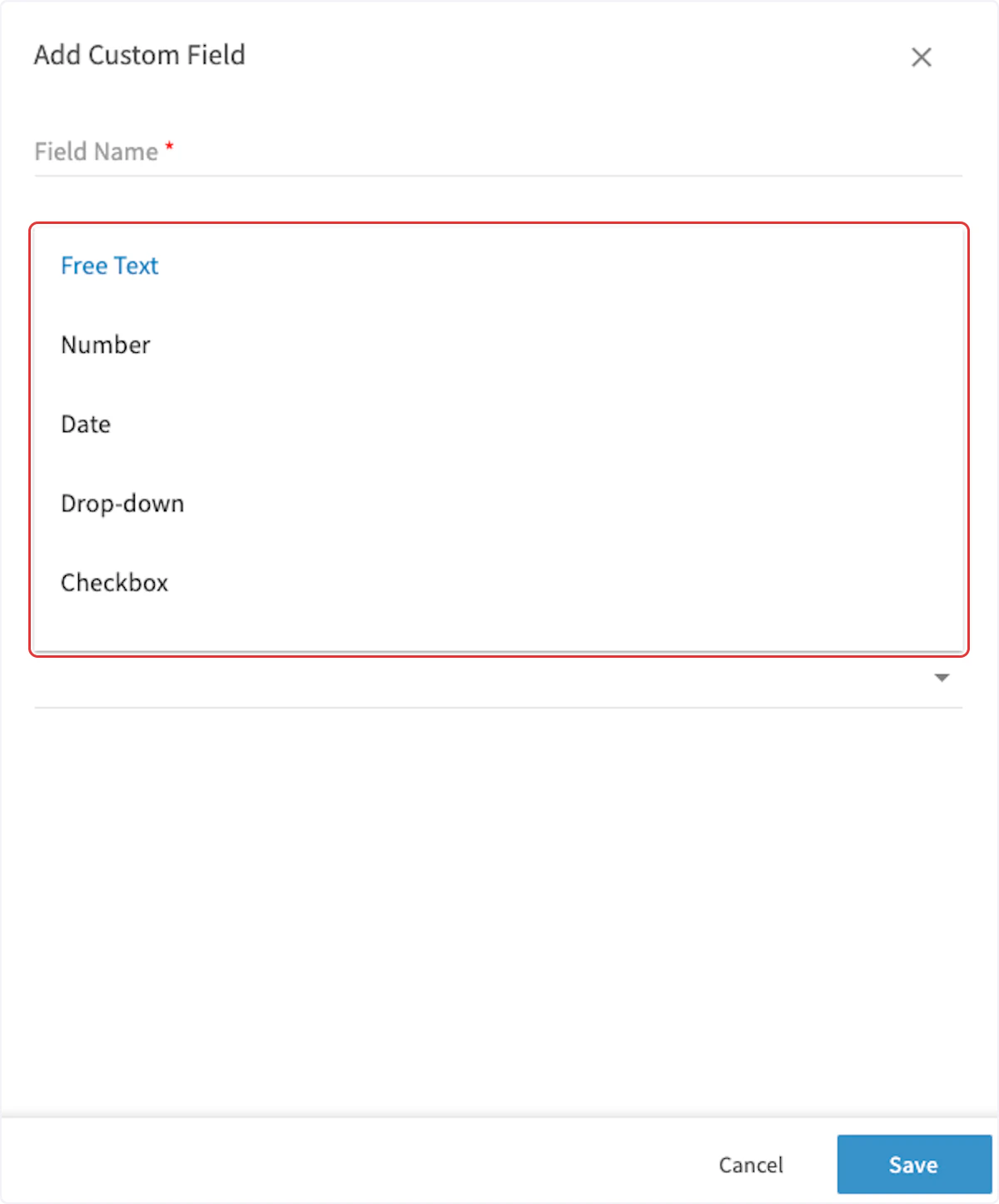
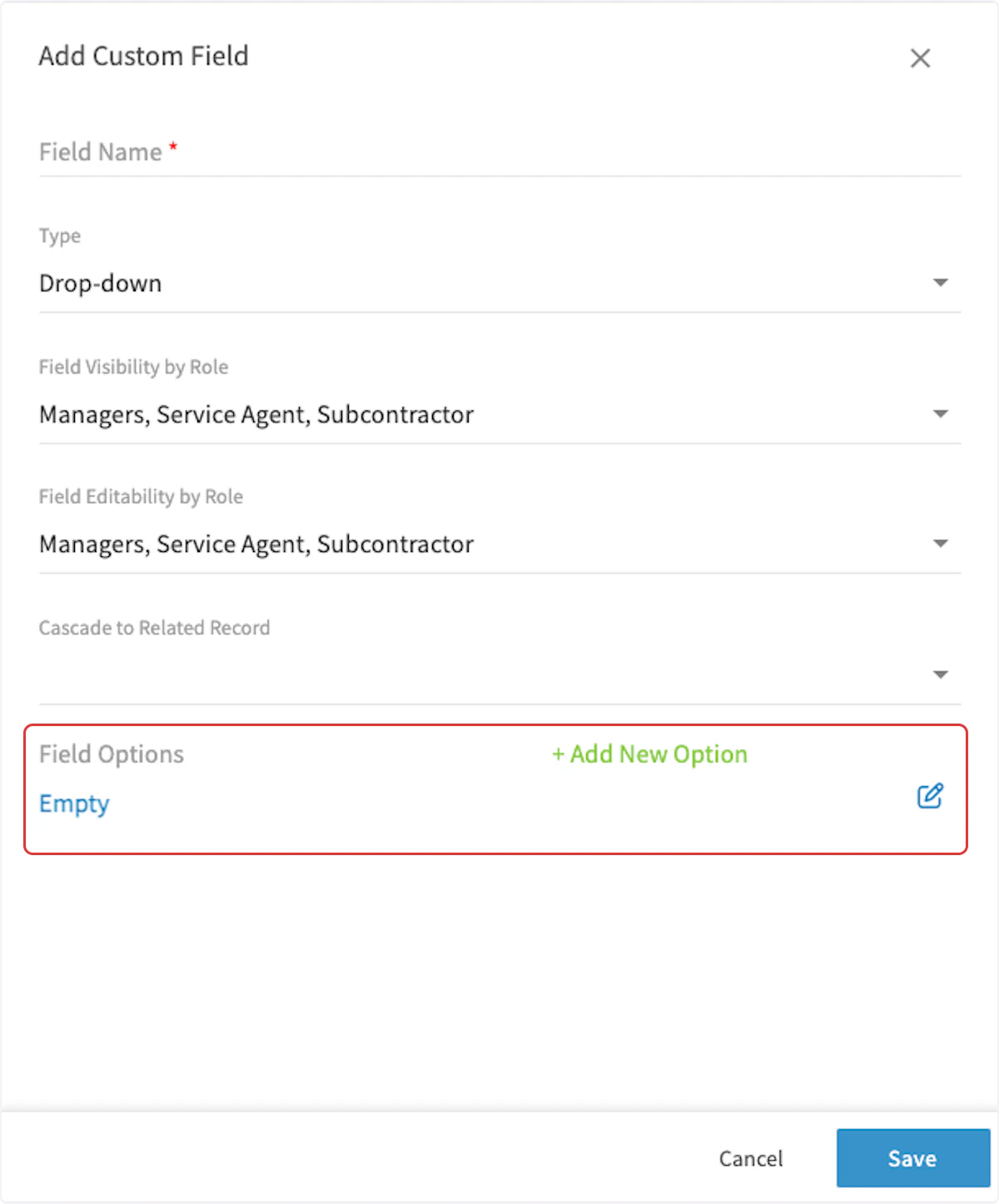
To create a custom field, navigate to Company Settings, click on Jobs and then the Custom Fields tab. On the Custom Fields page, click Create New.
Video Tutorial
Have additional questions? Contact us at support@fieldpulse.com or use the chat feature in the bottom right corner of your screen.