

You will love this feature! Joining our invoices, estimate and maintenance agreement templates is…JOB TEMPLATES! Save a bunch of time! You can save common job types as templates, Start to toggle on jobs as you create them or spend a few moments setting up some templates for your most popular job types. Quickly and easily select from a saved template to fast pace your scheduling. But wait, that’s not all… the new JOB TEMPLATES function allows you to not only template the job information, but also related files, subtasks, estimates, and invoices! So you can now create a whole flow in one template.Documentation Index
Fetch the complete documentation index at: https://fieldpulse.mintlify.app/llms.txt
Use this file to discover all available pages before exploring further.
NEW JOB TEMPLATES
1. Go to webapp.fieldpulse.com
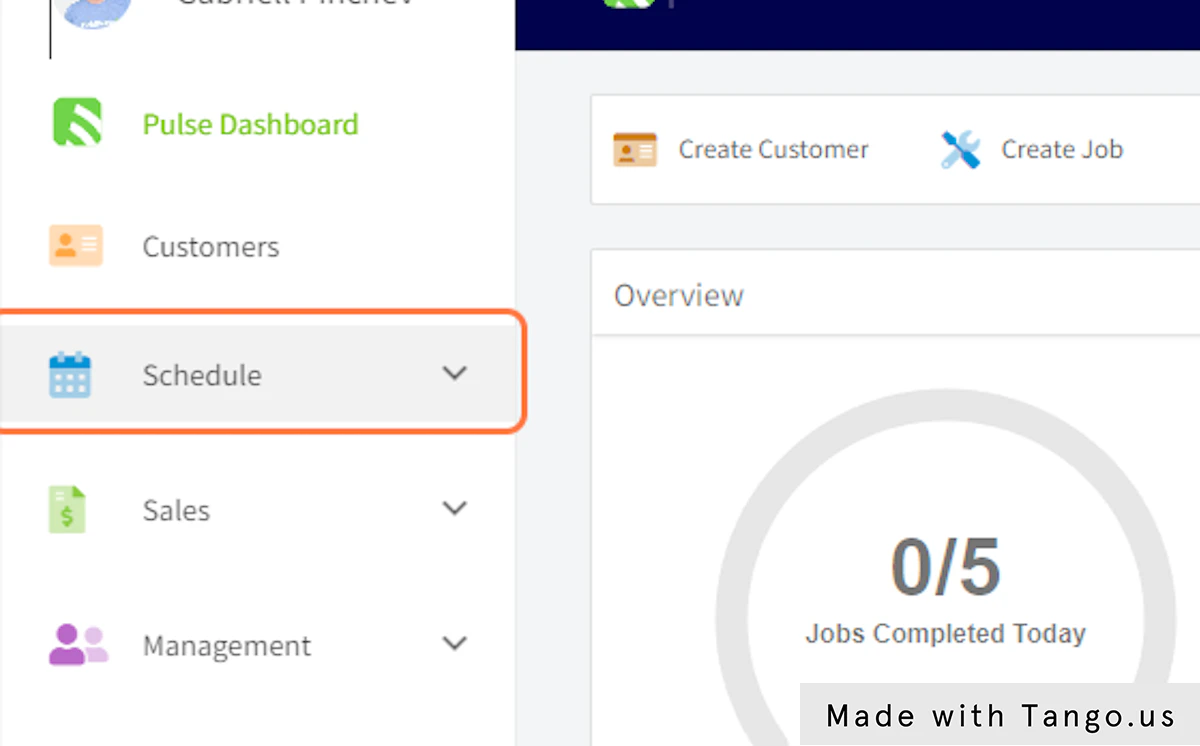
2. Click on Schedule
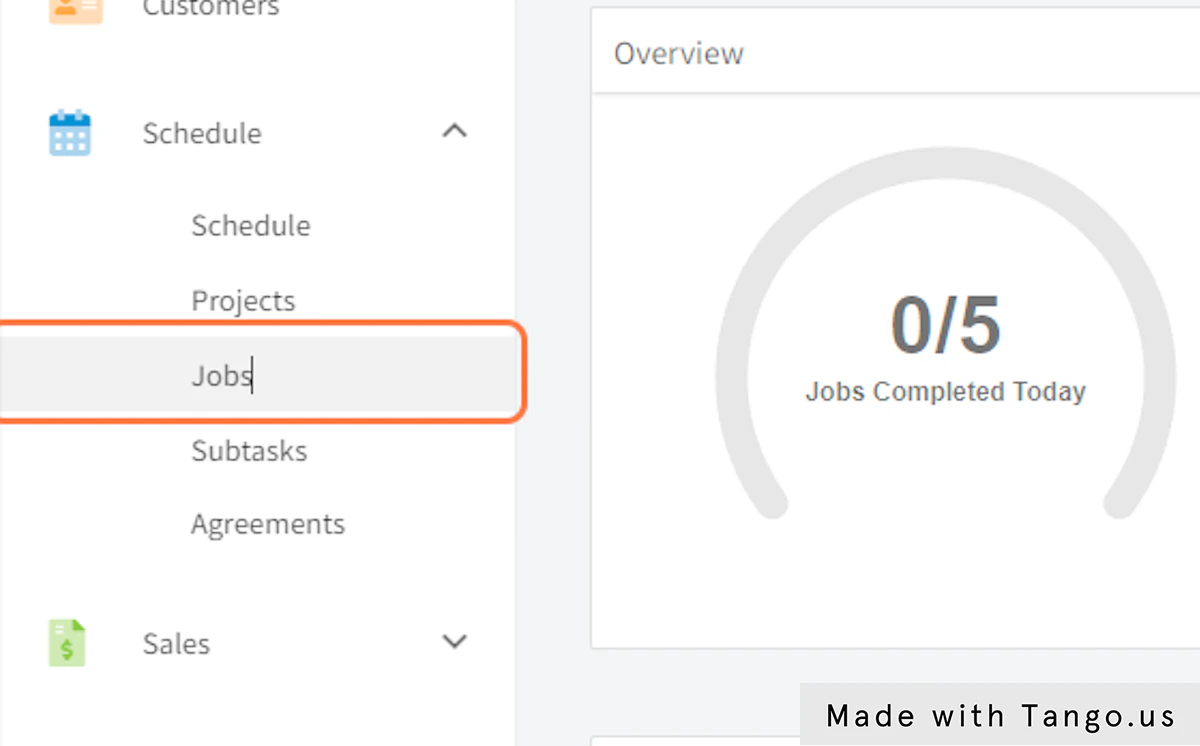
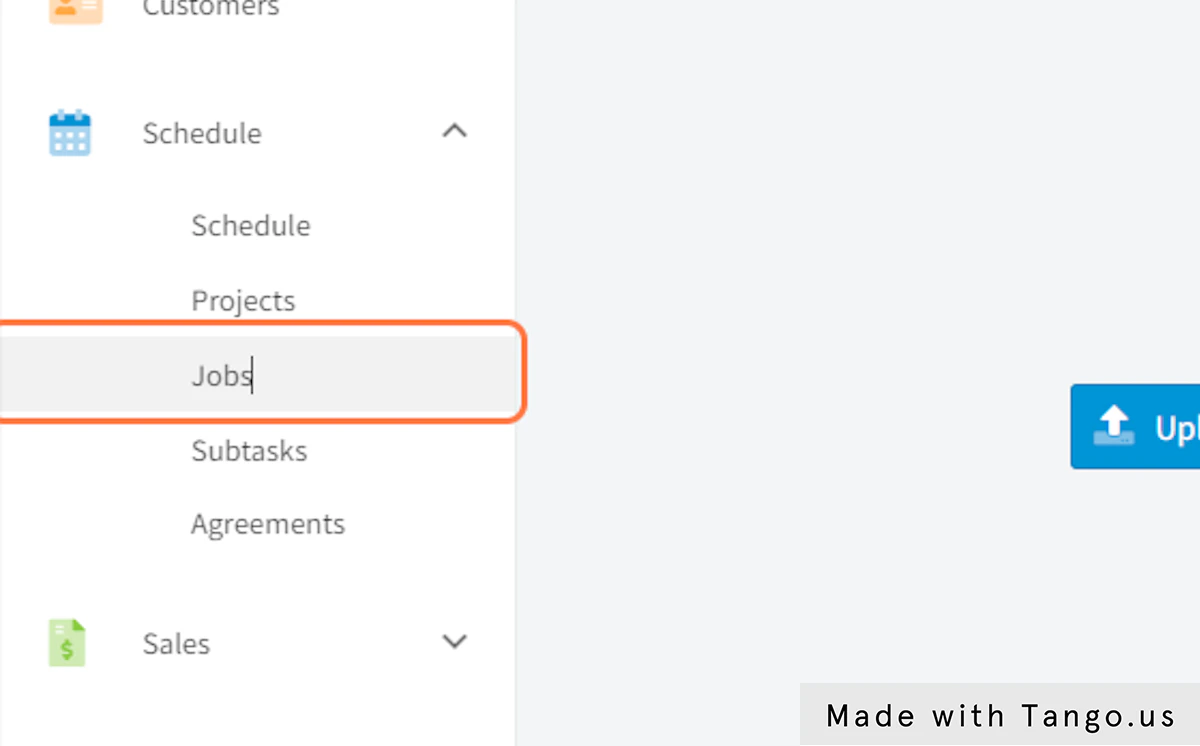
3. Click on Jobs
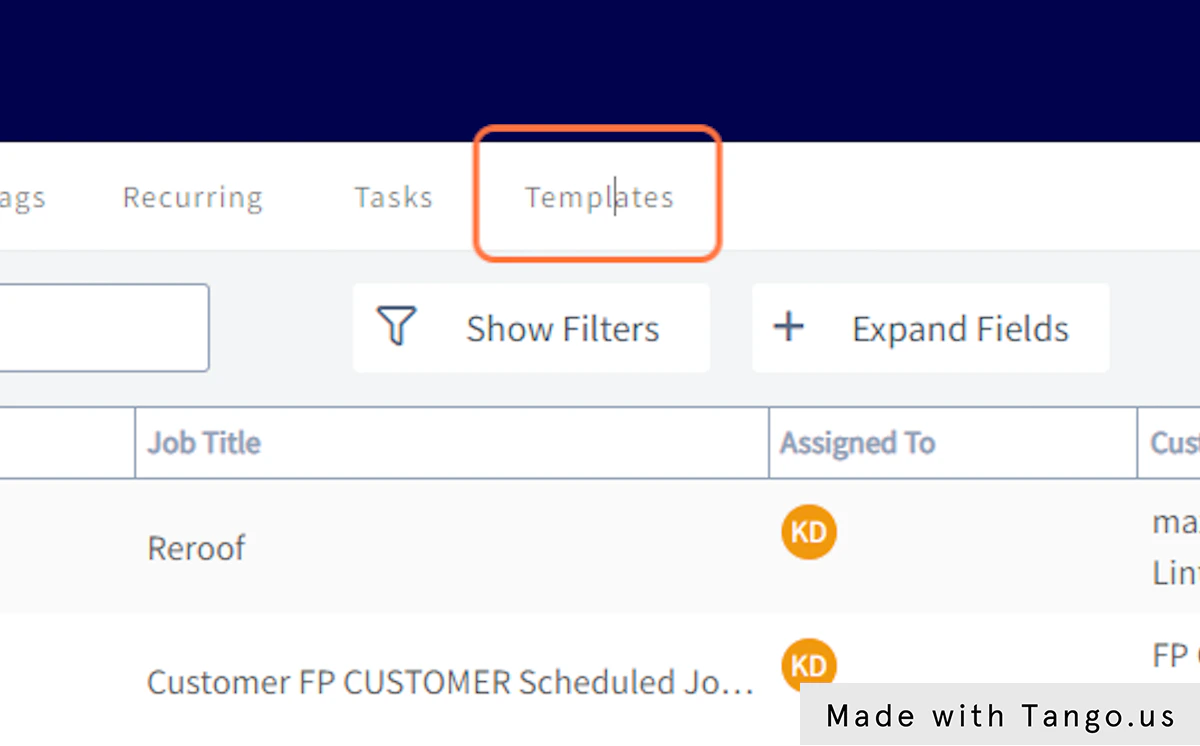
4. Click on Templates
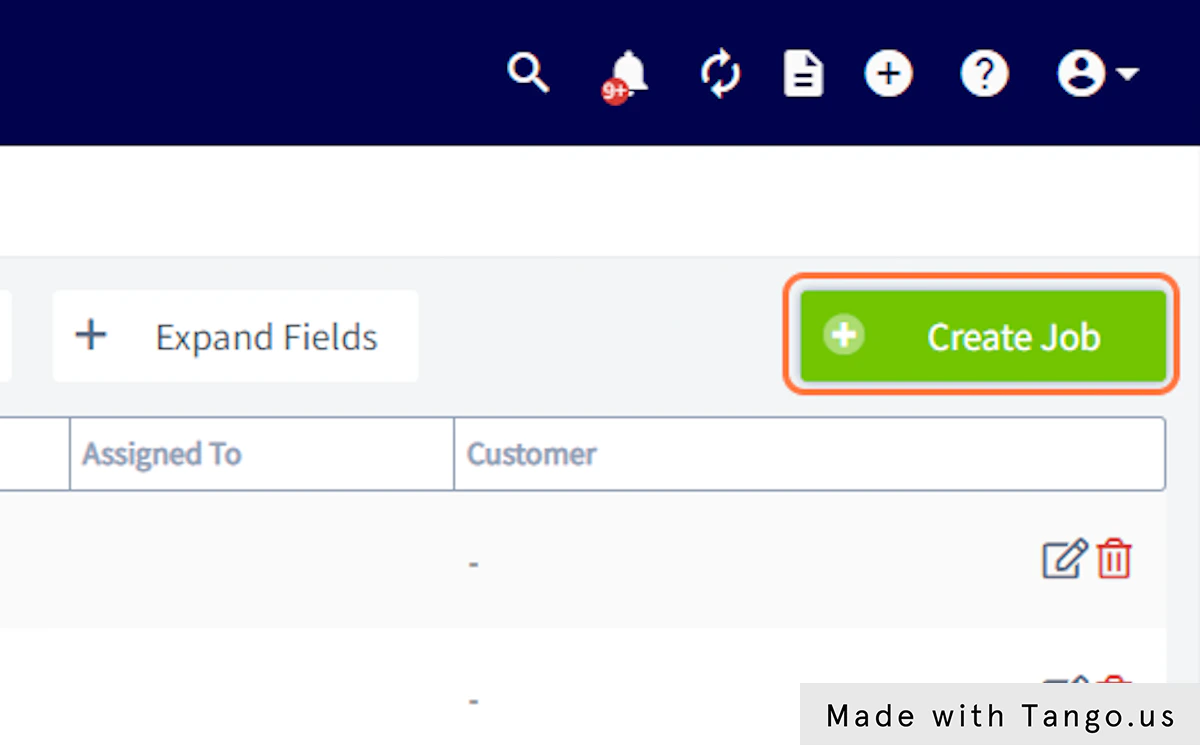
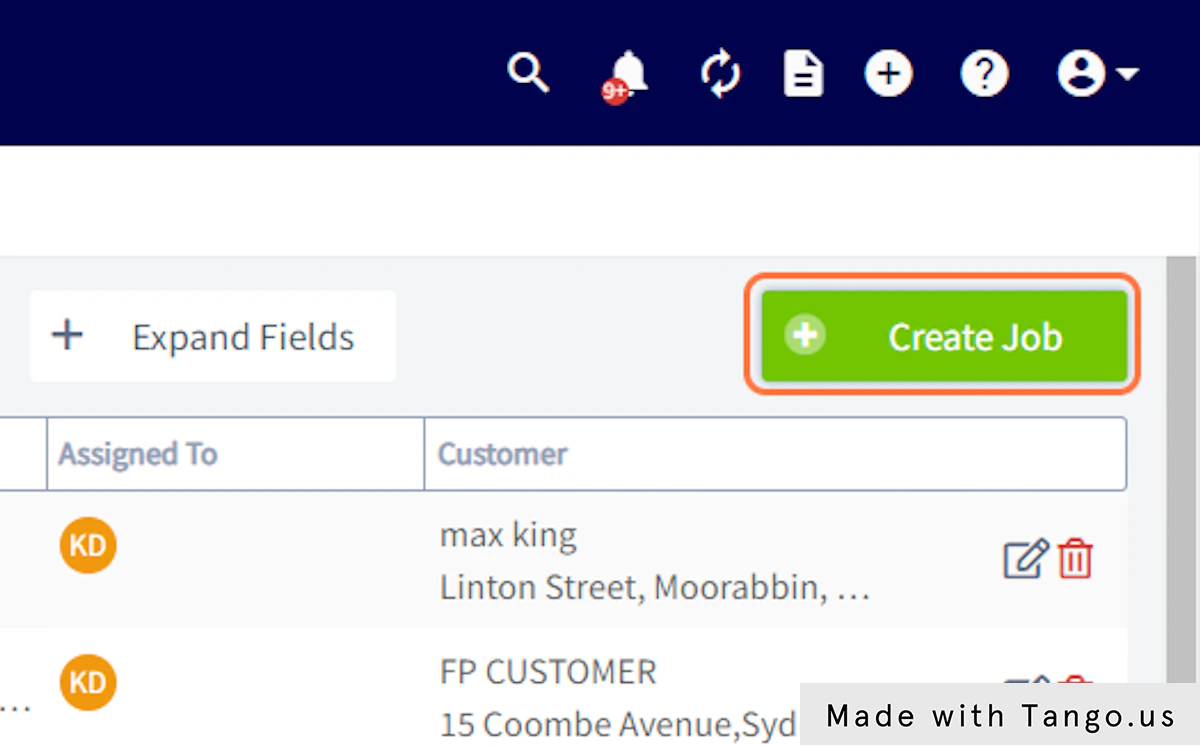
5. Click on Create Job
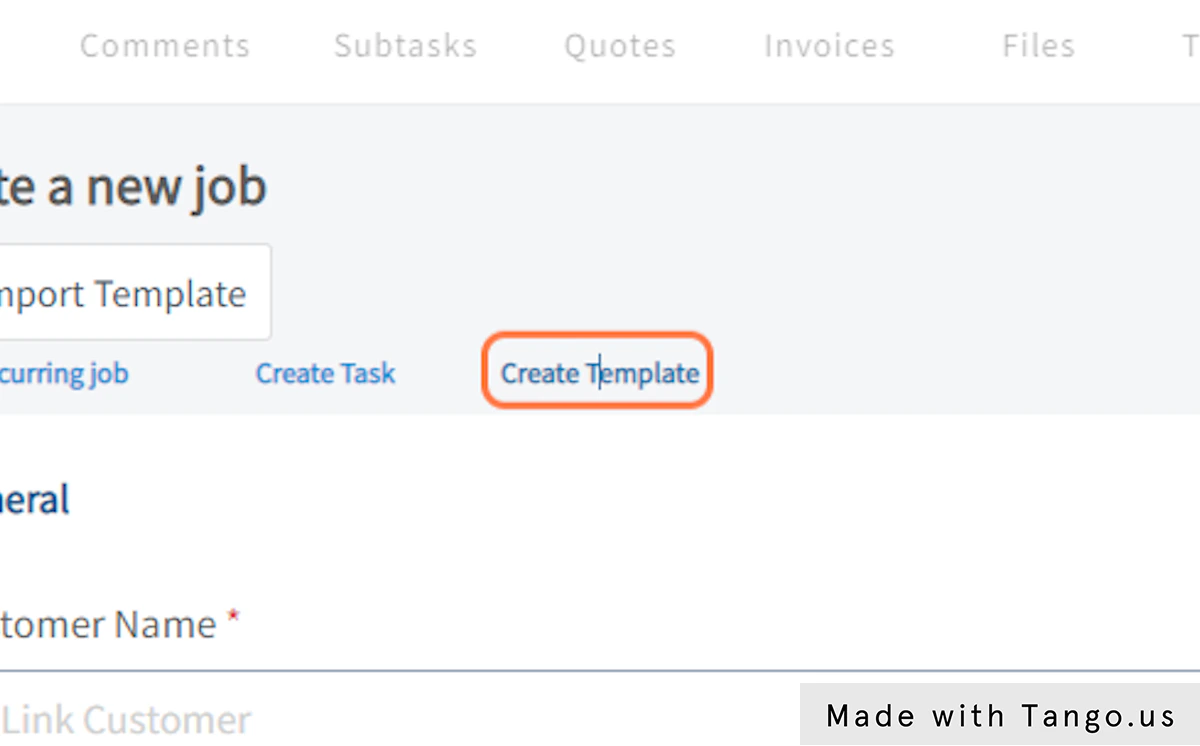
6. Click on Create Template
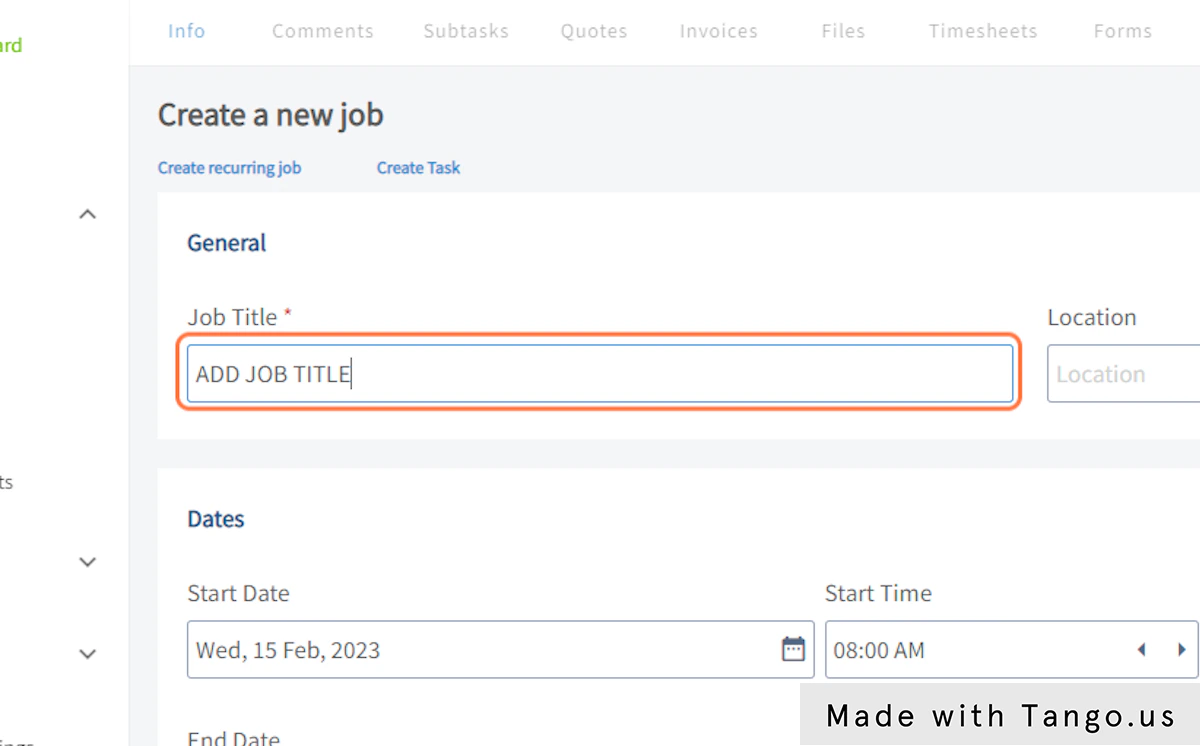
7. Type “ADD JOB TITLE”
8. Click on Location

9. Click on Clear Dates
10. Click on Add Site Visit
11. Click on Team Members
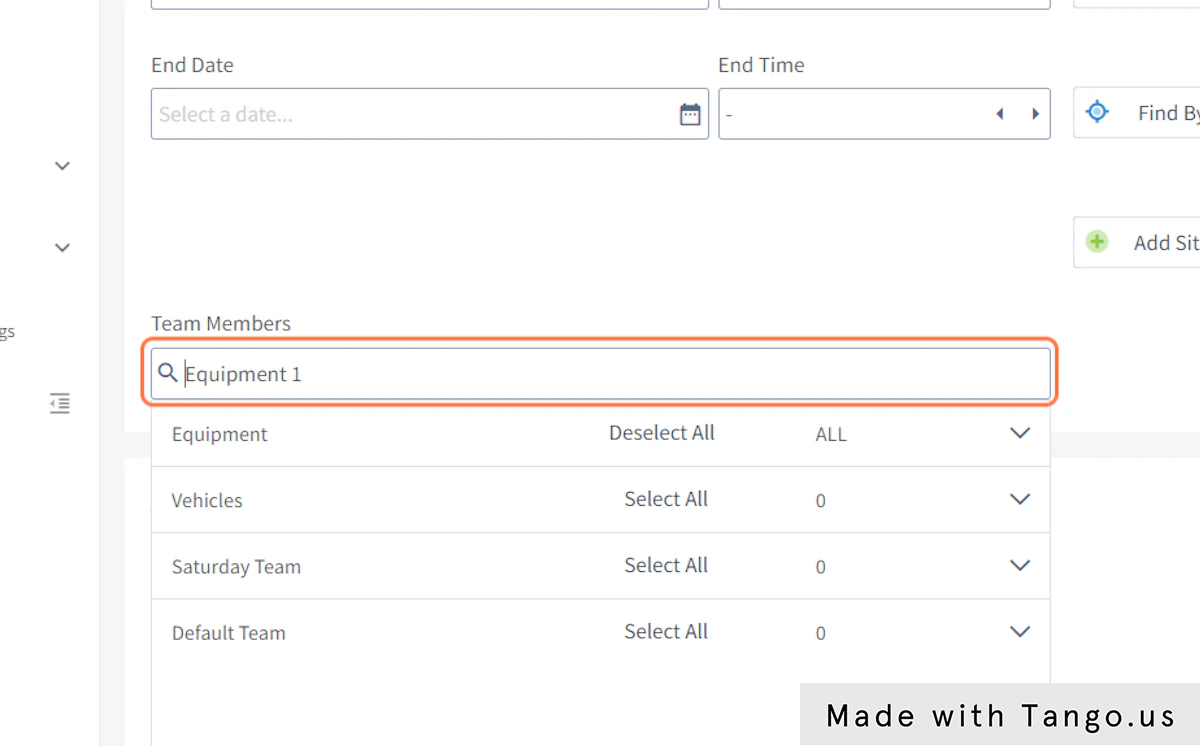
12. Click on Add Tags

13. Click on Additional Fields…
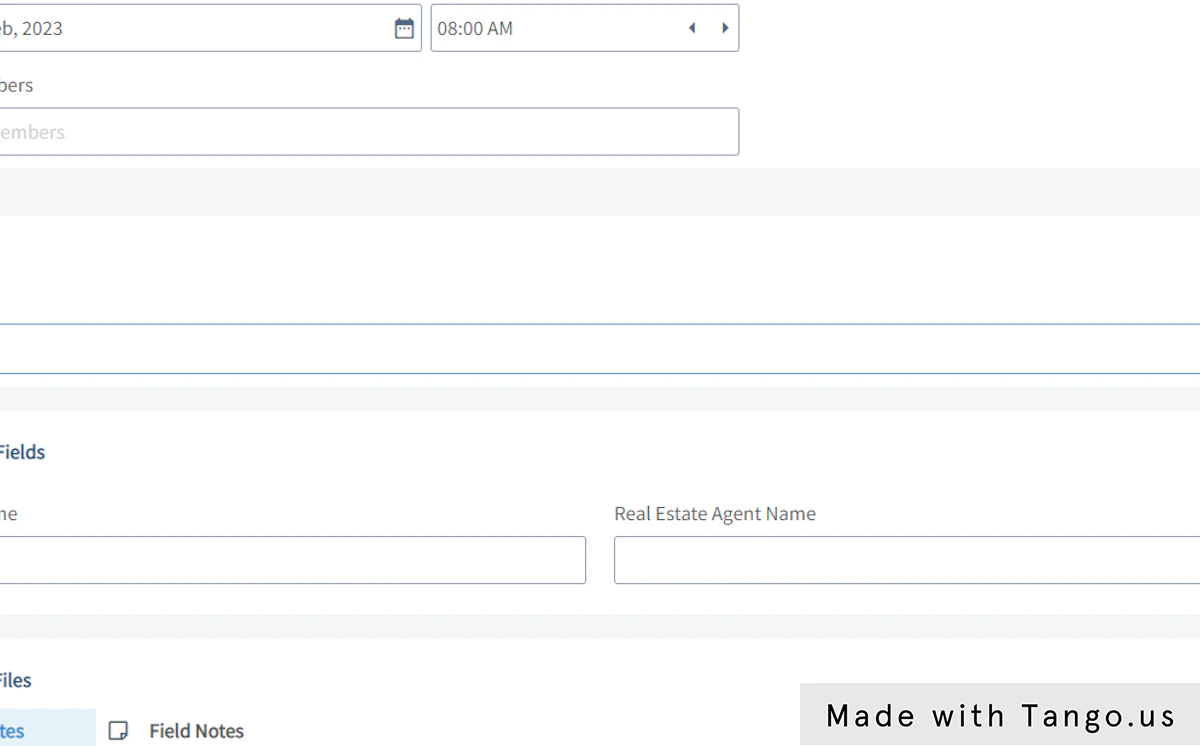
14. Click on Notes
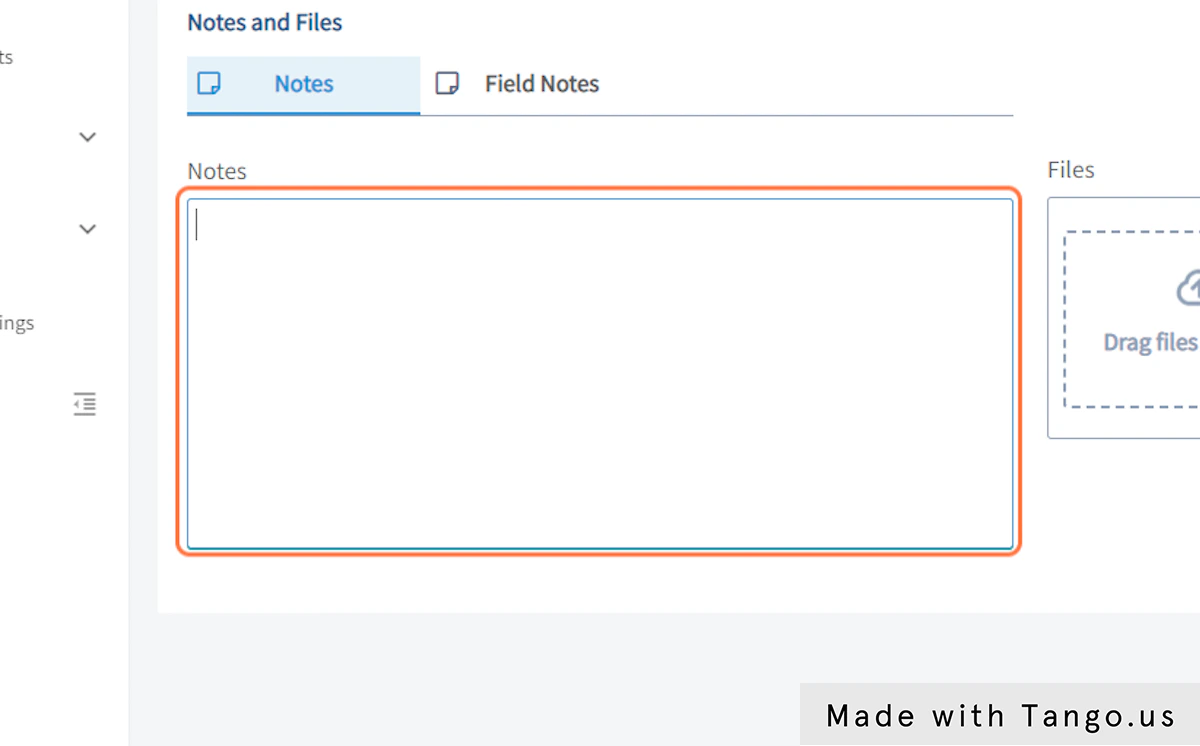
15. Click on Field Notes
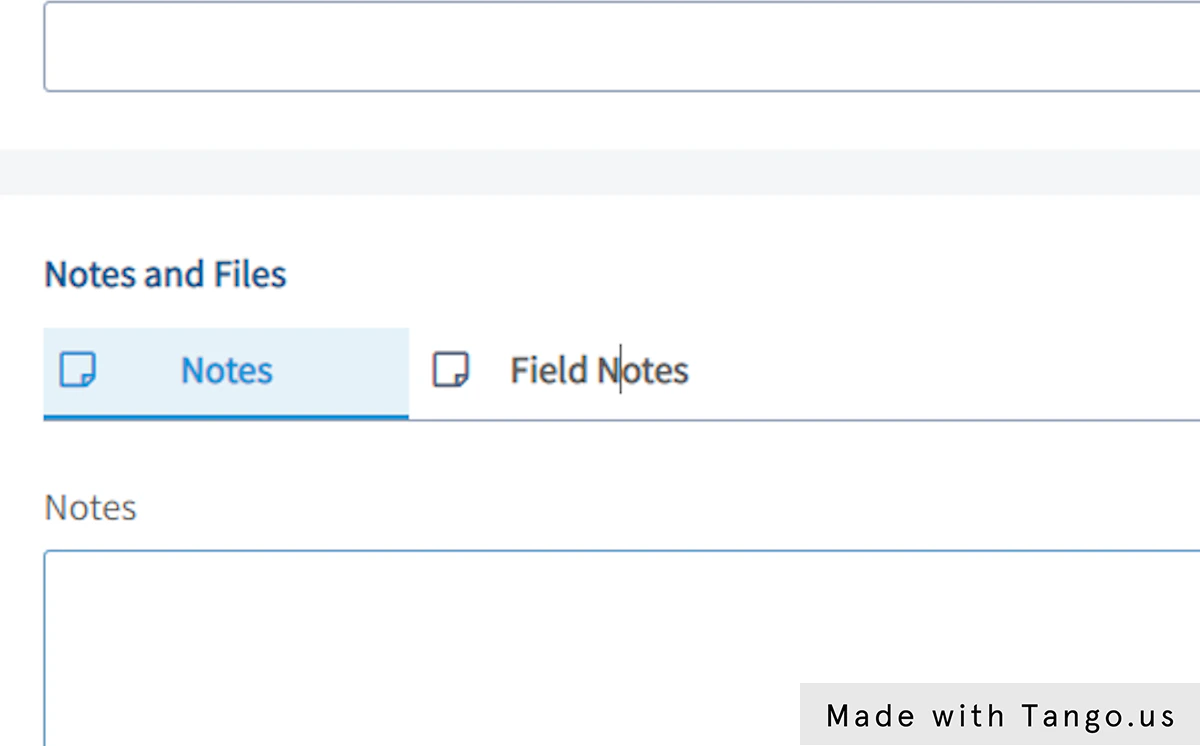
16. Click on Upload File
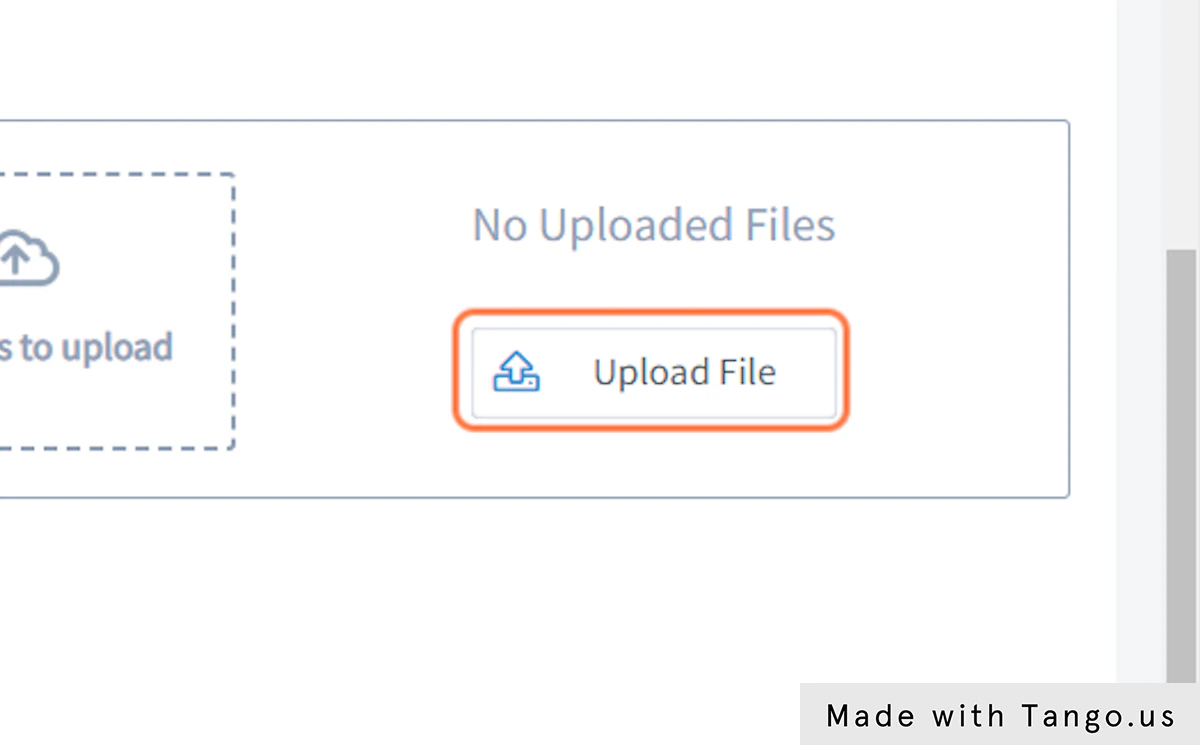
17. Click on Drag files to upload…

18. Click on Save Job

19. Click on ADD JOB TITLE…
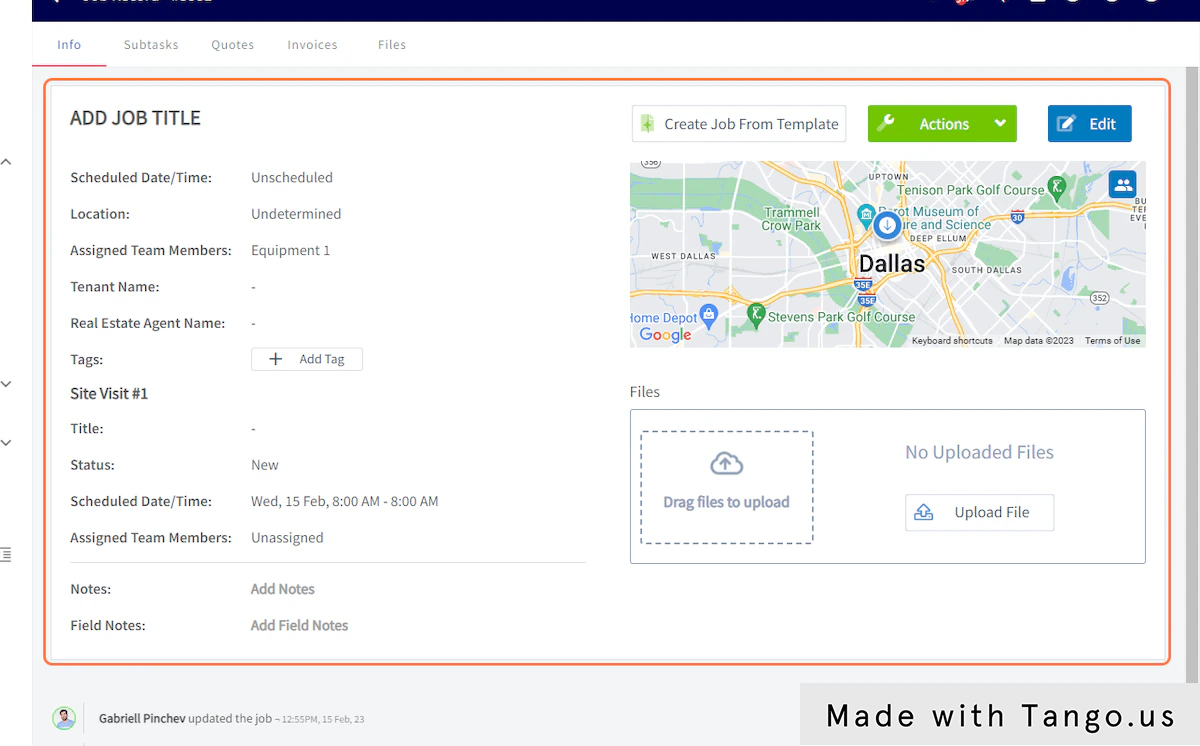
20. Click on Subtasks
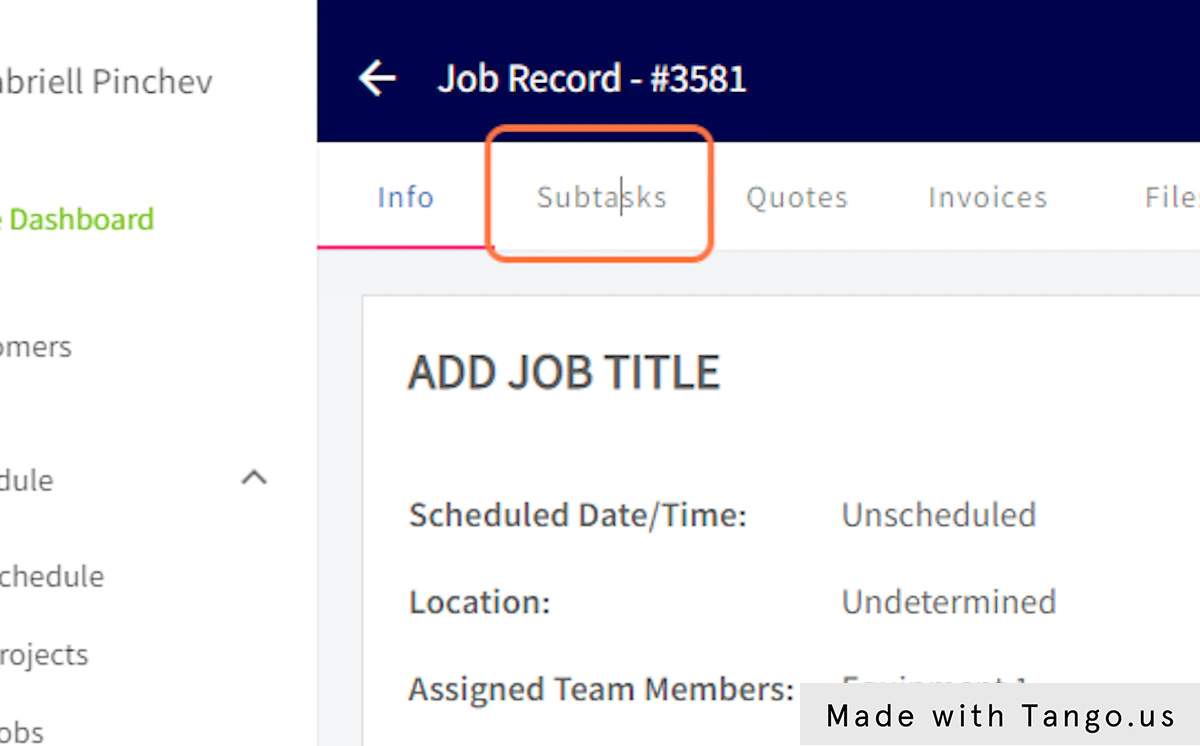
21. Click on add…
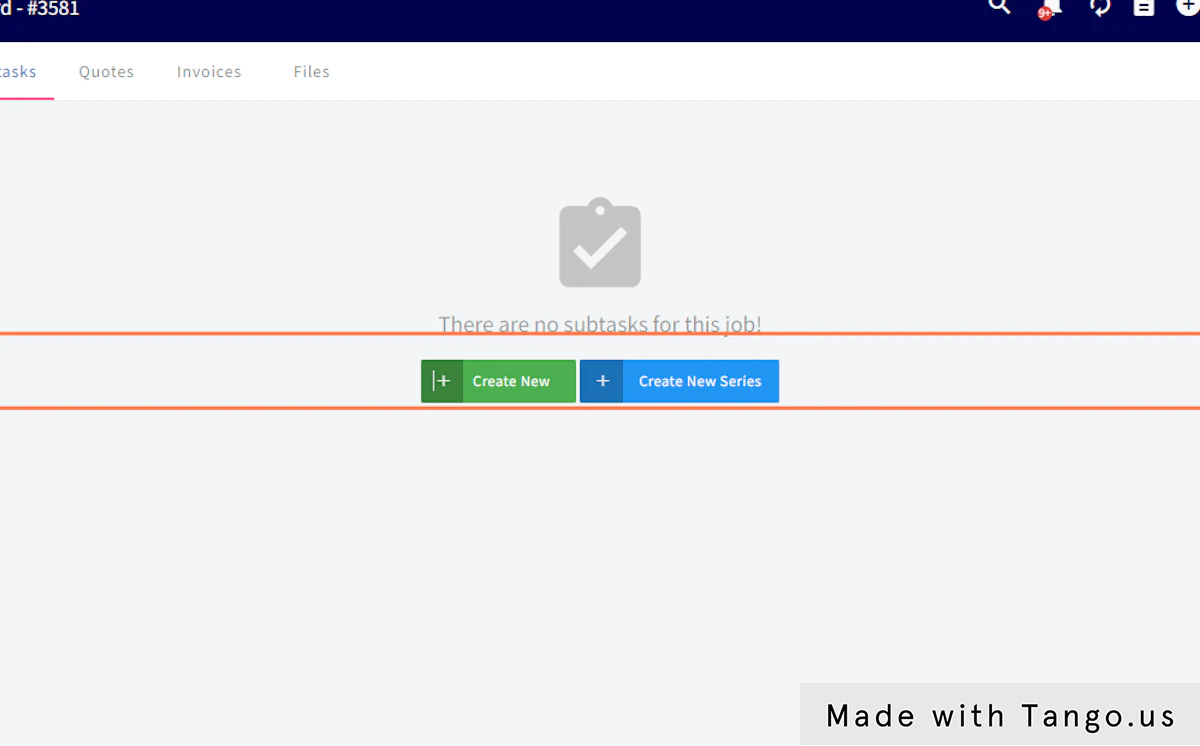
22. Click on Quotes
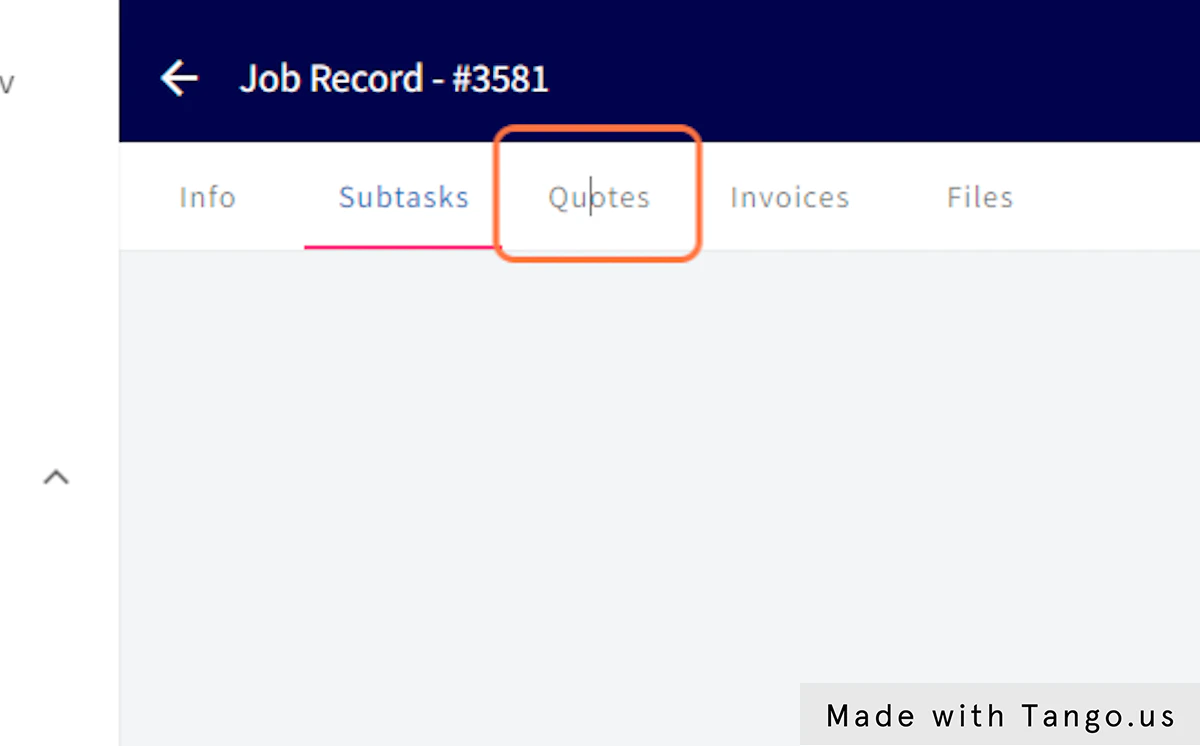
23. Click on Create Quote
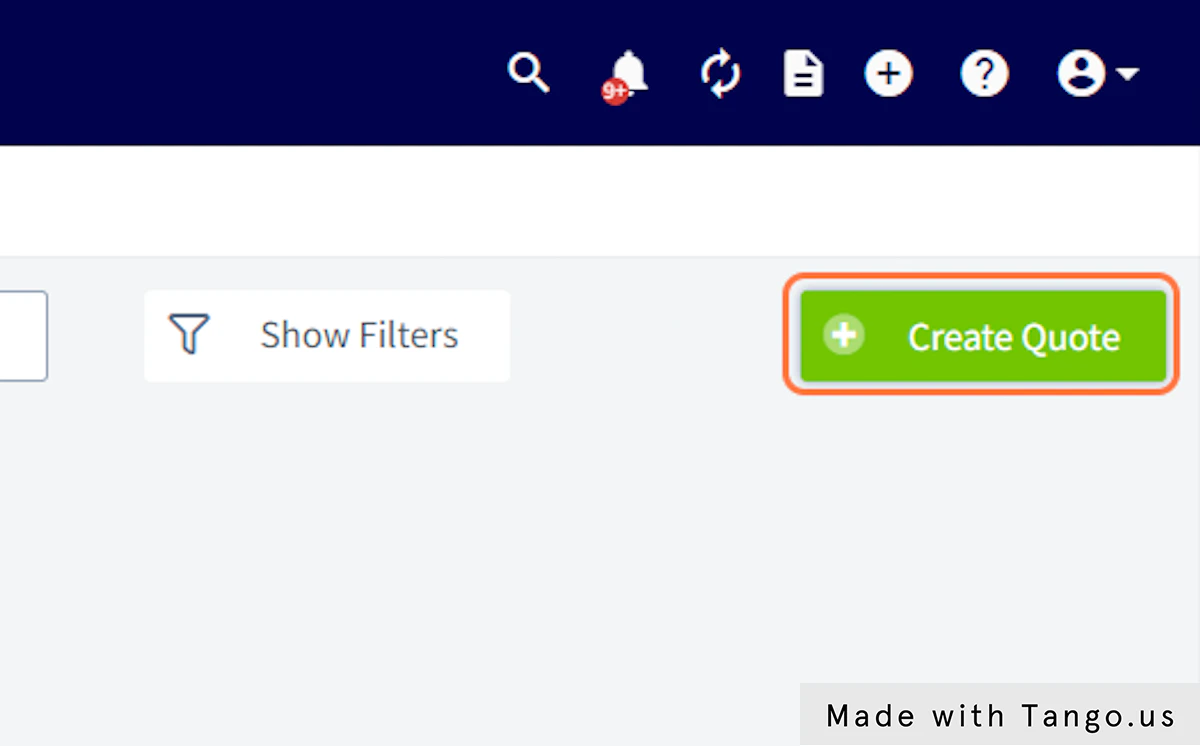
24. Click on Quotes
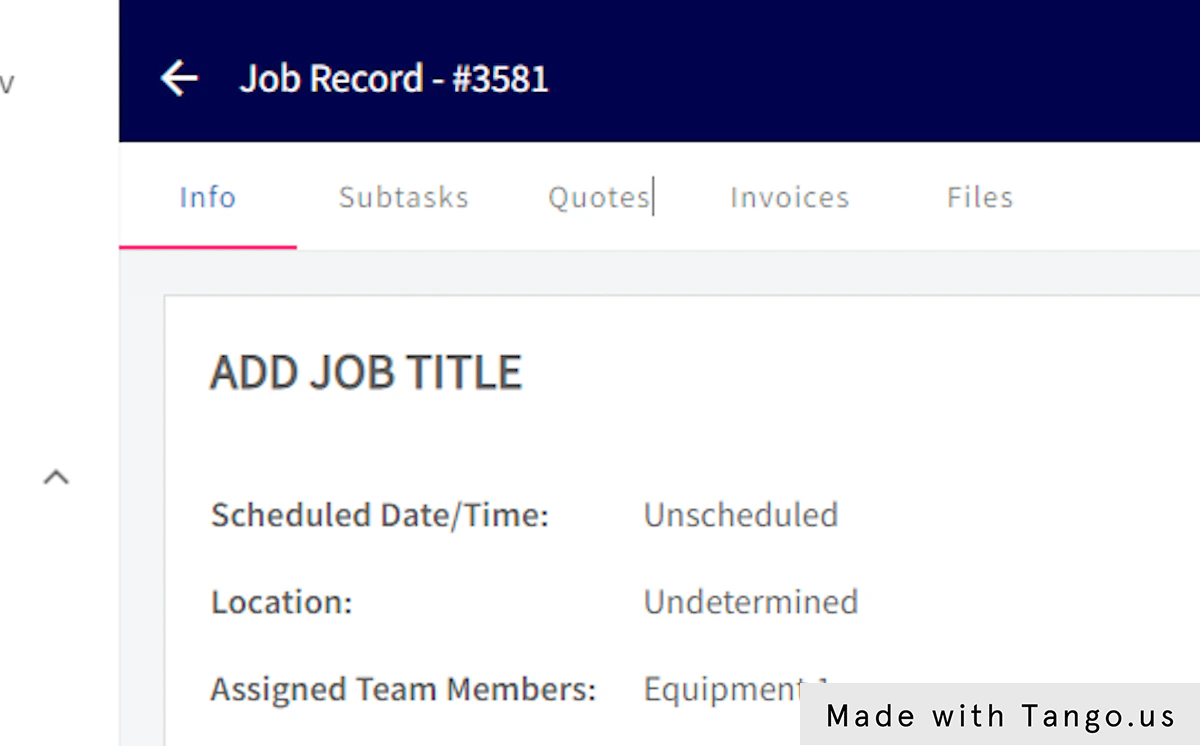
25. Click on Invoices
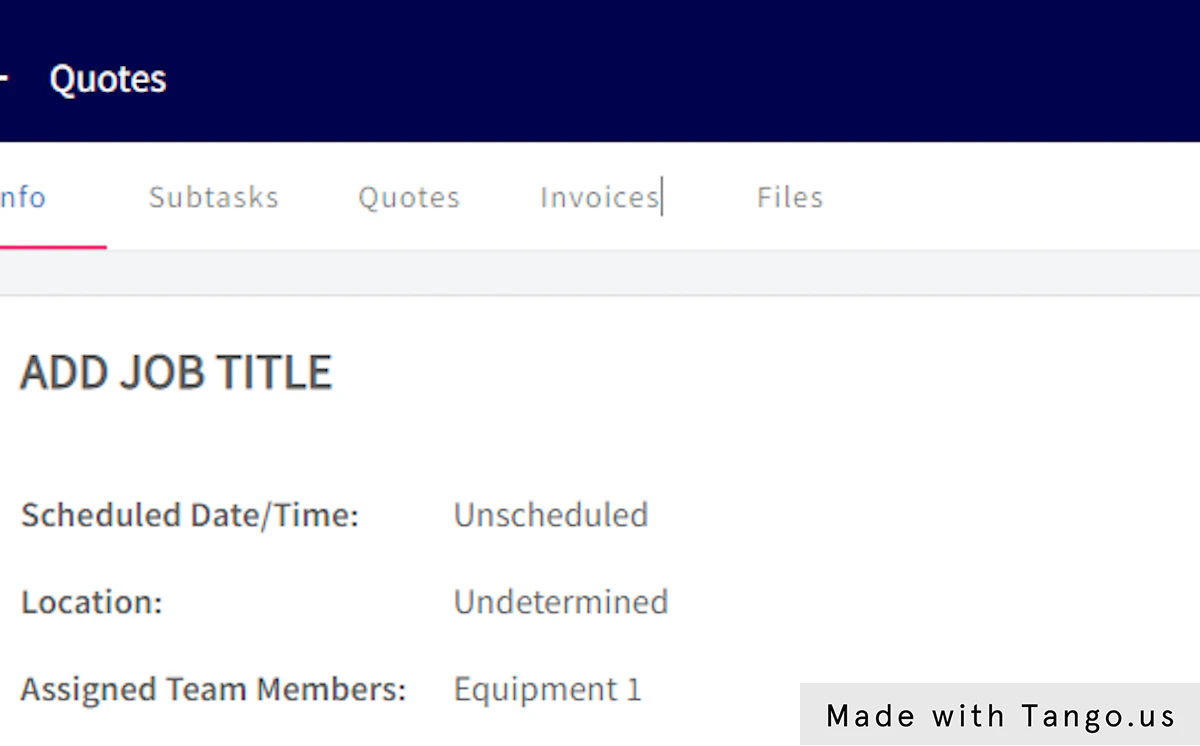
26. Click on Create Invoice

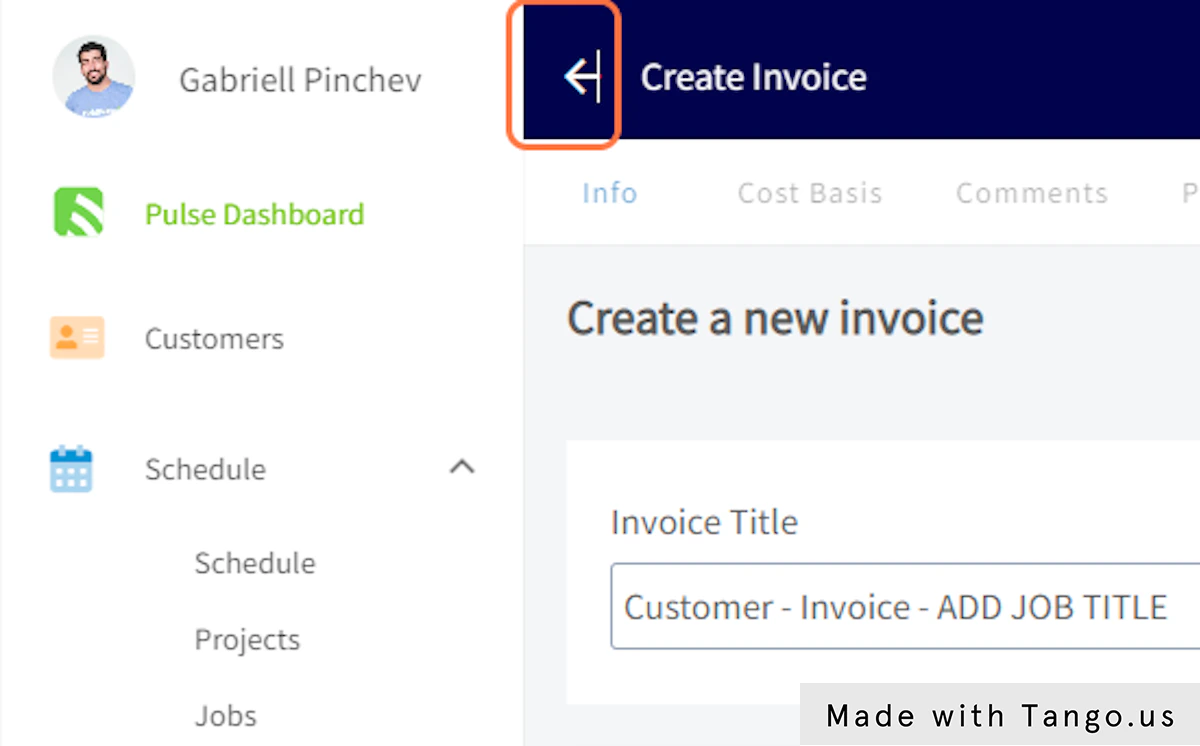
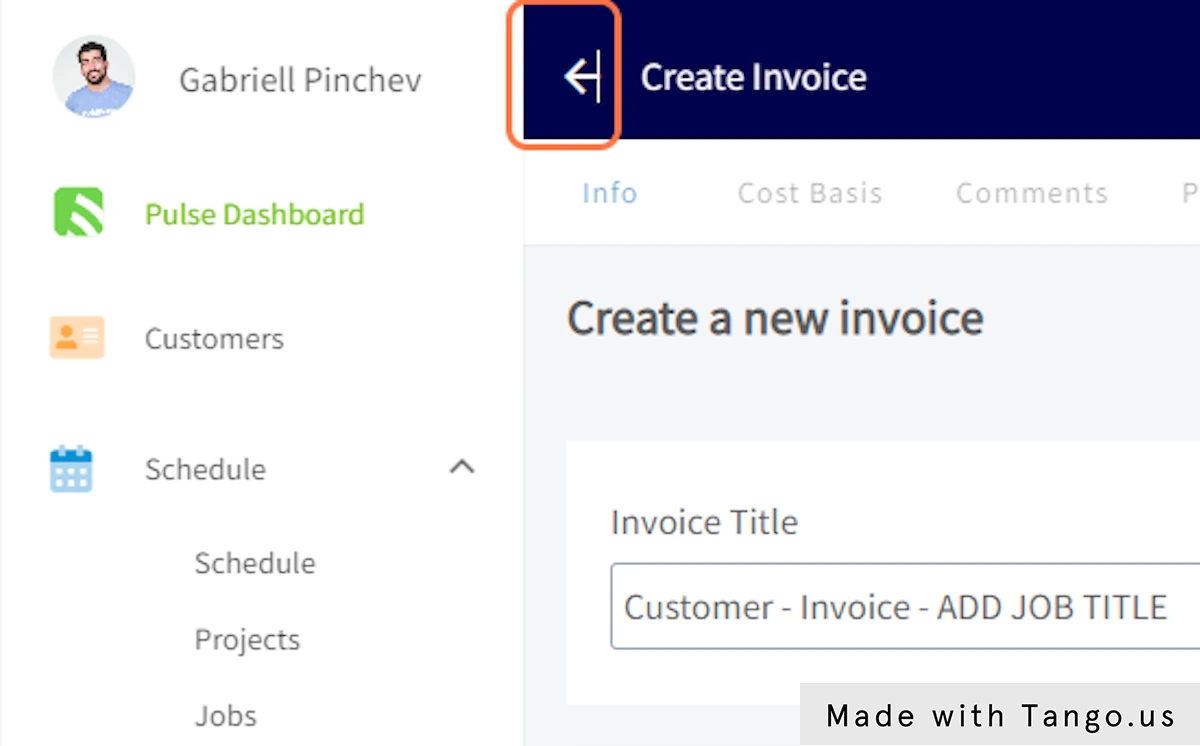
27. Click on arrow_back
28. Click on Yes
29. Click on Create Quote
30. Click on arrow_back

31. Click on Invoices
32. Click on Create Invoice
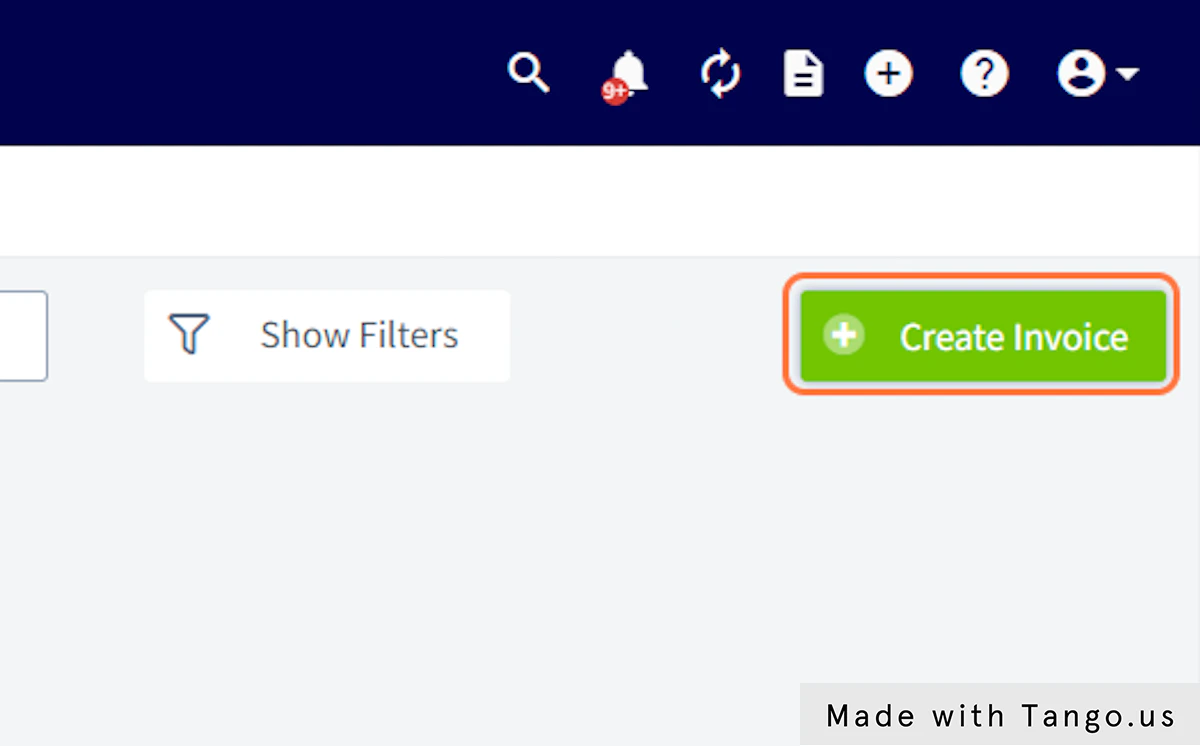
33. Click on arrow_back
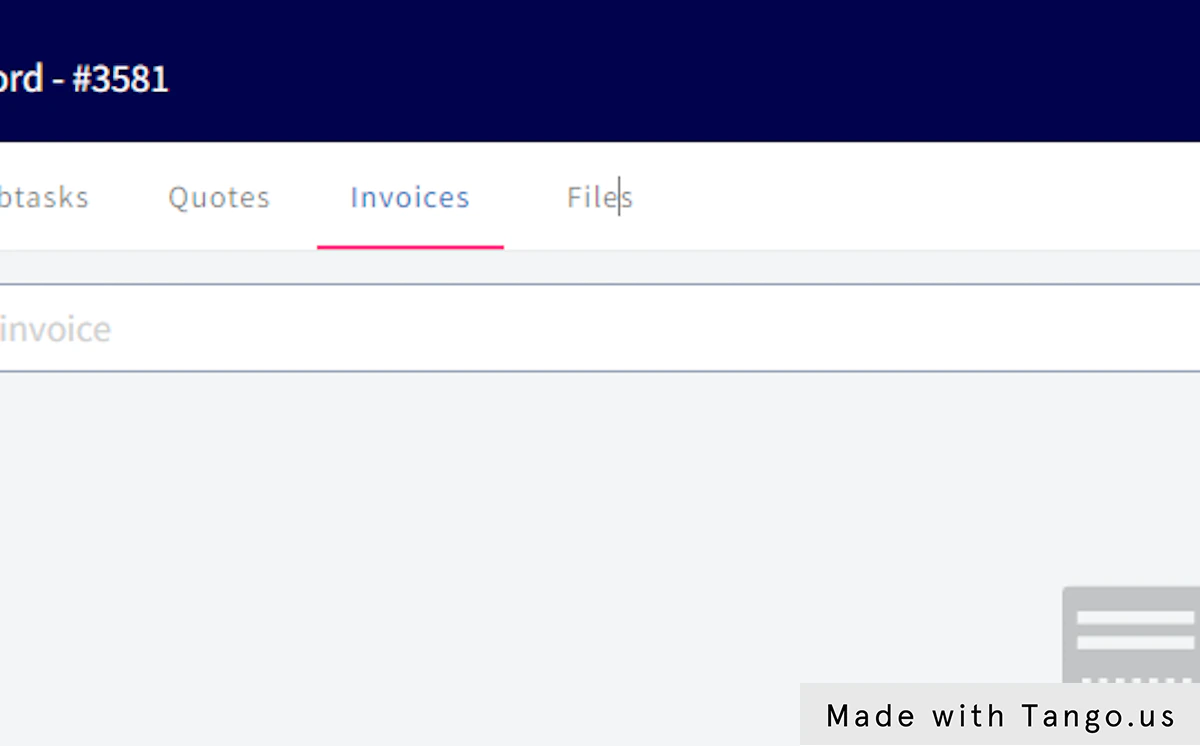
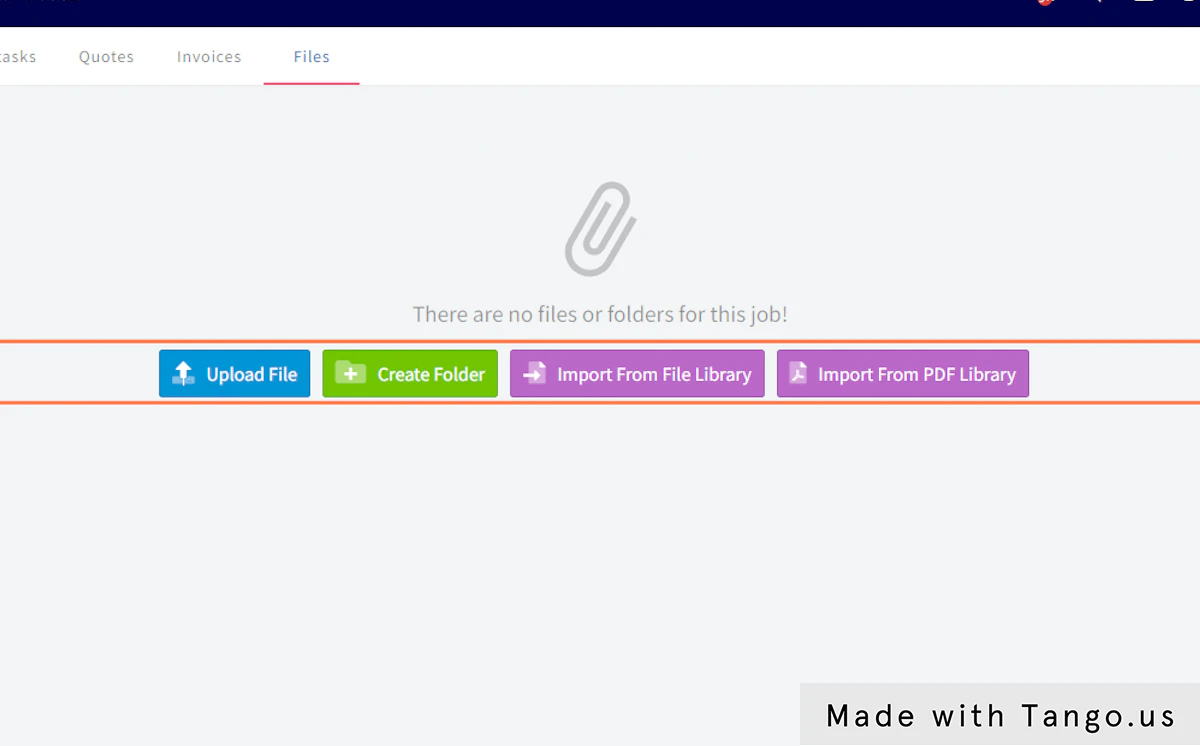
34. Click on Files
35. Click on Upload File…
36. Click on Jobs
37. Click on Create Job
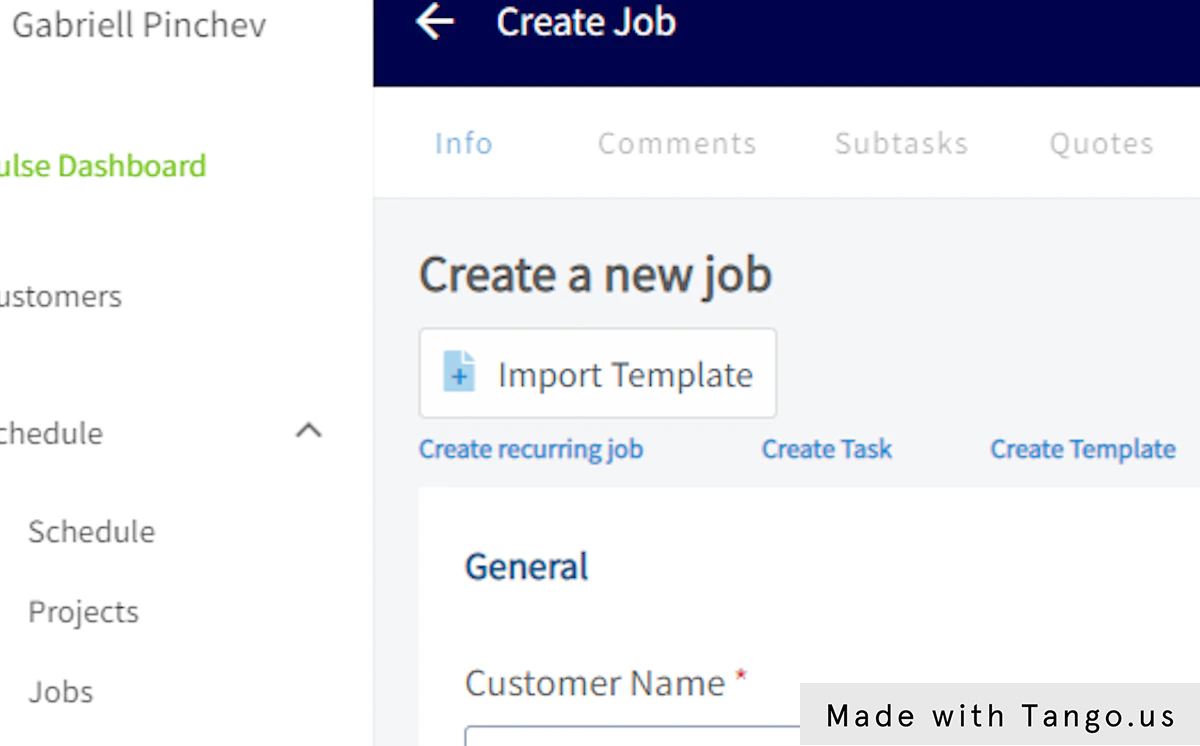
38. Click on Import Template
This Workflow was created with Tango.