

With our recurring jobs feature, you can create a job once, and then set it to re-occur on a regular basis at an interval you choose.Documentation Index
Fetch the complete documentation index at: https://fieldpulse.mintlify.app/llms.txt
Use this file to discover all available pages before exploring further.
Creating a Recurring Job
Navigate to the Jobs tab in the left-side menu, then select Recurring from the top menu. On this page, you can view and edit existing recurring jobs or create new recurring jobs.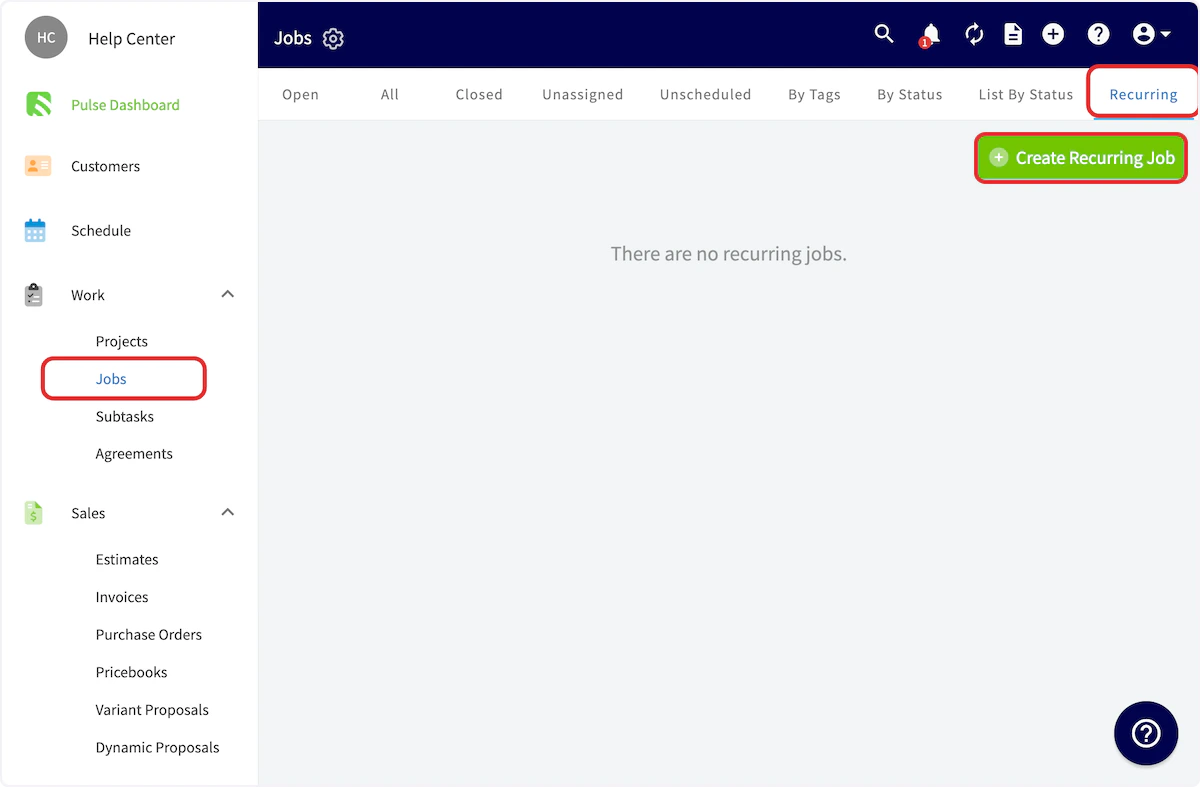
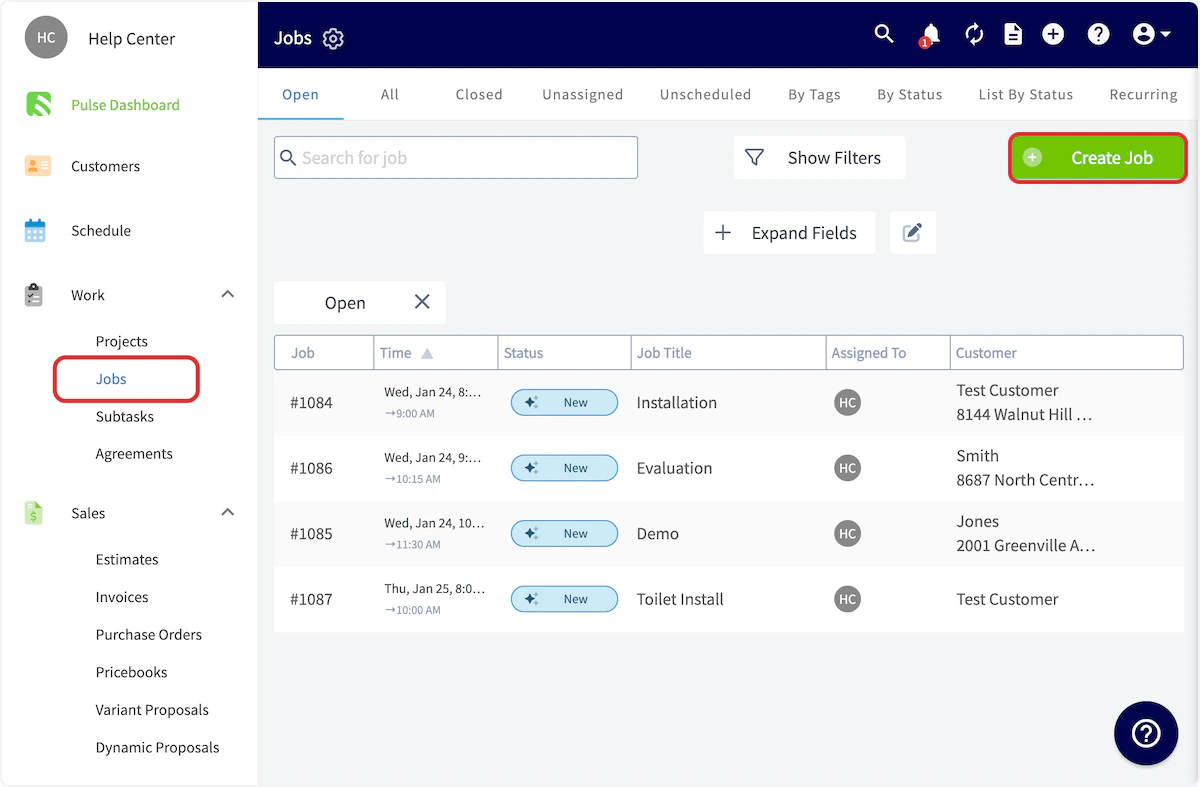


FAQs
If a recurring job is scheduled for a specific week/month occurrence (e.g., “5th Monday”) and that occurrence doesn’t exist in a given month, will it fall back to the last available occurrence? No. If the specified occurrence does not exist in a given month, the job will skip that occurrence entirely. There is no fallback to the nearest or last available day. The next run will resume on the following scheduled occurrence.Video Tutorial
Have additional questions? Contact us at support@fieldpulse.com or use the chat feature in the bottom right corner of your screen.