

Yes, you can generate a report to track reviews for each service technician.Documentation Index
Fetch the complete documentation index at: https://fieldpulse.mintlify.app/llms.txt
Use this file to discover all available pages before exploring further.
How to Create This Report
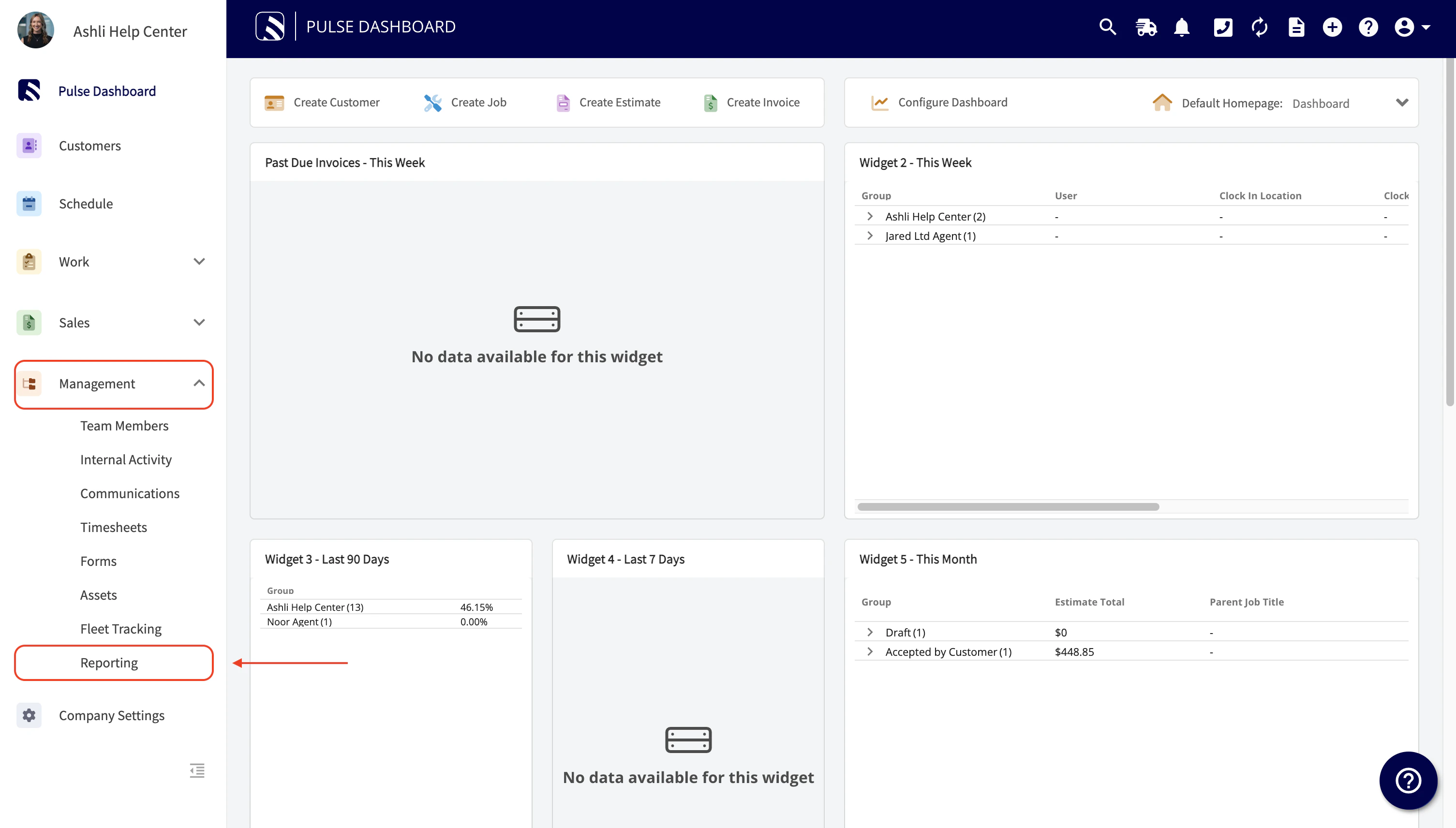
- Navigate to the Management tab.
- Select Reporting.
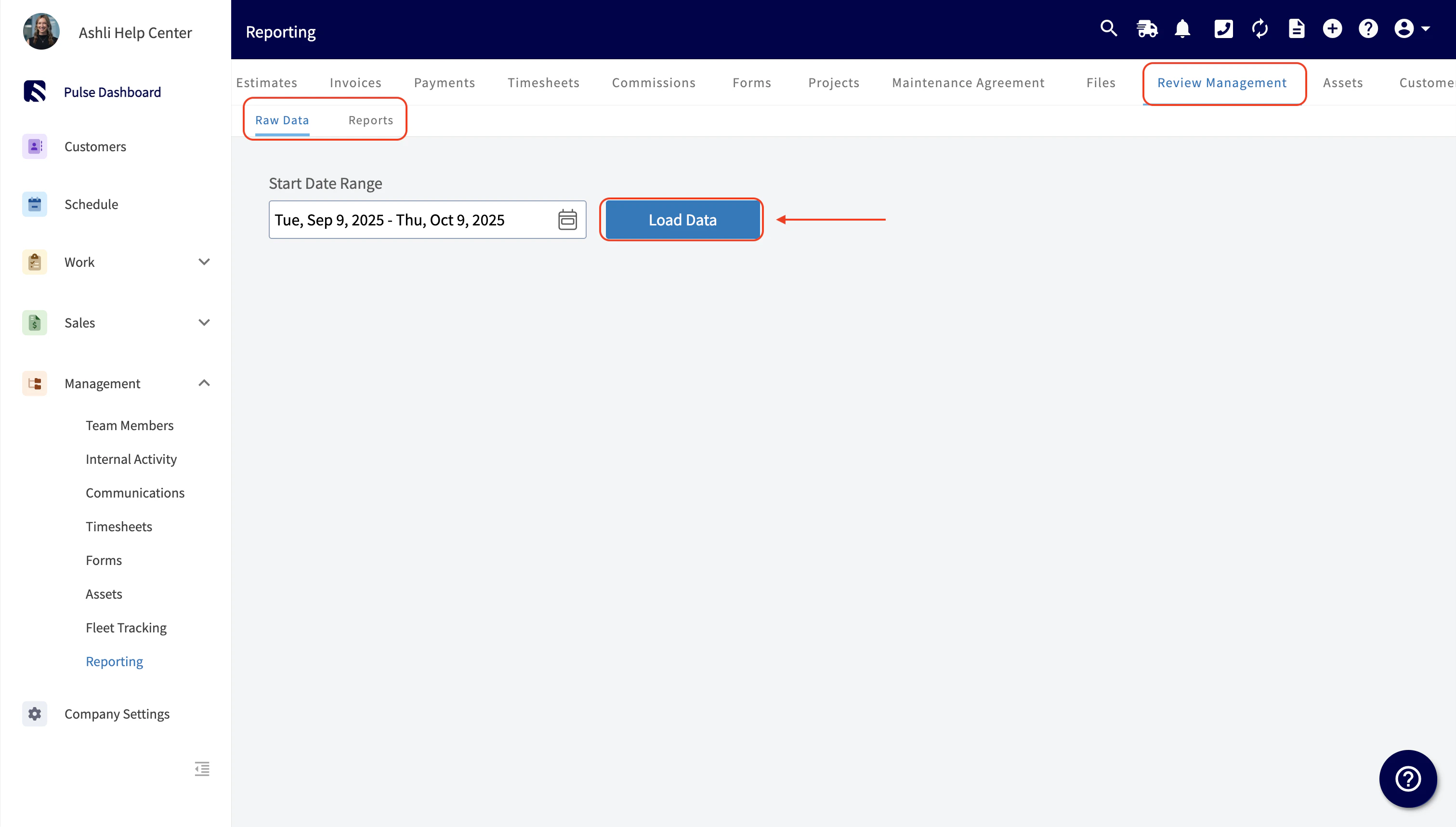
- Locate the Review Management tab at the top of your screen and click it.
-
Define your desired report criteria:
- Report Type: Select whether you want Raw data or a processed Report.
- Metric: Choose Feedback Score Average (or another metric from the dropdown).
- Time Interval: Select the frequency for the data, such as Daily, Weekly, Monthly, or Quarterly (or Total).
- Under Group By, select By User. This is the key step to organize the report by individual service technicians.
Have additional questions? Contact us at support@fieldpulse.com or use the chat feature in the bottom right corner of your screen.