

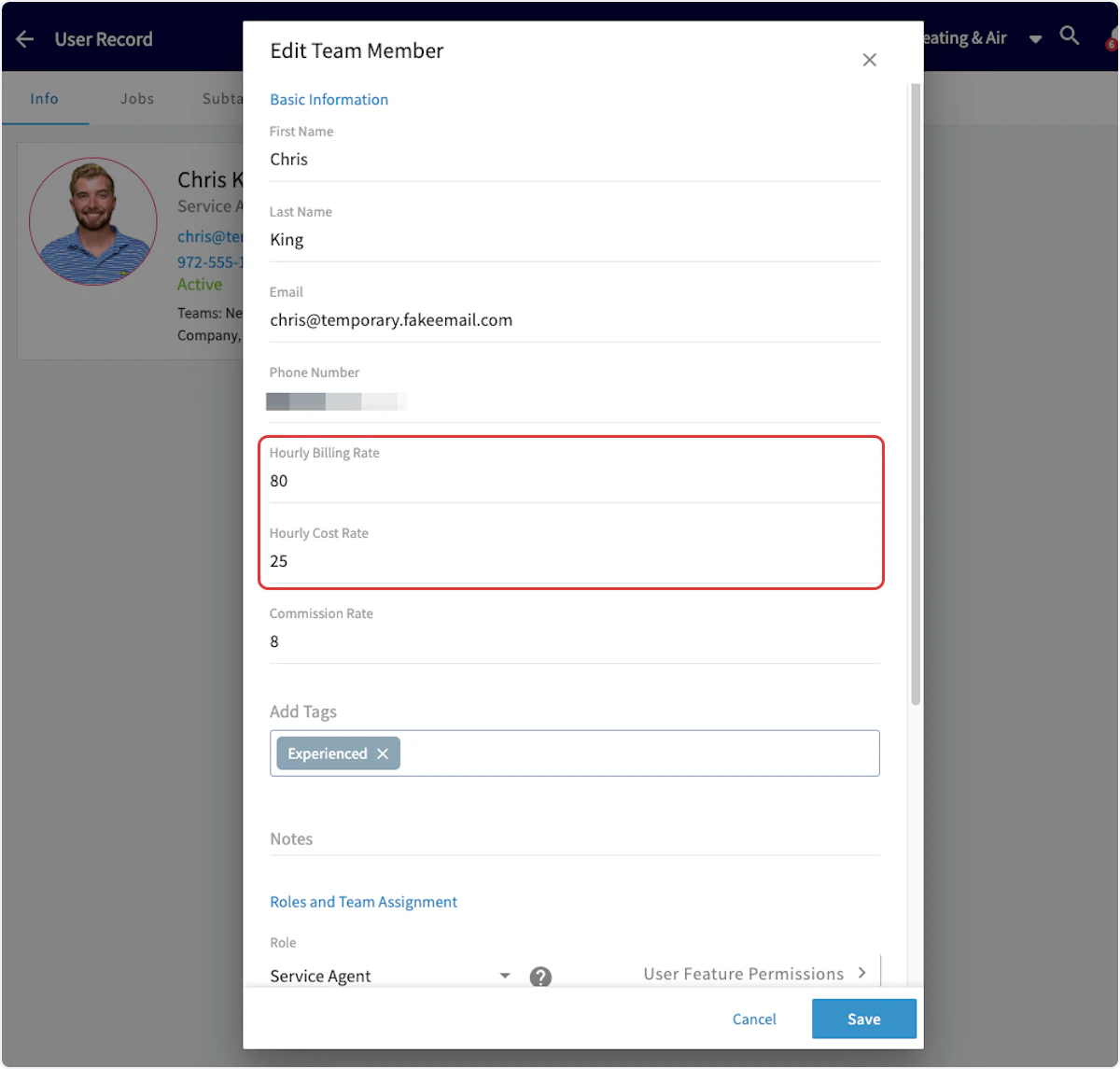
Before you get started, be sure that your team members have Hourly Billing Rate and Hourly Cost Rate set up in Company Settings. As a reminder, Hourly Billing Rate is the rate you charge your customers per hour for a technician, whereas Hourly Cost Rate is the rate per hour that this technician costs your business. To learn more, click here.Documentation Index
Fetch the complete documentation index at: https://fieldpulse.mintlify.app/llms.txt
Use this file to discover all available pages before exploring further.
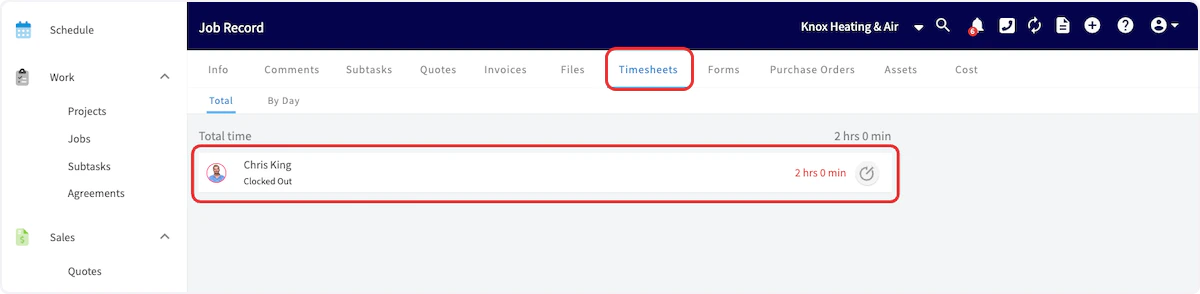
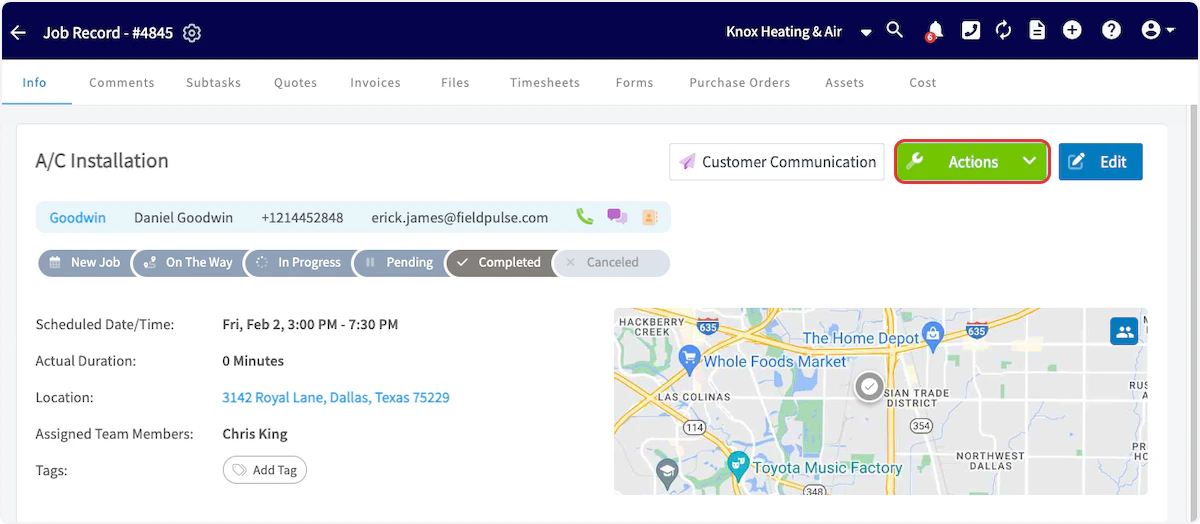
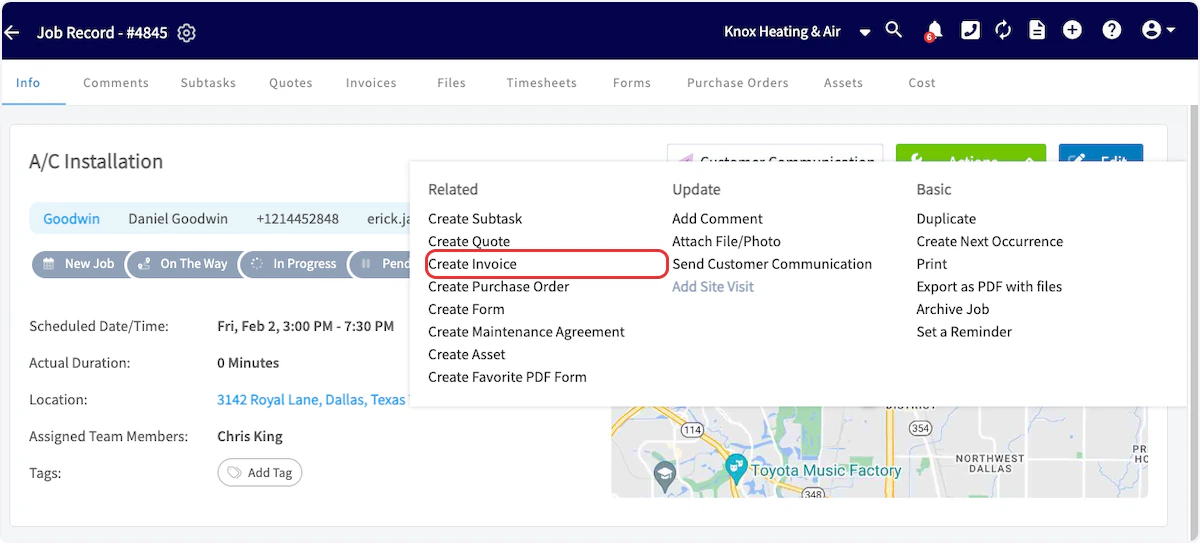
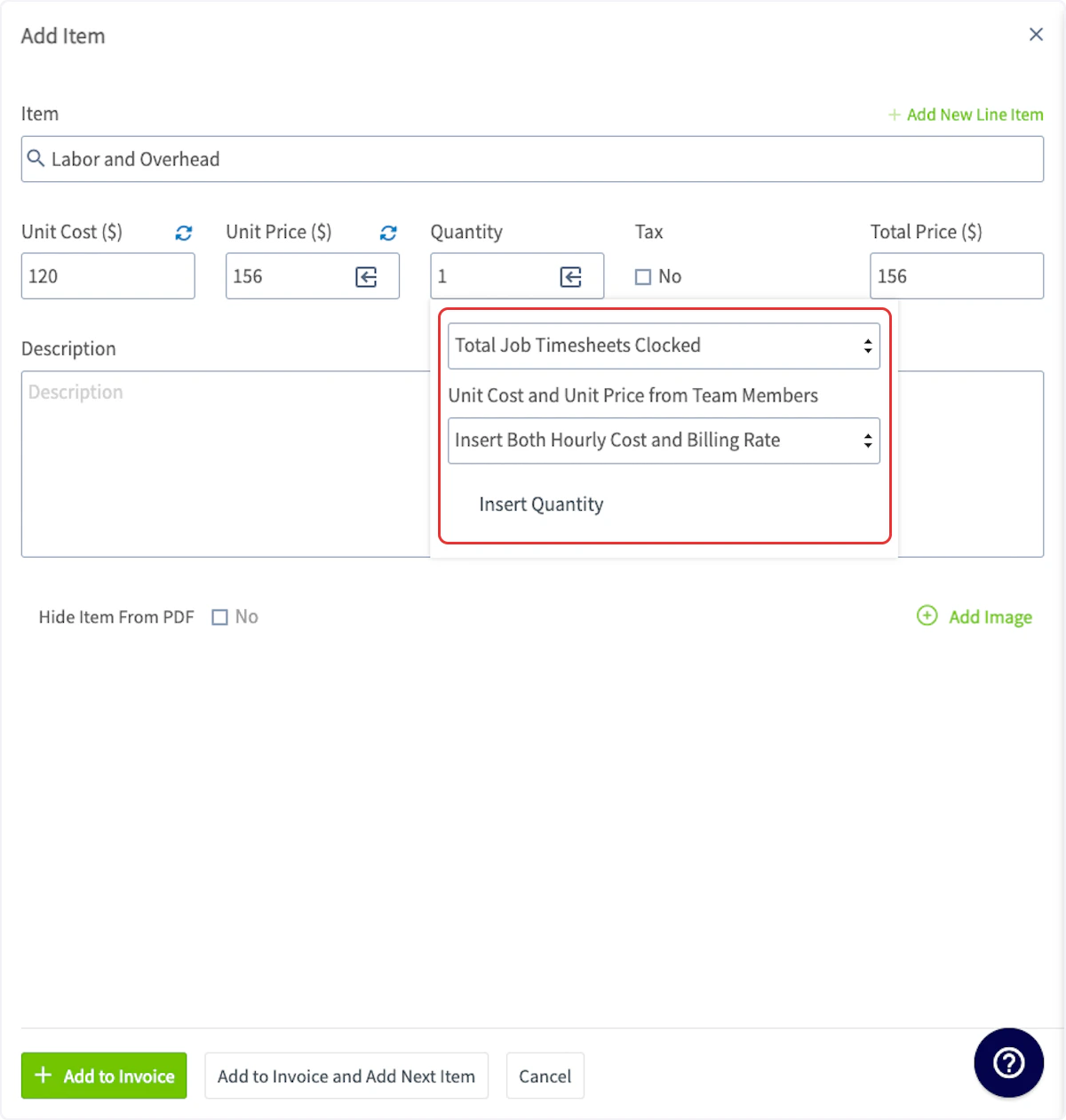
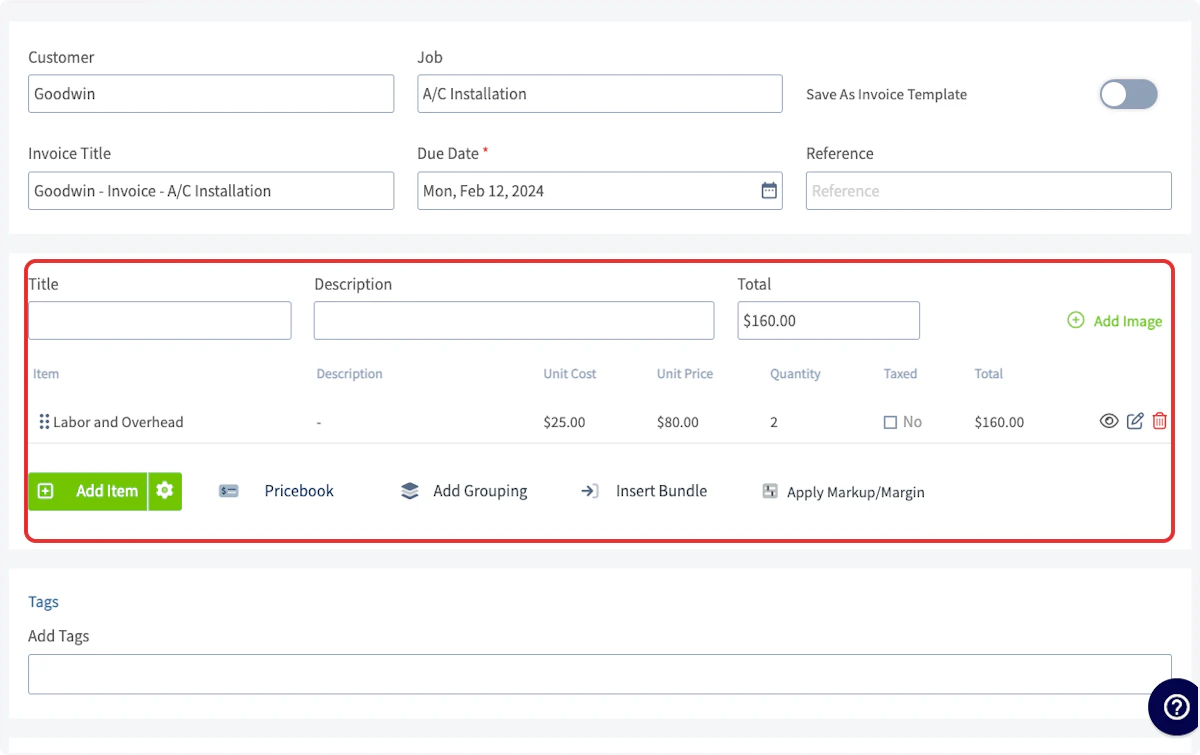
When utilizing Job Timesheets, your team member will record the time spent on the job by clocking in and out. After the job has been completed, you can now create your invoice and insert the associated timesheets.
🚀 FieldPulse Pro Tip: Make sure this line item is marked as “Service - Labor”. Selecting this automatically categorizes any costs associated with this item as Labor in your job costing calculations. For existing service items, you can manually update their item type.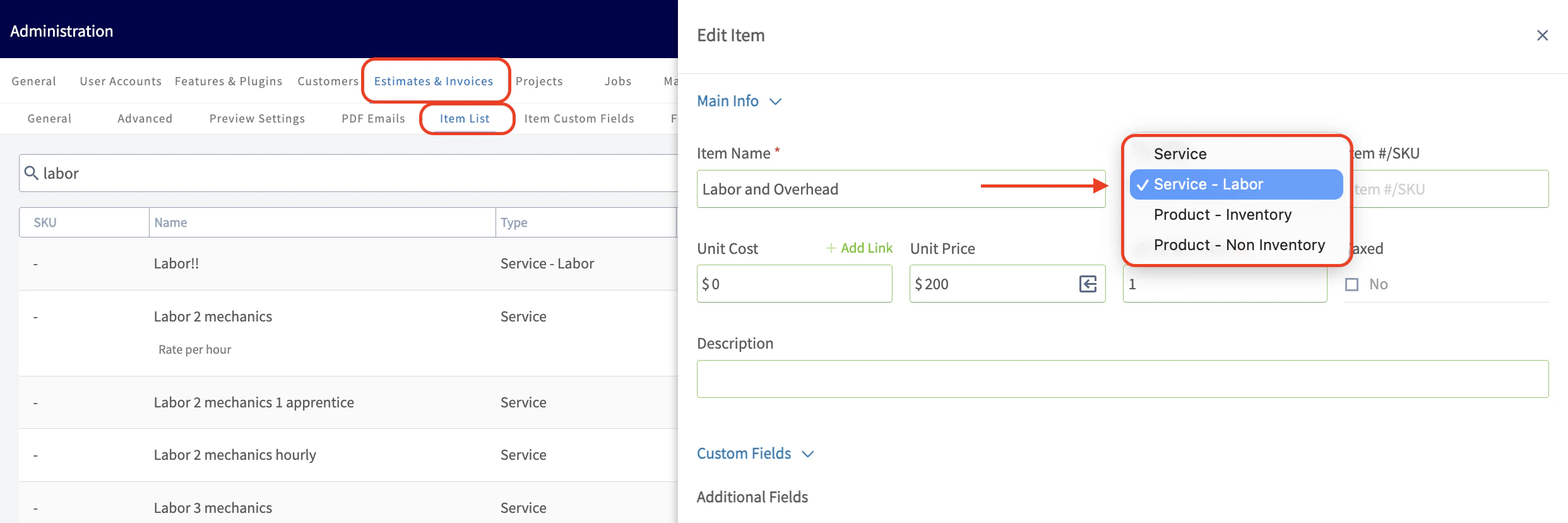
🚨 Please Note: If you try to edit a ‘Labor’ line item that has already been added to your Estimate or Invoice, the hourly billing and cost rates for your technicians cannot be retrieved. These rates can only be pulled in before the Line Item is officially added to an Estimate or Invoice.
Video Tutorial
Have additional questions? Contact us at support@fieldpulse.com or use the chat feature in the bottom right corner of your screen.