

When creating a new estimate or invoice, users can effortlessly insert pre-built templates into the record. These templates act as a solid foundation, which can then be adjusted to include project-specific details. Users can easily modify line items, quantities, prices, and add specific customer notes to ensure accuracy and relevance.Documentation Index
Fetch the complete documentation index at: https://fieldpulse.mintlify.app/llms.txt
Use this file to discover all available pages before exploring further.
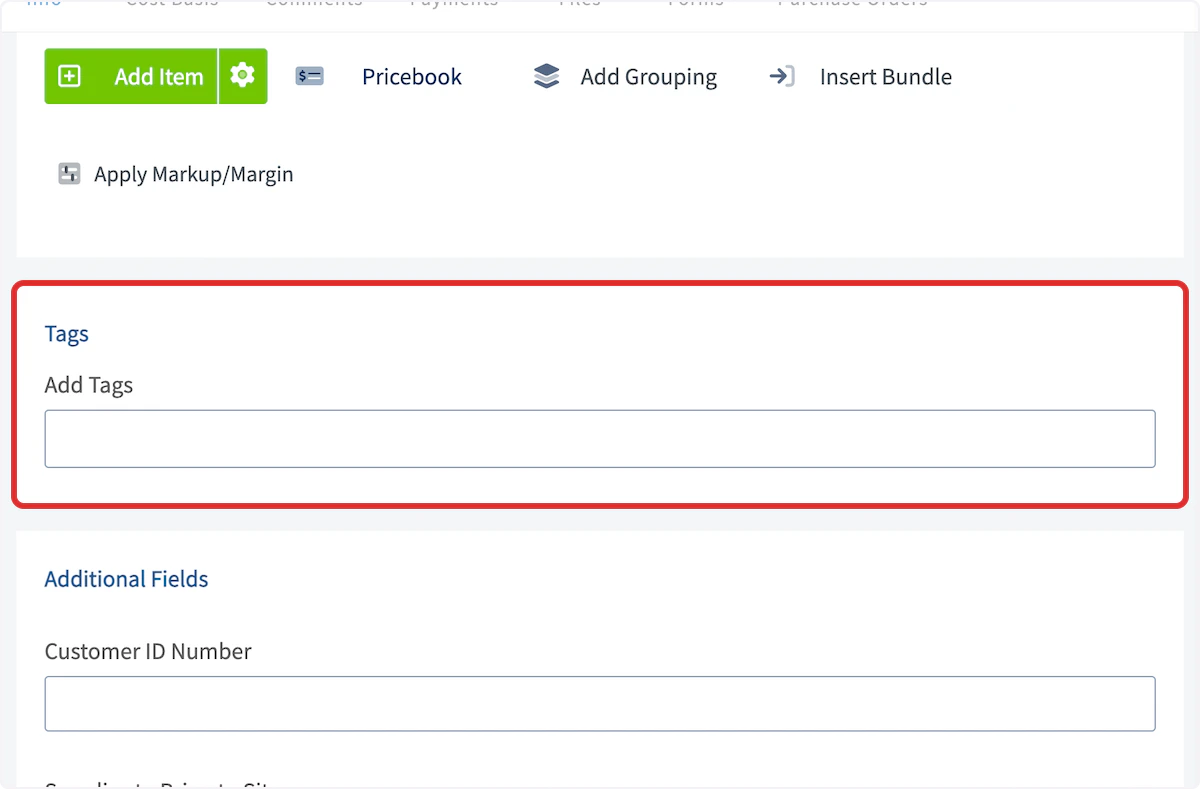
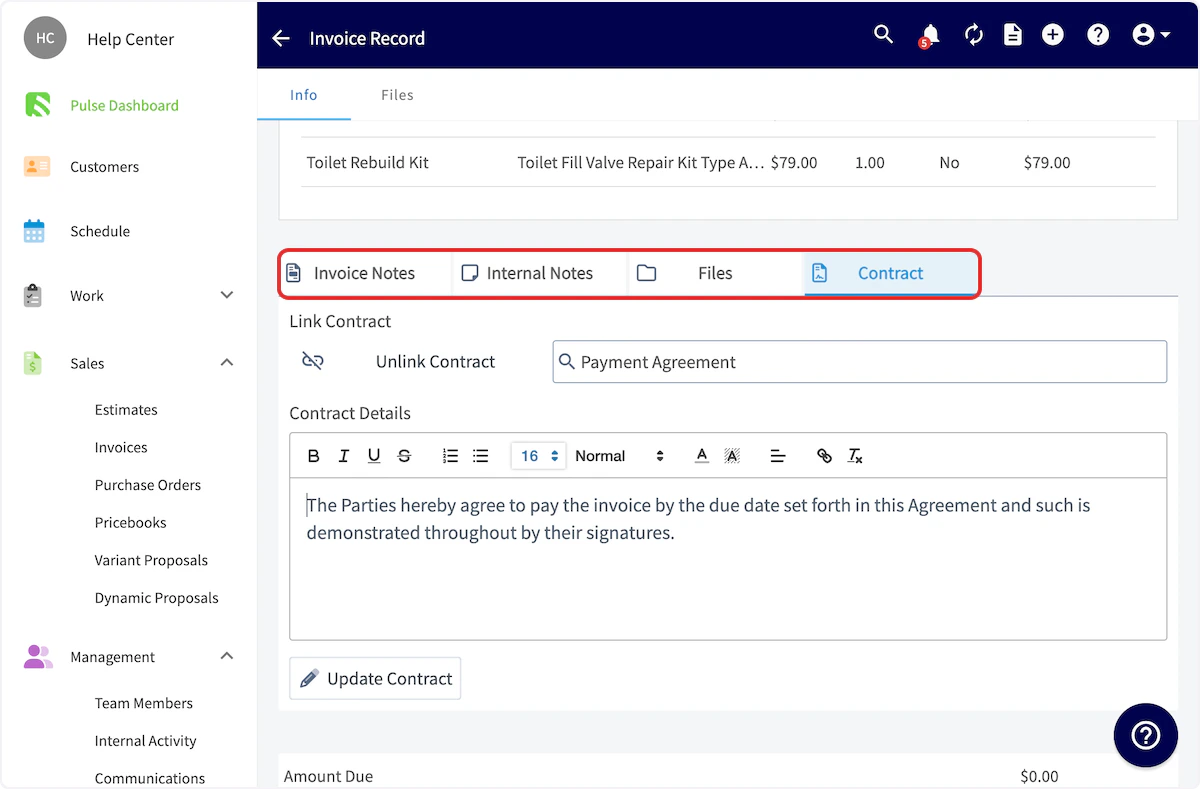
Creating a Template
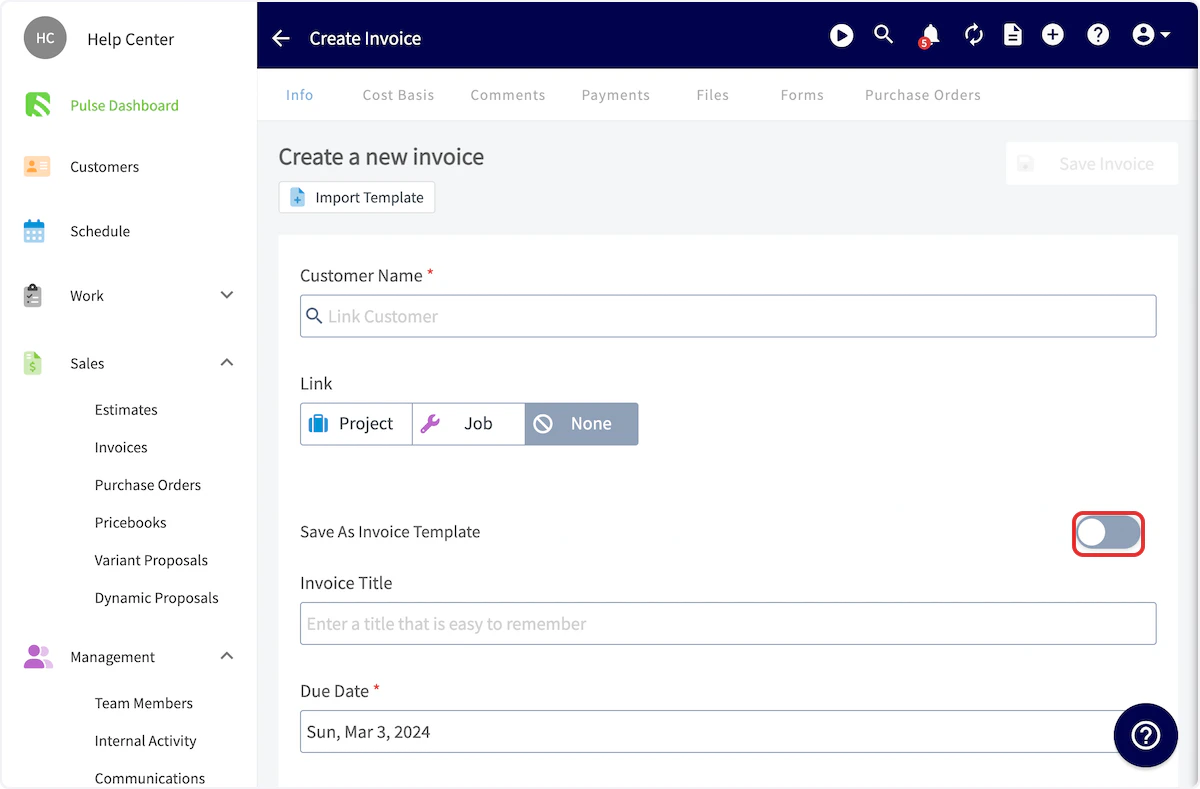
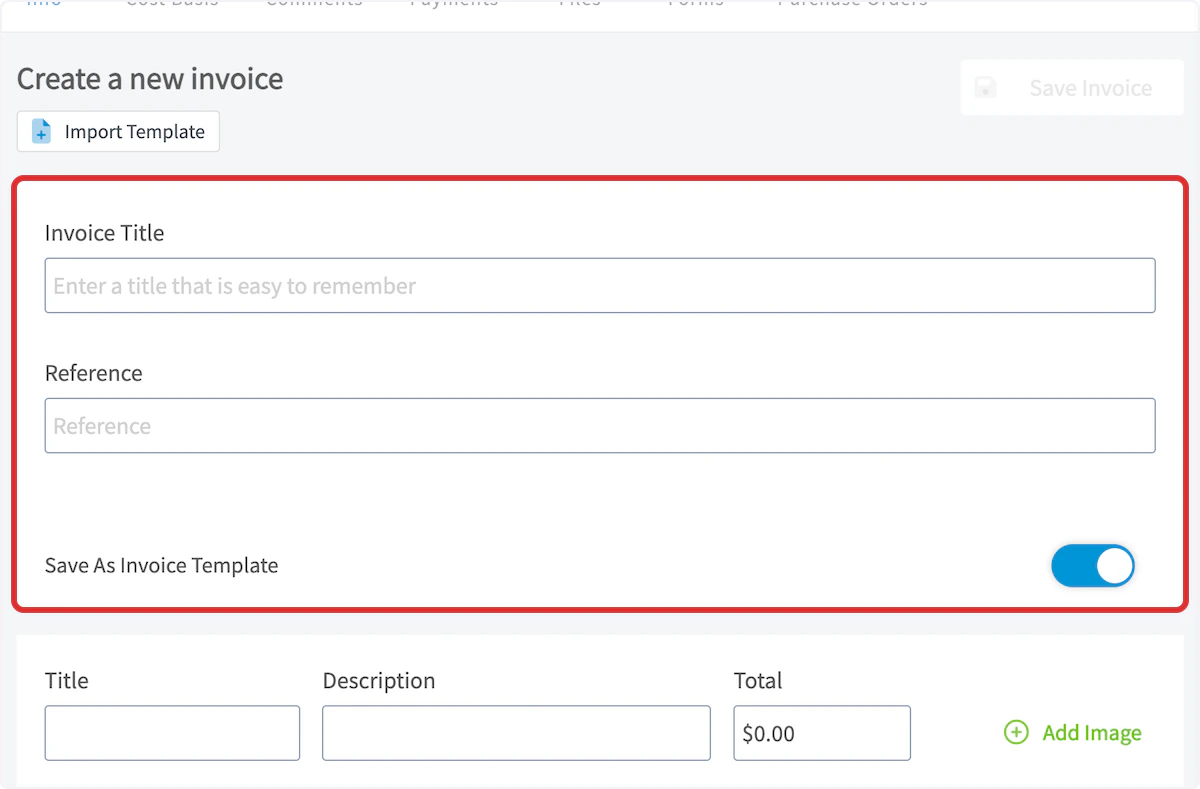
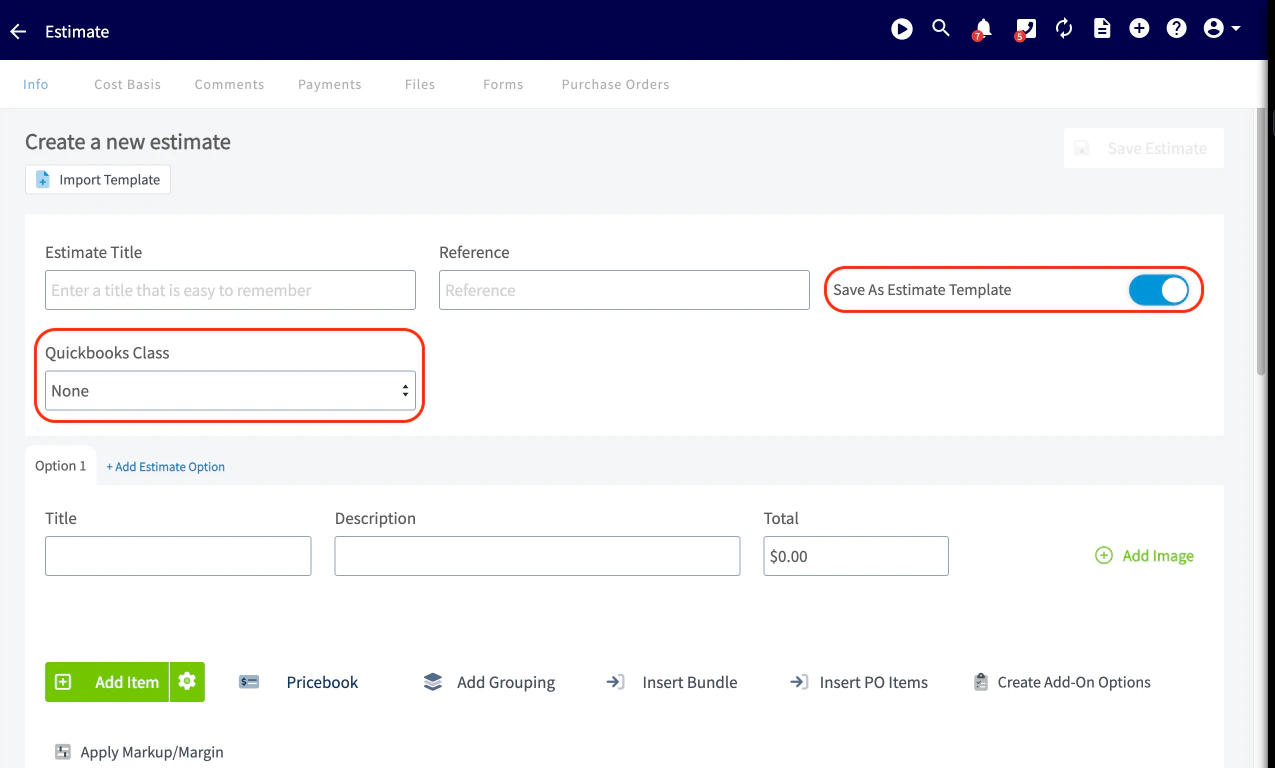
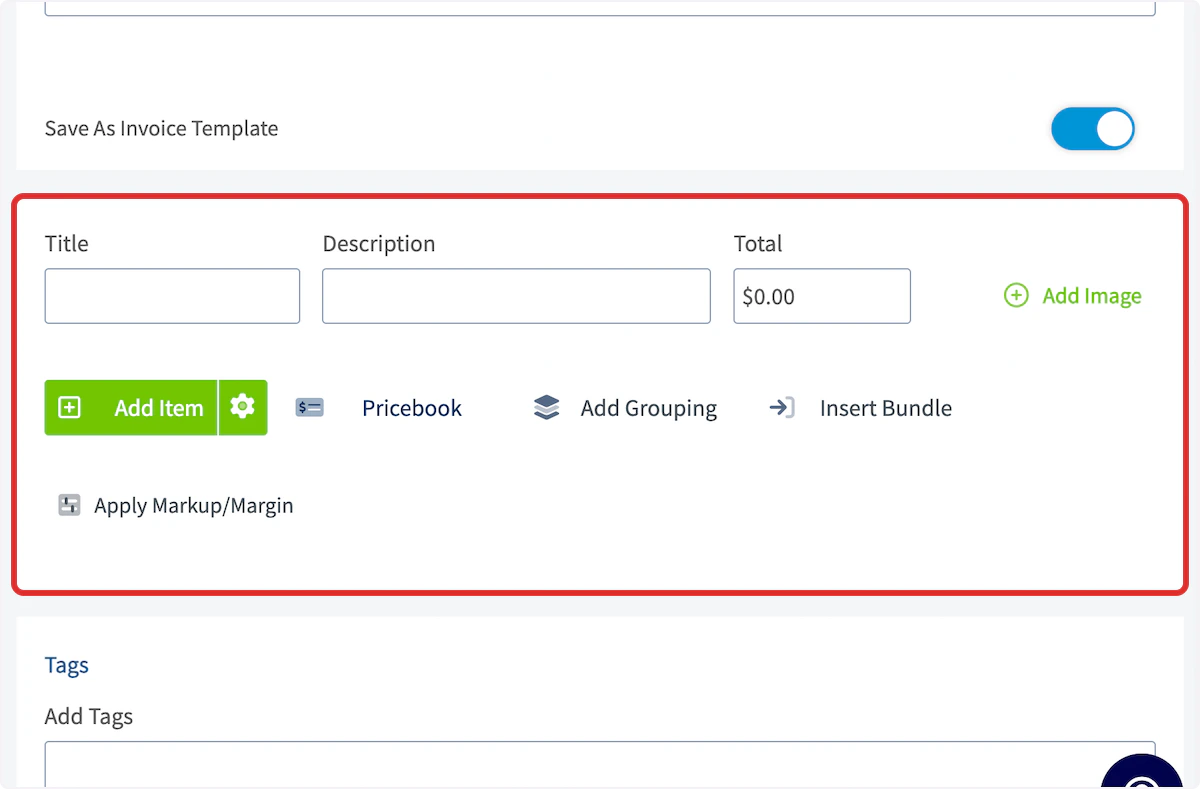
( Note: While the following steps outline the invoice template process, the estimate template process is identical, but takes place under the Estimates tab.) To create an invoice template, begin by navigating to Invoices in the left-side menu then clicking Create Invoice.
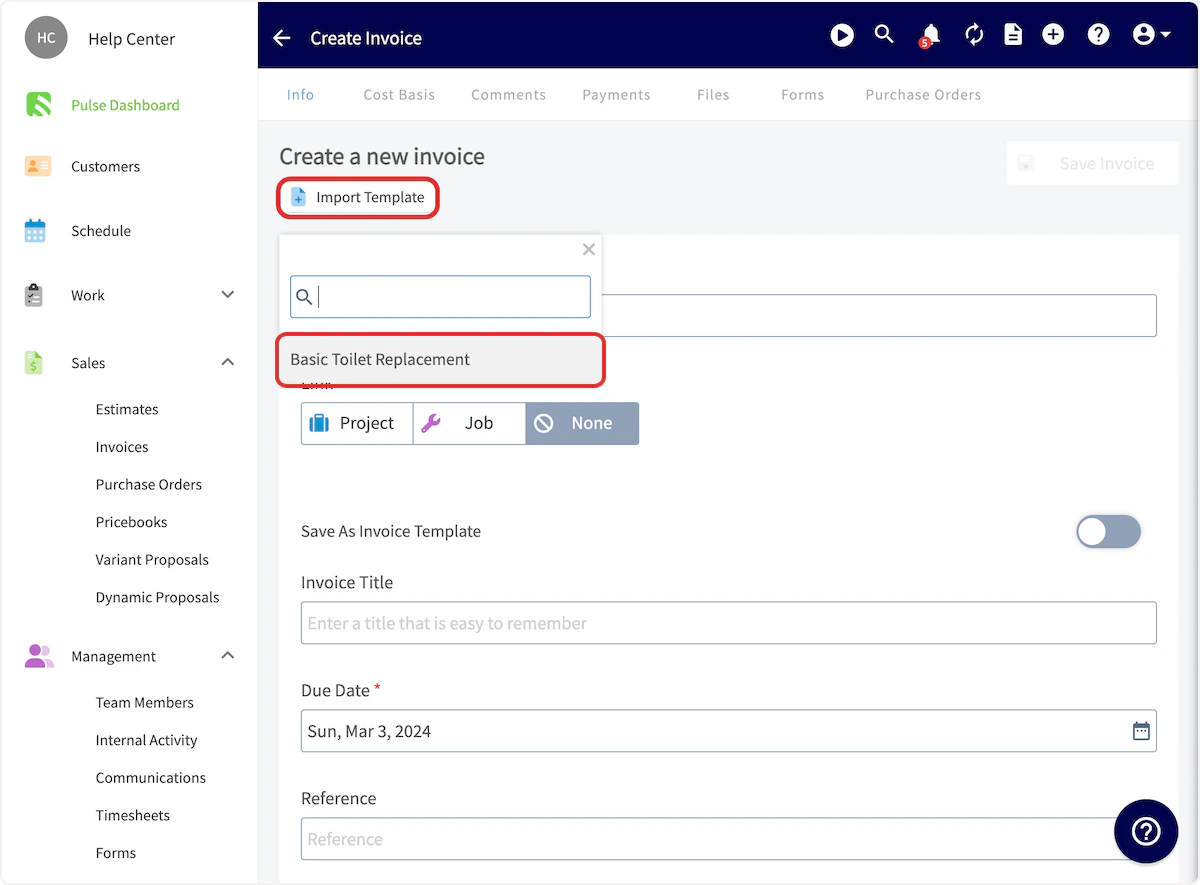
Inserting a Template
( Note: While the following steps outline the invoice process, the estimate process is identical, but takes place under the Estimates tab.) To insert an invoice template, begin by navigating to Invoices in the left-side menu then clicking Create Invoice.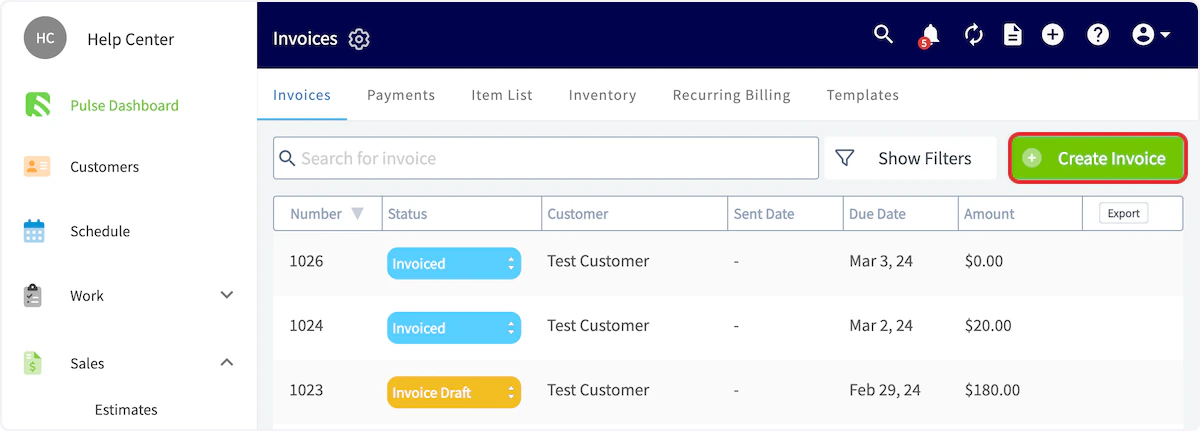
Default Your Template Updates
A feature has been added to individual Estimate and Invoice Templates, allowing you to keep line items automatically updated with changes made in the Item List/Repository.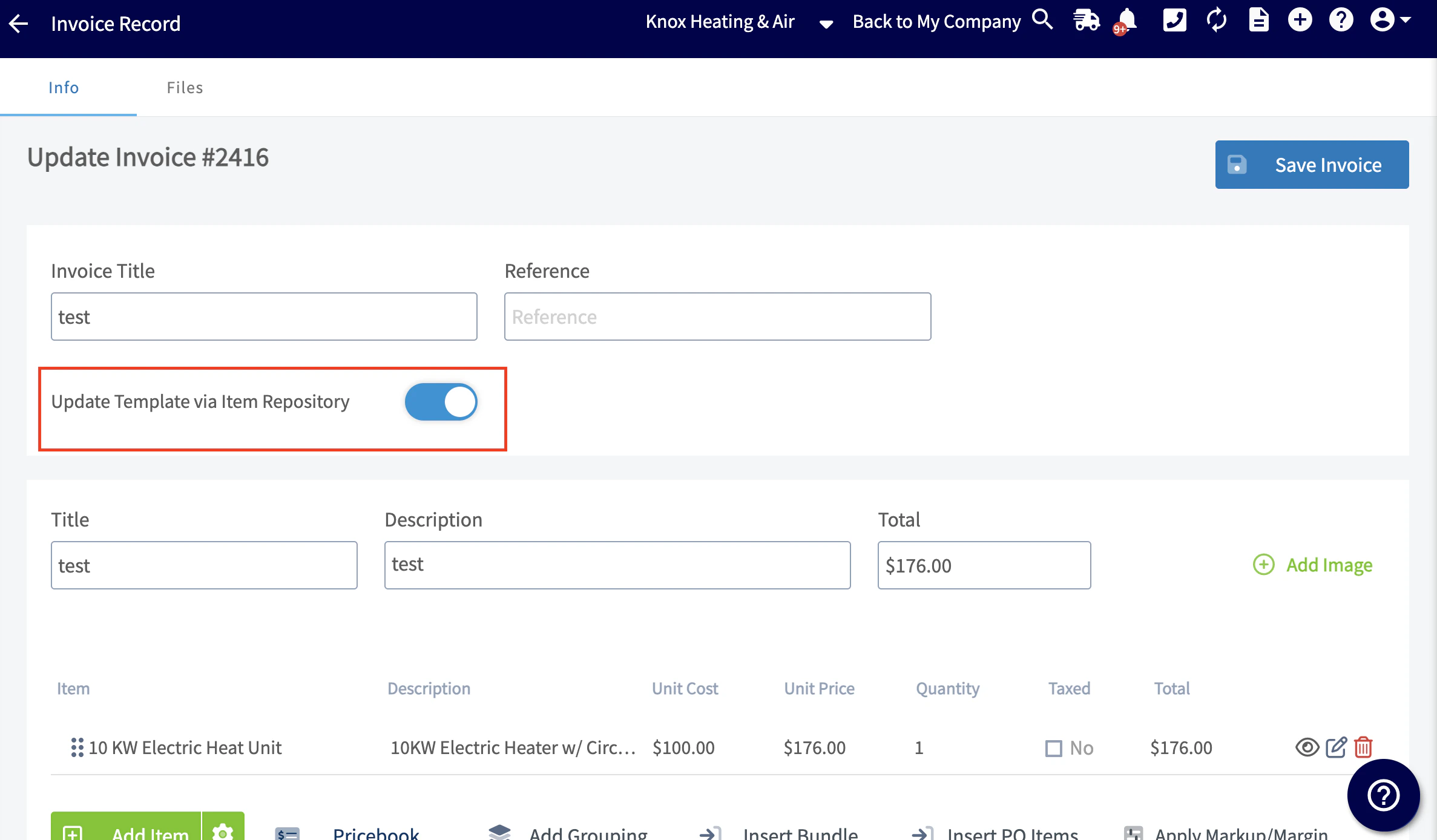
-
Default Update Estimate & Invoice Templates via Item List/Repository
- This defaults the toggle on or off on new Estimates and Invoice Templates moving forward (does not adjust existing Templates).
-
Item fields to update via Item List/Repository
-
Select which fields on your Line Items in your Estimate/Invoice templates update based on the Item List/Repository.
- Examples: Unit Cost, Unit Price, Taxed, SKU number, Quantity.
-
Select which fields on your Line Items in your Estimate/Invoice templates update based on the Item List/Repository.

Video Tutorial
Have additional questions? Contact us at support@fieldpulse.com or use the chat feature in the bottom right corner of your screen.