

When creating an estimate, many businesses want to offer customers multiple options. Some use a Good, Better, Best model, while others focus on Repair, Replace, Upgrade. Whatever your method, FieldPulse offers an easy way to give your customers the choice as well as offer add-ons for additional revenue-generating opportunities.Documentation Index
Fetch the complete documentation index at: https://fieldpulse.mintlify.app/llms.txt
Use this file to discover all available pages before exploring further.
Estimate Options
To begin, create a new estimate. Scroll down to the line item area, where Option 1 will always appear as a default. To add additional estimate options, click Add Estimate Option. You can then enter the line items under each option as you see fit.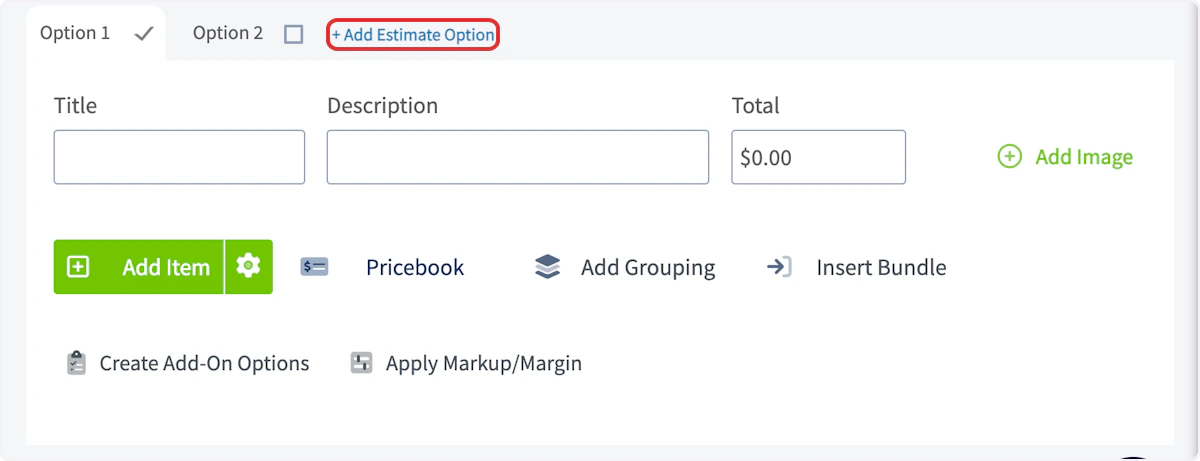
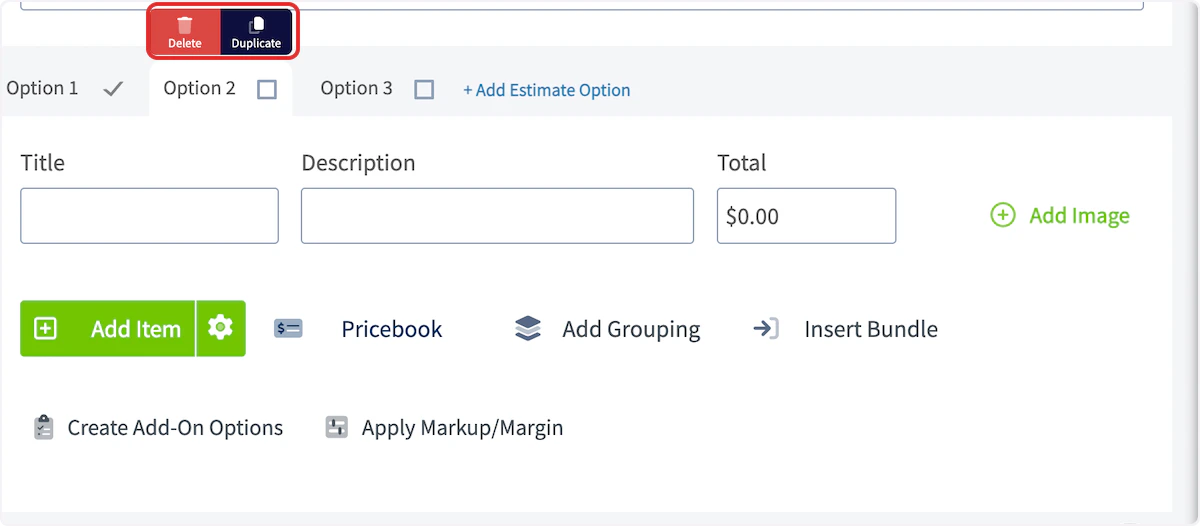
- Estimate View
- Estimate Preview
- Dynamic Estimate (Web & Mobile)
- PDF Exports
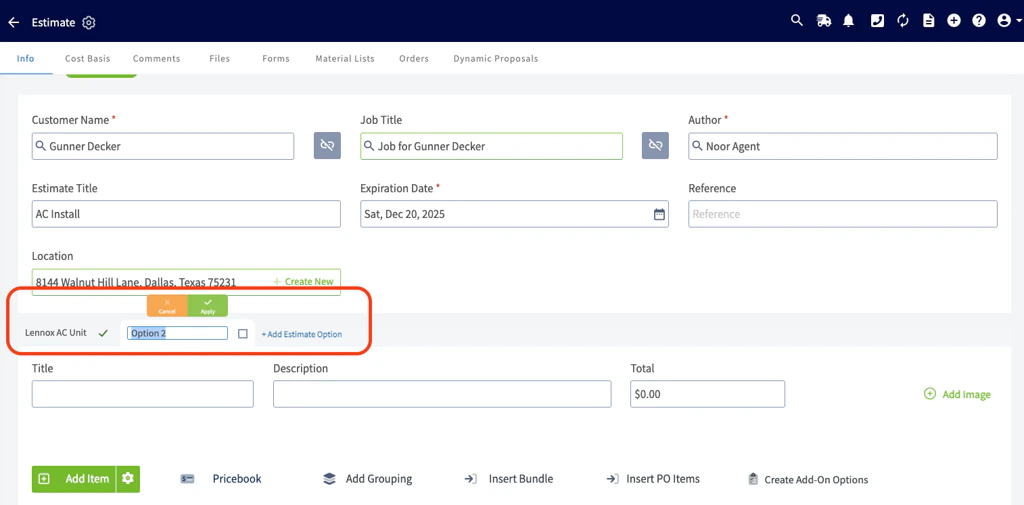
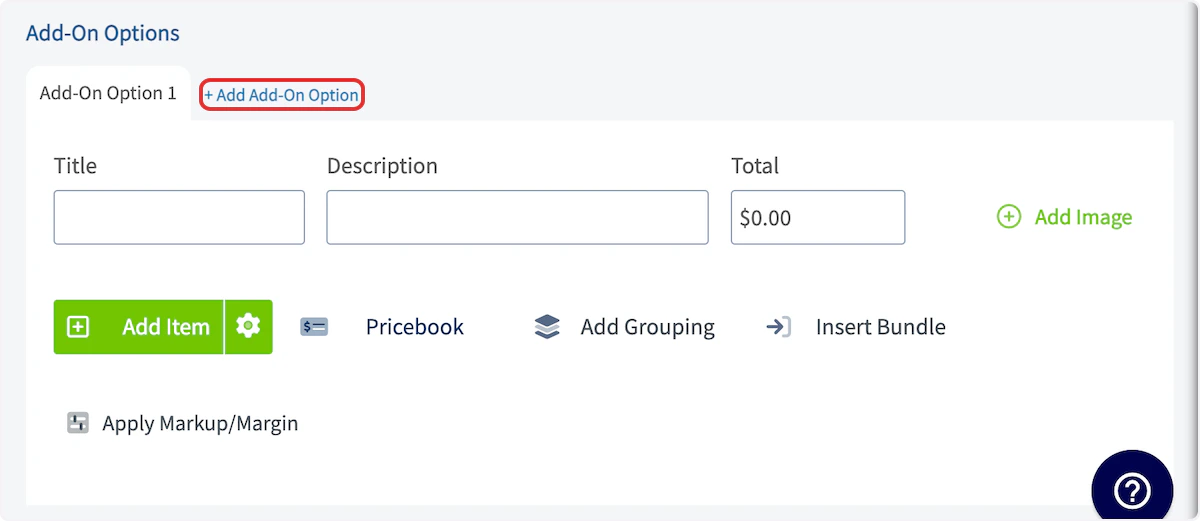
Add-On Options
To offer add-on options on your estimate, select the Create Add-On Options button.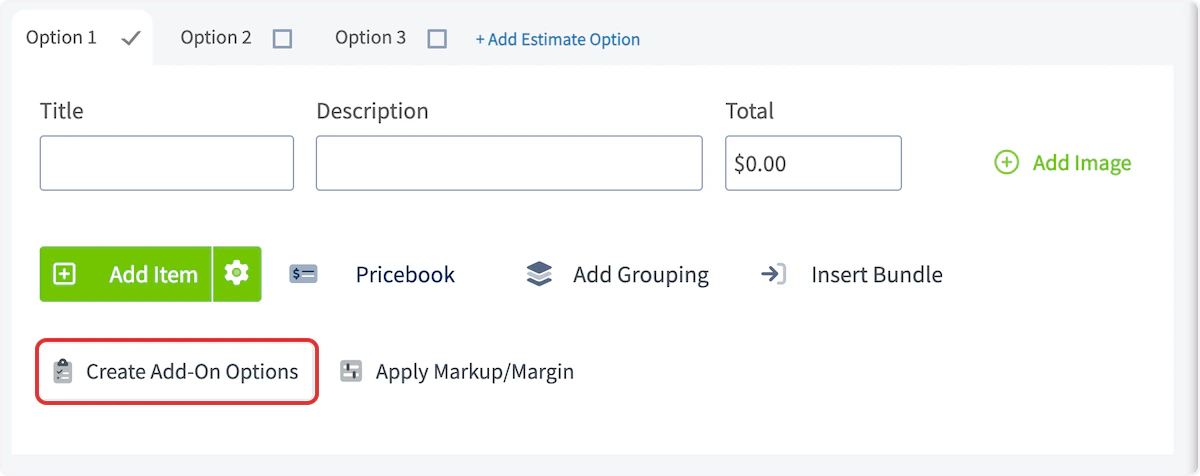
Customer View
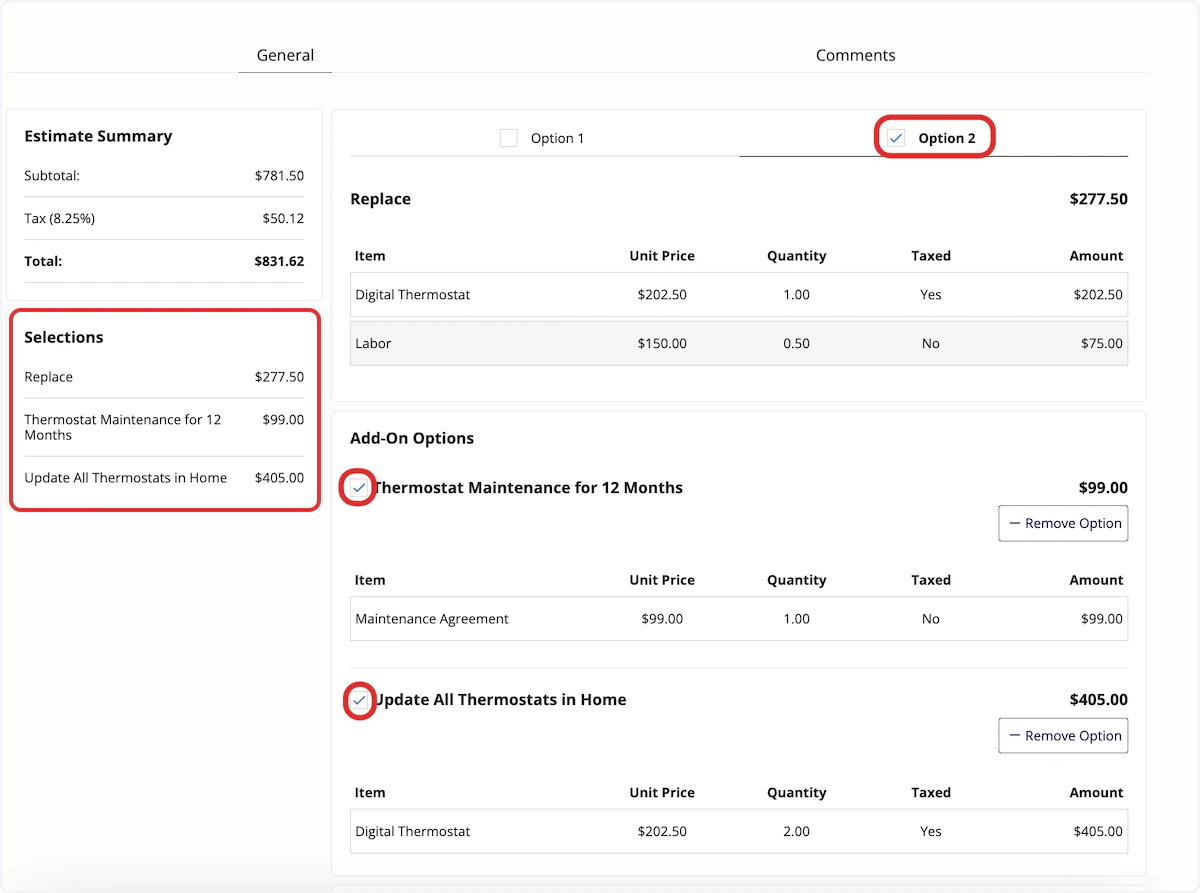
When you send an estimate to a customer with multiple options and add-on options, it will look something like this: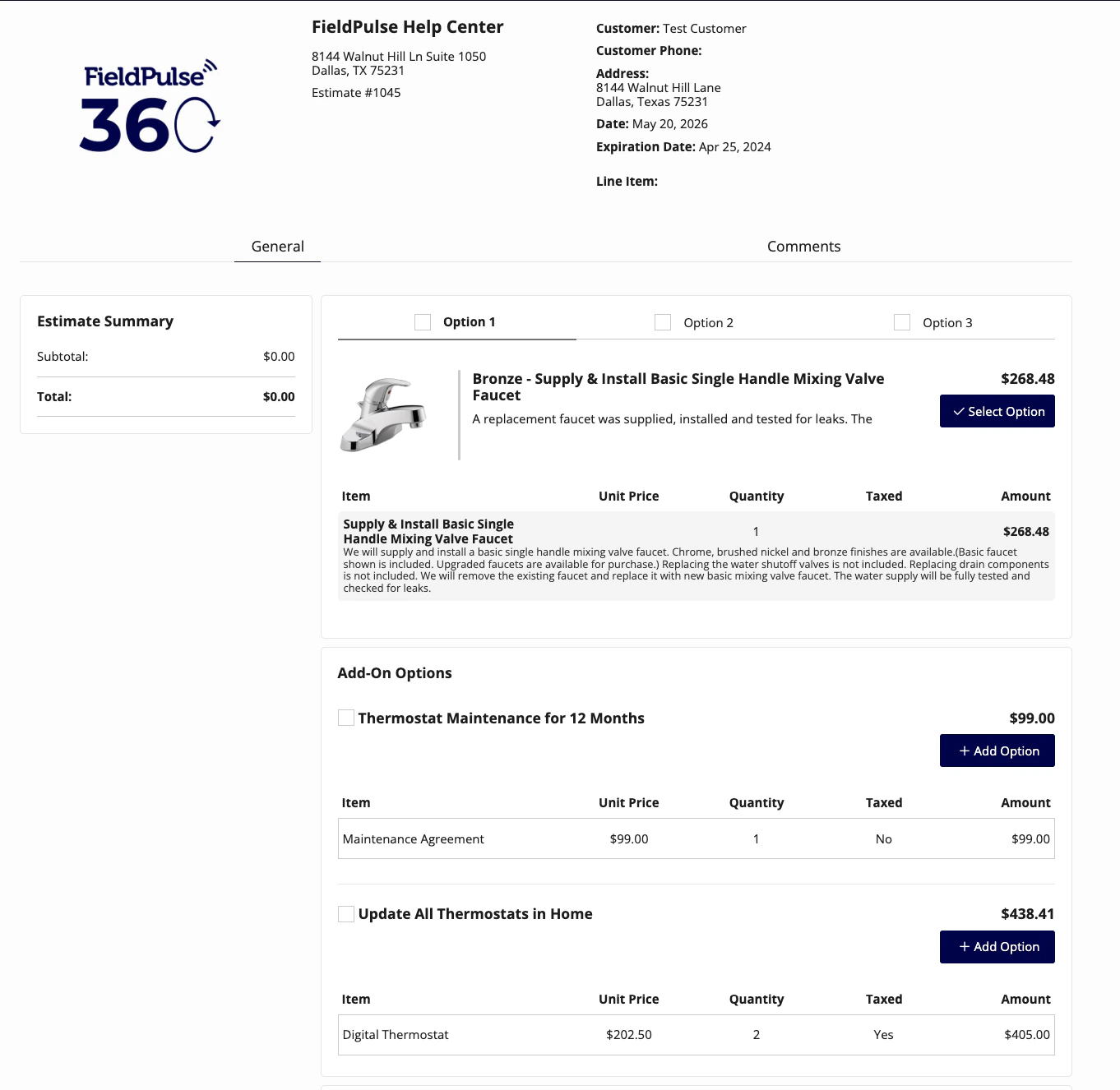

FAQs
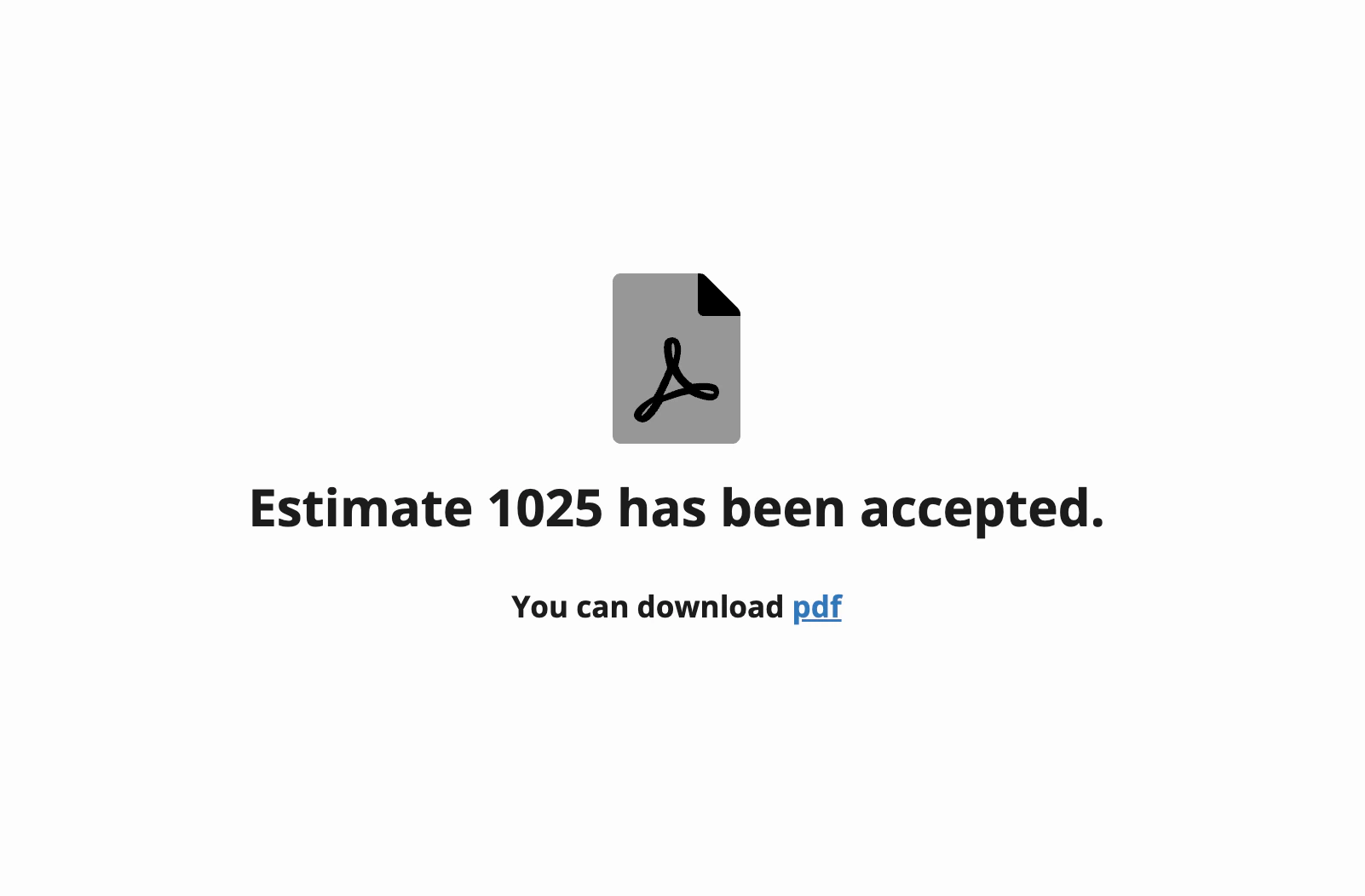
If I send my customer an Estimate with options via email and they do not select an option, what happens? An error message will pop up for your customer letting them know that they must select an option before they can sign and accept the estimate.Video Tutorial
Have additional questions? Contact us at support@fieldpulse.com or use the chat feature in the bottom right corner of your screen.